Logitech Computer Accessories on Noon UAE: model specifications — checkout · TAR78
Once the model is confirmed, compare its requirements with your computer or peripheral ecosystem. For a Logitech mouse or keyboard, confirm the operating system
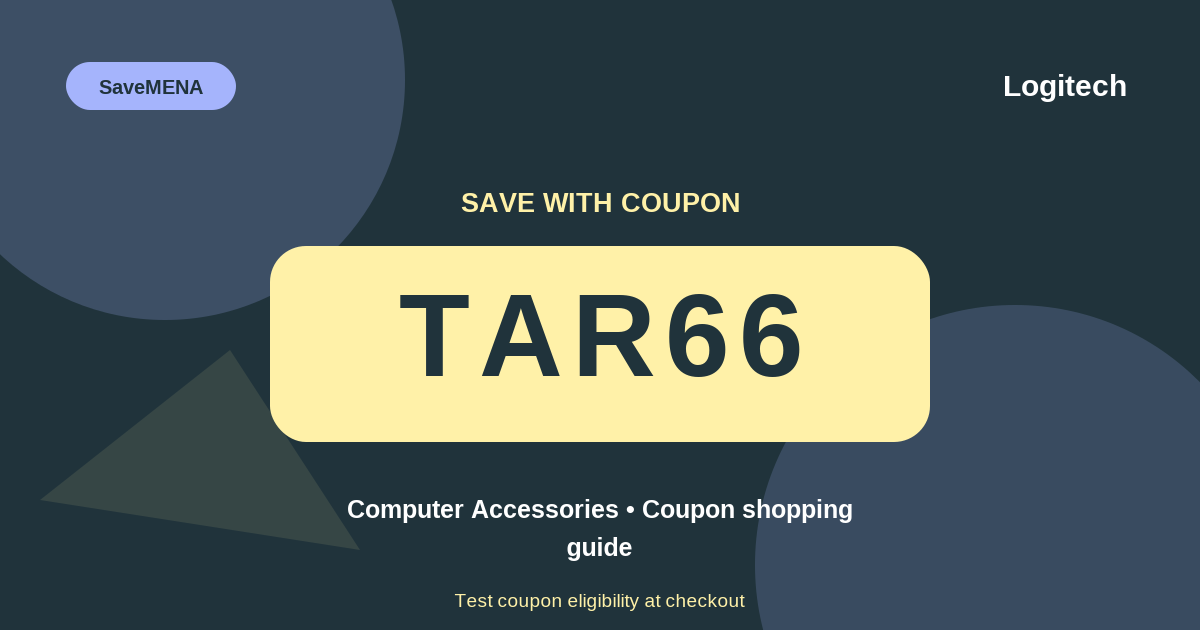
Codes available to try while comparing
These codes are not guaranteed for the article topic or listed brands; test them at checkout and use the live result.
2. Confirm Compatibility with Your System
Once the model is confirmed, compare its requirements with your computer or peripheral ecosystem. For a Logitech mouse or keyboard, confirm the operating system version, USB port type, or Bluetooth adapter version needed for optimal performance. A webcam might need a certain video capture resolution or color profile. Misalignment between device specs and your setup can result in a failed fit or sub‑optimal performance, which you’d prefer to avoid during checkout.
If your system has multiple devices or you’re planning to upgrade, consider how the new Logitech accessory will integrate. Check for driver conflicts or available firmware updates. SaveMENA habits emphasize verifying these technical matches so you’re ready to proceed without having to resolve installation issues post‑delivery, especially when you wish to use a Noon UAE coupon for a £‑savvy purchase.
3. Check Shipping and Delivery Details
The checkout sequence usually exposes the shipping carrier, estimated delivery window, and any extra handling or delivery fees. Verify that the selected courier delivers to your exact address, and confirm the delivery timeframe aligns with your usage needs. UAE online shoppers often rely on same‑day or next‑day delivery, so double‑checking the pickup window can prevent surprises after payment.
If a delivery fee appears, note whether it is fixed or variable based on distance or weight. Some merchants offer free shipping thresholds, but be sure that your order meets those criteria before finalizing. A clear shipping plan means the final total remains predictable so your Noon UAE coupon application doesn’t get overwhelmed by a sudden fee bump at checkout.
4. Review Return and Warranty Policies
Return policies can vary significantly across sellers. Check whether the Logitech model comes with a full manufacturer warranty, the duration, and whether it is registered automatically or requires manual activation. Look for any terms about return reasons, such as a defect, wrong size, or change of mind, and whether free return shipping applies.
Before you proceed to payment, ensure you understand the return process—whether you return via courier, a drop‑off center, or a prepaid label. Knowing the steps keeps you ready in case you encounter a defect after delivery, so you can act quickly and remain confident that your purchase protected by both Logitech’s warranty and your return rights.
5. Apply the Noon UAE Coupon Before Checkout
When you’re ready to complete your purchase, locate the coupon field on the payment page. Enter “TAR78” into the designated box and confirm that the discount reflects on the subtotal. The current discount is only a potential reduction; the final payable amount will settle at checkout, so double‑check that no additional fees will erase the coupon benefit.
Because the Noon UAE coupon applies only before final confirmation, avoid adding new items or changing quantities after you enter the code, as this may invalidate the discount. Keep the banner referencing your coupon handy; you can’t rely on manual adjustments after the order is submitted.A coupon is not guaranteed; verify its result at the retailer checkout.
6. Finalize Your Payment Method Safely
Choose a payment method that offers secure processing—credit card, debit card, or a trusted digital wallet. If you're using a card, ensure the billing address matches the delivery address to avoid authorization issues. For UAE shoppers, insurers or credit lines sometimes add extra protection for online purchases.
Review any potential foreign transaction fees. While most local payment methods avoid such charges, international cards may incur extras that influence the final amount after your coupon has applied. Confirm the total with the coupon visible, and only click the pay button once you’re certain the displayed amount is what you intend to pay.
7. Double-Check the Order Summary
Before shipping the payment, revisit the order summary that lists the product, model, specifications, shipping fee, taxes, and the discounted subtotal. The final price should align with what you expected post‑coupon. If any line item is off, go back to adjust quantities or remove any unrelated add‑ons that could have appeared inadvertently.
A coupon is not guaranteed; verify its result at the retailer checkout. Also, verify that the visual representation—color, size, or any optional accessory—reflects your intended choice. This final check prevents any cosmetic mismatch that could cause a return or exchange later.
8. What to Do If Something is Missing
If the order summary indicates a missing item, a wrong price, or a coupon not reflected, use the provided contact options on the checkout page—often live chat or customer support—to clarify the discrepancy. Document any error by taking a screenshot which can be referenced during the resolution process.
Rank your next steps: if the issue pertains to the coupon code, double‑check spacing or capitalization. If the issue is a wrong specification, confirm the correct model number with the seller. If a shipping fee is unexpected, verify your address and chosen courier. Acting promptly ensures you secure the intended Logitech accessory before any server‑side changes or cart expirations.
Related SaveMENA pages
Related articles
Official sources to check
Frequently asked questions
Should I check for additional fees after applying the coupon?
Yes. Once the coupon is entered, review shipping charges, taxes, and any handling fees that may affect the final total. The checkout page will display the adjusted subtotal before the final payment.
Is the Noon UAE coupon applicable to all Logitech accessories?
Only to items listed under the validated product page. Verify the listing supports the coupon before purchasing—otherwise, the discount may not apply at checkout.
Can I change my order after using the coupon?
After the coupon is applied and you proceed to payment, altering the cart may invalidate the code. It’s best to confirm all details before applying the coupon.
What if my Logitech device arrives damaged?
Contact the seller’s return policy page immediately, citing the damage and providing photos. Logitech’s warranty and the seller’s return rights guide the next steps to exchange or repair.