Logitech Gaming on Noon UAE: model specifications — checkout checklist · TAR62
The Logitech G502 HERO is a high‑performance gaming mouse designed for precision and endurance. It features a HERO 16,000 sensor that delivers consistent tracking
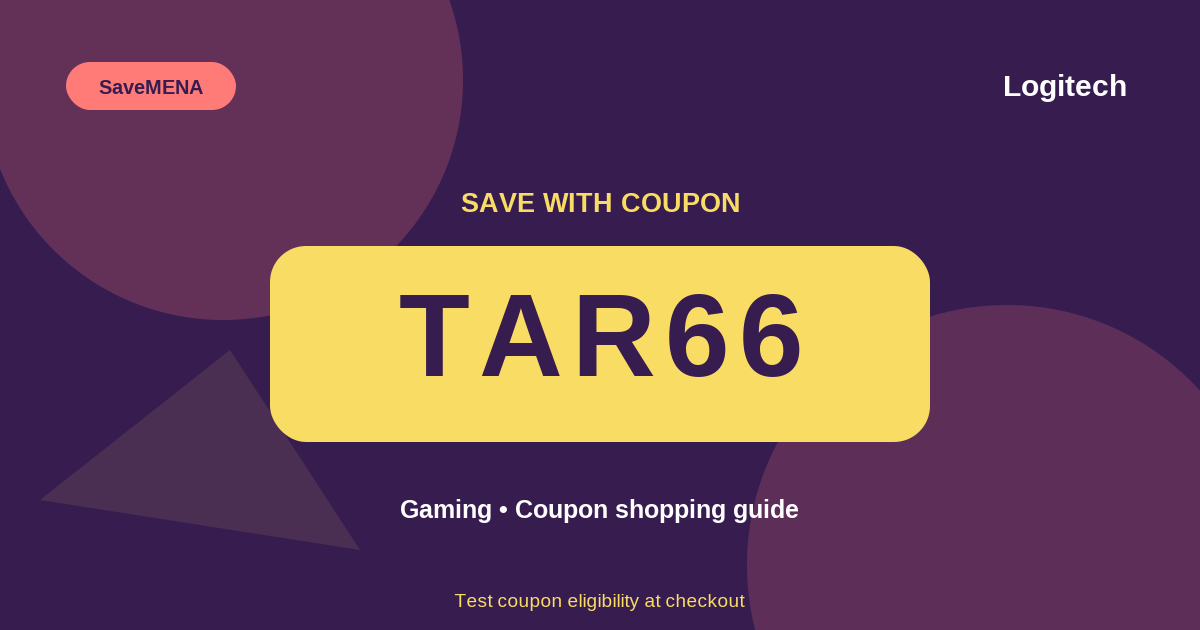
Codes available to try while comparing
These codes are not guaranteed for the article topic or listed brands; test them at checkout and use the live result.
Choosing the Right Gaming Mouse: A Quick Model Overview
The Logitech G502 HERO is a high‑performance gaming mouse designed for precision and endurance. It features a HERO 16,000 sensor that delivers consistent tracking across diverse surfaces, making it suitable for both FPS and strategy titles. The compact, ergonomic shape sits comfortably in the hand for extended play sessions, while the weight remains adjustable for personal preference.
What differentiates the G502 HERO from other models is its blend of advanced hardware and user‑friendly software. The included Logitech G HUB software allows fine‑tuning of DPI profiles, button mapping, and RGB lighting, ensuring that gamers can customize their experience without leaving the controller’s frame. For those looking to upgrade their setup, this model represents a solid investment in both performance and longevity.
Key Specifications That Matter for Gamers
One of the first specs to check is the DPI range. The G502 HERO offers up to 25,600 DPI, allowing for ultimate sensitivity switching for tactical or cinematic gameplay. The sensor itself is a 32‑bit CMOS, ensuring high accuracy and repeatable performance across varying lighting conditions.
In addition to DPI, the mouse boasts 11 programmable buttons, an adjustable weight system ranging from 70g to 105g, and a customizable RGB lighting zone. These features give gamers the flexibility to assign macros and create a visual cue system that can improve in‑game reaction times.
Evaluating Performance: DPI and Haptics
DPI scaling is critical when deciding which professional settings to load. The G502 HERO allows you to switch between 400, 800, 1,600, 3,200, 6,400, 12,800, and 25,600 DPI instantly, making it a versatile choice for rapid cross‑firing or precise sniper shots. For competitive play, the sensor’s 0.1 mm precision step ensures that even the smallest cursor movement is registered.
Beyond sensor performance, gamers often assess the physical feel of clicking. The click latency on this mouse is reported to be negligible, and the scroll wheel features a pogo‑style actuation that provides a tactile feel each time you rotate it. For those who use macros, the smooth button actuation reduces wear and tear over long sessions.
Connectivity and Battery Life Considerations
The Logitech G502 HERO operates primarily via a wired USB‑C connection, providing a consistent power feed and instant data transmission. For those who prefer wireless, the mouse can also function on a 2.4 GHz wireless mode through a bundled receiver, though this option is optional and may require a separate purchase.
Connectivity choice directly impacts latency in high‑stakes games. A wired connection guarantees the lowest input lag, while wireless provides mobility for mobile play or esports tournaments where a runner‑up footswitch is offered. Regardless of mode, the battery life is effectively infinite for the wired version, and the wireless variant offers extended usage before needing a recharge.
Ergonomics and Customization Options
Ergonomics play a pivotal role in long‑term comfort. The G502 HERO’s shape is designed for a medium‑to‑large hand, with a naturally curved palm rest that reduces strain during marathon sessions. The left‑over button arrangement also supports a comfortable, natural reach for most users.
Customizable weights are built into the mouse’s underside, allowing you to adjust the center of gravity to match your grip style. Firmware updates via Logitech G HUB can fine‑tune motion sensitivity and macros; keeping the firmware up‑to‑date ensures that the mouse remains responsive to any performance tweaks you wish to implement.
Leveraging Your TAR62 Coupon Before Checkout
When you’re ready to head to the checkout page on Noon UAE, find the coupon or promo code field and enter TAR62. This code is designated as a try‑out coupon; enter it and submit to see if it applies. Be prepared that the code may or may not generate a discount, as no guarantee of saving is established until the sale finalises.
Should the code not activate a discount, you still benefit from the verification step, confirming that the system recognizes your attempt and validates the coupon’s eligibility for your cart. This precautionary endeavor ensures there are no surprises after you confirm the payment.
Confirming the Final Checkout Details with Noon UAE
Before you hit “Place Order,” review the cart totals and product details. Confirm that the model listed is Logitech G502 HERO, not a similar variant like G502 Lightspeed, and that the specifications match your desired fit. Double‑check that the weight, DPI range, and button count all align with your outlined needs.
Next, evaluate the shipping fee and delivery time, ensuring that the chosen address can accommodate the delivery. Review the payment method selected, whether credit card, Nol, or cash on delivery, and make sure any earned loyalty points or store credits are applied if available. The payment you finalize should reflect exactly what you’ve verified.
Final Tips to Ensure a Smooth Delivery
Once the transaction is complete, you will receive a confirmation email with an order number. Use this number to track your shipment. If your address has recently changed, contact Noon UAE support before the package is dispatched to prevent misdelivery.
In the event of a discrepancy—such as receiving a different model or a damaged unit—contact customer service immediately, providing the order ID and any relevant proof like photographic evidence. Most issues are resolved within a few business days, keeping your gaming experience uninterrupted.
Related SaveMENA pages
Related articles
Official sources to check
Frequently asked questions
What should I verify about the Logitech mouse’s sensor before buying?
The sensor’s DPI range, precision step, and reference sensor type are critical. Ensure it offers up to 25,600 DPI for high sensitivity and that it uses a 32‑bit CMOS sensor for stable performance.
Can I combine the TAR62 coupon with other Noon UAE discounts?
Coupons typically must be used independently. If a promotional offer applies automatically, the TAR62 coupon may not stack. Confirm at checkout if any other discounts apply.
Is the wireless mode for the G502 HERO a guaranteed feature?
The G502 HERO primarily ships as a wired device. Wireless functionality depends on a separate receiver; ensure the model you order includes it if needed.
What happens if the cursor moves lag during gaming?
Check that the mouse uses a wired USB‑C connection and that the sensor drivers are updated via Logitech G HUB. Lag can also stem from high‑end display settings that require DPI adjustments.