Grocery on Noon UAE: model specifications — checkout checklist · TAR78
Also need to mention "use a Noon UAE coupon Grocery model and specifications" maybe refer to using Noon site obviously but SaveMENA is independent.
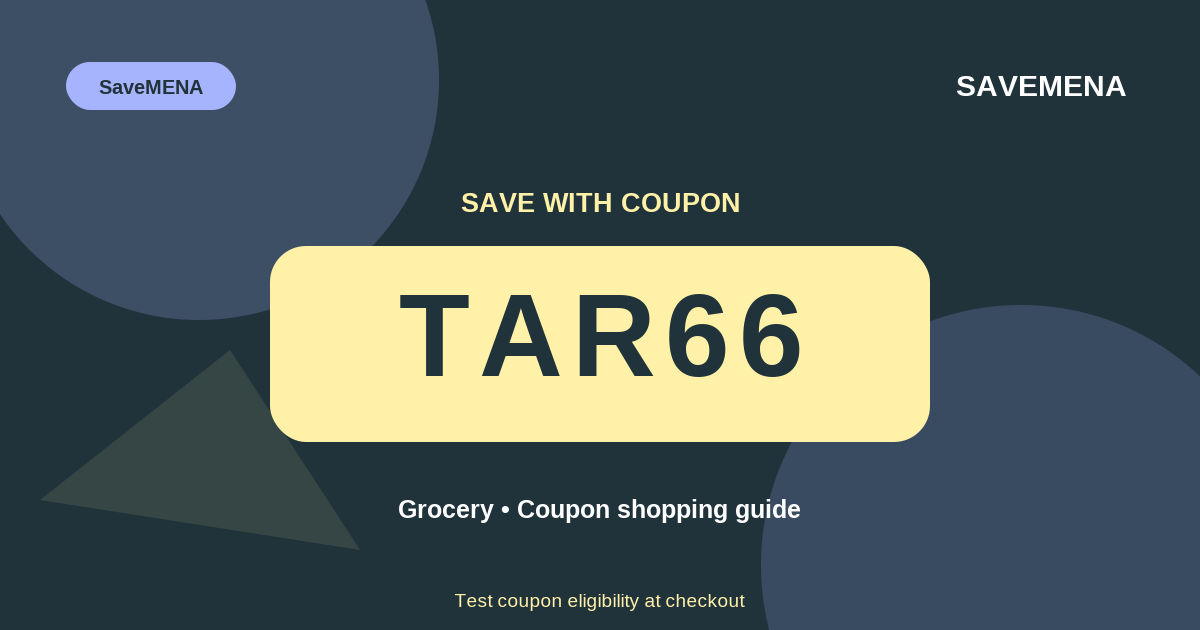
Codes available to try while comparing
These codes are not guaranteed for the article topic or listed brands; test them at checkout and use the live result.
Section 8: "Final Checklist Summary Before You Click Pay".
Wait that's 8 sections. We already used 2 (start). Actually we have 7 sections after intro?
Final Checkout Confirmation
Also need to mention "use a Noon UAE coupon Grocery model and specifications" maybe refer to using Noon site obviously but SaveMENA is independent.
In the section about applying coupons, we need to mention verifying coupon code at checkout. Also instructions to check that the coupon is applicable to selected items.
Final Checkout Confirmation
Need to answer common queries about checkout checklist, coupon usage, payment, delivery.
Now output tags exactly as required: .. etc. Ensure each section tags open/close.
Model and Specifications Checks
Before you even place an item on the cart, confirm the model number or SKU that appears in the product details. This ensures you’re ordering the correct storage capacity or flavour variant, particularly for items like cereal boxes or packaged snacks where confusion between sizes is common. On Noon, the model identifier is often listed in the “Product specifications” tab, making it easy to cross‑reference with the variant you wish to purchase.
Next, verify the specifications that affect usage. For perishable goods, check the expiry date range and storage instructions; for packaged items, confirm packaging dimensions and any eco‑friendly claims. These details, clearly presented on the product page, guarantee that you’ll receive exactly what your household requires.
Seller Profile and Stock Verification
Seller credibility is vital when buying groceries online. Review the seller’s profile on Noon to see their rating, the number of completed orders, and any recent feedback scores. High ratings indicate a reliable partner more likely to ship the correct model and maintain product quality. Additionally, check that the seller is authorized to sell the item at the current specifications to avoid mismatches.
After assessing the seller, confirm inventory status. The product page often shows “In stock” or a countdown to restock. Verify that the desired quantity is available and that the seller can deliver within your preferred timeframe. If stock levels are low, a delay or cancellation risk may arise, so it’s worth checking before the final add‑to‑cart step.
Delivery and Fee Inspection
Delivery options can vary by product, seller, and your delivery address. Inspect the available pickup or delivery windows listed under the checkout summary. Noon sometimes offers same‑day delivery for specific grocery items, but you should confirm the exact timing to prevent missing the slot. Check for any delivery fees or special handling charges that may appear after you add the item to the cart.
These fees often depend on distance, product type, and seller location. Double‑check the final fee breakdown before proceeding to payment. Being aware of charges upfront saves last‑minute surprises.
Applying Coupons and Price Verification
When you’re ready to apply a Noon UAE coupon—specifically TAR78—you should enter it in the coupon field before the final price calculation. The coupon will instantly adjust the subtotal for qualifying grocery items, but it is not guaranteed to apply, so keep an eye on the “Discount” line after entry.
After applying the coupon, verify that the final payable amount includes the adjusted discount, any delivery fees, and tax if applicable. Pay close attention to the subtotal, discount, fees, tax, and total columns; this ensures you’re only paying for what you’ve reviewed.
Payment Method Validation
Select a payment method that aligns with your security preferences. Noon allows credit/debit cards, digital wallets, and bank transfers. Before confirming, review the payment gateway’s encryption badge or any security seals displayed, ensuring that your card details are transmitted securely.
Confirm that the chosen payment method supports the total amount displayed, including fees and any applied coupons. If your card has a min‑purchase limit or pending balance that may prevent transaction clearance, double‑check those details to avoid cart abandonment.
Related SaveMENA pages
Related articles
Official sources to check
Frequently asked questions
How do I apply the TAR78 coupon during checkout?
You can enter TAR78 in the coupon field on Noon’s checkout page before you finalize payment. The system will deduct the coupon discount from qualifying grocery items if the code is accepted. Make sure to verify the discount line to confirm the application.
Are there extra fees for grocery delivery on Noon?
Delivery fees may be added at checkout, depending on your address and the seller’s policy. These fees appear in the final price breakdown. Always review the fee section before confirming your order to ensure you’re aware of all charges.
Can I change the delivery time after placing an order?
Delivery times are confirmed at checkout. If you need to adjust the slot, contact Noon support promptly. Availability may be limited once the order is processed, so it’s best to settle delivery preferences before submitting the payment.
What if the coupon code TAR78 doesn’t apply?
Coupons are subject to applicability rules and inventory levels. If TAR78 isn’t accepted, double‑check that the items in your cart qualify. You can also contact Noon support for clarification on coupon eligibility and any restrictions.