Headphones on Noon UAE: model specifications — checkout checklist · TAR78
Specifications such as driver size, frequency response range, impedance, and sensitivity directly affect how the headphones will feel when you press play.
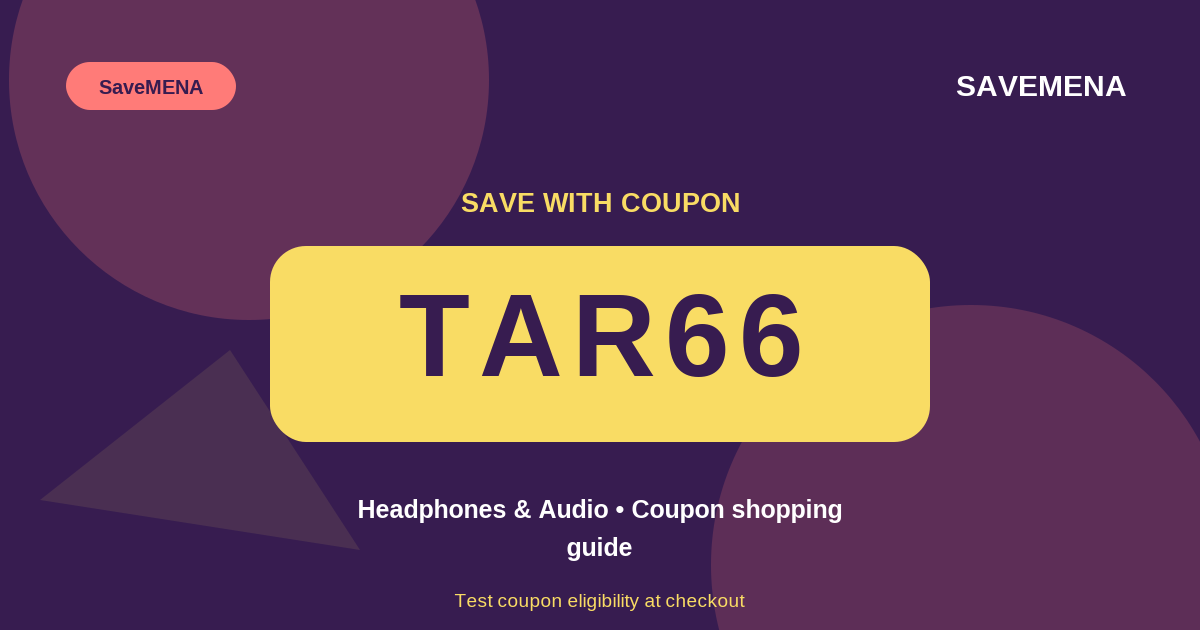
Codes available to try while comparing
These codes are not guaranteed for the article topic or listed brands; test them at checkout and use the live result.
2. Headphone Specification Deep‑Dive
Specifications such as driver size, frequency response range, impedance, and sensitivity directly affect how the headphones will feel when you press play. Track each metric on the product’s technical sheet; for example, look for driver dimensions in millimeters, frequency range in hertz, and impedance in ohms. Higher sensitivity typically translates to louder sound from the same volume setting, which matters if you plan to share headphones with a smartphone or a larger professional audio setup. These numbers help you compare models side‑by‑side.
In addition to the raw numbers, pay attention to the type of drivers—dynamic, balanced armature, or hybrid—and their placement. A balanced armature can deliver sharper detail, while a dynamic driver is often louder per watt. These nuances dictate whether the headphones serve your music tastes or work demands. Keep the spec sheet handy during checkout to verify that the exact model you view is what you’re paying for.
3. Audio Performance & Feature Set
Beyond specs, assess each headphone’s overall audio performance. Review article summaries or user audio tests that highlight clarity, bass depth, and the fidelity of the mid‑range. Sound staging and the presence of an equalizer can influence how natural the listening experience feels. Verify that the model offers the feature set you anticipate—such as active noise cancellation (ANC), transparency mode, or customizable EQ via a companion app. Sometimes, a model’s advertised ANC is marketed, but the real-world performance can vary.
Look for independent reviews that talk about the headphones’ real use cases: is it suitable for long gaming sessions, or does it deliver an enrichment for audiophiles? Pay special attention to how the headphones perform in a battery‑heavy feature such as ANC, because it shapes the day‑to‑day listening experience. Recording the audio evaluation at checkout guarantees that you haven't missed a critical listening flaw.
4. Comfort, Build Quality & Portability
Headphones must feel comfortable if you’ll wear them for extended periods. Examine details like ear‑cup padding material, headband spring, and overall weight in the product description. A breathable, hypoallergenic fabric is preferable for long sessions. Many listings include a brief note about the headphone’s size and weight grammar tags, so use that to pre‑assess potential strain on your neck or ears.
Evaluate the build quality through listed construction details: metal hinges, sealed seam lines, and finish polish. A sturdy frame contributes to durability and often correlates with a premium feel. When the model promises portability, confirm that it ships with a proper carry case, a detachable cable, or a pocket‑sized storage bag—features that add value in daily life. Store these notes for your final checkout confirmation.
5. Connectivity & Driver Compatibility
Connectivity options—Bluetooth version, codec support, or wired USB‑C/3.5mm connectivity—affect how well the headphones work with your devices. Confirm that the Bluetooth version matches your smartphone or laptop’s capabilities to avoid lag or dropouts. If the model supports aptX, LDAC, or AAC, see whether your devices handle those codecs, as they influence audio quality and latency.
For wired connectivity, verify the plug type listed (USB‑C or 3.A coupon is not guaranteed; verify its result at the retailer checkout. Some models may also support a USB‑C digital audio input, which can deliver higher fidelity compared to analog. Double‑check the compatibility claims before checkout to avoid post‑purchase disappointments.
6. Power, Battery Life & Charging Method
Battery life is usually listed in hours of playback with ANC off/on. While the figure provides a baseline, real‑world usage will fluctuate; a good rule is that an active headphone will last roughly 2–3 hours less than the spec when ANC is used. Make sure the headsets claim a charging method that suits you—either a USB‑C quick‑charge port or a standard USB‑A cable.
Check whether the model includes a surface‑level charging indicator or a companion app that exposes battery status. The presence of a charging dock or a built‑in battery indicator can be vital for on‑the‑go usage. Confirm these features are explicit at the checkout and saved for your final confirmation.
7. Future‑Proofing & Firmware Support
Headphones that receive firmware updates can improve performance over time, adding new features or fixing bugs. Browse the brand’s documentation to see what level of firmware support is available for the model you’re buying. If the model has a companion app for updates, ensure it’s compatible with the latest Android or iOS version you expect to use.
Future-proofing also involves considering the headphone’s adapter compatibility. Look for support for newer audio standards or a universal adapter if the headphone was released a few years ago. These factors can extend the life of your purchase, guaranteeing continued relevance even as mobile devices evolve. Keep a note of the firmware compatibility in your checkout puzzle.
8. Checkout Checklist & Coupon Application
Before you hit “Confirm Order,” run through a final checklist: verify the selected model, confirm all specifications match the listing, and check that the headphone’s battery, connectivity, and comfort details fit your needs. Open the coupon prompt, enter TAR78, and watch the system’s response. If the code appears usable, it will apply a discount to the total; if not, proceed without it. Remember that the final payable amount reflects the accurate price after any discounts and the system’s automatically applied taxes and shipping fees.
Read the checkout summary carefully. Confirm the shipping address, expected delivery date, and any additional fees. If you’re adding more items later, re‑apply the coupon to the updated total. Once the final payable total is cross‑checked against all your expectations, save the order confirmation for your records.A coupon is not guaranteed; verify its result at the retailer checkout.
Related SaveMENA pages
Related articles
Official sources to check
Frequently asked questions
Can I access the headphone’s firmware updates via a phone app after purchase?
Yes, many models include a companion app for firmware updates. Check the brand’s support page for the latest firmware and ensure your mobile device’s OS version is compatible with the headphone’s firmware. Updates can usually be installed over a Bluetooth connection or through a USB‑C cable.
Does applying the coupon TAR78 affect the shipping cost?
The coupon code TAR78 applies only to the headphone’s purchase price; shipping fees are calculated separately by Noon and displayed during checkout. If the coupon reduces the total to a threshold for free shipping, that policy will be indicated in the final summary before you confirm the order. Verify this line item before payment.
How can I confirm the headphone’s battery life matches the spec?
Battery life numbers in product listings are estimates under ideal conditions. To gauge true performance, look for user reviews that detail real‑world usage, especially with features like ANC turned on. If you purchase the headphones, keep a log of your battery usage for a week to compare against the stated spec.