Mobile Accessories on Noon UAE: model specifications — checkout checklist · TAR62
The first pillar of any mobile accessory purchase is confirming the exact phone model you’re the coupon code.
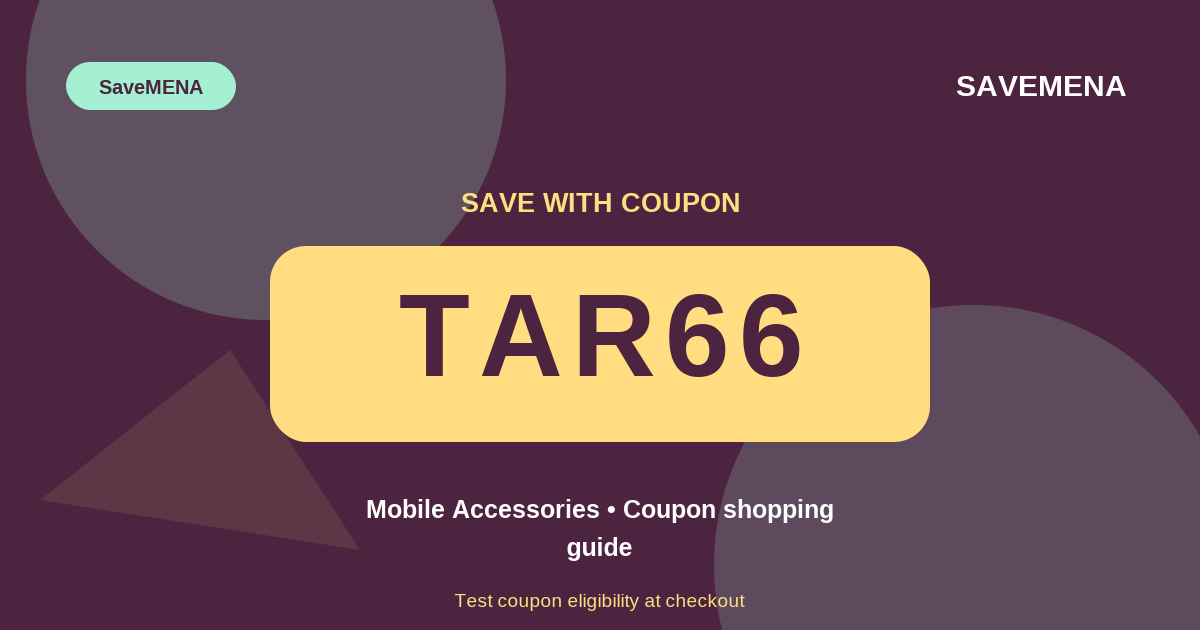
Codes available to try while comparing
These codes are not guaranteed for the article topic or listed brands; test them at checkout and use the live result.
1. Verify the Mobile Model and Accessory Compatibility
The first pillar of any mobile accessory purchase is confirming the exact phone model you’re the coupon code. Mobile manufacturers frequently release multiple variants—different storage capacities, color editions, or carrier‑specific hardware—each with distinct connector ports or dimensions. Examine the accessory listing for a clear model tag, such as "Samsung Galaxy S24 Ultra (SM-S906B) – 512GB, Canyon Gray." Cross‑reference this with your inventory or device database. If the accessory does not explicitly note you model, reach out to the seller via the Noon messaging system or check the FAQ to confirm interoperability—missing a single pigtail or notch could render the accessory useless.
Once you have the model nailed down, run a quick compatibility test. Many sellers provide a “compatibility matrix” or sample photos of the accessory on said device. Use this visual confirmation to ascertain that the charging port alignment, notch placement, and cable length match your phone’s design. If you don’t have an official image, copy the ESN or IMEI into the marketplace filter to see related accessories. This step removes the risk of receiving a product that’s technically the correct brand but physically incompatible with your device.
2. Check the Specifications: Size, Build, and Materials
Specifications go beyond the obvious. A protective case may promise “shock‑absorption” but fails to specify what engine of protection—drop height tolerance, impact resilience, or water‑resistance class. Examine the three‑quarter inch measurements (depth/width/height), weight, and coating material (silicone, TPU, polycarbonate). This data informs you how the case will affect palm ergonomics, battery accessibility (e.g., battery indicator clear‑out), and whether it will slip off a saturated hand. A thin, soft TPU case offers comfort but may not support the phone long‑term under heavy usage.
Similarly, screen protectors warrant scrutiny. Verify whether the layer thickness matches your ergonomic preference and whether it includes anti‑glare or privacy features, especially if you use the phone outdoors. Statements like “0.35 mm borderless glass” should match consumer expectations: a 20‑mm auto‑margin gap, edge‑trimmed film, and no applied yellow tint. For charger cables, confirm the braided backing material, shoulder width, and the number of core wires; a thicker, robust cable might be more suitable for high‑traffic business settings, whereas a slim cable may suffice for casual use.
3. Assess Connectivity: Ports, Wireless, and Standards
Connectivity infrastructure determines if a phone accessory will deliver on its promised hype. If you are considering a wireless charger, confirm that the socket is Qi‑standard compliant, supports at least 15W, and that it explicitly lists “compatible with iPhone 15 and all Samsung Galaxy S21‑S24 series.” A generic “fast charging” label can be misleading; always match the voltage (5V/9V/12V) and current (2A/3A/5A) ratings to your device’s support. An antenna‑based trickle charger might explain “wireless” but fails to truly transmit power effectively.
Plug‑in accessories such as adapters or dongles also demand standardized compliance: a USB‑C to USB‑A adapter must be USB 3.1 compliant if it’s meant for data transfer, not just charging. For audio accessories, see if the “3.5mm TRRS” jack is optimized for Mic+Headphone, as many phone manufacturers use a different pinout. Checking these details protects you from mismatched audio or power outputs that can be costly to replace, and it ensures the accessory will genuinely enhance device functionality.
4. Evaluate Performance Features: Cooling, Fast Charging, and Battery Support
Performance‑oriented accessories bring functionality to the next level. A phone case with passive cooling fabric, for instance, might only feature a “gel‑cover” claimed to reduce heat. Verify that it is designed for devices with internal LM2596 regulators and that it does not interfere with battery temperature limits. In high‑intensity use, an overheating battery can reduce lifespan. The specification sheet should discuss thermal ratings and show third‑party thermal imaging that supports the claim.
Fast‑charging accessories need to be transparent about power delivery metrics. A charger may say “fast charging” yet only supply 3W for a 5G phone. Look for rated output of 18W, 20W, or 25W, and a CP (charging profile) identification that the phone reads. For battery‑powered accessories such as power banks, compare rated capacity (mAh), output ports, and power delivery modes. The difference between a 10,000mAh USB‑C bank with a 15W PD output and a 20,000mAh bank with only a 5W output can affect route planning when your devices need a recharge on the go.
5. Compare Brands and Build Quality
Brands differ in their quote‑for‑quote build quality; a “premium” label can reflect everything from anodized aluminum shell to a three‑layer TPU core. When the accessory’s brand is unfamiliar, evaluate customer reviews for manufacturing issues—crack‑stress after a single drop, melted edges, or subpar adhesive “locking” that pulls away. Even if the merchant offers a robust warranty, severe manufacturing defects can persist if the product doesn’t survive everyday rigours. Thus, compare at least two reputable suppliers in your niche to make a data‑driven choice.
Additionally, consider the environmental impact: is the accessory made from recycled plastics, or does it come in a single‑use cardboard box? If sustainability matters to your brand’s image, verify that the supplier complies with UAE environmental regulations. Sustainability claims are increasingly regulated, so requiring a third‑party certification or a visible eco‑label strengthens the credibility of the offering and gives your stakeholders peace of mind.
6. Review Warranty and Return Policies
A warranty is a safety net for when the model’s specifications fail in practice. Confirm that the seller specifies the exact duration (e.g., 12‑month manufacturer warranty) and the scenario it covers—only material defects or also the loss of a battery? Clarify whether the warranty is transferable, as you might intend to give accessories to multiple employees. Note that a generous warranty can reduce future repair costs but is only useful if the seller’s return process is efficient.
Return policies are a separate but equally important safety net. Ask for the return window (48 hours, 7 days?), whether the product must be unused, and if the customer receives a full refund or a partial credit. If a return requires the original packing, examine the packaging quality upfront; if the box is flimsy, returns may incur fees. Precise refund policies protect you if your inbox is full of return requests and you need to manage cash flow accurately when you hit checkout.
7. Plan Your Checkout: Coupons, Fees, and Delivery
At checkout, the Noon UAE coupon “TAR62” may reduce the total, but the specific discount applied depends on the cart total, chosen payment method, and seller participation in coupon programs.A coupon is not guaranteed; verify its result at the retailer checkout. If the coupon isn’t accepted, double‑check that it’s entered exactly—case‑sensitive, no spaces. The coupon’s effect appears only after the cart total calculation and before any final “total payable” summary.
Next, compute the platform’s fees. Morning or weekend deliveries may command different express fees; conversely, height‑restricted boxes incur a surcharge. If the total includes a “delivery fee” line, verify that it matches Noon’s stated fee for your region. In a multi‑item cart, some sellers allow “bulk shipping” discounts, so ask the merchant directly whether they can waive standard shipping for a high‑quantity purchase. This ensures the final checkout truly reflects the amount you expect to pay.
8. Final Checklist Before You Pay
Once all data points converge, perform a quick audit: confirm the model matches the device; verify specs like dimensions, weight, battery and thermal curves; ensure connectivity standards align; cross‑check performance claims; compare brands; understand warranty; and confirm the coupon. Also double‑check that the “order subtotal” on the screen matches the sum of individual line items. Any discrepancy should be clarifying before the platform processes the payment.
Finally, make sure the payment method available supports your currency without unnecessary conversion. If Noon offers a built‑in wallet, consider adding a security layer or using a merchant‑validated payment gateway, especially if you’re purchasing a large number of accessories. Once confident, hit “Pay Now,” and then keep an eye on the confirmation alert that lists the order ID and estimated delivery. With the coupon successfully applied, you’ve streamlined a complex bulk purchase: one click, one verified accessory set, and one confident business move.
Related SaveMENA pages
Related articles
Official sources to check
Frequently asked questions
What exact information must I confirm before I search the Noon UAE coupon “TAR62”?
You need to ensure the chosen accessory’s model number, size, and compatibility align with your devices. Verify connectivity specs, charging ratings, and any special performance claims. Once the cart reflects the accurate items, apply the coupon in the checkout’s coupon box, proceed to payment, and review the final payable total.
Will the Noon UAE coupon “TAR62” apply to all smartphone accessories?
Coupons on Noon depend on merchant participation. While “TAR62” might apply to certain accessories, the coupon is only valid if the product list shows a discount when you apply it.A coupon is not guaranteed; verify its result at the retailer checkout.
What is the best way to verify smartphone case dimensions?
With a phone case, contact the seller for the exact depth, width, and height figures. You can also cross‑check the case’s measurement against your phone’s dimensions, ensuring features such as battery indicator cutout and port access remain intact.
How can I ensure the fast‑charging accessory I buy will deliver the promised wattage?
Ask the seller for the output rating in volts and amps. For instance, a 5V/3A charger will supply 15W. Confirm that the accessory’s specification sheet matches the phone’s input requirements and that it supports the desired charging standard.