Apple Smart Watches on Noon UAE: model specifications — checkout checklist · TAR78
If you’re about to checkout a Smart Watch Apple model and are hoping to use a Noon UAE coupon, you’ll need a solid checklist to verify before finalizing payment.
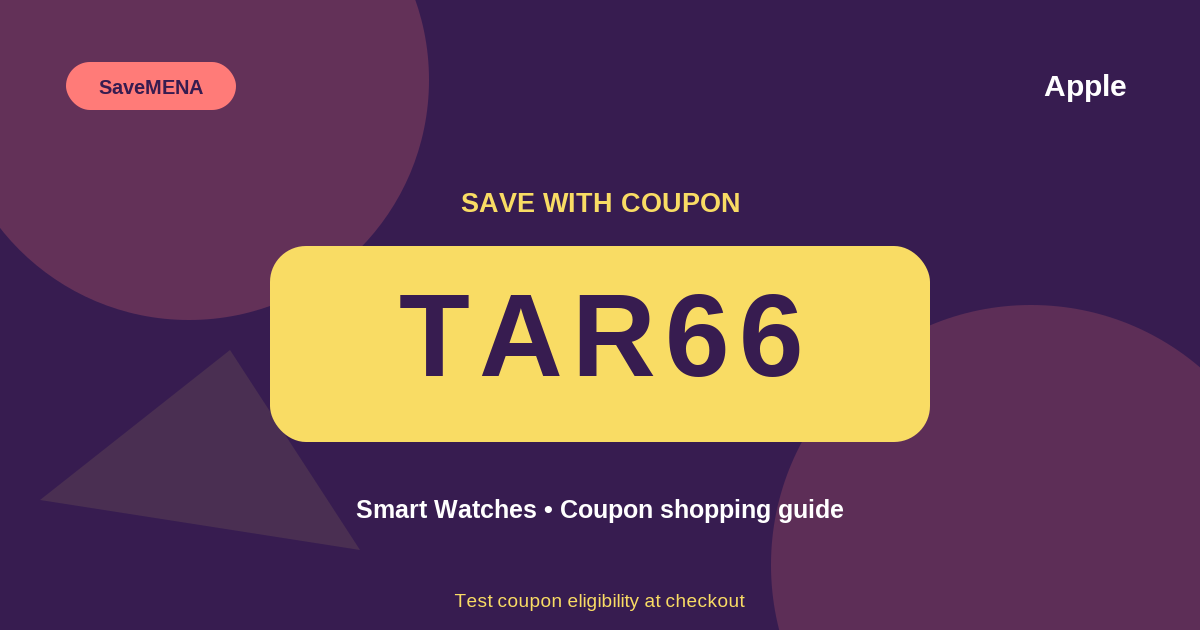
Codes available to try while comparing
These codes are not guaranteed for the article topic or listed brands; test them at checkout and use the live result.
1. Choosing the Right Apple Smart Watch Model
Apple offers several smart watch variants tailored to different needs. The entry‑level model delivers fitness tracking, notifications, and essential phone integration, while mid‑range editions add extra health sensors such as ECG and blood oxygen monitoring. Premium models excel in build quality, larger displays, and extended battery life. When selecting a model, list your priorities: is workout tracking enough, or do you need advanced health metrics? Also consider whether you require a sturdy, waterproof design for diving or a lightweight version for everyday wear. This preliminary assessment narrows down the models most relevant to your lifestyle before diving into specs.
At checkout, confirm that the chosen model’s variant (size, strap color, and band material) matches the one you’re selecting. Apple’s watches often come in two size options – 41mm and 45mm – with distinct band fits. Check the product listing for your desired size and double‑check the description to avoid receiving a watch that feels too big or too small. Any mismatch in size or band may lead to a return, which could trigger restocking fees. Ensuring the model and variant are correct early saves you the hassle of dealing with exchanges after the transaction completes.
2. Detailed Specifications to Vet Before Checkout
Specifications are the backbone of a smart watch’s performance. Critical details include the processor (e.g., S6 SiP), battery capacity, display technology (OLED LED or LTPO), and sensor suite. Inspect the listed processor speed and compare it to your usage habits; a faster chip handles app multitasking more smoothly. Battery endurance is often expressed in hours of typical use; note the realistic vs. extreme usage claims. Screen brightness, resolution, and protection (like Gorilla Glass) determine comfort and durability. Check whether the display supports always‑on features, which can drain the battery faster.
When reviewing specs, verify operating system compatibility and future updates. Apple periodically releases watchOS updates that bring new features; ensure your model supports at least the latest release you anticipate, as older models may not receive updates beyond a certain version. Keep in mind that some specs are locked to the model’s generation; upgrades in features like always‑on display may only come with newer releases. Cross‑reference the product page’s specification table for precise figures instead of relying on generic descriptions. The more accurate your understanding, the more confident you will be when crossing the checkout threshold.
3. Battery Life & Charging Dynamics
Battery longevity is a decisive factor for many buyers. Apple’s higher‑tier watches typically offer 18‑24 hours of regular use, while newer models may claim 20‑25 hours with efficient power management. Tailor your expectations to daily use: office work, sports, or mixed usage. Pay attention to the presence of features such as always‑on display, continuous heart rate monitoring, and GPS – each drains more power. Reading user experiences in the reviews can provide realistic usage benchmarks beyond the stated figures. Directors of your daily routines can align battery lifespans with activity levels, preventing mid‑day outages.
Charging methods also influence convenience. Most Apple watches are wired or wireless charging cables; some include fast‑charge capabilities. Verify the charger type in the product description, and ensure compatibility with your surrounding devices. Note any charging port specifications or required cable lengths. When you reach the payment stage, double‑check your chosen bundle includes the proper charger, or if you’ve already bought one separately, confirm its inclusion in the cart. Misplaced cables can lead to post‑purchase inconvenience, which is easily avoidable with a last‑minute review.
4. Health Sensors & Fitness Tracking Accuracy
Apple watches integrate multiple health sensors: optical heart rate, electrical ECG, blood oxygen monitoring, and sometimes temperature sensing. The accuracy and placement of these sensors directly affect data reliability. For example, optical heart rate sensors may be influenced by skin tone or movement; verify that the watch’s own accuracy claims align with independent review reports. If you value ECG readings, confirm that the model includes the feature and note any required Apple HealthKit integration or notifications. The sensor data feeds numerous health apps, making technical precision critical for users who rely on it for medical insights.
When confirming sensor details at checkout, check the listed sensor capabilities and any firmware or software prerequisites. Some features require a newer watchOS version or an iPhone model that supports specific compatibility. Verify both hardware and software prerequisites in the product page’s compatibility chart. Erroneous expectations about health features can lead to disappointment; alignment in specification before purchase ensures you’re fully equipped with the sensors you actually need.
5. Display Quality, Durability, and Water Resistance
The display is the interface you’ll interact with daily. Apple’s smart watches boast OLED LED or LTPO displays, offering vibrant colors and deep blacks. Consider color gamut, contrast ratio, and protected glass thickness as they translate to readability under varied lighting conditions. LTPO displays consume power efficiently when the watch isn’t actively animated or when the screen remains static. Users exposed to harsh outdoor environments benefit from these power‑saving technologies. Additionally, evaluate the water‑resistance rating – 50 meters is standard, while newer models may qualify for higher depths, making them suitable for swimming or diving.
At checkout, ensure the displayed specifications match your desired resilience level. Pay particular attention to the exact water rating and screen protection mention in the product description. If the display’s protective glass is thicker or the rating higher, confirm it’s the version you want, as premium variants often cost more. Checking such details before final payment mitigates the risk of receiving a watch whose durability doesn’t meet your everyday usage expectations. This step guarantees you won’t have to initiate a return due to a depreciated display performance.
6. Connectivity Options & Compatibility
Apple watches rely on Bluetooth and optionally Wi‑Fi for data sync, app downloads, and cellular data (for cellular models). Mismatch in connectivity expectations can cause frustration. Verify the model’s Bluetooth version – newer versions offer better range and lower power consumption. For cellular editions, check the included carrier and plan support; sometimes the watches require specific carrier plans to activate cellular. If you plan to use Wi‑Fi only, confirm the version supports 802.11b/g/n or later standards.
During checkout, double‑check whether the model you’re buying offers cellular. If you choose a cellular variant, ensure you have the carrier plan ready, or be prepared to configure a new plan. The vendor’s product page often lists compatible carriers; cross‑reference this with your own. If your iPhone runs a recurring plan, check that there is no incompatibility between your phone’s LTE bands and the watch’s. Misalignment may cause connectivity gaps that hinder sensor data upload or notification delivery. Confirming these details early guarantees a seamless experience once the smartwatch lands in your hands.
7. Storage Capacity & Expanding Memory
Apple’s smart watches come with limited internal storage – typically 32 GB or 64 GB. This space stores apps, music, photos, and other media. If you plan to use music streaming without an iPhone connection or store podcasts and photos directly on the watch, consider the higher capacity variant. Memory capacity also affects app performance; a full store can slow updates or app launches. Checking the storage size during checkout ensures you’re not bogged down by generic data limitations after purchase.
Additionally, review whether the watch supports external memory options, such as a microSD card or cloud storage for media. Apple typically doesn’t support microSD but offers iCloud for backup. Evaluate how you plan to back up Apple Watch data – via iCloud or a local computer – and verify that the selected model’s backup routine aligns with your workflow. By reconciling storage expectations before payment, you avoid post‑checkout ingnored capacity issues that might require exchanging for a more suitable model.
8. Final Checkout Checklist – From Cart to Payment
Before you hit the final payment button, reconsolidate all critical variables: model, size/variant, sensor set, connectivity, battery expectations, and storage. Check that the cart displays the precise SKU and dimensions. Re‑enter your payment method in the vendor’s checkout flow to confirm the amount appears correctly. Use the coupon code TAR78 in the coupon field; note that success is not guaranteed but the attempt is visible. Review any shipping costs, return policies, and installation help resources. The final amount shown is the definitive reference for what you’ll pay post‑checkout.
Stop here for a last‑minute double‑check. If any detail – such as battery life for frequent GPS use – seems off, cancel or pause checkout and adjust the product choice. Once satisfied, submit your order. Pay close attention to any confirmation email; it will include a summary that you can compare to the cart’s final details. Keep the receipt, order ID, and shipping information handy. This proactive approach ensures a flawless purchase experience, free from last‑minute surprises after the transaction finalizes.
Related SaveMENA pages
Related articles
Official sources to check
Frequently asked questions
Can the TAR78 voucher be combined with other coupons?
No, the voucher code can be entered only once during checkout; it cannot be stacked with other offers or discounts for additional savings.
Will the Noon UAE site show the final price after applying the TAR78 voucher?
The website calculates the final payable amount in real time after the voucher is entered, but actual redemption depends on the vendor’s verification at payment confirmation.
What if the Apple watch model I want isn’t available in my preferred size?
Check the product page for available size variants. If your desired size isn’t listed, consider selecting an alternative variant or contacting vendor support before checkout.
Does the coupon cover shipping fees?
Coupons typically apply to the product price only; shipping fees may remain unchanged unless explicitly specified by the vendor. Verify shipping costs during checkout before applying the voucher.