Puma Women’s Fashion on Noon UAE: model specifications — checkout checklist · TAR78
Before you hit the payment button for a Puma Women’s Fashion item, double‑check the model’s specifications and your cart details to save time and money.A coupon is
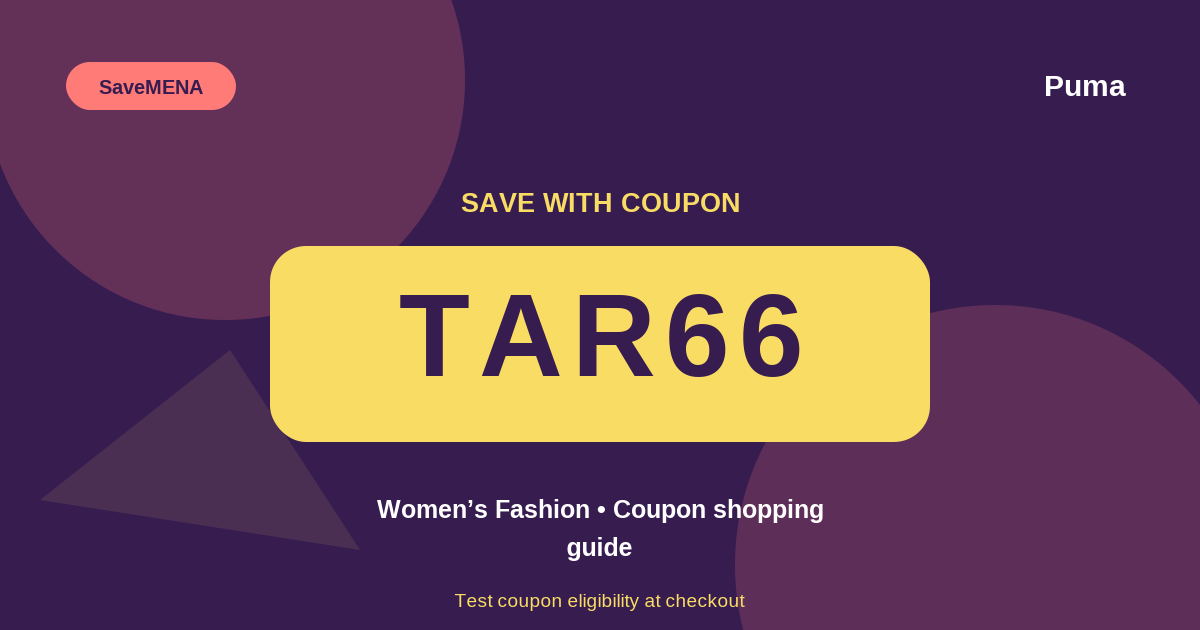
Codes available to try while comparing
These codes are not guaranteed for the article topic or listed brands; test them at checkout and use the live result.
Overview of the Puma Women’s Fashion Model
Puma’s catalog for women blends sporty flair with everyday comfort, and each new release carries a distinct model identifier that captures its unique design. This identifier guides you through details such as intended activity, fit philosophy, and garment technology. Knowing the exact model you’re purchasing allows you to confirm that the style meets your expectations—whether you’re looking for a high‑performance running tee or a casual street‑wear hoodie. Identify the model number on the product page or order confirmation, and use it to verify with customer support if doubts arise.
Checking the model before checkout also protects against accidental cross‑shoppers’ lists. A Harley‑style hoodie and a racer‑track jacket may share similar design cues but differ significantly in purpose and material. By noting the model name and number, you can mentally rule out mis‑ordered items and reduce the chances of needing a return later. This step is especially important when dealing with seasonal releases that may share names but differ in manufacturing date or edition.
Key Specifications That Matter
Specifications cover everything from fabric composition to fit, and they’re crucial when you can’t try on the product in advance. Look for terms like “Cropping,” “Stretching” and “Non‑stretched” to understand how the garment will adapt to movement. If the listing references “Technical Fibre” or a particular polyester blend, consider how that material feels against your skin and how it’ll hold up after washing. Confirming these details at checkout confirms that the item truly reflects what you intended to buy.
Additionally, verify the length measurements provided—whether in centimeters or inches—and compare them with the sizing chart specific to the brand. Some Puma items offer an “athletic cut” that may vary by market. Make sure the approximation you’re selecting during ordering matches your own measurements. If the size options are labeled “M” or “L” with associated metrics, cross‑reference them with your personal size to ensure a proper fit. This pre‑payment confirmation step cements the correct purchase.
Checking the Size and Fit at Checkout
When the cart populates, scroll carefully to the size chosen. Deviations can happen, especially when items automatically default to the most popular option. Double‑check that you’ve selected the size that aligns with your measurements and the sizing chart you reviewed earlier. Many U‑AE shoppers use an in‑store reference garment for guidance; replicate that in your envelope before final confirmation.
If in doubt, check the “See Size Guide” link on the product detail page again. A quick viewport of the comparison chart can pre‑empt a future return by confirming the item’s length, sleeve, and fit characteristics. Since the final price is locked at this point, verifying the size here prevents back‑order complications and saves time in a post‑purchase interaction.
Material and Care Instructions Verification
Every Puma Women’s Fashion item lists a material breakdown and recommended care settings. For instance, if “Polyester the discount shown at checkout / Spandex the discount shown at checkout” is listed, that knowledge can inform washing temperature and drying method. Skipping this step can result in shrinkage or color transfer for garments that don’t blend well with other apparel.
During checkout, scroll to the listed care details and confirm that they fit your wardrobe regimen. If you plan to pair the item with delicate fabrics or intend to machine dry it frequently, ensure the material is compatible. Double‑checking these aspects before payment helps maintain your wardrobe’s longevity and keeps your resale value intact.
Finish and Aesthetic Details Review
Finish refers to design features such as logos, trims, and colorway. Verify that the image shown matches the product description whether it’s a classic 2‑tone polo or a bold neon tee. Many Puma designs have signature elements—contrast stitching or a particular emblem placement—that customers find essential. Look at the product's thumbnail gallery to catch any discrepancies that might not show up on a single photo.
In addition to visual confirmation, cross‑check any badge claims such as “Performance‑Fabric” or “Sustainable Manufacturing.” If the listing states an eco‑claim, make sure it’s accurate, especially if you prioritize sustainable shopping. This verification step ensures that the aesthetic quality you expect aligns with what you’ll actually receive, and it helps you identify any potential upgrade or downgrade early on.
Leveraging the Noon UAE Coupon at Checkout
Once you’re satisfied with model, size, material, and finish, bring in the Noon UAE coupon code TAR78 during the final payment step. This is not a guaranteed discount; however, entering the code and clicking the apply button allows the system to determine eligibility automatically.A coupon is not guaranteed; verify its result at the retailer checkout.
Because the coupon can be contingent on variables such as cart content or membership status, confirm that it is indeed being applied in the order summary. If the discount line remains unchanged, click “review order” and re‑enter the code. At the same time, verify that no additional fees or surcharges appear until you press the place order button. This act protects you from hidden charges that could surprise you in your invoice.
Final Order Accuracy Confirmation
Before submitting payment, review every element of the order summary: shipping address, payment method, contact information, and the total amount due. A common error is a dropped decimal due to a POS system's formatting glitch; ensuring the line items align with the displayed price is part of a good checkout practice. Also confirm the shipping option chosen, especially if you selected express delivery for a deadline.
At this point, you can click “place order” and proceed to payment. Because the checkout interface will display a final denial of the coupon if it doesn’t meet constraints, you can identify if the TAR78 code wasn’t accepted. If any accidental mis‑selected options appear, such as an unintended accessory or a different color variant, you can abort the transaction and correct the item before finalizing the payment.
Post-Purchase Tracking and Support
After the payment confirmation, enlist the tracking number and expected delivery window. SaveMENA’s tone suggests that you should monitor status through the Noon UAE site or mobile app. If the item appears in the status updates but the shipping address is wrong, contact the support team using the support link in the confirmation email.
Should you discover a specification mismatch after receipt—such as wrong fabric or an oversized fit—the return policy applies. Check the return window and packaging requirements before initiating a return. Tracking the returned package ensures you get a refund or exchange, preserving the shopping confidence built during your checkout checklist.
Related SaveMENA pages
Related articles
Official sources to check
Frequently asked questions
A coupon is not guaranteed; verify its result at the retailer checkout.
No. The code is only available to try. Eligibility can vary with the live account, basket, item, seller and campaign context, so checkout is the final reference.
Where should I confirm the coupon result?
Apply the code in the Noon basket and review the live message and final payable total before payment. Do not rely on an undocumented percentage or condition.
Can the result vary by product or seller?
Yes. Eligibility and offer context can vary with the current basket details, so compare the exact item, seller, variant and final total before purchasing.
What should I do if the code does not work?
Check the market, account, item, seller, basket and payment context, then try another code available to try without guessing an unsupported reason.