HP Computer Accessories on Noon UAE: payment method — checkout checklist · TAR98
Finding the perfect HP computer accessories on Noon UAE feels like a hunt through a treasure trove, but before the final “Place Order” button, a thorough checkout
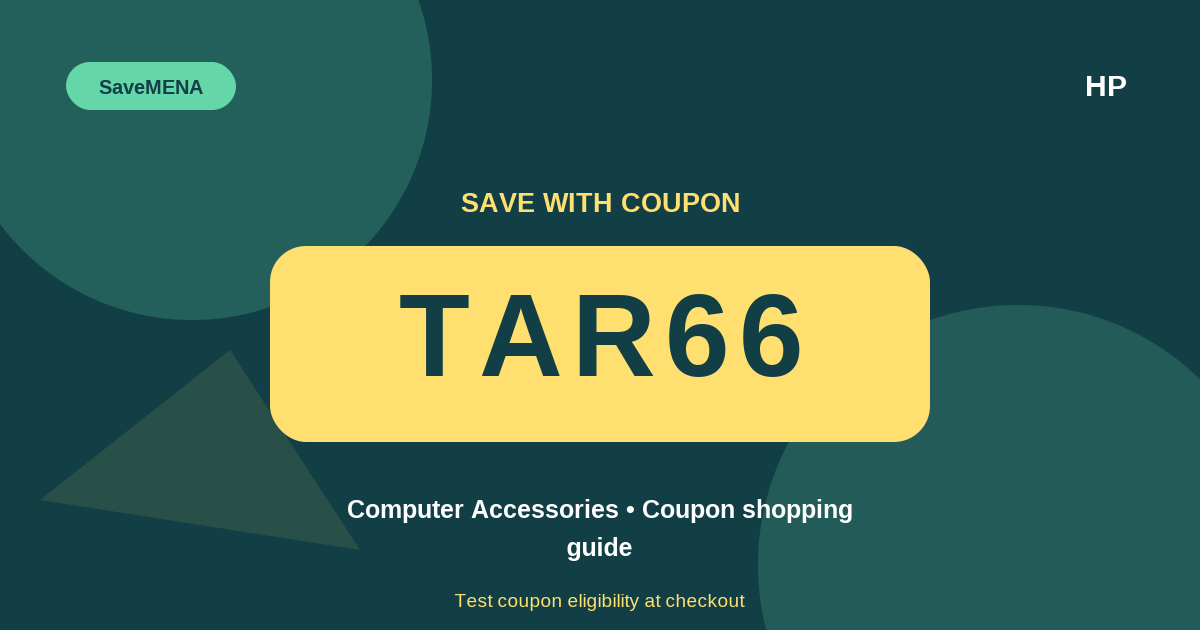
Codes available to try while comparing
These codes are not guaranteed for the article topic or listed brands; test them at checkout and use the live result.
1. Cart Composition: Make Sure Every Step Adds Up
Begin by reviewing the list of HP computer accessories in your cart. Scroll through each item to confirm the model, quantity, and whether the seller appears as a trusted source on Noon UAE. Cross‑check the individual prices listed with the product page to avoid mis‑billing; if a discrepancy is spotted, remove or replace the item before proceeding. The clarity of each line item ensures the total they claim matches what the calculator displays on the left‑hand sidebar of your checkout page.
Once you have verified the line items, scroll to the cart total to confirm the subtotal, tax, and any applied fees. Make note of the displayed total and mentally double‑check it with the sum of the product prices. If the order includes any free or discount items, check that they appear correctly. A clear subtotal makes it easier to confirm that the discount later applied from the TAR98 coupon reduces the amount exactly as expected.
2. Coupon Overview: Know the Rules Before You Apply
The TAR98 coupon is a Noon UAE coupon code that you can enter in the designated field on the checkout screen. While it appears as a viable discount, the rules of the coupon are not publicly disclosed; therefore, the standard practice is to try the code and verify its effect in real time. Never assume a fixed discount or expiration; the only way to confirm that the coupon applies is to observe the final total after submission. If it fails to reduce the price, note the failure and explore alternative saved coupons.
Keep in mind that the coupon applies only after the cart total reaches the threshold set by Noon UAE, although that threshold remains unspecified. By checking the TOTAL METRICS displayed in real time after entering the code, you can see if the discount is reflected instantly or if you need to reach a certain spend level. Apply the code only after confirming all other steps are solid, especially payment method eligibility.
3. Applying the TAR98 Coupon Efficiently
Navigate to the checkout page and locate the “Enter coupon code” field beneath the payment options. Input TAR98 exactly, respecting capitalization and hyphens when they appear. Press the “Apply” button and watch the cart refresh. A red or green confirmation message will indicate whether the code succeeded. If you see no change, double‑check the field for typos and try again. Should the code still not apply, consider waiting a few moments to allow the system to recalculate.
Once the coupon appears applied, note the new sub‑total and the final payable amount. If the discount is smaller than expected, record the difference and keep the original subtotal handy. This will help you determine if the coupon applied partially, which can happen if the underlying product price is not eligible. Always verify that the discount does not get overridden by other promotional rules that become active after the payment method selection.
4. HP Accessories Selection: Prioritize Your Needs
After confirming that the coupon reduced the cart total, it’s time to ensure the chosen HP accessories are exactly what you require. The model numbers such as HP Pavilion, HP EliteBook, or HP Envy come with varying specifications; be certain that cables, cases, or displays match those specs. Chat with the seller on the product page or via Noon UAE’s messaging to clarify any doubt regarding compatibility or warranty. If the seller confirms HP exclusivity, store this note for your final payment verification.
Also pay attention to the availability of the items. If items are out of stock or on back‑order, the supplier label on Noon will display status. An out‑of‑stock item would mean the final amount might change once the seller ships the product. You should verify that the free shipping policy, if applicable, applies only to in‑stock items to avoid last‑minute price adjustments during the payment step.
5. Payment Method—Choosing the Right One
When you reach the payment screen, the first decision is which method to choose: Credit Card, Debit Card, PayPal, or Noon Pay. Each method has varying fees or processing rules that can alter your final amount. Review Noon UAE’s payment policy page for an up‑to‑date list of any percentage fees or fixed charges per method. Since the focus is on the payment method, double‑check whether the chosen method accepts coupons; some methods might reject coupon deductions after the payment field accepts the code.
The checkout interface will adjust the “Total Payable” automatically when you switch methods. Observe how changing from, say, a credit card to Noon Pay modifies the total. If a credit card holds exclusive promotions or rewards, that too could affect the final payable amount. Always note the displayed total after selecting each option to choose the most cost‑effective method that still honours the discount from the TAR98 coupon.
6. Eligibility Verification Before Finalizing
Before pressing the “Pay Now” button, verify that all eligibility symbols are green. These include the coupon icon, the approved payment method badge, and the checkout confirmation stamp. If any of these icons appear gray, a warning, or a tooltip, click them to see the detailed issue: it might be an expired coupon, a limited payment method, or a low cart value. See that the HP seller indicates that the item is purchased within the UAE to avoid cross‑border complications.
Check the “Order Summary” panel again to confirm that no hidden fees are present. Some sales platforms add a convenience fee for particular payment methods or after a successful coupon discount. If such a fee appears, it will be displayed in a separate line item. Ensure it matches the instruction set, so the final amount you see aligns with what the “Pay Now” button will bill.
7. Fees & Delivery Estimation During Checkout
After confirming eligibility, read the shipping information. Noon UAE typically lists the delivery date range, the courier, and a shipping fee, if any. If free shipping applies to HP accessories or to orders above a certain amount, confirm that the coupon does not negate that condition. The shipping fee may appear as zero if included with the coupon or as a distinct line item if it stays independent.
Also review any tax calculation shown; UAE sales tax is generally integrated, but for non‑UAE customers, VAT may apply post‑checkout. If you are a UAE resident, the final amount should reflect the standard purchase price minus any coupon, minus shipping, plus tax. Double‑check the final bill; if a discrepancy occurs, revisit the coupon application and payment method selection, because some payment methods might trigger tax recalculations.
8. Final Checkout Checklist Highlights
Before submitting, run through a quick mental checklist: cart items match descriptions, coupon applied correctly, selected payment method is eligible and fee‑free if you prefer, delivery details and shipping fees are visible, and tax calculations are accurate. Write or screenshot the final payment amount for your records. This snapshot not only validates your transaction but also helps resolve any future disputes.
Once satisfied with all the sections, click “Place Order.” From this point, any changes require cancelling an existing order, which may involve a waiting period. Save a copy of the receipt and the confirmation email for your proof of purchase. Now you’ve successfully completed a hassle‑free HP computer accessories order on Noon UAE by staying focused on the payment method during checkout.
Related SaveMENA pages
Related articles
Official sources to check
Frequently asked questions
What is the best payment method to use with noon UAE coupons for HP computer accessories?
Generally, using a payment method that does not add additional fees—such as Noon Pay for eligible users—will keep the discounted amount intact. However, check the coupon’s eligibility for each payment method during checkout as some may reject the discount after payment entry.
Will the TAR98 coupon still apply if I change my payment method?
Noon UAE displays the final amount immediately after you select a payment option. If the coupon has been accepted, the amount should reflect the discount. If it disappears, the coupon likely does not support that payment method.
Do I need a Noon UAE account to use the TAR98 coupon?
You must be logged into a Noon UAE account to enter coupon codes during checkout. If you are a new user, create an account first, then proceed to add items, apply the coupon, and choose your payment method.
Is there an expiration date for the TAR98 coupon?
The coupon’s validity is not specified publicly. Test the code on checkout; if it fails, the code may be expired or not applicable. For confirmation, check the email where the offer was received.