Anker Headphones on Noon UAE: payment method — checkout checklist · TAR84
When you begin a search for headphones on Noon UAE, start by filtering results to display items offered by reputable sellers and marked as eligible for
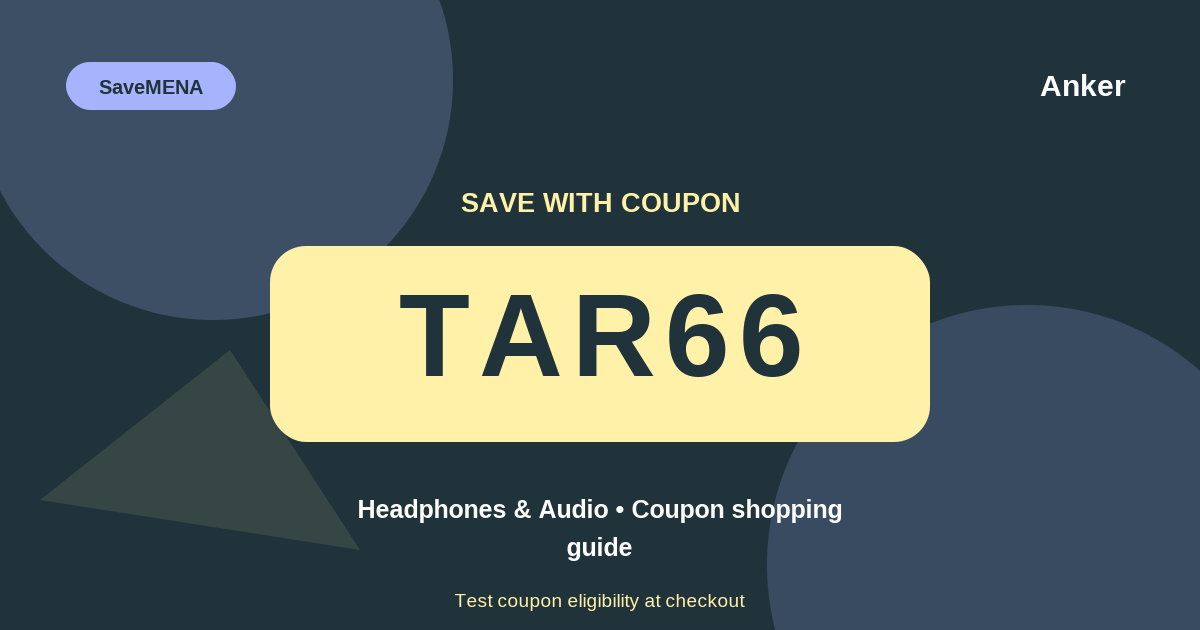
Codes available to try while comparing
These codes are not guaranteed for the article topic or listed brands; test them at checkout and use the live result.
Aligning Your Headphone Choice with Noon UAE Terms
When you begin a search for headphones on Noon UAE, start by filtering results to display items offered by reputable sellers and marked as eligible for Noon‑specific payments. Verify each product’s listing shows a clear “Add to Cart” button and that the seller supports the payment methods you prefer—credit card, debit card, or Noon Wallet. Checking the seller’s verified status adds an extra layer of trust, reducing the risk of payment issues later on.
Also confirm the headphone variant selected matches your needs—wireless, noise‑cancelling, or studio‑grade. Pay attention to the audio specifications listed in the product description, ensuring they align with your music or gaming requirements. A well‑matched product reduces the need for returns, otherwise creating extra payment gate‑keeping during checkout.
Verifying the Noon UAE Coupon – TAR84 – Before Checkout
The coupon code TAR84 can be entered during the checkout stages on Noon UAE. Prior to closing the cart, type the code into the “Enter promo code” field to confirm it returns an unexpired status line. If the code fails to validate, the system should indicate eligibility criteria such as items, categories, or minimum spend. In that case, revisit the cart to ensure no restrictions conflict with the headphones selected.
A coupon is not guaranteed; verify its result at the retailer checkout. No special validation is required at the start of checkout, yet verifying early helps avoid last‑minute changes. Remember the coupon is only available to try; no guarantees of savings or coverage for specific headphone models are provided.
Confirming Payment Method Availability: Credit Card vs. Wallet
Most Noon UAE customers have the option to pay via credit card, debit card, or Noon Wallet. At the payment screen, review the icons displayed; this confirms your method is accepted. For credit card users, ensure the card’s billing address matches Noons’ recorded address data to avoid declines. For wallet users, verify sufficient balance and that the wallet is active for the region.
When the coupon is in effect, confirm that the payment method still remains active. Some wallets may restrict coupon usage; if you encounter a prompt refusing the combination, switch to an alternate card before finalising. Keeping the payment method active ensures a smoother, uninterrupted completion of the transaction.
Inspecting Shipping and Delivery Details in the Cart
Headphones are often lightweight, yet shipping nuances still matter. In the cart mini‑view, view the listed delivery location and check whether the seller offers “Fast Delivery” or “Standard Shipping.” Toll fees are not disclosed until the payment phase; reach the payment screen to see a summary that includes shipping charges. If a specific delay or high fee appears, adjust the delivery dates or opt for a slower free‑shipping tier.
During the seller selection process, pay attention to reading the shipping policy text. If the seller states “no local pickup,” ensure you have a dedicated delivery address, otherwise you may risk order delays. Aligning shipping eligibility with your payment method ensures no surprises that would otherwise block payment approval.
Double‑Checking the Final Price After Applying the Coupon
Beyond the coupon, Noon’s system consolidates taxes and potential handling fees in the final price display. At the final amount line, verify the total matches the subtotal plus any applicable fees, then minus the coupon discount. If the total seems inconsistent, scroll to the “Order Summary” link; it usually expands a full detail view that confirms every charge.
For example, an additional “delivery fee” might appear that wasn’t initially obvious from the cart view. If your payment channel—say, a local credit card—has a processing fee, confirm this fee is listed and permitted. Only after confirming the final amount can you trust that payment will process without unexpected changes.
Choosing the Right Buyer Protection and Return Policy
Headphones, being electronics, often carry special warranty or return conditions linked to the seller. In the checkout, a prompt often displays “Buyers Protection” status, indicating whether Noon or the seller covers defects. Check the duration—typically 30 days—and whether returns must be shipped back via prepaid courier or face outside costs.
Since payment method details can affect insurance coverage (e.g., insurance via certain cards), double‑check that your chosen card carries purchase protection. If you’re using a Noon Wallet, confirm that wallet-specific guarantees apply to electronics, and whether they cover returns or only dispute resolution for non‑tampered items.
Securing Your Transaction: Two‑Factor and Authentication
Before finalising, the Noon checkout screen may trigger a second authentication layer—often a one‑time password (OTP) delivered via SMS or email. Are you using a phone number or email that is active and reachable? If your contact details are outdated, the OTP may fail, blocking payment. Ensure all your communication channels are updated in Noons’ account settings.
For card payments, the OTP verifies that your card holder authorised the expense. If the OTP isn’t received, check that your mobile network isn’t blocking SMS or that you have a decent connection. Failure to authenticate can result in a hard‑cancel, and the coupon code might become invalid then, preventing its immediate use on your next purchase.
Completing the Checkout and Final Confirmation
Once all preceding steps—product match, coupon application, shipping verification, payment method, and authentication—are confirmed, you can click the final “Order” button. A confirmation screen will display the exact amount that will be charged on your chosen card or wallet, the final shipping address, and the applied coupon code. Keep a screenshot or the text for your own records, especially if the purchase involves a sizeable electronics item like headphones.
After clicking “Order,” Noons typically sends an email or SMS receipt with a tracking link. Monitor the status of the order to ensure it moves to “Processing” before assigning any further shipping concerns. Maintaining a record of the receipt also assists in future dispute procedures, whether for returns or payment corrections.
Related SaveMENA pages
Related articles
Official sources to check
Frequently asked questions
Can I use the TAR84 coupon if I have a Noon Wallet balance?
Yes. The coupon can be applied during checkout regardless of which payment method you choose, including Noon Wallet. Just enter the code before finalising the payment. If the coupon doesn’t apply, double‑check that it isn’t limited to certain card types.
What happens if my coupon code fails at checkout?
If TAR84 fails to apply, Noons will typically display a message indicating the reason—such as incompatibility with the selected item region or category. At that point, you can remove the coupon and proceed without it, or contact Noon support for clarification.
Will my headphone purchase be covered by the seller’s warranty if I pay with a credit card?
Warranty coverage is linked to the seller, not the payment method. As long as the seller’s warranty terms state coverage for the specific headphone model, payment via credit card will not affect that protection. Verify the warranty details in the product description before purchase.
How do I confirm whether the shipping fee was added correctly?
During the final price summary before payment, Noons lists all fees including shipping. If you suspect an incorrect amount, click “Order Summary” or “Details” to see the breakdown. Contacting the seller directly via message is also a good way to verify the exact shipping cost.