Apple Headphones on Noon UAE: payment method — checkout checklist · TAR98
Planning a headphone purchase on Noon UAE can be overwhelming. To help you get the most out of your money, you’ll want to check your cart, apply a Noon UAE coupon
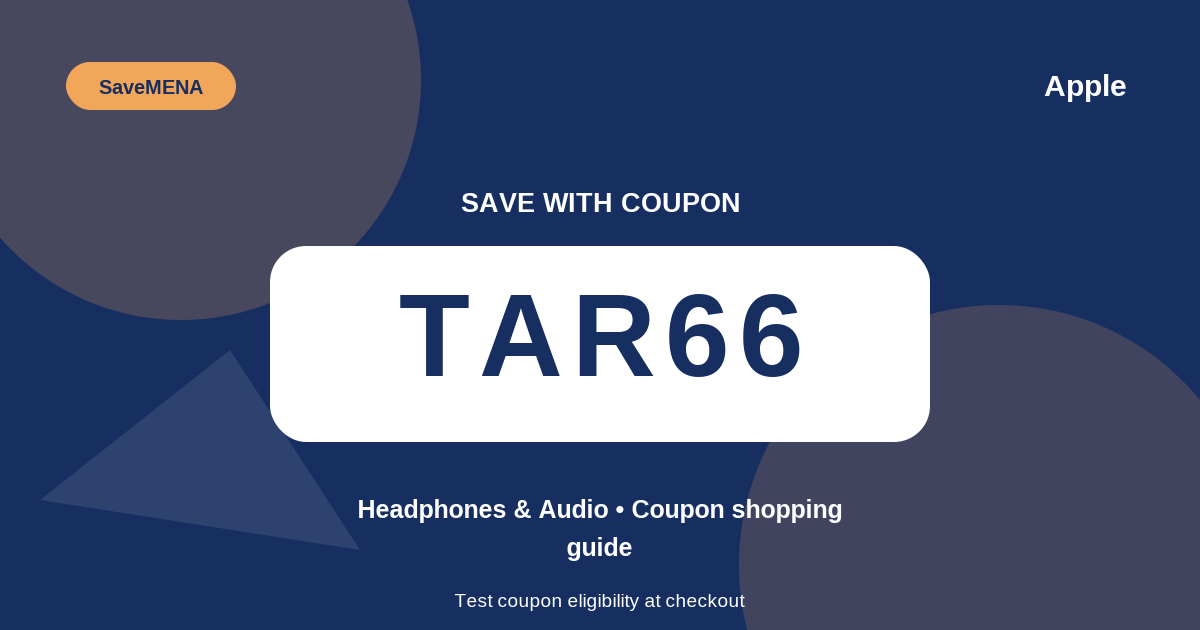
Codes available to try while comparing
These codes are not guaranteed for the article topic or listed brands; test them at checkout and use the live result.
Use a Noon UAE Coupon with Apple Headphones: Essential Checkout Checklist
When you first add a pair of headphones to your Noon cart, double‑check the product’s specifications. Confirm the model number, listed features such as active noise cancellation or Bluetooth version, and whether the unit is unlocked if you plan to use it abroad. Any mismatch between what you intend and what the listing shows can trigger an unexpected cost at checkout, especially for Apple‑branded audio.
Next, locate the coupon field on the checkout page. Noons displays this option prominently under “Apply Coupon,” where the code TAR98 can be entered. Enter it correctly, watching for capitalization or spacing errors; the system will immediately confirm whether the coupon is recognized, and you’ll see the discount applied to the cart subtotal before any shipping is calculated.
Analyzing Headphone Models for Your Audio Needs
Headphones come in a range of form factors—over‑ear, on‑ear, and in‑ear—each offering different listening experiences. For audiophiles, over‑ear models usually provide richer bass and deeper treble. On‑ear devices strike a middle ground, while in‑ear units are prized for portability. Evaluating your typical environment—studio, travel, or casual—helps you make an informed choice that matches your lifestyle.
Once you’ve narrowed your selection, check the seller’s return policy and shipping details. Noon lists the seller’s credentials next to each headphone, along with any available warranty. Ensure the warranty covers your usage scenario, especially if you intend to carry the device across borders where service centers might differ.
Apple Payment Method: Why It Matters When Buying Headphones
The Apple payment method on Noon UAE simplifies transactional security and unlocks specific promo compatibility. Because the payment gateway is integrated with Apple’s tokenization system, merchant data is encrypted, reducing the risk of exposure during a transaction. UAE shoppers often prefer this for high‑value electronics like premium headphones.
Before you finalize the purchase, verify that the Apple payment option is active in your cart. Some sellers enable only alternative vendors; if Apple disappears from the list, double‑check your IP location settings and the Noon app version, as certain updates may alter the available payment methods.
Integrating TAR98 Coupon Into Your Payment Flow
Entering the coupon code TAR98 adds an extra safety net, but it only applies if the code is still valid. After typing the code, Noon’s system will instantly apply the discount to the subtotal. If the code is invalid, an error prompt appears, and you’re prompted to correct the entry or try a different code.
Important: the coupon can only affect the product price, not shipping. Therefore, check how the shipping fee is calculated—whether it’s a flat rate or dependent on your final payment amount. Usually, the above coupon does not alter those fees, but confirming at checkout is essential.
Price Verification: Ensuring the Coupon Applied Before Finalizing
Before locking in the purchase, scroll to the detailed price summary near the top or bottom of the Pay screen. Look for a line stating “Discount” followed by the number of AED or SAR saved by TAR98. This visual confirmation assures you that the coupon has not only been accepted but also accurately deducted from your cart total.
If the discount line is missing or displays “invalid,” re‑enter the code and observe the change. Verify that the adjusted subtotal matches what you see on the product page, accounting for any hidden fees like handling or service charges that may not be visible until after coupons are applied.
Delivery Options: Showroom Pickup vs Home Delivery for Headphones
Noon offers multiple delivery options. For those who prefer hands‑on verification, choosing showroom pickup can reduce the risk of getting a different headphone version. Make sure that the selected pick‑up location provides the exact model you added to your cart, as some showrooms may only carry a subset of inventory.
If you opt for home delivery, review the estimated arrival window. Headphones, especially if from a premium brand, may be subject to additional customs checks. Confirm that the delivery mode allows you to track the package and that you’re available to sign for it, as missing signatures can delay completion.
Processing Payment: Proper Steps for Apple Method
When ready to pay, select the Apple payment method from the list of available gateways. The screen will prompt for your Apple ID credentials or Face/Touch ID authentication. Ensure your device’s security settings are updated and that you have the correct Apple wallet initialized for UAE transactions.
After authentication, review the final amount displayed, including any applied coupon and shipping costs. If everything aligns, complete the payment. A confirmation screen will appear, and you’ll receive an email and SMS with your order number and next steps. Keep that order number handy in case you need to track or amend details later.
Last Minute Checks Before You Confirm Headphones Purchase
Before hitting “Place Order,” take a moment to re‑open the product page and verify that images, specifications, and seller ratings remain unchanged. Minor discrepancies can surface if the inventory updates just before you finalize your payment.
Also ensure your contact details—phone number and email—are current on the Noon platform. Accurate contact information guarantees you receive critical updates, such as shipping status or delayed deliveries, and that the warranty process will remain valid.
Related SaveMENA pages
Related articles
Official sources to check
Frequently asked questions
What should I do if the TAR98 coupon isn’t accepted at checkout?
If the code isn’t accepted, double‑check for typing errors and ensure you’re using the latest version of the Noon app or website. If the problem persists, contact Noon customer support; the issue may be temporary or region‑specific.
Can I use the Apple payment method on both the Noon app and website?
Yes. Noon’s Apple payment integration works on the mobile app and the web portal, but always confirm that the method appears in the payment list before proceeding. Some older app versions may not display all options.
Will the headphone’s warranty be affected by choosing showroom pickup?
Choosing showroom pickup does not alter warranty terms; it merely changes the delivery method. The warranty status is tied to the product itself and its seller, not how you receive it.
How do I know the shipping fees haven’t changed after applying the coupon?
After entering the coupon, the subtotal displayed will still reflect shipping separately. If the shipping fee changes due to the new subtotal, the final amount will be updated to show the new shipping cost before you finalize payment.