Sony Headphones on Noon UAE: payment method — checkout checklist
use a Noon UAE coupon Headphones Sony payment method: Checking out with a Noon UAE coupon while ordering Sony headphones requires a list of specific steps to
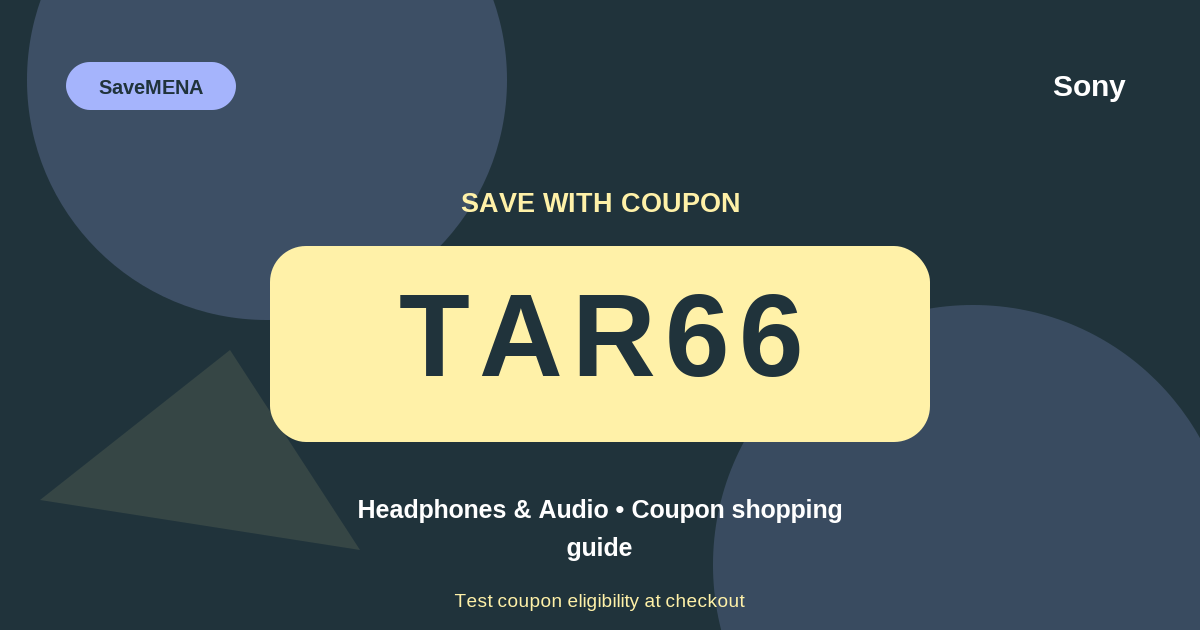
Codes available to try while comparing
These codes are not guaranteed for the article topic or listed brands; test them at checkout and use the live result.
1. Understand the Coupon Applicability for Sony Headphones
When you enter the TAR66 code on the Noon UAE site, a real‑time check happens. This step confirms whether the coupon is still active and the system will highlight any restrictions, such as non‑participating sellers or click‑through rules. Pay extra attention to the product page for any mention of coupon limitations that might apply only to certain categories or brands. If Sony headphones belong to a category that excludes the coupon, the code will expire at the point of entry and you will see a prompt.
Remember that the display of a valid code is only the first indicator. The actual discount will only apply during the final order validation when you click “Place Order.” If the system flags the code as expired or ineligible, you should be prepared to choose an alternative coupon or proceed without a discount. The confirmation step is crucial for avoiding last‑minute confusion in the checkout sequence.
2. Verify Product Listings and Seller Credentials
Before adding Sony headphones to your cart, check the product’s authenticity and seller credibility. Locate the seller’s profile link and ensure it displays verified seller badges if available. Sony headphone listings often have a dedicated brand page; cross‑reference this page to guarantee you’re buying an authentic model.
Verify that the seller’s addresses and return policy match the UAE market conditions. Products shipped from outside the UAE may have longer delivery times or higher customs fees. Confirming this before checkout ensures you won’t unknowingly select a seller whose shipping terms diverge from your expectations.
3. Assess Shipping Terms and Associated Fees
The next critical step is to review all shipping options. Noon UAE offers free standard shipping for orders above a threshold, but for Sony headphones the shipping cost may differ based on weight, seller, and payment method. Ensure the chosen shipping method fits your schedule and budget.
Double‑check if the seller applies a separate handling fee for high‑value electronics. These fees may only appear at the final order summary, so watch for any hidden charges that could affect your budget. Knowing the exact shipping cost beforehand keeps the final payable amount transparent.
4. Confirm Warranty, Return, and Exchange Policies
Electronic devices like Sony headphones deserve a thorough look at warranty coverage. Look for the manufacturer’s warranty details and whether the seller transfers this coverage onto the buyer in the UAE region. Warranty terms can vary by model and distributor.
Also, read the return policy. Some sellers allow returns only within a certain time frame; check the specific period for Sony headphones. Confirm whether returns require the original packaging and how replacement items are handled to avoid unexpected costs.
5. Plan Your Payment Method for Optimal Security
Choosing the payment method that aligns with Noon UAE’s secure transaction process saves time. If you opt for a credit or debit card, make sure the card is authorised for online purchases and has sufficient balance. For Noon wallet users, confirm your wallet balance covers the final payable amount plus any applicable fees.
For added security, enable two‑factor authentication for your Noon account. This step protects your transaction from unauthorized access and provides a safety net if you encounter any payment disputes.
6. Review the Order Summary and Coupon Application
The order summary is the last line before final payment. Here you will see the subtotal for Sony headphones, applied shipping fees, any coupon discount indicated, and your chosen payment method. Verify that the SUBTOTAL matches the price shown on the product page.
Confirm the coupon field displays TAR66 as applied. If the code shows as “Not applied,” contact customer support or consider re‑entering the code. This step ensures you are fully aware of every cost element before committing.
7. Secure the Order with Two‑Factor Authentication
When you click “Place Order,” Noon UAE typically prompts for a final authentication step. This may involve receiving a code on your phone or email, which you must type in to complete the purchase. This step verifies your identity and protects against fraud.
Ensure your contact details are correct in your Noon account profile. Outdated phone numbers or emails can delay this verification process, leading to delayed shipping and a poor buyer experience. A quick check before checkout prevents a last‑minute scramble.
8. Confirm Post‑Purchase Tracking and Support Resources
After successful payment, you should receive an order confirmation email. This email contains a tracking number, expected delivery window, and a link to the seller’s return policy. Use this to stay informed about shipment progress.
If you experience delays or discrepancies, access Noon UAE’s help centre or live chat. Document any communication and screenshots. Prompt resolution relies on accurate initial information—order ID, coupon code, and payment method details—so keeping them handy is essential.
Related SaveMENA pages
Related articles
Official sources to check
Frequently asked questions
What happens if the TAR66 coupon doesn’t apply during checkout?
If the coupon isn't accepted at checkout, the cart will reflect the full price. The code might be expired or unusable for the selected Sony headphones. Check for alternative coupons or proceed without a discount.
Can I change my payment method after I’ve entered the coupon code?
You can switch payment methods before the final order confirmation. Entering a new payment option will trigger an updated order summary, so verify the coupon still applies after the change.
Will the free shipping policy apply to Sony headphones purchased with the coupon?
Free shipping may depend on the product weight and seller. Some Sony headphone listings include a shipping fee that the coupon code does not cover. Review the shipping details before payment.
How do I verify the warranty on Sony headphones purchased through Noon UAE?
Check the product page for the manufacturer’s warranty symbol and details. If the seller lists a warranty, it should be disclosed in the item description. Contact support for confirmation if needed.