Philips Home Appliances on Noon UAE: payment method — checkout checklist
When you want to ensure a smooth payment experience for your Philips home appliance purchase, start by checking the payment method options available on Noon UAE.
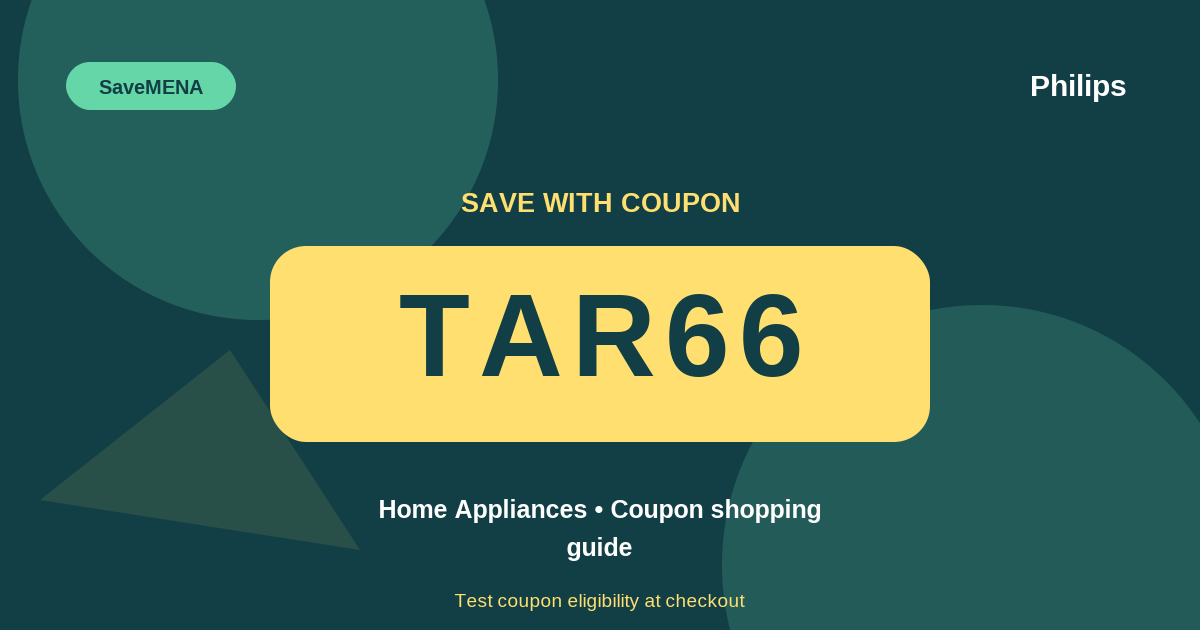
Codes available to try while comparing
These codes are not guaranteed for the article topic or listed brands; test them at checkout and use the live result.
1. Verify Philips Appliance Compatibility on Noon UAE
Begin with identifying the exact Philips model you intend to buy. Noon UAE lists each appliance under a detailed product page that includes specifications, available colors, and user reviews. Ensuring that the model matches your kitchen layout or electrical requirements prevents later returns. Double‑check the wattage, power connector type, and size dimensions against your home appliances list so no mismatch forces a last‑minute hardware swap.
Once you confirm compatibility, add the product to your cart and review the quantity. Noon UAE’s cart page shows a product summary and an estimated delivery window. Pay attention to the stored information; if you switch models or add accessories, the cart will update automatically. Checking this early step prevents a surprise at checkout and guarantees you’re looking at the correct item throughout the process.
2. Confirm Coupon Eligibility Before Applying TAR66
Before using a coupon, locate the section in your cart where discount codes are entered. Noon UAE accepts a variety of codes, including TAR66, but discounts are applied per the seller’s conditions. Enter the code in the designated box and confirm the result by pressing the apply button. The system will instantly recalculate the subtotal if the coupon is valid.
If the code does not work, review the error message for clues such as “code invalid” or “coupon expired.” Although the coupon is available to try, its success depends on the seller and the current promotion. Do not assume availability; reliance on the system’s feedback ensures that you only rely on verified discounts up to this point.
3. Explore and Select Your Preferred Payment Method
Navigate to the payment method list presented at checkout. Noon UAE offers options such as credit or debit cards, Noon Wallet, Apple Pay, Google Pay, and local e‑money services. Your decision lens—payment method—means you should evaluate each option’s processing time, security features, and potential transfer fees. Look for any requirements such as a linking debit card or admin approval for large orders.
If you prefer a paper‑less approach, Noon Wallet can streamline the process. However, check whether your card is compatible with your chosen method. For credit cards, confirm that the card’s expiry date and CVV are current to avoid delays. Selecting a payment method that matches your financial preferences early makes the final payment smoother.
4. Use a Noon UAE Coupon Home Appliances Philips Payment Method
After confirming coupon eligibility, focus on how to effectively combine it with your chosen payment method. Enter the code TAR66 during the checkout step where you input payment details. The system will apply the discount before calculating taxes and shipping, resulting in an accurate subtotal. Watch for any changes to the total that indicate the coupon has been applied.
Should the coupon fail to apply at this stage, the site will usually retroactively offer a discount option, but not always. Because you are following a checkout checklist, re‑display the cart totals and ensure the discounted price appears before submitting the payment. This step guarantees that your intended savings are reflected at the point of transaction.
5. Inspect the Final Order Summary Prior to Exit
On the confirmation page you’ll see a complete breakdown: product details, quantity, selected payment method, applied coupon, taxes, and estimated shipping or pickup fees. Validate every line item to ensure alignment with the initial product page. Inconsistencies at this step indicate a potential error that should be corrected before the order is processed.
Using this order summary is a valuable opportunity to verify any hidden costs, such as handling fees or required accessories for certain Philips models. Keep an eye on a potential fee that may arise from the chosen payment method, especially if you’re using a card that incurs a transaction fee. The summary reflects the final payable total—no more surprises later.
6. Confirm Delivery Options and Fees
On Noon UAE, delivery choices can range from standard shipping to same‑day delivery for select items. Each option carries a fee that appears in the order summary. Ensure the delivery schedule aligns with your availability, particularly for larger appliances that may need professional installation. If the chosen delivery method conflicts with your schedule, adjust it before finalizing the payment.
If you select an express or premium delivery, confirm the associated costs and approximate arrival time. Some sellers offer free pickup at their warehouses. Verify the pickup location and hours so you can plan accordingly. Reviewing this before completing the payment keeps shipping costs from being an unexpected added burden.
7. Resolve Payment Method Issues Before Confirmation
If your chosen payment method shows a pending status or an error, pause the transaction. Contact your bank for card limits or uninterrupted service. Some payment methods demand OTP verification; ensure you can receive the OTP via SMS or app. Having answers ready eliminates waiting periods that can push the payment past expiry windows.
On occasion, Noon UAE may temporarily limit certain cards due to security protocols. Double‑checking the card’s validity and ensuring you have no flagged accounts will prevent a last‑minute disapproval. Once the payment method passes all checks, you can proceed to submit the order with confidence that the transaction will complete successfully.
8. Complete the Purchase and Monitor Order Status
With all details verified, hit the “Place Order” button. Noon UAE will process the payment and send a confirmation email containing order ID, payment receipt, and estimated delivery timeline. Keep this email safe; it serves as proof should disputes arise or if upgrades are needed.
Check the order status through Noon UAE’s app or website, where updates range from “payment confirmed” to “shipped” and “out for delivery.” Monitoring the progress lets you sync with your schedule, especially if you need to arrange for appliance installation or adjust your plans. Once the delivery arrives, check the appliance against the order summary to confirm completeness and functionality.
Related SaveMENA pages
Related articles
Official sources to check
Frequently asked questions
How do I know if TAR66 is applicable to my Philips appliance?
TAR66 can be tried at checkout; the platform will indicate its applicability. Verify by entering it in the coupon field of your cart and observing whether the discount applies. If it does, the new subtotal reflects the savings.
What payment methods support large appliance orders on Noon UAE?
Credit/debit cards, Noon Wallet, Apple Pay, and Google Pay typically support high‑value orders. Confirm card limits and any necessary approvals before adding a large Philips appliance to your cart.
Can I use the coupon after selecting my payment method?
Coupons should be entered before payment to ensure they apply to the subtotal. If you try to add a coupon afterward, the system may reject it, leaving the discount unapplied.
What should I do if the payment fails at checkout?
Check limit settings on your card, ideally contact your bank, or try an alternate payment method. Noon UAE may also restore the payment if the failure was temporary; review the error message for guidance.