Adidas Men’s Fashion on Noon UAE: payment method — checkout checklist · TAR98
When you’re ready to top up your wardrobe with a new pair of adidas sneakers or a stylish blazer from Noon UAE’s Men’s Fashion collection, you might wonder: what
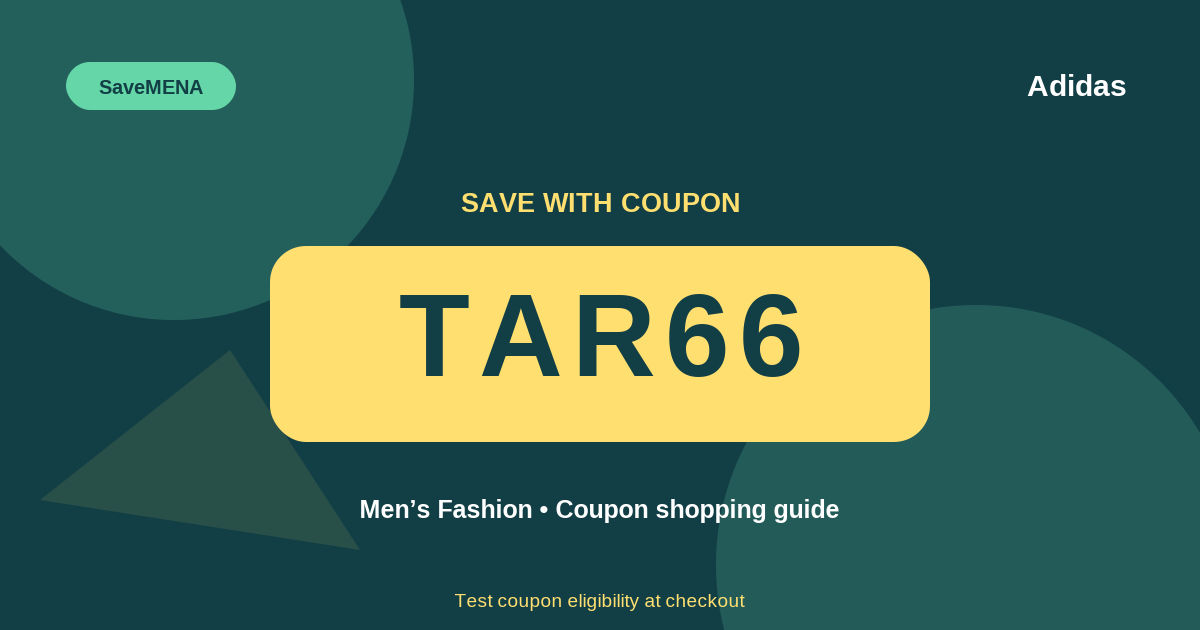
Codes available to try while comparing
These codes are not guaranteed for the article topic or listed brands; test them at checkout and use the live result.
1. Review Your Cart and Finalize Item Choices
Begin by double‑checking every product in your cart. Look at quantities, sizes, colors and any specific variants you chose. Ensure that each adidas item is in stock at the seller’s end, as availability can change between the time you add a product and the moment you checkout. When you see an item that can’t be delivered on your desired date, the store will usually flag this before payment, giving you room to reorder a different option or adjust your delivery preference.
At this stage, confirm that no additional accessories or optional upgrades have slipped into the cart. SKU mismatches or unexpected add‑ons can affect your final price. Once you’re satisfied with the contents, proceed to the checkout page where you’ll enter buyer and shipping details. This will lock the items, preventing any last‑minute changes that could disrupt the application of coupons or payments later.
2. Verify Shipping Address and Delivery Options
The shipping details you submit not only affect the delivery time but can also influence whether certain promotions apply. Check that your address is typed correctly and that the ZIP code is valid for UAE delivery. An incorrect ZIP may route the order to a different facility, potentially adding a hidden delivery fee or rendering a coupon ineligible for that region. If you are using a pickup location, double‑check the address against the store’s selected pickup hub to avoid confusion at delivery day.
After confirming your address, inspect the delivery fee that appears. Samsung, Noon, and other sellers occasionally have free‑shipping thresholds; however, applying a coupon does not automatically waive shipping. Spend a moment to verify whether the delivery fee will remain the same during payment, as some sellers adjust the fee after voucher application. Confirming this early prevents surprise increases after your coupon code has been entered.
3. Choose the Payment Method That Best Suits Your Needs
Payment method is the fulcrum of the checkout journey. Noon UAE offers several options: credit or debit cards, the Noon Wallet, Apple Pay, Google Pay, and selected bank transfer methods. Each has distinct benefits—cards often allow instant confirmation, while wallets can be linked to reward points or cashback programs. If you prefer a more flexible approach, consider looking at the payment method’s processing time and whether it offers dispute protection or chargeback support.
Knowing the specifics of your chosen payment method reduces the chance of a failed transaction. Be sure your card or wallet has sufficient funds or credit, that the billing address matches your bank’s record, and that you have enabled international payments if selecting a foreign‑issued card. For travelling shoppers, verify that your card is authorized for e‑commerce in the UAE to avoid a decline at the final step.
4. Apply the Noon UAE Coupon “TAR98” at Checkout
On the payment page, you’ll find a field labeled “Enter Coupon Code”. Here is where you can try the code TAR98 to see if it applies to your adidas purchase. Note that the coupon is available to try only; don’t assume it automatically provides a discount. the system will verify eligibility against product categories, brands, and any minimum spend thresholds set by Noon. If the coupon is accepted, a line item usually appears showing the credit that the coupon has provided.
Now is the moment to double‑check the discount applied. Confirm that the coupon title and amount displayed match what you expect, and ensure no additional promotional codes have been overlooked. If you see an error saying the coupon isn’t valid, it may be out of stock, expired, or limited to specific brands. In that case, move forward without it and be prepared to look for other offer avenues afterward.
5. Confirm Total, Fees, and Tax Before Finalizing
With the coupon code entered, scroll to the “Order Summary”. The breakdown should now reflect the coupon credit, any shipping fee, and applicable VAT or sales tax. Carefully verify that the final total aligns with the value displayed on the cart screen of your adidas items. A discrepancy could indicate that the coupon was not properly applied, or that a new fee has emerged from the specific seller moving the item to a different warehouse.
At this intersection, re‑examine the payment method details to ensure the associated transaction fee or processing charge is included, if any. Some card issuers or wallets charge a small fee for foreign currency transactions. Knowing this figure before you commit will prevent surprise deposits from your bank statement after checkout.
6. Review Payment Security Settings and Final Conditions
Before you hit “Place Order”, check for security updates. If you’re using a card, verify that 3D Secure is enabled; this layer of authentication protects you from fraud. Noon typically sends a one‑time password to your registered mobile number or email. Having this text or email ready ensures you don’t run into a stalled transaction at the last moment.
Additionally, look for any service agreements or confirmation prompts that appear when you finalize the purchase. These often include terms about returns, refunds, and the rights you hold under UAE consumer protection laws. Clicking through these statements can provide peace of mind that the payment method you selected is backed by a reliable dispute resolution framework.
7. Finalize Payment and Receive Confirmation.
When you are satisfied with the total, the payment method details, and the application of the coupon, click the button that reads “Place Order” or “Pay Now”. The system will redirect you to the payment gateway corresponding to your chosen method. If you’re using a card, a secure page will appear for you to enter the card number, expiry, and CVV. For wallets or bank transfers, confirm the transfer details or link your account as directed.
Immediately after a successful transaction, you should receive a confirmation email from Noon—including an order ID, summary, estimated delivery date, and a toll‑free contact number for assistance. If there is any delay or error in communication, log into your Noon account to verify the order status from the “My Orders” section, ensuring that the payment was captured and the coupon credit (if any) is reflected.
8. Post‑Purchase Tracking and Dispute Resolution
Once the order is confirmed, monitor the delivery status through Noon’s order tracking feature. This will update from “Processing” to “Shipped” and eventually “Delivered” across each logistics checkpoint. If your delivery date shifts or if you suspect your item is missing, reach out to Noon’s support team with your order ID. Payment method disputes typically have a 30‑day window, so keep the receipts and screenshots of the transaction handy.
Finally, reflect on the checkout process itself: Did the coupon application point a smooth path? Was the payment method reliable? Record any issues or confusion experienced for future reference. This feedback loop not only improves your personal shopping habits but can also inform other UAE shoppers who rely on Noon’s Men’s Fashion catalogue for reliable, hassle‑free transactions.
Related SaveMENA pages
Related articles
Official sources to check
Frequently asked questions
What happens if the coupon “TAR98” does not apply to my adidas item?
If the code fails validation at checkout, Noon will typically notify you that the coupon is unavailable for your selection. In that case, you can proceed without it and consider alternative savings later or explore other promotional offers that may apply to your cart.
Will I be charged extra for using my credit card at Noon UAE?
Standard card processing fees are usually handled by your card issuer and aren’t added on top of the checkout amount displayed on Noon. However, currency‑conversion fees may apply if your card is issued outside the UAE.
Can I cancel the order after I use the coupon but before payment?
Yes, you can cancel within the timeframe allowed by Noon’s cancellation policy, usually before the order is marked “Shipped” in your account dashboard. Canceling before payment ensures no transaction is processed.
I see a hidden delivery fee after entering the coupon. Why?
Coupons sometimes do not cover delivery charges. Once the coupon code is validated, any outstanding delivery fee is added to the final total, which should be displayed in the order summary before you finalize payment.