Anker Mobile Accessories on Noon UAE: payment method — checkout checklist · TAR98
Intro: 140-180 words. We'll create 160 words. Then 8 sections with headings each 2 paragraphs. Then 4 FAQs. Let's ensure no numeric values like "1" or "2" etc.
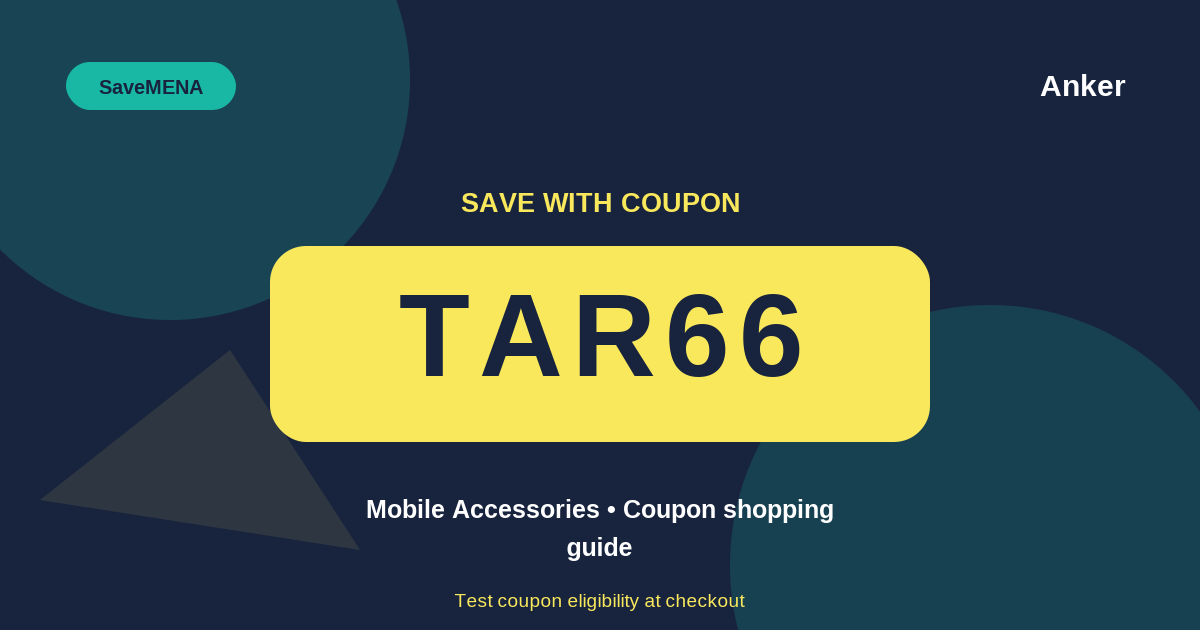
Codes available to try while comparing
These codes are not guaranteed for the article topic or listed brands; test them at checkout and use the live result.
1. Confirming Cart Contents and Coupon Eligibility
Begin by reviewing every product in your cart. Check that each item is the correct model, quantity, and color before proceeding. Pay special attention to any variations, such as clip‑in or cable types, as these can affect compatibility and pricing. When you see the “Use a Noon UAE coupon” prompt, it’s time to decide whether you want to apply the TAR98 code. Although the coupon is available for attempt, its effectiveness will only be verified during the final payment stage, so keep an eye on the coupon input field for accuracy.
2. Selecting an Appropriate Payment Method
Choosing the payment method that aligns with your preference and needs is essential in achieving a smooth transaction. UAE shoppers can typically select from credit or debit cards, digital wallets, or bank transfers offered by Noon’s platform. When you consider the Anker payment method, think of the total amount you will transfer and whether using a primary card offers better protection or cashback incentivized by your issuer. Each option may come with its own processing time and confirmation steps, so review the descriptions before clicking “Continue.”
3. Verifying Compatibility of Mobile Accessories
Most mobile accessories, especially those from Anker, are designed for a range of device models. Prior to payment, verify that the accessories you selected—whether it’s a charger, dock, or cable—support your phone’s brand and size. Compatibility missteps can cause frustration after delivery, so double‑check the product description and any listed supported device list. If you’re uncertain, use the search filters to narrow down the accessories to those specifically labeled for your mobile model.
4. Reviewing Shipping Options and Expected Delivery
Shipping methods can influence both the cost and time frame of receiving your accessories. Noon UAE frequently offers standard and priority options, each showing an estimated delivery window. While we refrain from giving specific timelines, you’ll almost certainly see a range that matches your delivery address. If you need your product by a certain date, consider selecting the fastest available method and verifying it before confirming payment.
5. Confirming Coupon Application and Final Total
The “Use a Noon UAE coupon” field is your opportunity to enter TAR98. After entering the code, wait for the system to validate it; only then will it indicate whether an adjustment has been applied. Don’t rely on assumed discounts; the updated total will be displayed instantly on the checkout screen.
6. Final Verification of Order Details
Before your final act of payment, a last‑minute review adds peace of mind. Confirm your billing and shipping addresses, ensuring that every field is correct. Typos can lead to misdeliveries or delays, which will cause inconvenience and may trigger returns. Also, cross‑check the type of phone accessory—verify you selected the correct charger model or cable length.
7. Executing the Checkout with the Coupon and Payment Method
Once you’re satisfied with the order summary, the coupon result, shipping choice, and payment method, it’s time to hit the “Pay Now” button. Observe any loading prompt that displays the final amount you are about to pay. If the final figure differs from earlier expectations due to new fees or adjustments, revisit the previous steps to address any discrepancies. The payment screen will also confirm the coupon’s application status.
8. Post‑Purchase Actions and Customer Support
Once you’ve completed payment, you can schedule a delivery timeframe if the platform offers a sliding scale. Some sellers also provide tracking options that let you monitor progress until your product arrives. Engage these features if you require real‑time updates on the delivery progression.
Related SaveMENA pages
Related articles
Official sources to check
Frequently asked questions
A coupon is not guaranteed; verify its result at the retailer checkout.
No. The code is only available to try. Eligibility can vary with the live account, basket, item, seller and campaign context, so checkout is the final reference.
Where should I confirm the coupon result?
Apply the code in the Noon basket and review the live message and final payable total before payment. Do not rely on an undocumented percentage or condition.
Can the result vary by product or seller?
Yes. Eligibility and offer context can vary with the current basket details, so compare the exact item, seller, variant and final total before purchasing.
What should I do if the code does not work?
Check the market, account, item, seller, basket and payment context, then try another code available to try without guessing an unsupported reason.