Logitech Office on Noon UAE: payment method — checkout checklist
If you’re ready to finalize your Office purchase on Noon, this checkout checklist will help you ensure every detail is set before hitting payment.
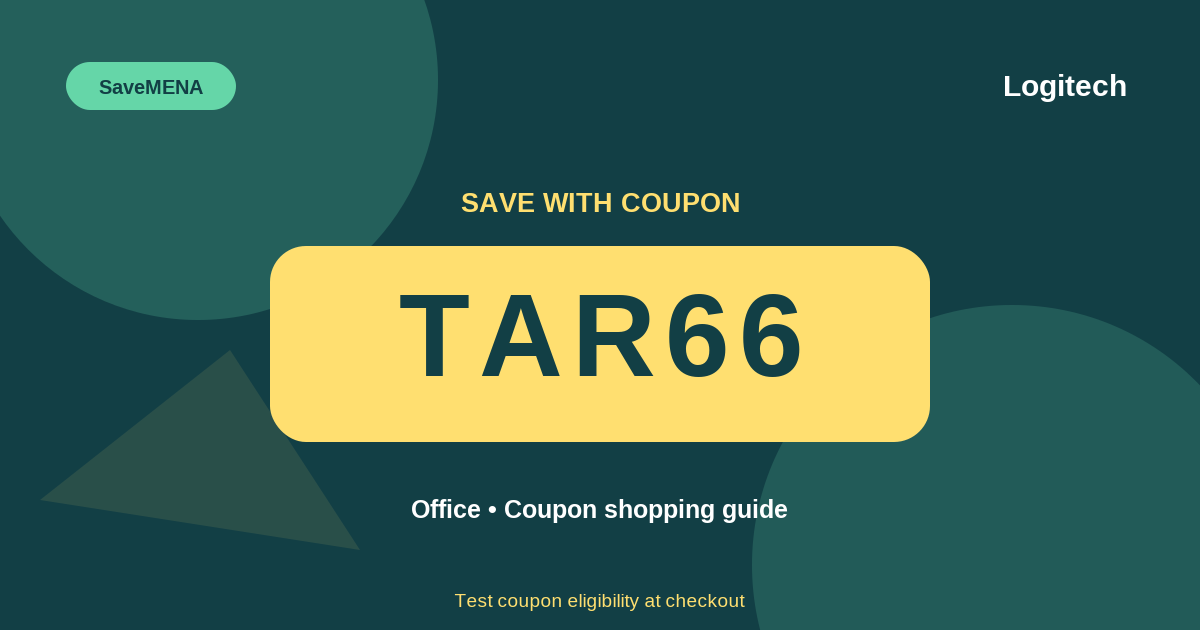
Codes available to try while comparing
These codes are not guaranteed for the article topic or listed brands; test them at checkout and use the live result.
Understanding Your Checkout Journey
Before diving into technical details, map out the flow of your purchase. Add the chosen Logitech office product to your cart, then proceed to the “Review Order” page. This page aggregates all items, subtotal, any promotional credits, and estimated shipping costs. At this stage, the platform may prompt you to log in or create an account, which is essential for redeeming coupons and using certain payment methods. Auto‑filled shipping addresses should match the intended delivery location in the UAE; double‑check the city and postal code for accuracy.
Next, navigate to the “Payment” section. Here you’ll see a list of approved methods, including credit/debit cards, PayPal, and regional options like Stc Pay or Tamam. The checkout process may include optional financing steps or the ability to purchase in installments. Confirm that the payment gateway reflects your chosen method’s acceptance and that no additional fees appear unexpectedly. This audit helps pre‑empt errors that could interrupt the final transaction.
Picking the Ideal Logitech Office Gear
When selecting a Logitech device, consider the specific office function you need – mouse, keyboard, webcam, or headset. Look for models that support both Windows and macOS, as many business users switch between platforms. Logitech’s large product range ensures compatibility with UAE power standards, but double‑check the included voltage and plug type if you plan to use the device in other regions. Read product descriptions carefully to verify features such as Bluetooth connectivity, USB‑C drivers, or web camera resolution, as features that may affect your workflow.
Check seller ratings and return policies before confirming the product. Because Noon aggregates multiple sellers, a reputable vendor will advertise prompt shipping and responsive customer service. Look for explicit statements about fulfillment speed and whether the item is stocked locally in the UAE – this can reduce delivery times. By verifying these points early, you’ll sidestep surprises like back‑orders or unexpected restock periods when you reach checkout.
The Role of Noon UAE Coupons in Your Basket
Coupon usage on Noon is facilitated on the cart or order summary page. Enter the code TAR66 in the designated field, which will automatically compute any applicable discount across eligible items. Note that this coupon does not grant a fixed amount off; it only verifies that the promotion is valid for the items in your cart. If the code is accepted, you’ll see a reduction in the subtotal. Never presume the discount value – it is calculated by Noon’s system at checkout based on product categories and vendor promotions.
In some cases, the platform will inform you that the coupon is not applicable if the chosen item falls outside the promotion’s scope. If this occurs, verify whether the product is listed under the item categories that the coupon the coupon code, such as office peripherals. If the coupon cannot be applied, proceed without it and ensure the final total reflects the standard price. This approach prevents a wasted attempt and keeps the transaction smooth.
Verifying Delivery and Shipping Details
Before moving to payment, review the shipping address and the estimated arrival date. Noon may calculate shipment fees based on location; for UAE residents, standard delivery often ranges from same‑day to a few days. Confirm that the address city and street details match your intended delivery location. If you’re purchasing for a corporate office, be mindful of restrictions on delivery times or delivery carriers that may support corporate pickup points.
Check for any special handling instructions or logistics notes. Some devices, especially launchpad webcams, might require careful packaging, and Noon might log a “fragile” label if the item deserves it. This precaution helps ensure that your product arrives unscathed. If your order includes multiple items, verify that the shipping method covers all bundled products – sometimes different carriers are used for separate items.
Selecting the Right Payment Method
The payment method you choose influences security, speed, and potential banking fees. For UAE shoppers, credit and debit cards issued by Emirates NBD or Mashreq are prized for instant processing. PayPal offers an additional privacy layer by separating your card details from the merchant. If you prefer a cash‑on‑delivery option, confirm that Noon supports COD for your product category, as not all items qualify.
When selecting a regional payment option, such as Stc Pay, ensure that it is active for Noon purchases by reviewing the merchant’s available methods list. Some payment solutions include promotional rates or installment plans with low or zero interest. If you opt for installment payment, confirm the terms—warranty for the installment period, and whether any additional fees are applied outside the standard product price.
Applying the TAR66 Coupon Safely
On the final payment page, before you confirm the transaction, re‑enter the coupon code TAR66 if it does not persist from the cart review step. Some platforms may require this second entry to verify the discount at the last minute, ensuring the code’s validity for the selected payment method. Don’t confirm until the system displays the reduced subtotal.
Do not rely on screenshot proofs or third‑party alerts for discounts. Only the final amount displayed by Noon counts toward your purchase. If the discount fails to apply, look for an error note indicating reason—out-of-stock, ineligible product, or coupon already used. In such cases, contact Noon’s support or review the promotional terms posted on the coupon’s detail page to understand any restrictions.
Final Order Review and Confirmation
The last verification step is an aggregate check on the payment, shipping, and coupon sections. Confirm the amount stated in the “Order Total” field, ensuring it integrates the coupon discount, any shipping charges, and applicable taxes. If you’ve selected a payment method that nets a foreign transaction fee, factor that into the final metric to avoid surprise charges. Take note of the payment confirmation screen that presents a unique order ID or receipt number.
Immediately after confirming the payment, you should receive an order confirmation email. Save or print this email to aid later inquiry if any discrepancy arises with the order details. Make a mental note of the projected delivery window and the assigned courier or pickup point. A reliable record of the confirmed payment solidifies the transaction and offers a fallback for any customer support interaction.
Post‑Purchase Choices and Support
Once the order is confirmed, you can monitor its status through Noon’s order tracking page. For office equipment, many vendors provide a warranty or return policy instructed directly on their product page. Check the return window, as some inboxes only span 15 days while others offer 30 days. If a hardware glitch emerges early, create a return request quickly to avoid missing the window.
For any payment or coupon concerns, open a ticket via Noon’s help center. Specify the voucher code, payment method, and order ID. Keep a copy of the payment confirmation, as vendors may require this to process refunds or exchanges. For significant discrepancies, you might also consider filing a dispute with your card issuer, following the card network’s guidelines for "dispute resolution."
Related SaveMENA pages
Related articles
Official sources to check
Frequently asked questions
A coupon is not guaranteed; verify its result at the retailer checkout.
When you enter the code at checkout, Noon’s system evaluates it against the product categories and vendor promotions in your cart. If the conditions match, the discount is automatically subtracted from the subtotal shown on the final confirmation page.
Can I use the TAR66 coupon and a debit card together?
Yes, the coupon code is applied before the payment is processed. The discount lowers the subtotal, and the debit card settles that net amount. No conflict typically arises between coupon usage and card payment.
What if the TAR66 coupon fails to reduce my price?
If the coupon is not accepted, Noon will indicate the reason—such as ineligible product or expired promotion. Double‑check your cart, confirm the product category, and then try re‑entering the code, or contact support for clarification.
Will applying the TAR66 coupon change my selected payment method?
Applying the coupon only adjusts the subtotal. Your chosen payment method remains unchanged; Noon will charge the revised amount from the method you selected.