Calvin Klein Perfumes on Noon UAE: payment method — checkout checklist
Before adding any payment details, scroll to the bottom of the shopping cart where the coupon field is located.
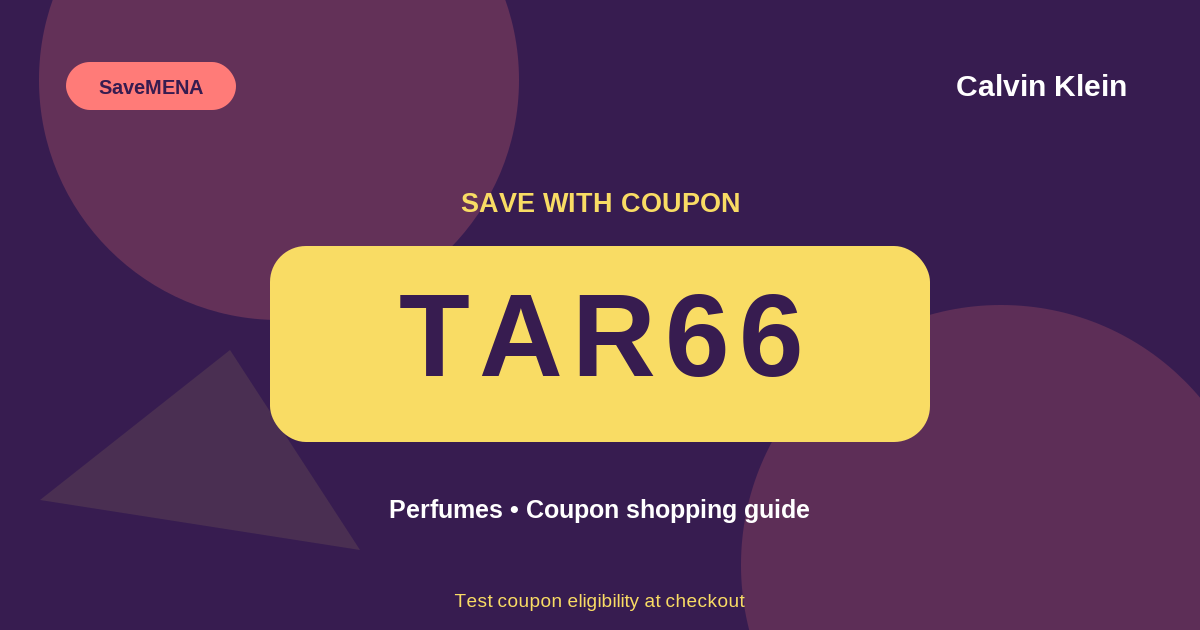
Codes available to try while comparing
These codes are not guaranteed for the article topic or listed brands; test them at checkout and use the live result.
Confirm Coupon Applicability on the Payment Page
Before adding any payment details, scroll to the bottom of the shopping cart where the coupon field is located. Enter the coupon code TAR66 and watch for the immediate visual feedback from Noon. A message—either “Coupon applied” or “Coupon invalid”—will appear before you proceed to the payment screen. This simple action stops you from filling out payment forms only to be told later that the coupon isn’t eligible for the Calvin Klein product or shipping option you selected.
Once the coupon field is resolved, double‑check the highlighted section that shows the discount amount. Even if the code is accepted, note that the displayed reduction might vary if there are conditions on the product category or brand. In certain cases, Noon may show only a nominal adjustment or no change at all, indicating the coupon was accepted but didn’t affect the price. Confirm the displayed total matches the pre‑payment price on the review page to avoid confusion after the transaction is submitted.
Evaluate Payment Method Compatibility
When you open the payment options, make sure the method you intend to use is listed and supported for Noon UAE transactions. Popular choices include credit and debit cards (Visa, Mastercard, Amex), PayPal, and local e‑wallets. Not all payment methods are available in every region or for every vendor on Noon, and some may not support purchases of perfume items. Verifying compatibility early saves a later step of replacing a declined card or finding an alternate wallet solution.
If a particular method is missing, contact Noon customer service for clarification or use the “Other payment options” tab to see if there is a generic “Bank transfer” or “Cash on delivery” alternative. When selecting a card, read the fine print about potential foreign transaction fees or currency conversion charges that Noon may apply. Ensuring the method matches the seller’s accepted list ensures that the payment will go through without the final checkout being interrupted.
Secure Stored Payment Details and Review Access Permissions
Should you have saved cards or payment tokens in the Noon app, verify that the stored details are up‑to‑date. This includes expiry dates, CVV codes, and the billing address that matches the current card. An outdated record can trigger an authorization failure or cause the payment amount to be misread by the system. Open the “Payment” section in your account, find the card nickname, and confirm that the card brand shows as Visa or Mastercard, matching the type accepted for perfume purchases.
Next, assess whether your account has the necessary permissions for mobile banking apps or integrated payment services. Sometimes, the Noon app requires an external authentication step, like an OTP sent to your phone or a biometric signature. If your device hasn’t granted the app the required notification or system permissions, you might face a delayed verification request that can stall the checkout. The smoother the integration, the less likely an extra prompt will catch you off guard at the moment of payment.
Check for Cashback or Reward Points Linked to Your Payment Option
Many UAE banks and e‑wallets offer cashback or reward points on purchases made through partner platforms. Before completing the checkout you should verify if your chosen payment method streams rewards to a free‑to‑use loyalty program. This can be done by visiting the bank’s or e‑wallet app and reviewing the recent transaction rules. Some banks give a bonus percentage of each spend on Noon, which may be applied in the same transaction, effectively acting as an indirect discount.
Because Paypal or other third‑party wallets also have their own reward structures, check that the PayPal account is linked to a fully funded debit card or bank account. On the final review screen, Noon may or may not display the rewarded amount automatically; often the benefit is credited after the purchase. To stay cautious, keep the reward‑point calculation noted on paper or in a note, so you can verify that it appears correctly in your bank statement. This extra step guarantees you won’t miss the value added through your payment channel.
Compare Alternative Payment Methods for Fee Efficiency
Since Noon UAE may apply different transaction fees to various payment methods, compare them before selecting the one that fits your budget best. Credit cards sometimes have a lowerest processing fee than a digital wallet, while some local e‑wallets waive fees for Noon purchases altogether. There is usually a dropdown menu on the payment page that displays this fee—if it appears, read it carefully, as it can influence your final payment.
In case the displayed fee is ambiguous, you can consult the help section of your bank or e‑wallet app. Sometimes they provide a “Fee Lookup” tool that indicates the percentage charged on purchases over a certain amount. By doing a pre‑checkout comparison, you will avoid surprises from an additional charge that could offset the coupon value you applied earlier. This step focuses purely on the cost of the payment channel rather than the product price.
Verify Payment Limits and Balance Before Submission
Before clicking “Pay Now,” confirm that your selected payment method has sufficient available credit or balance. This is especially important for debit cards or wallet funds that may have a daily usage limit on huge purchases. An overdrawn or insufficient balance will trigger a soft decline, which appears only after you hit the final button.
If you are using a revolving credit card, check that the credit limit hasn’t been breached by other recent transactions. Some banks automatically adjust the credit line, so a pending purchase like a perfume may push the total close to the limit. By checking this limit beforehand, you give yourself a chance to pull your own funds or add a backup method, ensuring a seamless payment flow when you confirm your order.
Activate Two‑Factor Authentication for Secure Checkout
Many UAE payment platforms such as payments through Noon via card require a second factor—usually a One‑Time Password (OTP) sent to your registered mobile number. Enabling this feature ensures your transaction is verified by biometric data or an OTP, mitigating the risk of fraudulent charges. Once you click through to the payment screen, his system will request the OTP. That small step is the ultimate safeguard for your actual payment method.
If you prefer an alternative method like a biometric scan, check that your device is set up with Face ID or fingerprint recognition and that Noon is allowed to use it. Two‑factor verification adds negligible time to checkout but dramatically reduces the chance of unauthorized usage, especially for higher‑value purchases such as perfume collections. Keeping this layer active is a hallmark of a calculated payment decision.
Pre‑Payment Final Review: Total, Fees, and Coupon Impact
With the coupon already applied, the chosen payment method verified, and all security confirmations completed, scroll once more to the final total amount. Confirm that the subtotal for the Calvin Klein perfume, any delivery charges, and payment‑related fees match the displayed figure. Noon typically provides a concise breakdown, and any discrepancy should be flagged and corrected before you press “Pay.” This final check is non‑negotiable; it’s the moment the coupon’s real effect is realised on your wallet.
At this point you should ensure that you have added enough days on your chosen payment card’s period for the transaction to be recognised (i.e., the card’s “valid through” date). A quick glance at the payment method’s details should reassure you that the credit or balance lines are healthy. If you see any suspicion of a mismatch, either switch to a different payment method (as outlined earlier) or replace the card details entirely. Once satisfied, the “Pay” button will activate the transaction and finalise your perfume purchase securely.
Related SaveMENA pages
Related articles
Official sources to check
Frequently asked questions
How do I know if the coupon will be applied before I pay?
After entering TAR66 in the coupon field, the system shows either a confirmation or an invalid message immediately. This is the last chance to correct or choose another method before you proceed to payment.
Will choosing a different payment method affect the coupon?
The coupon applies to the item price before payment; it isn’t tied to a specific card type. However, some methods may incur extra fees that could offset the coupon’s value.
What happens if my payment is declined after I click “Pay”?
Normally a declined transaction will appear on the screen immediately, with a reason code. You will need to either retry with a new payment method or contact the bank to resolve the issue.
Can I use the coupon for delivery charges on my perfume?
Coupons typically reduce the product price. Any reduction in delivery costs depends on Noon’s policy, which isn’t guaranteed. Check the detailed breakdown before payment.