Nike Shoes on Noon UAE: payment method — checkout checklist
Calling all Nike lovers who are ready to lace up their dream kicks, a flawless checkout on Noon UAE hinges on a few vital steps before you hit that “Confirm
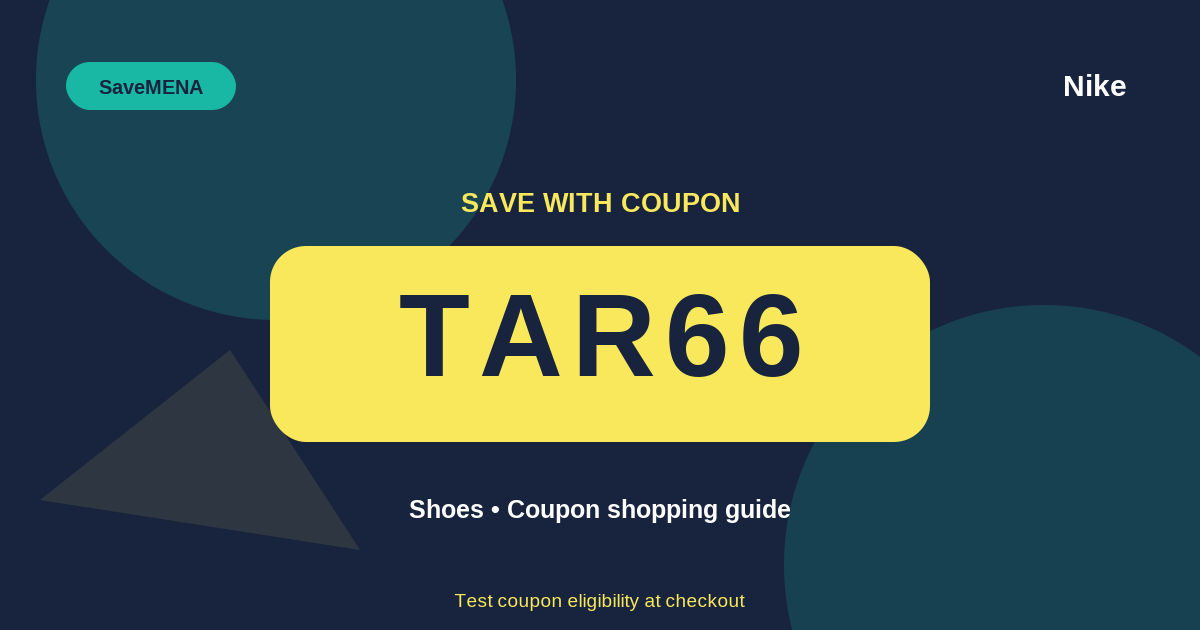
Codes available to try while comparing
These codes are not guaranteed for the article topic or listed brands; test them at checkout and use the live result.
1. Start With a Complete Cart Checklist
Before diving into coupons, confirm that the Nike shoes you want are exactly what you ordered. Double‑check the model, size, colour and quantity, making sure the listing’s price matches the offer shown in your cart. This step prevents later confusion if the item flips to a different variant or if the price changes at checkout. Also, note the product’s seller address—Shoppers on Noon sometimes see the same item from different vendors; verifying the seller now guarantees you get the precise stock you expect.
Once you’re sure the cart is accurate, scroll to the coupon field. The TAR66 code is ready for you to apply, and in doing so, you’ll witness any discount it generates before you proceed. Even if the coupon only offers a modest value, applying it early keeps the savings visible and ensures no surprise at payment. Summarise this cart view, and you have a solid foundation: correct items, correct price, and the coupon staged for your next move.
2. Apply the TAR66 Coupon Correctly
Locate the coupon or promo code input area in Noon’s checkout flow and type “TAR66” exactly as shown. Pay particular attention to uppercase versus lowercase typing, as Variations might not work. Once added, press “Apply” and watch the cart total update. While the exact saving isn’t guaranteed, you’ll be able to see the new subtotal instantly, which is essential for confirming the payment method will cover the final amount.
After application, double‑check that the coupon has taken effect—some sales systems show a small icon or new price per item. If the discount doesn’t appear, verify the code’s validity; if it persists, don’t enter it again. This step saves you a late‑payment pinch and keeps your checkout fresh, aligning the coupon with the precise payment amount you’ll be choosing next.
3. Explore Payment Methods on Noon UAE
Noon offers a variety of payment methods, from credit or debit cards to digital wallets and bank transfers. While you plan to proceed with a simple method, explore each to understand fees, cut‑off times, and convenience. Some methods might place a small surcharge, so noting that difference before payment clarifies all costs. If you prefer a quick tap, card or wallet options generally finalize faster than bank transfers, which might delay the order confirmation.
Make sure the payment method you select is linked to a reliable source—such as a card with a sufficient balance or a wallet with ample credit. The goal is to avoid a payment decline that could revert the cart and require re‑application of the coupon. By keeping a close eye on the chosen payment method up front, you’ll reduce the risk of missed savings and ensure the transaction clears smoothly.
4. Understand Fees and Cashbacks During Checkout
When you reach the payment screen, Noon typically lists any applicable fees or potential cashbacks next to the total amount. While the amount is not specified here, it’s wise to check that the fee—if any—is accurately shown. Some payment methods may add a processing fee that isn’t included in the product price, and that fee can influence your total.
Likewise, read any cashback or reward information presented. If a payment channel offers a reward point or a discount on future purchases, weigh that against the immediate net cost of the shoes. Keeping the fee and cashback details front of mind lets you decide whether changing your payment method provides a better overall value, as part of your payment‑method decision lens.
5. Double‑Check Shipping and Delivery Details
Your Nike sneakers will be shipped from a seller in the UAE, but delivery times can vary by region. Review the delivery estimate displayed before final payment; if your expected arrival date is critical, consider requesting a courier upgrade if that is an option for your chosen payment method. Shippers sometimes have restrictions that affect certain payment options, so confirm that the chosen method supports the desired speed.
Check that the address input matches your actual residence or pick‑up point. An incorrect address can stall shipping and may lead to delivery complications that affect the payment assertion. Matching the delivery details at this defensive stage reduces the possibility of post‑payment surprises and keeps the checkout linear.
6. Confirm Nike Product Specifications and Return Policy
Before finalizing payment, scroll through the Nike shoe’s technical details: material composition, width, cushioning, and any special feature lists. Many buyers miss hidden modifications that affect fit, so a quick skim ensures you’re purchasing exactly what you want. These specifications are crucial for a post‑purchase satisfaction guarantee—especially if you plan to try them at home or test them out later.
Also verify the return or exchange policy linked to your selected seller. Some sellers on Noon have unique return windows or a return‑by‑payment method rule; ensuring you understand these terms mitigates any future policy conflicts. A footnote about the policy won’t add to the cost, but it protects you across the checkout, which is integral to a wise payment decision.
7. Final Checkout: Confirm Payment Choices
At the very last page, you will see a consolidated payment cost—shopping price, coupon adjustment, fees, and shipping. Confirm that the price on this page aligns with what appears after the TAR66 coupon application. If there’s a discrepancy, revisit earlier steps, re‑apply the code, and check the payment method again.
Once you are satisfied, proceed by confirming your chosen payment method—whether that’s a particular card, a digital wallet, or another option. Ensure that the card or wallet is active and has a sufficient balance. Tap “Pay” only after double‑checking that all figures, including fees, match the final payable total. This last‑minute scrutiny is the decisive payment‑method touchstone before you commit the transaction.
8. Post‑Purchase: Track, Support, and Enjoy
After completing the payment, you’ll receive a confirmation email or notification with an order number. Keep that safe, as it’s your reference for tracking the delivery status and reaching out if questions arise. For Nike shoes, await the expected delivery window; you can monitor progress directly in Noon’s app or website under your order history.
If any issue emerges—be it a delayed shipment, wrong size, or a defect—contact Noon’s support for resolution. Document the communication and confirm any refunds; this keeps the transaction transparent. The final step is to try on your new Nike kicks and share your experience, and you’ll have confidence that the entire payment journey—from cart to checkout—remained seamless.
Related SaveMENA pages
Related articles
Official sources to check
Frequently asked questions
Does the TAR66 coupon apply automatically, or do I need to do anything special?
The coupon code must be entered manually into the designated field during checkout. Once it’s applied, the discount it offers—though not guaranteed—will reflect next to the total cost.
Can I change my payment method after selecting it but before final payment?
Yes, you can switch to another payment method in the payment options screen. Ensure that the new method covers the entire final amount, including any fees.
Will shipping fees be added even after I use the TAR66 coupon?
Shipping fees are separate from the coupon discount. They will appear as a distinct line item during checkout, and the total payable amount will update accordingly.
How do I confirm I’m buying the exact Nike styling I want?
Review the listing’s details on the product page—including model name, size, color, and material—before adding to cart. Double-check those specifics at checkout to avoid surprises.