Puma Shoes on Noon UAE: payment method — checkout checklist · TAR98
The first order of business when approaching the final stage of a Noon UAE shopping experience is to dwell on the payment method.
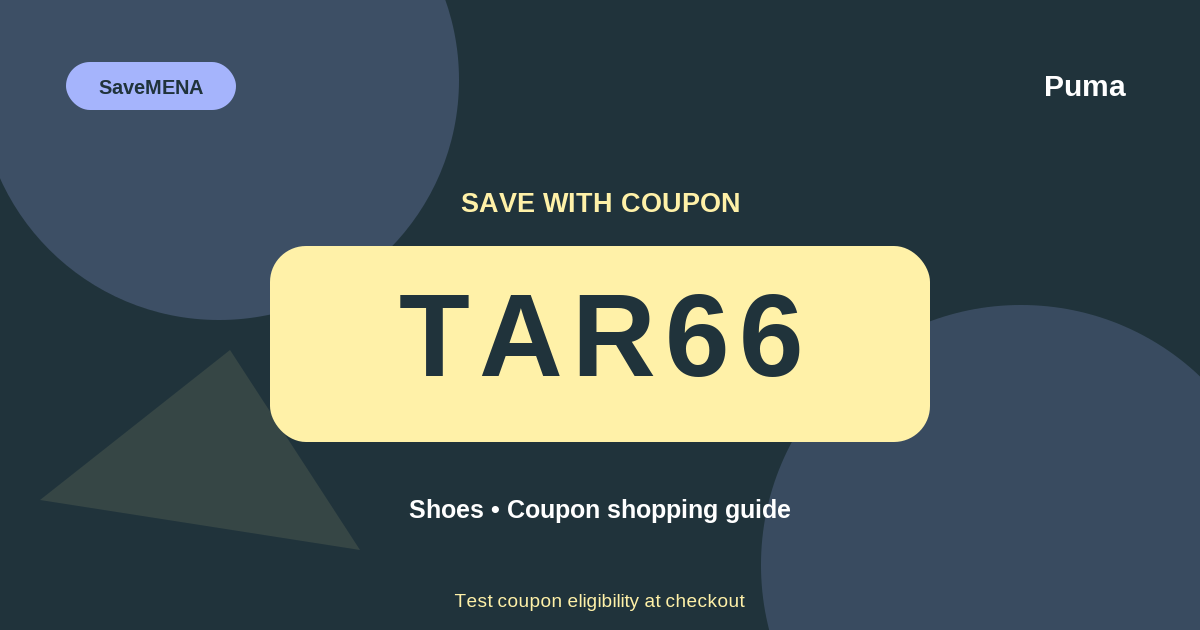
Codes available to try while comparing
These codes are not guaranteed for the article topic or listed brands; test them at checkout and use the live result.
1. Understanding the Checkout Flow and Payment Method Basics
The first order of business when approaching the final stage of a Noon UAE shopping experience is to dwell on the payment method. While the website allows a variety of cards and wallets, verifying that your intended method is feasible for the specific transaction is essential. A brief glance at the payment options page can reveal any restrictions tied to your card, such as limits on card types or frequency of use, that could affect your order completion.
Furthermore, the payment method you select will dictate the subsequent steps you must follow. A standard credit card purchase will request the card number, expiration, and CVV, followed by a confirmation. In contrast, a digital wallet or PayPal equivalent will require you to log into that external account. Checking that the chosen method is available and that your account is active before proceeding helps prevent the last‑minute halt of your order.
2. Matching the Payment Method with the Coupon Eligibility
Coupons on Noon UAE can apply unevenly across payment methods, so confirming compatibility is crucial. The code TAR98, which can be entered at checkout, does not guarantee a discount for all payment types. Many vendors stipulate that electronic wallets or debit cards might not trigger coupon applications. Thus, you should cross‑check the coupon terms displayed both on the product page and the coupon redemption screen when your payment method is selected.
During this step, also verify that the coupon has not expired at the time you are about to finalize the payment. If coupon eligibility is linked to a specific brand or product category, these details will surface in the checkout prompt. Confirming that your Puma shoe selection aligns with the coupon’s scope before pressing “Place Order” mitigates the risk of the coupon being rejected after payment.
3. Verifying Shoe Details, Size, and Brand Alignment
Before you reach the payment gate, double‑check that the Puma shoe details precisely match your expectations. Check the model name, size, colorway, and any special edition tags. If you’re purchasing in bulk, verify the quantity listed next to the item. A mismatch here may force a payment holdup, as selection changes after the payment click are often blocked.
Also confirm that you are ordering the correct Puma variant. Occasionally, the same SKU number can appear with different attributes due to packaging or local variations. Ensuring that the product description on the checkout page matches what you see on the product page protects you from potential returns triggered by an incorrect shoe type.
4. Entering the Coupon Code and Monitoring for Immediate Feedback
To apply the coupon TAR98, locate the coupon or promo code field in the summary panel of the checkout page. Type the code exactly as it appears—case‑sensitive if necessary—and hit “Apply.” The interface typically recalculates the total instantly, displaying any discrepancies in a prominent message if the coupon cannot be used.
If the system indicates a limitation, such as “This coupon is not valid for the selected payment method,” you can decide to either change the payment method or skip the coupon for that transaction. This immediate feedback loop ensures you are not caught off‑guard by a blocked coupon at the final payment confirmation.
5. Confirming Delivery Options, Fees, and Payment Allocation
Once the coupon status is clear, review the delivery options supplemented by the associated cost, where applicable. Noon UAE may display a per‑shipment charge or a free‑delivery threshold; confirm that the selected method’s cost is incorporated into the payable total. Occasionally, a high‑value payment method may trigger an additional security check that adjusts the final charge.
Moreover, the payment allocation will reflect your chosen method’s processing fee or splitting option. Check the breakdown that summarizes your subtotal, tax, and shipping before the discount curve. Pinpointing this hierarchy protects against any last‑minute changes in the total that could arise due to your payment method’s structure.
6. Pre‑Payment Sit‑Down: Security, Confirmation, and Payment Method Checks
With all variables set—product details, coupon application, delivery cost, and payment method—the final preview of the payable total should be scrutinised. The checkout screen will ask for a final confirmation while showing a single line with the final amount. Verify each figure carefully and be mindful of any unanticipated additional fees that may appear.
Before you proceed, ensure your payment method’s credentials are accurate and that the device you’re using has a secure connection. A secure HTTPS banner and a lock icon next to the payment field signify that your card or account details are transmitted safely. Avoid proceeding from a suspect network as this could jeopardise the transaction.
7. Choosing a Payment Method: PayPal, Credit Card, or Wallet Options
Given the focus lens of payment methods, evaluate each option’s benefits for this particular purchase. If you prefer a credit card, remember it offers the most direct control over your bank statement and typically includes fraud protection. Wallets, on the other hand, can provide faster checkout but may have limits that restrict the total amount per transaction.
Should your preferred method face restrictions, consider switching to an alternative. The checkout page offers a list of available methods; initiating a change before hitting “Pay” reduces the risk of a payment refusal or a coupon invalidation that could happen after the payment is rendered. For example, if a debit card occasionally triggers a higher verification step for large purchases, switching to a prepaid wallet may circumvent that barrier.
8. Finalizing the Order and Post‑Purchase Tracking
Once the payment method is confirmed and the final total accepted, you will receive a confirmation screen that displays an order number and an estimated delivery window. The platform typically provides an order tracking tool, updated in real time or at key milestones. Accessing this feature ensures you stay informed about when the Puma shoes will arrive and receive any offset notifications.
It is also wise to monitor the transaction on the payment provider’s side. Check your card statement or wallet app for a cleared transaction. If no transaction appears in the sandbox or you notice a discrepancy, log into your Noon UAE account and contact customer support before the needle of confidence starts shifting.
Related SaveMENA pages
Related articles
Official sources to check
Frequently asked questions
What if the coupon TAR98 does not apply during checkout?
If the coupon is rejected at checkout, check that the code is typed correctly and that the payment method is accepting discount codes. Some methods may have restrictions; you can try a different payment option or omit the coupon for that order. Re‑entering the coupon after a payment change often resolves the issue.
Are there additional fees for using a specific payment method on Noon UAE?
Payment‑related fees are usually shown before final confirmation. If a fee applies, it will appear in the breakdown of your payable total. In most cases, these fees are low and will be listed as a separate line item during the checkout process.
Can I apply the the coupon code coupon after I have selected my payment method?
Yes, you can apply the coupon anytime before finalizing the payment. Entering the code in the promo section on the checkout page will instantly reflect on your total, and the system will indicate whether the coupon remains valid for your chosen payment method.
Will I receive a confirmation email after placing my order?
After successful payment, Noon UAE typically sends a confirmation email detailing your order ID, items, and the chosen payment method. The email also contains the expected delivery timeframe and support contact information.