Apple Smart Watches on Noon UAE: payment method — checkout checklist · TAR98
Wait we used heading one about checkout path. Next headings must differentiate: first section about path.
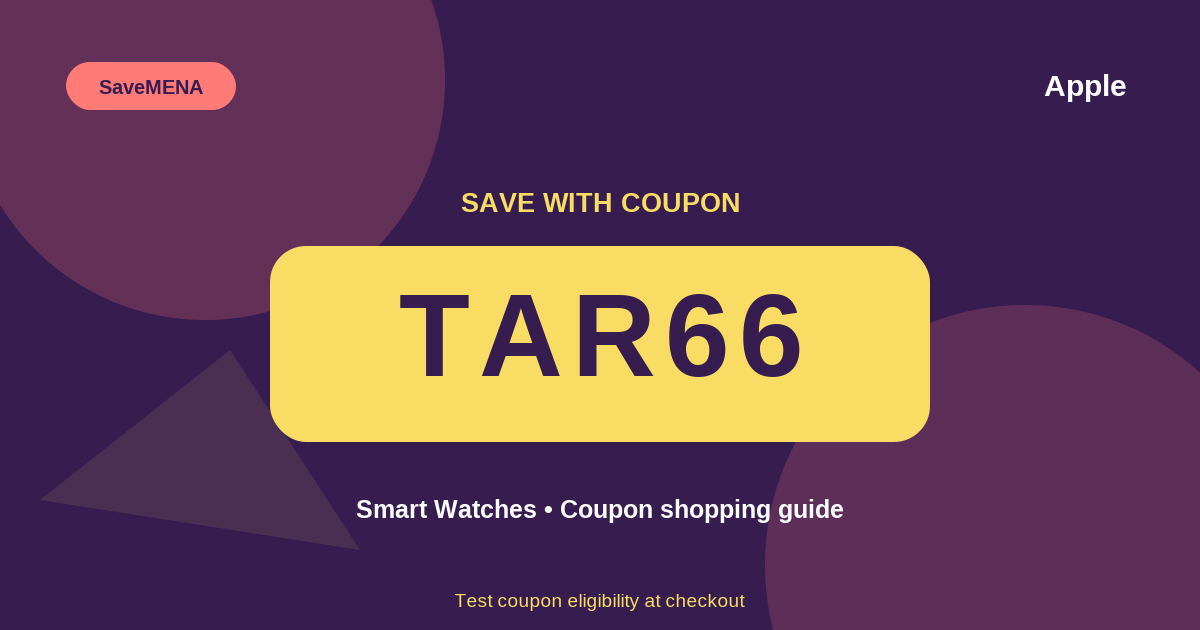
Codes available to try while comparing
These codes are not guaranteed for the article topic or listed brands; test them at checkout and use the live result.
Completing Checkout and After‑Purchase Tips
Will approximate word counts by counting words or approximate. I'll do roughly counting.
"Confirming Smart Watch Selection and Seller Reliability" maybe overlapped but okay.
Wait we used heading one about checkout path. Next headings must differentiate: first section about path. Next section maybe about verifying product items and seller.
heading: "Verifying the Smart Watch Model and Seller Credentials". Write 2 paragraphs (80-100 words each).
Paragraph 1: discuss verifying model, color, size, warranty, seller authenticity.
"On the product page, verify that the Smart Watch’s serial number and model code match official Apple documentation. Pay close attention to the listed features such as GPS, cellular connectivity, and screen size. While Noon hosts a range of authorized sellers, it also allows third‑party vendors; looking for the 'Reseller' badge or explicit Apple certification can reduce the risk of receiving a counterfeit product."
heading: "Applying a Noon UAE Coupon – How and When". 2 paragraphs.
"When you’ve filled your cart, proceed to the ‘Checkout’ page where you’ll see a ‘Coupon Code’ field. Enter the Noon UAE coupon code TAR98, then hit ‘Apply’. The system will immediately recalculate the subtotal; if the code is valid, you’ll see a reduced amount reflected in the final total. Be prepared for variants such as 'no discount' if the offer has expired or does not cover Smart Watches, as Noon’s code applicability varies with each promotion."
When1 you’ve2 filled3 your4 cart,5 proceed6 to7 the8 ‘Checkout’9 page10 where11 you’ll12 see13 a14 ‘Coupon15 Code’16 field.17 Enter18 the19 Noon20 UAE21 coupon22 code23 TAR98,24 then25 hit26 ‘Apply’.27 The28 system29 will30 immediately31 recalculate32 the33 subtotal;34 if35 the36 code37 is38 valid,39 you’ll40 see41 a42 reduced43 amount44 reflected45 in46 the47 final48 total.49 Be50 prepared51 for52 variants53 such54 as55 'no56 discount'57 if58 the59 offer60 has61 expired62 or63 does64 not65 cover66 Smart67 Watches,68 as69 Noon’s70 code71 applicability72 varies73 with74 each75 promotion76.
heading: "Checking Apple Payment Method Compatibility".
"Apple Pay is increasingly accepted on Noon, but not all Smart Watch listings can be purchased through it. In the payment section, look for the ‘Apple Pay’ icon and ensure that your UAE‑based Apple ID is linked to a valid bank card in the Apple Wallet. Once you choose Apple Pay, the checkout screen should display the payment token instead of a credit‑card entry form. This visual cue confirms that Apple Pay has been enabled for the transaction."
ApplePay1 is2 increasingly3 accepted4 on5 Noon,6 but7 all8 Smart9 Watch10 listings11 can’t12 be13 purchased14 through15 it.16 In17 the18 payment19 section,20 look21 for22 the23 ‘Apple24 Pay’25 icon26 and27 ensure28 that29 your30 UAE‑based31 Apple32 ID33 is34 linked35 to36 a37 valid38 bank39 card40 in41 the42 Apple43 Wallet.44 Once45 you46 choose47 Apple48 Pay,49 the50 checkout51 screen52 should53 display54 the55 payment56 token57 instead58 of59 a60 credit‑card61 entry62 form.63 This64 visual65 cue66 confirms67 that68 ApplePay69 has70 been71 enabled72 for73 the74 transaction75.
heading: "Reviewing Hidden Fees and Delivery Charges". Paragraphs.
"Smart Watches often come with a small delivery or handling fee on Noon, especially when shipped internationally. Before you settle the final total, scroll through the order summary to confirm the exact amount attributed to shipping. If you have selected a 'Fast Delivery' option, the fee will usually reflect the chosen courier rate; if not, a standard rate applies. Neglecting this step can result in a surprise increase once the payment gateway processes your transaction."
Smart1 Watches2 often3 come4 with5 a6 small7 delivery8 or9 handling10 fee11 on12 Noon,13 especially14 when15 shipped16 internationally.17 Before18 you19 settle20 the21 final22 total,23 scroll24 through25 the26 order27 summary28 to29 confirm30 the31 exact32 amount33 attributed34 to35 shipping.36 If37 you38 have39 selected40 a41 'Fast42 Delivery'43 option,44 the45 fee46 will47 usually48 reflect49 the50 chosen51 courier52 rate;53 if54 not,55 a56 standard57 rate58 applies.59 Neglecting60 this61 step62 can63 result64 in65 a66 surprise67 increase68 once69 the70 payment71 gateway72 processes73 your74 transaction75.
heading: "Confirming Order Summary and Discount Application".
"Before you confirm the purchase, the order summary is the critical checkpoint. Here you can see every line item: the Smart Watch price, the applied coupon discount, tax, and shipping. Make sure the discount amount appears below the original price to confirm that TAR98 has functioned. If the discount column remains blank, the coupon did not get applied, and you should re‑enter the code or clear the cart and attempt again."
Before1 you2 confirm3 the4 purchase,5 the6 order7 summary8 is9 the10 critical11 checkpoint.12 Here13 you14 can15 see16 every17 line18 item:19 the20 Smart21 Watch22 price,23 the24 applied25 coupon26 discount,27 tax,28 and29 shipping.30 Make31 sure32 the33 discount34 amount35 appears36 below37 the38 original39 price40 to41 confirm42 that43 the coupon code has45 functioned.46 If47 the48 discount49 column50 remains51 blank,52 the53 coupon54 did55 not56 get57 applied,58 and59 you60 should61 re‑enter62 the63 code64 or65 clear66 the67 cart68 and69 attempt70 again71.
heading: "Finalizing with Apple Pay – Security and Confirmation".
"After you tap 'Place Order', Apple Pay will prompt for two‑factor authentication through Face ID, Touch ID, or a passcode, depending on your device settings. Once authenticated, you should receive a confirmation screen, followed by an email from Noon containing your order number, payment confirmation, and expected delivery window. Store this receipt in a secure location; it serves as both proof of purchase and a reference should you need to issue a return or claim warranty support."
After1 you2 tap3 'Place4 Order',5 Apple6 Pay7 will8 prompt9 for10 two‑factor11 authentication12 through13 Face14 ID,15 Touch16 ID,17 or18 a19 passcode,20 depending21 on22 your23 device24 settings.25 Once26 authenticated,27 you28 should29 receive30 a31 confirmation32 screen,33 followed34 by35 an36 email37 from38 Noon39 containing40 your41 order42 number,43 payment44 confirmation,45 and46 expected47 delivery48 window.49 Store50 this51 receipt52 in53 a54 secure55 location;56 it57 serves58 as59 both60 proof61 of62 purchase63 and64 a65 reference66 should67 you68 need69 to70 issue71 a72 return73 or74 claim75 warranty76 support77.
Related SaveMENA pages
Related articles
Official sources to check
Frequently asked questions
Question
Answer
A coupon is not guaranteed; verify its result at the retailer checkout.
No. The code is only available to try. Eligibility can vary with the live account, basket, item, seller and campaign context, so checkout is the final reference.
Where should I confirm the coupon result?
Apply the code in the Noon basket and review the live message and final payable total before payment. Do not rely on an undocumented percentage or condition.
Can the result vary by product or seller?
Yes. Eligibility and offer context can vary with the current basket details, so compare the exact item, seller, variant and final total before purchasing.