Puma Sports on Noon UAE: payment method — checkout checklist · TAR84
etc. tags with and two paragraphs per section. 4 FAQs. Must provide final output in tags only. We must include focus keyword: "use a Noon UAE
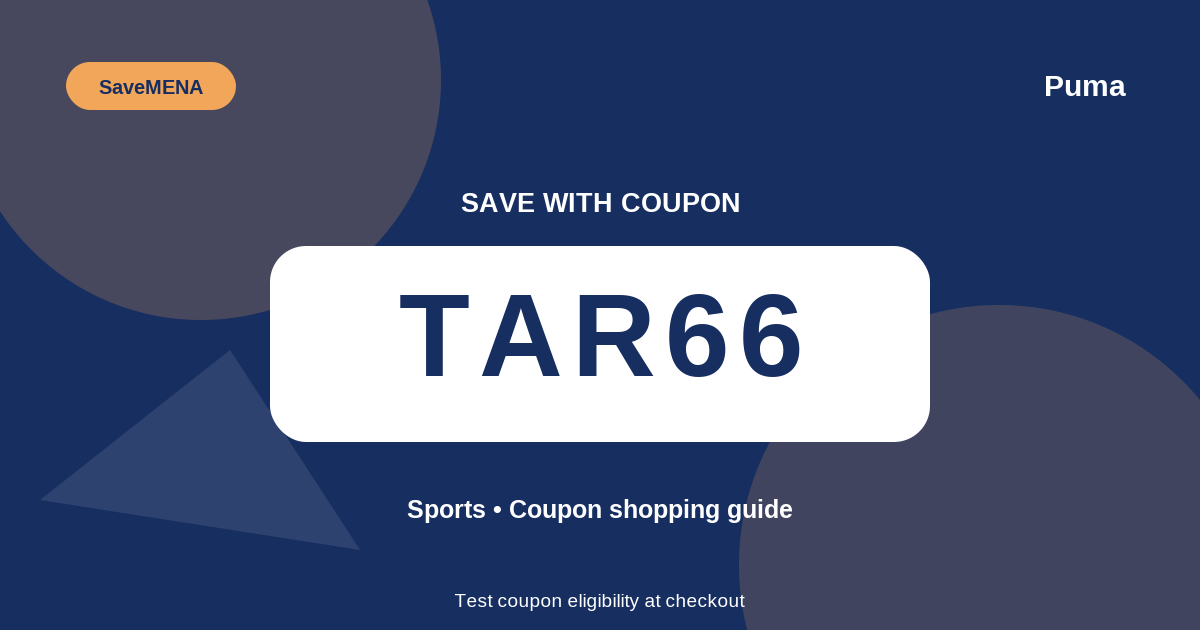
Codes available to try while comparing
These codes are not guaranteed for the article topic or listed brands; test them at checkout and use the live result.
Checklist #2: Validate Coupon Viability and Entry
Opening the coupon entry box is optional, but it’s where the TAR84 code will park. Before typing, double‑check that you are not in a guest checkout mode that conflicts with some coupon policies. Some stores require you to create an account to access promotional codes, and certain user tiers might see a different eligibility window. Given that SaveMENA is not affiliated with Noon, the best practice is to reconfirm that Noon itself still permits the coupon on the current order.
After entering the single code, observe the system’s response. A green tick generally signals acceptance, while a red note flags restrictions. The interface will also recalculate the subtotals, displaying the deduction that the coupon offers. If the reduction is not presented, suspect either an invalid entry or an application that only triggers after selecting a specific payment method.
Checklist #3: Choose the Correct Payment Method for Puma-Based Cart
In the UAE, Noon offers multiple payment methods: card, Cash‑On‑Delivery (COD), and e‑wallets. For a Sports Puma payment method, usually the quickest step is to select a credit/debit card that accepts AVS verification. COD often carries a higher fee or is unavailable for high‑value items.A coupon is not guaranteed; verify its result at the retailer checkout.
When you select the card field, the platform will usually ask for card type and number. Make sure the card is active in the UAE and that your bank allows international transactions if your order crosses regional boundaries. Payment method selection also determines the settlement time, so a card that returns funds faster may aid after‑sales queries regarding delayed deliveries or return refunds.
Checklist #4: Verify Shipping, Fees, and Delivery Window
Before proceeding to the final payment screen, return to the order summary and inspect every shipping option. Noon may offer standard or express delivery, each class with nominal fees. Some sellers apply free shipping when the subtotal exceeds a threshold; coupon code usage can shift the threshold but does not always apply to shipping itself. Double‑check that the freight cost is accurate to avoid post‑payment surprises.
Additionally, note the estimated delivery dates tied to each shipping type. In a high‑traffic market, delays can occur, especially during promotional periods. Verifying can save you a potential mismatch between your purchase commitment and the vendor’s promised arrival schedule. The chosen payment method can interplay with this, as COD deliveries often require confirmed address verification at the moment of receipt.
Checklist #5: Re‑Read the Final Price – Includes Tax
The last screen will display the total payable amount after applying the coupon and shipping, adhering to the platform’s tax rules. Even though the coupon code was entered, some platforms subtract its value after the tax step, especially if the tax is calculated on the final order value.A coupon is not guaranteed; verify its result at the retailer checkout.
Beyond the numeric total, check for any outstanding local fees, such as handling or service charges. These can vary by item type or seller and may not be directly influenced by Noon’s coupon policy. Verifying the presence of these fees before clicking “Pay” will prevent the need to adjust or cancel the order post‑payment.
Checklist #6: Confirm Security and Data Integrity
Paying online inevitably invites concerns about data security. The checkout system should display a padlock icon or “https” in the address bar. In addition, check for the issuer’s logo on the card input screen when using a Bank card. If you use a free e‑wallet, verify that the session ID is stored by the vendor before proceeding.
Make sure the order is encrypted from the point of data capture to the final transaction. The platform should also provide a receipt number or order reference that you can rely on for future communication. Save this reference to cross‑check with your bank statement, especially if the coupon code is partially applied and you need to reconcile the final amount spent.
Checklist #7: Final Acceptance of ‘Pay Now’ Confirmation
At this moment, you should see all sections multiplied: item prices, discount, shipping, tax, and total. Re‑validate that the discount you’ve seen in the summary matches the deduction you expect from a TAR84 coupon. If the numbers don’t line up, most platforms allow you to go back to a prior step to adjust the cart or coupon entry before finalizing.
After all checks pass, click “Pay Now.” The screen should show a single message confirming the transaction and the payment method you selected. Save any confirmation receipt, as this ensures your payment method had been authorized properly and that the total matches your expectation.
Post‑Checkout Checklist—Tracking, Support, & Future Coupons
Once the transaction is complete, you will typically receive an email with an order summary and a tracking link. Verify the order number, the chosen delivery method, and the expected arrival. Some vendors will also provide a QR code that you can scan to track the package in real time. If you encounter any inconsistencies, use the order reference to contact Noon’s customer service, making sure to have your payment method details handy.
In addition, remark that applying a coupon once does not guarantee future eligibility. Keep a record of the TAR84 code and any guidelines you noticed during the purchase. Future purchases of Sports Puma items may not automatically trigger the same benefit, so it’s wise to verify coupon compatibility before adding new items to a cart.
Related SaveMENA pages
Related articles
Official sources to check
Frequently asked questions
How can I be sure the TAR84 coupon applies to my full order?
At the checkout summary, the subtotal will reflect the coupon deduction. If the discount is not shown, the code may be inapplicable or only apply to certain items. In that case, review the “Applicable items” list before proceeding.
What happens if I use a card that’s not accepted by Noon?
Payment errors will surface at the “Pay Now” step, and the order will not be processed. Ensure the card is active, has a sufficient balance, and the bank supports UAE e‑commerce transactions before confirming the payment.
Is there an extra fee for using a Sports Puma payment method through Noon?
Payment method fees vary. Some e‑wallets or COD can have higher surcharge. Review the payment screen for any listed fees; they appear below the total amount and are finalized before the transaction completes.
Can I cancel my order after I’ve paid with a Noon coupon?
Cancellation policies differ by seller. Usually, an order can be cancelled within a specified window after payment confirmation. Return to the order details, select “Cancel,” and follow the prompts. Keep your receipt to reference the exact payment method used.