Braun Beauty on Noon UAE: price changes — checkout checklist
When you’re ready to purchase a beauty Braun product on Noon UAE, a quick recheck after a price change can save you misplaced money.
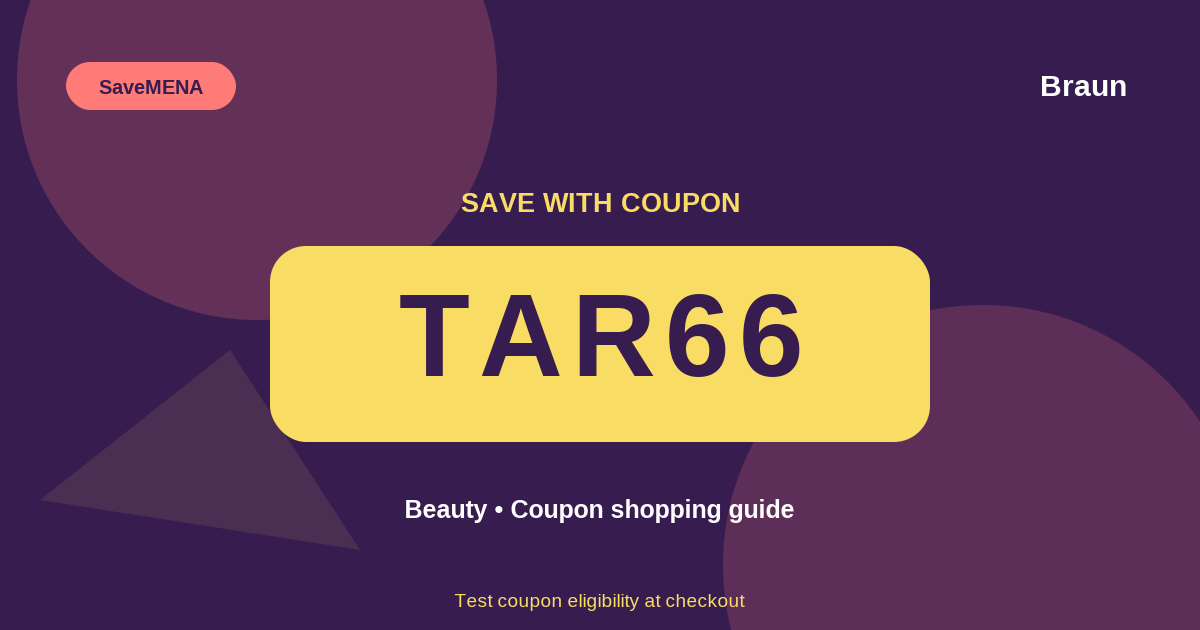
Codes available to try while comparing
These codes are not guaranteed for the article topic or listed brands; test them at checkout and use the live result.
1. Verify the Current Price Before Applying the Coupon
Start by looking at the product page for the Braun beauty item. Prices on Noon can shift due to flash sales, stock replenishment, or promotional resets. Note the displayed price in your local AED currency and compare it with any historical price indicated on the page or promotional banner. This step ensures the amount you see is the final price you’ll see at checkout.
After confirming the current price, move to the cart and view the subtotals. If a price has changed after you added the item, the cart should refresh to reflect the new amount. Don’t assume the initial price persists throughout the purchase. Refreshed totals guarantee you’ll pay what the store lists at that moment.
2. Confirm Coupon Eligibility for Your Selected Braun Item
Next, check whether the TAR66 coupon is valid on the Braun product. Coupons on Noon typically require both a minimum purchase amount and a basket that contains qualifying items. While the coupon’s description may not list specific brands, verify if the Braun item falls under the general “beauty” category tagged on the product page.
Enter TAR66 at the discount field in the cart and observe the response. If the coupon isn’t accepted, the screen will usually display a brief error message. If accepted, confirm the discounted amount next to the subtotal, ensuring the deduction is applied before any tax or shipping charges.
3. Inspect Shipping Fees and Delivery Times After Coupon Application
Pricing adjustments often do not affect shipping fees. When clicking to proceed, the shipping calculator will re‑evaluate based on the discounted item total. Ensure the delivery estimate remains acceptable for your needs—UAE shoppers often rely on same‑day or 2‑day options.
Note that some modes of delivery, such as “Cash on Delivery” or “Collect at Store,” can incur add‑on fees that are added after coupon application. Double‑check the final line item in the shipping summary to verify no extra charges appear.
4. Review Acceptable Payment Methods and Their Security Settings
Payment methods can also shift in response to price changes, especially if a lower total triggers a different threshold for certain payment options. Verify that your chosen payment method remains available for the cart total after the TAR66 coupon is applied.
During the checkout step, examine the security badges and read the short terms presented by the payment provider. UAE shoppers can trust only verified payment links; any red flag such as an unfamiliar merchant name warrants a pause before proceeding.
5. Recheck the Final Cart Total After Coupon and Shipping
Once coupon and shipping are applied, scroll to the bottom of the cart summary to see the final payable amount. This total includes the discounted price, applicable VAT, shipping, and any potential service fees.
Make sure the displayed total matches the amount shown on the payment gateway prior to the final button click. A discrepancy indicates an error—refresh the page or return to a previous step to correct it before payment confirmation.
6. Monitor the Secure Checkout Flow for Potential Alterations
During the checkout process, the interface may present optional upsells or cross‑sell items. These can affect the final total if added inadvertently. Carefully read each added item’s line before accepting.
When you reach the “Review Order” page, the system should display a static summary that does not change until you finalize payment. This last‑look confirmation is vital, especially after a price change, where automated adjustments might still surface.
7. Confirm Order Confirmation and Tracking Setup
After the payment screen confirms the transaction, you will receive an order confirmation page. Verify that the total listed matches the last cart total you checked, including the TAR66 discount and shipping fees.
Use the provided tracking number to monitor order progress. UAE deliveries typically track via Noon’s logistics partner, and updates should reflect expected delivery dates noted on the tracking interface.
8. Familiarise Yourself with Refund and Cancellation Policies
Price changes sometimes trigger automatic order adjustments from sellers. In case the Braun product is recalled or the price drops again, read Noon’s policy on price correction to determine whether a refund or credit will be issued.
If you decide to cancel, ensure you do so within the time window specified on the cancellation page. A prompt cancellation can prevent circular payments, especially when a coupon might not revert to an earlier state post‑refund.
Related SaveMENA pages
Related articles
Official sources to check
Frequently asked questions
Does the TAR66 coupon automatically apply to all beauty Braun products on Noon?
No, the coupon eligibility depends on the product listing. You should enter the code during checkout to confirm its validity with the specific Braun item you are purchasing.
What if the price of my Braun item changes after I’ve added it to the cart?
Most platforms update the cart subtotal automatically. Verify by checking the cart again; a new price and corresponding totals will appear if a change occurred.
Will shipping fees increase if I use a coupon that lowers the total?
Shipping fees are calculated based on the discounted subtotal. Check the shipping section after applying the coupon to confirm the final fee.
Can I use multiple coupons on the same Braun purchase?
Typically, Noon allows only one coupon per order. If TAR66 is applied, other coupons will not stack unless explicitly stated by the seller.