Calvin Klein Perfumes on Noon UAE: price changes — checkout checklist
use a Noon UAE coupon Perfumes Calvin Klein rechecking after a price change: If you’re about to hit that checkout button, a quick recheck of Calvin Klein perfume
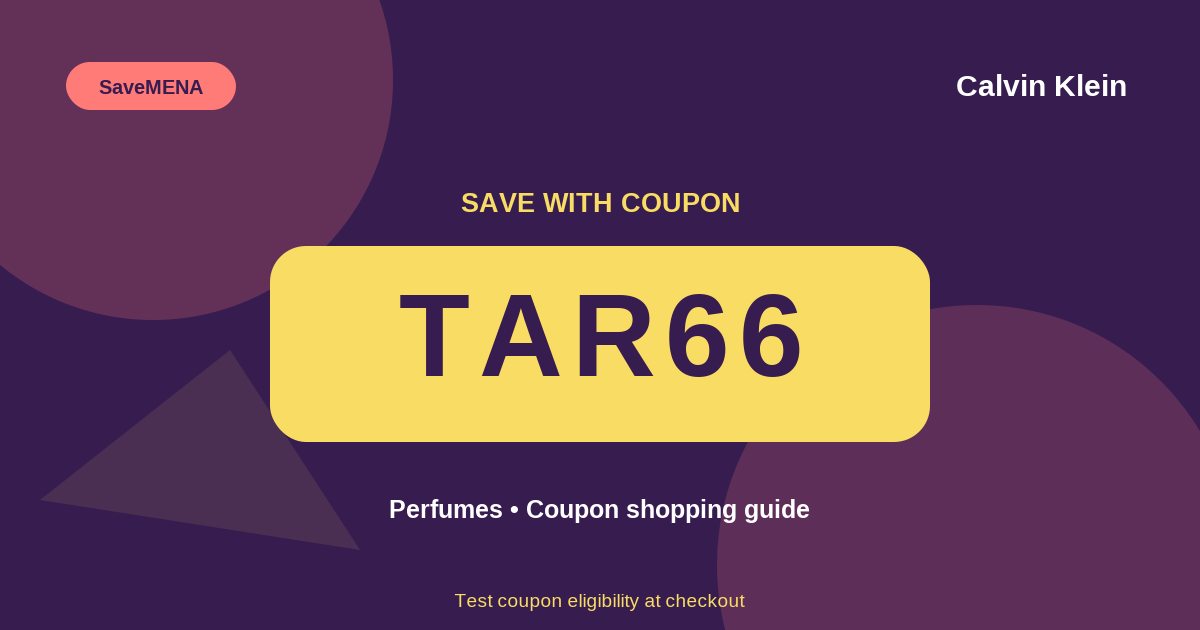
Codes available to try while comparing
These codes are not guaranteed for the article topic or listed brands; test them at checkout and use the live result.
Re‑Check the Current Price After a Shift
When a Calvin Klein perfume’s price drops or rises, the platform may not immediately update the cart total. Begin by reviewing the product page again to capture the most recent price tag. If you notice a change, remove and add the item once more to trigger a price refresh. This guarantees that the price displayed in your cart matches the latest figure shown on the product’s detail page.
After ensuring the cart already reflects the new amount, scroll to the order summary. The line item price should match the updated listing. If any discrepancy remains, contact Noon customer service or adjust your cart quantity carefully, as some sellers keep auto‑update flags disabled on their listings. Staying alert to any mismatch ensures you won’t be billed for an older, higher price.
Confirm Coupon Code Application Before Proceeding
Many Noon UAE shoppers use the TAR66 coupon to secure savings on Perfumes. Before proceeding, enter the coupon on the cart’s discount field and verify that the interface acknowledges a successful application. A green success message or an instant price reduction will typically confirm acceptance. If the platform rejects the code, double‑check spelling and note that the code is available to try without guarantee.
After entering the coupon, re‑review the order summary to see if the discount effect is reflected. If the subtotal still shows the full amount, the code might not apply to this seller or this specific Calvin Klein variant. It’s best to keep the coupon ready at checkout, where the final system may re‑apply any eligible discount that is still valid.
Look for Additional Delivery and Service Fees
Delivery charges on Noon can vary based on seller, product weight, or promotion. In the cart’s detailed fee section, ensure that any listed delivery or handling fees correspond with the nominal or expected amounts for perfume bulk orders. Pay attention to whether the seller specifies a flat fee or a variable price.
Some sellers impose a “service fee” for luxury items, which might appear as a separate line item. Verify that the fee is not a hidden surcharge added after a price change. If the fee feels out of line with previous purchases, you can cancel and re‑add the item, or contact the seller for clarification before confirming the order.
Cross‑Check VAT and Country Tax Charges
Consumer goods in the UAE often attract a the discount shown at checkout VAT, and shipments to other Gulf states may incur variable taxes. In the checkout panel, the VAT line should be calculated on the final discounted subtotal. When a price adjustment occurs, VAT should automatically recalibrate. Inconsistencies indicate a glitch that should be highlighted before final payment.
If the VAT rate or amount appears frozen, double‑click the tax field to trigger a refresh. Some sellers specify a “custom duty” or “import tax” for out‑of‑country deliveries, which can shift post‑price change. Keep the tax calculation visible until you can confirm that it aligns with the updated price.
Re‑Confirm Quantity and Product Variant Selection
It’s easy to accidentally select an incorrect bottle size or concentration. In the cart view, check that the quantity button reflects the precise amount you intend to buy. If you previously added a bulk of three, ensure that the number hasn’t reduced inadvertently due to a price correction.
Also verify the product variant shown—such as fragrance intensity, volume, or edition name. A wrong variant might carry a distinct price. If you spot an inconsistency, remove the item and re‑add the correct version or adjust the quantity back to your intended level before proceeding.
Review Seller’s Return and Warranty Policy
Luxury perfumes may return under strict conditions. Locate the seller’s return policy within the cart or product page to confirm that returns are accepted for unopened items only. Post‑price changes, some sellers adjust return thresholds; ensuring accurate policy information helps safeguard your purchase.
Next, examine any warranty or authenticity guarantee displayed. If a price shift occurs, sellers sometimes update the warranty terms. An accurate understanding of your rights after the final payment will prevent future disputes if the fragrance fails to meet expectations.
Check Payment Method Constraints and Security
Different payment options can have unique limits—some credit cards may only accept a certain maximum per transaction. In the payment step, review that your chosen method complies with any upper boundaries, especially if the price has risen due to a recent change. Re‑check for any added fees or currency conversion charges that might apply.
Additionally, confirm the security prompts, such as OTP requests or 3‑DS verifications. These security measures don’t alter the price but can affect transaction timing. Ensure that the final amount prompts a clean authentication flow so you avoid delays that might expose you to a price change again.
Validate Total Before Final Payment
On the final payment screen, scroll to the grand total line. This figure aggregates the product price after coupon application, any discounts, taxes, and delivery fees. Verify that every line item matches what you scrutinized in the earlier steps.
If the total seems off, pause the transaction. Some sellers may have triggered an unexpected fee, or the TAR66 coupon might have failed to apply till now. Re‑enter the coupon or contact Noon support. This last‑minute double‑check is critical to ensuring no hidden surprises will appear when the card is charged.
Related SaveMENA pages
Related articles
Official sources to check
Frequently asked questions
How do I know if the TAR66 coupon is still valid during checkout?
The coupon’s activation status displays when you input it in the cart. A success message indicates the code is accepted for the current order. If it shows an error, the coupon might have expired or isn’t applicable for that seller. Verify at checkout before finalizing.
Can the price change after I’ve added the perfume to my cart?
Yes, Dew can adjust instantaneously, especially if the seller updates their listing after introducing a new discount. Therefore, always confirm the price on the cart page before proceeding to payment.
What happens if a delivery fee appears after using a coupon?
If a fee shows after the final order total has been calculated, this fee is applied to the overall amount. The coupon usually covers only the product’s base price, so the fee will remain in your final payment. Clarify this with the seller if you think it’s an error.
Will VAT or other taxes increase if my price changes last minute?
VAT and other taxes recalculate based on the final price at checkout. If the price adjustment occurs before confirming payment, the tax amount will reflect that new amount. Always check the VAT line after any price update.