Guess Perfumes on Noon UAE: price changes — checkout checklist
When you first locate a Guess fragrance on Noon UAE, note the listed price exactly as it appears in the product detail page.
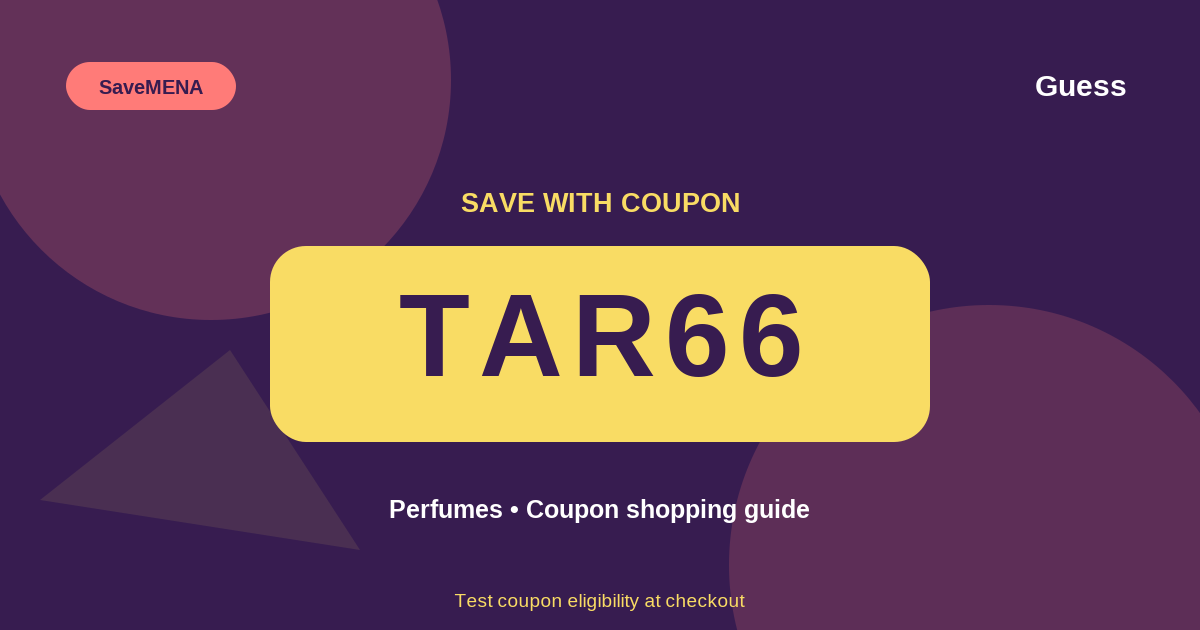
Codes available to try while comparing
These codes are not guaranteed for the article topic or listed brands; test them at checkout and use the live result.
1. Establishing Your Baseline: The Initial Price Check for Guess Perfume
When you first locate a Guess fragrance on Noon UAE, note the listed price exactly as it appears in the product detail page. This figure is your baseline for any future comparison. Record it manually on a note or by using a bookmark feature so you can easily revisit the original cost before any price adjustments or promotional changes happen during your shopping session.
Always check the seller’s rating and product authenticity stamp at the same time. An accurate baseline includes not only the monetary value but also seller credibility indicators, as they can affect the likelihood of a legitimate discount being applied later. Keeping this snapshot ensures you have reference data to verify against when you later recheck after a price change.
2. Activate Watch Mode: Monitoring Price Fluctuations on Noon UAE
Most online marketplaces allow users to “watch” or set alerts for a product. For a Guess perfume, save the listing to your watchlist, which will notify you if the price drops or rises. This proactive step lets you track any fluctuations before you commit to a purchase.
While monitoring, pay attention to the time stamps of each change. A sudden shift can signal a limited‑time promo or restocking price correction. Aligning your watchlist data with the initial baseline you recorded ensures you have a clear record of every price point, which is essential when you recheck after a price change.
3. Timing Your Purchase: Understanding When Prices Drop
In the UAE’s retail environment, price changes often align with holidays, merchant promotions, or weekday sales patterns. Analyze past price trends for the Guess perfume you’re interested in by reviewing your watchlist history, if available, or by noting daily changes during a set observation period.
With that pattern in hand, schedule your checkout for a time window that historically shows lower prices. This “timed‑purchase” strategy is complemented by your ability to recheck after a price change, ensuring you don’t miss a sudden drop that could save you money without additional effort.
4. Coupon Code Activation: How to Apply TAR66 at Checkout
At the point of checkout, after you’ve resolved any price changes and confirmed shipping details, enter the coupon code TAR66 in the designated field. The system will attempt to apply the code; if it is unavailable, the checkout total will remain unchanged.
Because SaveMENA is independent and not affiliated with Noon, there is no guarantee that TAR66 will apply. Should the code fail, you’ll still see the final amount displayed. Documenting this outcome is part of the recheck process—if the code doesn’t work when you expected it to, verify right after payment and take note for future reference.
5. Shipping Fees After a Price Shift: Do They Adjust?
When a product’s price changes, shipping fees may or may not adjust accordingly. At checkout, examine the separate shipping line item to confirm it reflects the current pricing structure. The shipping fee should not appear higher than the original calculator if the price dropped.
If the shipping cost shows an unexpected increase, cross‑reference the shipping method chosen with the current rate listed on Noon UAE’s shipping calculator page. Record any discrepancy as part of the recheck routine, ensuring that the entire order total truly reflects the updated price you hoped to achieve.
6. Return Policy in the Face of Changes: What to Verify
Price fluctuations can sometimes affect return eligibility, especially if a product was listed at a higher price before you purchased. Before finalizing payment, review the return policy attached to the specific Guess perfume listing to confirm it remains unchanged after a price shift.
In case of a future return, having documented the original and post‑change price is vital. If the total you paid differs from the acceptable return threshold, you might face a partial refund. This verification step is another way to ensure you’re fully informed during the checkout check‑list before payment.
7. Secure Payment: Double‑Checking the Final Total
When the checkout screen displays the final payable amount—including product price, shipping, taxes, and any discount—the last thing you should do is a quick double‑click on the “Pay” button. Instead, click the “Review Order” link or toggle to the order summary view.
Compare each line item against your baseline, your watchlist history, and any coupon applications. Any mismatch—like a hidden surcharge—should be addressed before the payment is authorized. This meticulous cross‑check embodies the rechecking after a price change strategy, ensuring you never overpay unknowingly.
8. Post‑Purchase Confirmation: Ensuring the Discount Locks In
Avoid the common pitfall of assuming your coupon or price drop applied once you’ve paid. Immediately after payment, download or screenshot the order confirmation email, which lists the final amounts charged and any promotional adjustments applied.
Keep this record for the duration of your return window. If you discover that the discount didn’t apply or the price was misrepresented, you can contact Noon customer support or the seller with proof, leveraging the documentation you gathered during the recheck process. This final step cements your confidence that the checkout process met all your expected criteria before payment.
Related SaveMENA pages
Related articles
Official sources to check
Frequently asked questions
Question
Answer
How do I add a Guess perfume to my watchlist on Noon UAE?
Navigate to the product page, and look for a “Save” or “Watch” icon usually located near the price or the Add to Cart button. Tapping it will add the fragrance to your watchlist, triggering notifications for any future price changes.
Will the TAR66 coupon apply automatically if I add it to my cart?
The coupon must be entered manually in the promotional code field during checkout. Because SaveMENA is independent, there is no guarantee the code will apply; you’ll see the final total update only if the coupon is accepted.
What should I do if the shipping cost increases after I have applied a discount?
Revisit the shipping options in your cart to confirm they align with the standard rates on Noon’s shipping calculator page. Contact customer support if the fee differs unexpectedly and verify that this price aligns with the product’s updated cost.