Puma Men’s Fashion on Noon UAE: size and quantity — checkout checklist
Begin by locating the exact product listing on Noon UAE. Ensure that the item is still in stock and that the seller provides real‑time inventory numbers or a clear
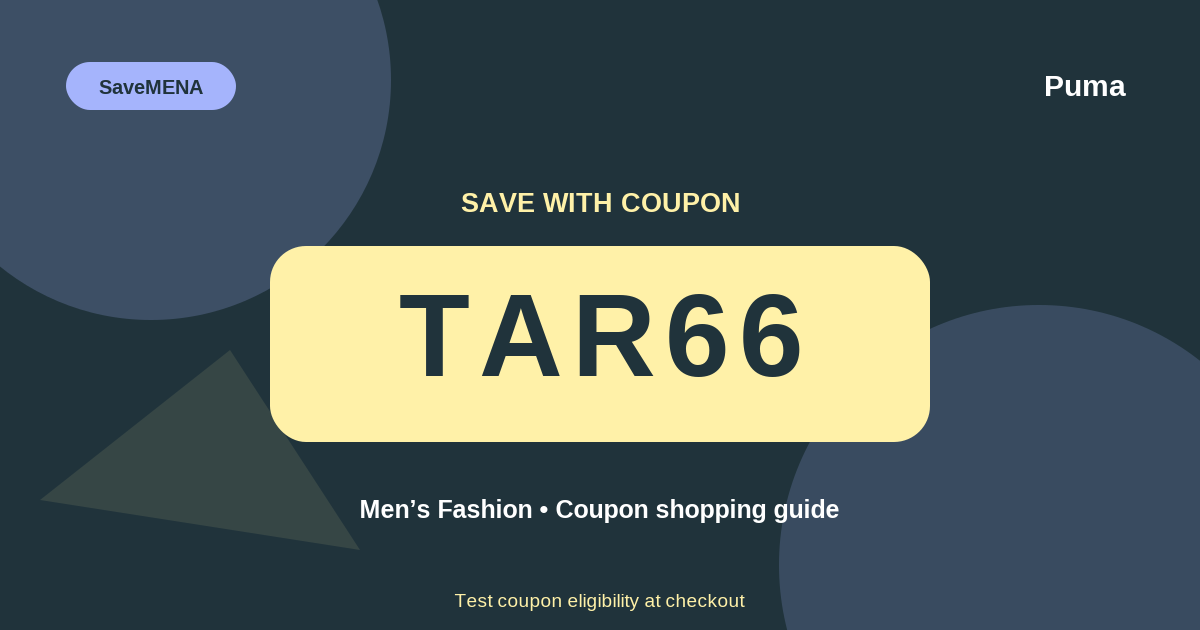
Codes available to try while comparing
These codes are not guaranteed for the article topic or listed brands; test them at checkout and use the live result.
Verify Product Availability and Seller Information
Begin by locating the exact product listing on Noon UAE. Ensure that the item is still in stock and that the seller provides real‑time inventory numbers or a clear “in stock” indicator. The accurate availability status keeps you from adding a product that disappears before payment. For Puma apparel, double‑check the SKU or product number matches what you intend to buy, especially if different models are listed under similar names.
After confirming availability, review the seller’s profile for shipping details. Ask yourself whether the seller delivers from the UAE, as foreign dispatch can affect estimated delivery times and shipping fees. A consistent shipping source reduces the risk of delayed delivery, which can impact the timing of your checkout and any time‑sensitive offers that rely on prompt arrival.
Confirm the Size Chart Accuracy
Every Puma item usually offers a size chart. Cross‑reference the chart with your own measurements or a trusted reference source—UAE‑specific size guides can differ from international standards. Pay close attention to width, chest, waist, or shoe length depending on the product. Sizes that look close on paper can still feel too tight once worn, so align your metric or imperial measurements with the chart’s guidance before adding to the cart.
While reviewing sizes, note whether the listing indicates any variations in fit—such as “roomier” or “slim”—and confirm that the review details you need are included. If multiple colors or patterns share the same size designation, make sure you select the version you truly want; an incorrect size can lead to returns or exchanges that prolong the order timeline.
Assess Quantity Limits and Bulk Options
Consider how many units you plan to purchase. Some Puma pieces may restrict bulk orders to a maximum per customer, while others allow unlimited quantities but may charge higher delivery fees for larger parcels. Verify the quantity controls in the product page before proceeds, as adding a later quantity can trigger a reset or limit notification during checkout.
If you’re buying multiple items, calculate whether a single shipment is practical to maintain a single delivery window. Managing several shipments can create confusion at the payment stage, and each package may only be eligible for the coupon if the overall order meets certain conditions, which remain unknown until checkout.
Ensure Cross‑Device Consistency
Shop on the Noon UAE app for one device and on the desktop for another: size charts, product availability, and applied quantity can appear differently. Prior to checkout, reconfirm that the same product specs and quantity appear across all devices you might use. A mismatch might occur when abandoned cart data is sync‑ed between platforms.
Furthermore, if you saved your cart while on one device, verify that the same cart content loads correctly on another. You can avoid losing your selected Puma item or accidentally altering its quantity by confirming consistency before opening the payment page.
Re‑Check Cart Items Before Checkout
On the cart screen, confirm each item’s name, size, and quantity. Double‑taps are quick but may miss subtle errors: a different color variant or a rogue accessory that was added inadvertently. Keep particular eyes on the Entered Quantity column and any “Add‑on” or “Bundled” tags that could alter the total.
Check that no unintentional color or design slip into the cart. A final glance can prevent you from purchasing a product with the wrong style code—a small mistake that becomes a hassle at the shipping stage, especially if you intended a specific aesthetic pairing with other Puma gear.
Validate Coupon Eligibility
Now look for the “Apply Coupon” field. Enter TAR66 and observe whether the interface accepts it. Prior to payment, Noon UAE’s system will authenticate whether the code applies to your current cart. If it deactivates, know that the platform will decide final eligibility during checkout; the coupon remains an option, not a guarantee.
Notice whether any constraints display, such as “this coupon is for specific categories.” Even if the site does not mention a restriction, the code may still fail if the cart does not meet implicit criteria. Keep the idea in mind that a successful entry at this point will be the last chance to alter the text before the final payment prompt.
Review Shipping Fees and Delivery Times
Zero in on the shipping estimate next to your cart subtotal. Shipping fees on Noon UAE can incite surprise if the buyer did not anticipate them. If the insurer notes “Free Shipping for UAE deliveries” or a threshold, this information should be clearly visible. Confirm that the chosen shipment date aligns with your needs.
For large quantities, shipping cost might spike due to bulk size. Understand that a higher quantity can shift delivery rules, potentially making a per‑unit shippable parcel “disposable” with a different fee structure, and may affect the coupon's applicability if the total cart value changes.
Final Price and Payment Confirmation
With all variables set—correct size, quantity, verified coupon—and shipping calculated, the final price appears before the payment gateway. Scan the list for any hidden taxes or ancillary fees. Ensure the total reflects the items you wish to keep, without overlooked add‑ons that could lift the entire sum.
When the payment is resolved, Noon UAE will confirm the final payable total, along with any coupon credit applied, if eligible. That moment solidifies your order; verify once more that the displayed amount matches your expectations, focusing on selecting the right payment method and understanding any potential extra charges that might arise at the terminal.
Related SaveMENA pages
Related articles
Official sources to check
Frequently asked questions
Can I apply the TAR66 coupon after I’ve entered payment details?
Coupons on Noon UAE typically need to be applied before the payment screen. Once you reach the payment stage, the system will confirm if the coupon remains valid by that point. Therefore, it’s best to input the code early in the checkout flow.
Will purchasing multiple Puma items lower my shipping cost?
Shipping fees on Noon UAE are often calculated per shipment, so buying more items in a single order can reduce the per‑item shipping cost. However, bulk orders might trigger a different, sometimes higher, fee, which is only confirmed at checkout.
Is the TAR66 coupon exclusive to Puma products?
There is no official statement that the TAR66 coupon is limited to any specific category or brand. Whether it applies to Puma items is determined by Noon UAE’s system during the checkout process.
Can I change the quantity after placing the order?
After an order is finalized and payment completed, adjusting the quantity is not possible through Noon UAE. If you need to modify an order, it must be done before the final payment step.