Samsung Mobile Accessories on Noon UAE: size and quantity — checkout checklist
use a Noon UAE coupon Mobile Accessories Samsung quantity and size: The moment you begin adding a Samsung mobile accessory to your cart, the first thing a savvy
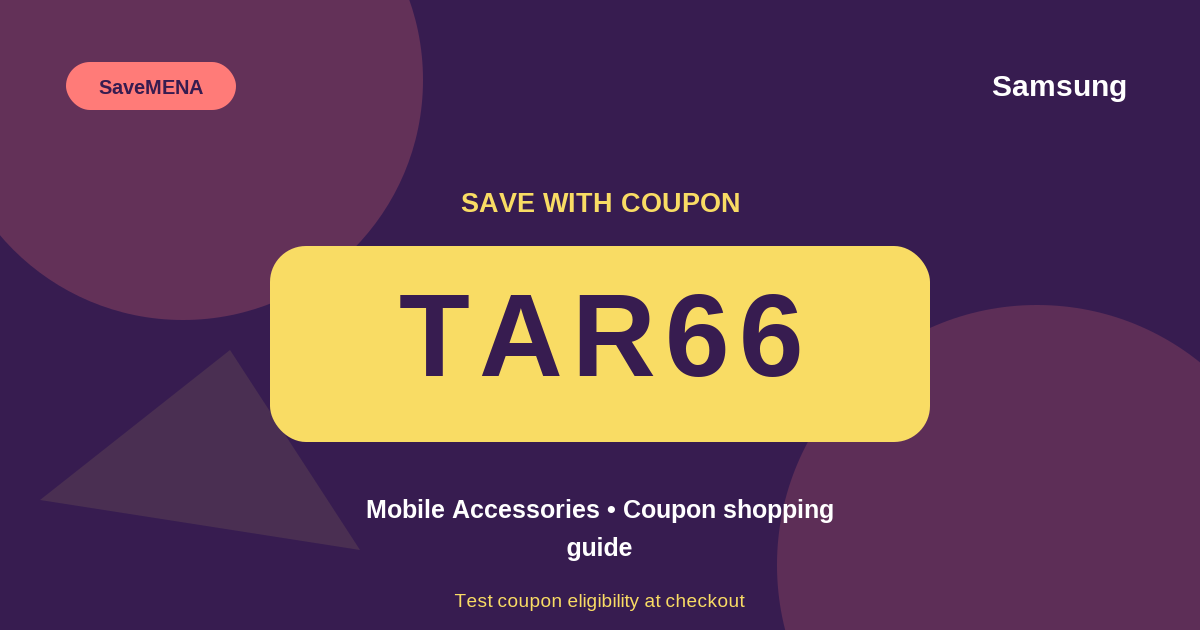
Codes available to try while comparing
These codes are not guaranteed for the article topic or listed brands; test them at checkout and use the live result.
Verify Product Size and Dimensions
Before hit “Continue to payment,” scroll to the size specifications on the listing page. Look for the height, width, and depth shown in the “Size and Dimensions” section, which is crucial if the accessory is meant to attach directly to your Samsung phone, like a protective case or a slim charging dock. A mismatch in these figures can break the fit, ruining the aesthetic and performance you expect.
To double‑check, compare those listed values with a measuring tape or even a reference item you already own that matches the claimed measurements. This step ensures that collars, cutouts, and overall proportions align with your device model, preventing you from ordering an item that simply will not fit inside your pocket or cradle.
Confirm Quantity and Stock Levels
When you’re sure the size is correct, it’s wise to verify that the quantity you hold in mind matches what sits in the cart. Use the quantity selector next to the “Add to cart” button, ensuring the number you choose appears accurately in the cart total. A mismatch here can cause overspending or order shortages before the payment step.
The product page often contains a small note about current stock levels—such as “Only 3 left in stock.” Pay attention to these cues; if the number is low, consider whether you want that specific quantity or plan to bundle your purchase with a complementary accessory. This prevents last‑minute stock‑out situations that would otherwise demand a new browser refresh or cart adjustment.
Check Compatibility with Your Samsung Device
Noon listings typically include a “Compatible Devices” tag; locate it to see which Samsung models the accessory supports. This field may list the device’s series or specific model numbers. Verify your phone’s exact model by checking the Settings > About Phone menu, then match those numbers. This step protects you from buying an accessory that only partially fits or operates with limited features.
If the listing only mentions a generic “Samsung” tag without a precise model, review the product description or spec sheet for additional clues—such as chipset support, software version compatibility, or an explanation of supported screen sizes. Ensuring these match before proceeding guarantees full functionality and avoids disappointment after payment.
Review Seller Credentials and Ratings
Each listing on Noon displays the seller’s name, followed by a star rating and number of reviews. This simple metric helps gauge how other purchasers felt about the product and the seller’s overall reliability. While a low rating might raise concerns, a higher rating does not guarantee the coupon code will apply; it indicates generally satisfactory service.
Near the bottom of the page, look for the seller’s return policy, customer support contact details, and typical response times. This information ensures you can easily raise a question or request if the item falls short of your expectations, especially concerning size or quantity once the purchase is final.
Inspect Return and Warranty Information
Outlining delivery times and delivery charges is vital, but returning a product that fails to match your size or quantity estimates requires quick action. The return window is usually listed in the “Return Policy” section; note the allowed days and whether the seller accepts returns for size mismatches.
In addition, the accessory may come with a manufacturer warranty—perhaps three months for hardware defects. Check for a separate “Warranty” label or read the description carefully to see whether it covers issues such as strap failure, battery performance, or component wear. A clear warranty offers peace of mind after your checkout.
Assess Shipping Options and Delivery Estimates
Before exiting the cart, choose a shipping method suitable for your schedule. Noon typically offers standard, express, or same‑day options that vary by location. Pick the one that matches your priority: speed versus cost.
Be sure to enter your UAE address accurately; mismatched zip codes can delay delivery. Check if the seller offers cash‑on‑delivery (COD) or if you must use a digital payment. If COD is available, you’ll have a chance to verify the purchased item’s size and quantity personally before finalizing payment.
Compare Similar Accessories and Features
After confirming size, quantity, and compatibility, cross‑check the Accessories page for alternative models in the same Samsung family. Note differences in material—polycarbonate, silicone, mesh—weight, battery capacity, or additional features like magnetic charging. Tracking these distinctions helps you evaluate whether a slightly larger item might better suit your needs.
Remember that the decision lens focuses on quantity and size. Even if an accessory is cheaper, it may not meet your precision needs for your specific Samsung model. By comparing a handful of listings side‑by‑side, you reduce the chance of post‑payment regret, creating a more robust final purchase decision.
Apply Coupon and Review Final Checkout Summary
When you’ve satisfied every previous step, it’s time to try entering the code TAR66 in the “Apply Coupon” box. Enter it exactly as shown—case sensitive, no extra spaces—and click “Apply.” Notice that the coupon’s effect appears only after you confirm the summary at checkout; it does not guarantee a discount but provides the possibility of one.
Click through to the confirmation page in which you’ll see the item list, chosen quantity and size, shipping cost, any applicable tax, and the total amount due. Double‑check each line item before the final payment prompt. If something looks off—such as a quantity discrepancy or an incorrect shipping fee—pause, correct it, and re‑apply the coupon before submitting payment.
Related SaveMENA pages
Related articles
Official sources to check
Frequently asked questions
Does the TAR66 coupon always apply to Samsung mobile accessories on Noon UAE?
The coupon is available to try, but its application depends on Noon’s current promotions and eligibility criteria. It does not guarantee acceptance, so verify its effect during checkout.
How can I confirm the size of a mobile accessory matches my Samsung device?
Compare the listed dimensions in the product’s “Size and Dimensions” section against a ruler or the device’s official specifications from Samsung. Ensure any cutouts or mounting points fit your phone.
What should I do if the accessory’s quantity is limited but I need more than one?
Check for a “low stock” notice and consider purchasing multiple items before the stock runs out. If you require more than the available quantity, look for a similar item with higher stock levels.
Will I get my money back if the accessory does not fit my phone?
Return policies are listed under the product’s “Return Policy” section. If the item is a size mismatch and falls within the return window, you may request a refund or exchange according to the seller’s guidelines.