LG TVs on Noon UAE: size and quantity — checkout checklist
Before adding an LG TV to your cart, measure the width of the wall where it will sit. Subtract a few centimeters from the wall width to leave room for any base or
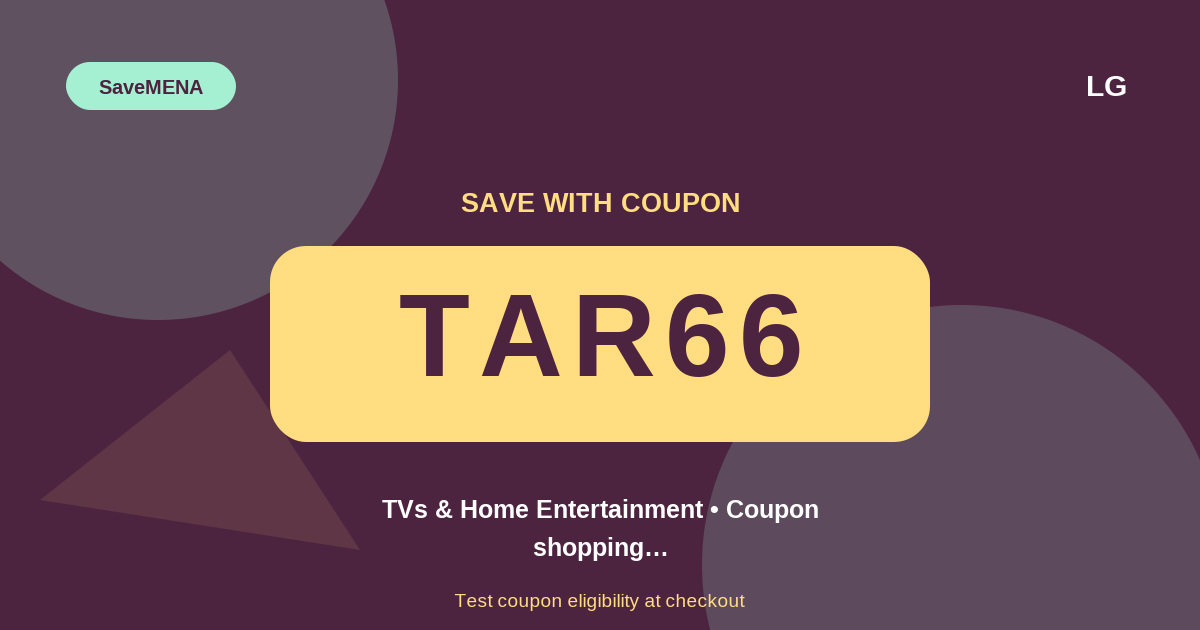
Codes available to try while comparing
These codes are not guaranteed for the article topic or listed brands; test them at checkout and use the live result.
1. Confirm the screen size fits your wall space
Before adding an LG TV to your cart, measure the width of the wall where it will sit. Subtract a few centimeters from the wall width to leave room for any base or wall‑mount bracket. Noon’s product listings provide the width of each model, but always cross‑check because page updates might lag. For large families or home‑cinema setups, a 75‑inch or higher screen may dominate a living‑room view, while a 32‑inch unit suits a bedroom or office.
Having the exact dimension ensures the TV will not only fit physically but also match your aesthetic preferences, whether you favor a sleek, minimalist look or a media center with a prominent display. Measure again after you’ve chosen a visual mock‑up of the room to confirm the size is right. An accurate measurement lets you avoid costly exchanges or returns later.
2. Verify the number of units you need
Quantity matters: are you buying a single TV for a living room, two for a duplex house, or a fleet for a small business? Noon’s cart allows you to adjust the item count before checking out, but any slip in the quantity will affect shipping and delivery times. Especially with bulky appliances, the shipping fee can be significant, so double‑check that you’ve chosen the right quantity in the preview stage.
Specifying enough units upfront also helps with return logistics. If you decide a second smaller TV is needed after the first purchase, returning a large TV can be cumbersome. An early decision on quantity, combined with a clear understanding of Noon’s return policy, reduces the risk of unexpected complications.
3. Check picture standards and HDR compatibility
LG televisions differ in their support for HDR10, Dolby Vision, or HDR10+. Knowing the HDR format ensures your gaming console, streaming device, or Blu‑ray player can deliver the richest possible picture. Noon’s product pages list HDR support, but if you’re unsure, reaching out to the seller can help confirm compatibility with your current devices.
Some users prioritize cinematic experience over sheer screen size. If HDR is essential, verify that the model you select offers it in addition to the desired size. This step protects you from buying a large TV that only supports Standard Dynamic Range, limiting potential image quality.
4. Assess panel type and refresh rate
OLED, LED‑LUMINOS, and QLED panels have distinct visual strengths and performance thresholds. OLED delivers perfect blacks and wide viewing angles, while LED panels can reach higher brightness. Noon’s listings mention the panel type; ensuring it matches your visual preference safeguards against disappointment after purchase.
Refresh rate, measured in hertz (Hz), is critical for gaming or sports viewing. A haptic‑screen enthusiast might prefer a 120 Hz panel for smoother motion. Confirm that the TV’s advertised refresh rate aligns with the sizes you considered, as some larger panels may not offer the same high refresh capability.
5. Confirm connectivity ports for your devices
Every TV will need connections to your audio‑visual gear—HDMI, USB, Ethernet, and more. Overnight, a boutique seller might list an extra HDMI port or an enhanced chromecast spot, but the correct count needs verification. For several gadgets, a limit on simultaneous HDMI connections can become inconvenient.
Check the number of HDMI ports against devices you plan to connect, such as a sound bar, gaming console, or home‑theater receiver. If you foresee adding a streaming stick or extra gaming console, double‑check that the TV offers multiple available HDMI inputs at the checkout stage.
6. Understand delivery, installation, and assembly details
Large TVs often require professional installation or assembly. Noon’s shipping page outlines general delivery windows; however, the seller may offer optional installation services. If you need the TV wall‑mounted or connected before you leave, confirm whether installation is available and what extra cost it may incur.
Size also influences delivery dimensions. A 75‑inch screen typically needs larger containers and may be delivered by a specialized carrier. Compare the shipping time for the size you selected with your schedule, and keep in mind that delivery windows can vary by region and time of year.
7. Review warranty and return policy specifics
LG televisions come with manufacturer warranties that differ across models and sizes. Before finalising your purchase, examine the warranty period and coverage details, as they directly affect long‑term satisfaction. Noon’s order confirmation will include warranty expiry dates, but verify these details while still in the cart.
Return policies also hinge on the size of the item. Some sellers impose stricter return windows or restocking fees for large TVs. Double‑check the return timeframe for the quantity and size chosen, ensuring you are comfortable with any potential post‑purchase hurdles.
8. Final payment verification with the Noon coupon TAR66
At checkout you can enter the coupon code TAR66 to test whether any discount applies to your selected LG TV quantity and size. Remember that coupon eligibility is not guaranteed until the payment is processed; the code might still be redeemed or flagged during checkout. Therefore, before finalising, review the final price in the payment summary to confirm all calculations are correct.
Also confirm payment method availability for large purchases, as some credit cards or digital wallets may have limits on the transaction amount. Once you have verified the final payable amount—including any potential coupon adjustment—and satisfied all the preceding steps, you can securely complete your order with confidence that every critical detail has been reviewed.
Related SaveMENA pages
Related articles
Official sources to check
Frequently asked questions
How can I make sure the TV I select will fit my wall space?
Measure the width of the wall where you plan to place the TV, subtract a few centimeters for brackets or base. Compare that measurement to the TV’s width listed on Noon’s page. Confirm the size again after you’ve visualised the TV in the room.
Will the Noon coupon TAR66 give me a discount on LG TVs?
Coupons can only be confirmed during checkout. Enter TAR66 at payment and review the final price; if the coupon applies, the discount will appear in the summary.
Do larger LG TVs cost more for shipping on Noon?
Shipping fees typically depend on the item's weight and dimensions. Larger TVs usually incur higher delivery charges; these details are shown once you add a specific model to the cart and proceed to checkout.
Can I buy multiple units of the same LG TV on Noon?
Yes, you can adjust the quantity in your cart. Just ensure the price and shipping information update accordingly before you complete payment.