Logitech Computer Accessories on Noon UAE: seller context — checkout checklist · TAR73
Before you click on the checkout button, make sure you run through a quick checklist that covers every aspect of the buying journey.
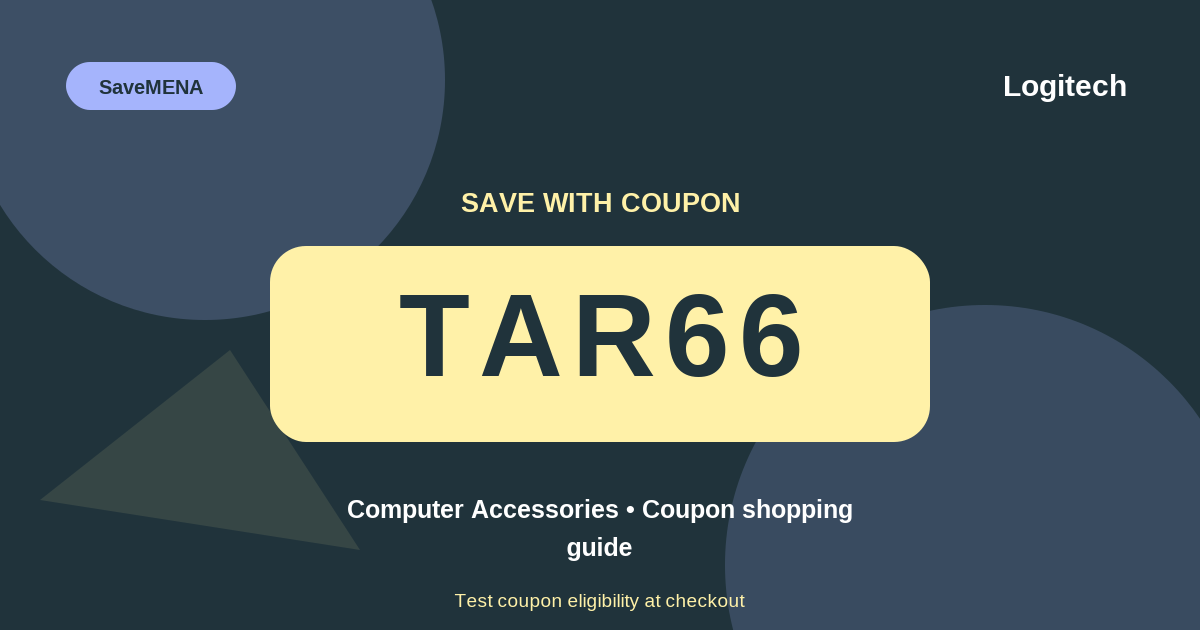
Codes available to try while comparing
These codes are not guaranteed for the article topic or listed brands; test them at checkout and use the live result.
Understanding the Seller Context Before Checkout
Seller context is the first filter you need to evaluate when shopping for computer accessories like Logitech mice, keyboards, and webcams. Confirm that the seller listed on SaveMENA matches the brand and product description in any promotional tie‑ins or coupon offers. A reliable seller is usually listed under “Verified” or “Top Seller” badges in the product details, giving you a quick visual cue. However, always cross‑check the seller details in the product description to ensure they align.
Beyond visuals, look for the seller’s overall rating and customer reviews directly on the product page. Those reviews often include purchase timestamps and the name of the seller, letting you see how consistently buyers rate shipping speed, conformance to product claims, and after‑sales support. A seller with consistently positive feedback helps reduce the risk of mis‑delivered items or missing accessories.
Choosing the Right Logitech Computer Accessories
When you’re in the computer accessories aisle, Logitech offers a wide range of peripherals such as wireless earbuds, programmable gaming keyboards, and adaptive touchpads. Start by narrowing down your requirement: color, connectivity type, and additional features like RGB lighting or high‑resolution sensors. Matching these needs with the exact model number provided in the product name helps avoid future compatibility issues.
Check that the listing’s product description lists the exact specifications—USB light type, resolution, battery life, and any additional features such as programmable macro keys. Look out for language consistent with official Logitech documentation on SaveMENA, as official listings usually include verified specs, whereas third‑party sellers might provide generic or misleading details.
Evaluating Seller Credentials on SaveMENA
The seller credentials section on SaveMENA displays the seller’s profile, contacts, and credibility metrics. When you’re verifying a Logitech accessory, look for sellers with a long active history of positive transactions. Sellers who have handled a larger number of orders in the UAE tend to provide better local shipping coverage.
Seller response time and customer support options are prime indicators of post‑purchase success. A seller that actively responds within 24 hours and lists a reliable phone or email contact typically delivers smoother communication if you encounter discrepancies or need a return. Always keep a note of the seller’s contact information before finalizing your purchase.
Review the Product Details and Availability
All Logitech products coming from reputable sellers on SaveMENA come with a detailed product listing that includes dimensions, weight, and included accessories. This transparency is essential because some sellers may omit or misrepresent bundled items such as extra cables or batteries. Before you add the item to your cart, compare the list against the thumbnail and brand logo shown on the product image.
Check the availability status and expected restock dates if the product is temporarily out of stock. Shipping mode and expected delivery times are typically shown in the same section. A seller that offers “Same‑day” or “Immediate Dispatch” will give you more certainty about receiving your accessory within the anticipated period.
Using a Noon UAE Coupon for Logitech Computer Accessories on a Trusted Seller
SaveMENA shoppers can attempt to use the Noon UAE coupon code TAR73, but the coupon’s final benefits are only determined at Checkout. It’s not guaranteed for any category or brand, so you’ll see the final discount, if any, after you add your product and apply the code in the checkout field. Applying the code only changes the total after the seller’s price calculation and the shipping fees are added.
Before adding your token to cart, confirm that the coupon field is present in the checkout interface. If the interface does not Appear, the coupon may not be applicable in your cart or region.A coupon is not guaranteed; verify its result at the retailer checkout.
Confirming Shipping, Fees, and Delivery Times
Once the product is in your cart, review the shipping information that appears beside the selected seller’s details. The shipping fee, delivery window, and expected pickup date should match the seller’s stated terms, which typically reflect UAE‑wide coverage. This is the moment you can verify that the cost added on top of the SKU price is realistic for your location.
Pay special attention to any national service promotions or free‑delivery thresholds listed on the product page. These thresholds are sometimes related to the sellers’ policies on SaveMENA and not to the coupon code. Regard normal shipping as an additional cost over and above the listing price and coupon, which you will confirm at Checkout.
Finalizing Payment and Protecting Your Purchase
When you proceed to the payment screen, review the final payable total line carefully. Here you’ll see the subtotal from the seller, shipping fees, and any applied coupon discount if the code TAR73 was accepted. This is the last moment before you commit to the transaction, making it essential to ensure all figures are accurate.
Choose a secure payment method that offers buyer protection—credit card or a trusted UAE‑based digital wallet. Verify that the payment gateway asks for verification steps, such as a one‑time password, before a final transaction. This extra step protects you from accidental or unauthorized purchases.
Post‑Purchase Support and Return Procedures
Once your Logitech accessory is delivered, check the seller’s return policy, which should be clearly printed in the order confirmation email. The return window, return shipping responsibilities, and any restocking fees should be apparent. If you find any discrepancy between the delivered product and the listed specs, use the seller’s contact details to initiate a resolution.
SaveMENA’s order history dashboard allows you to request a return or an exchange through a simple interface. The seller’s response time, once a request is submitted, can be monitored here. A prompt response is a sign of good post‑sale support and increases the likelihood of a smooth return or exchange process.
Related SaveMENA pages
Related articles
Official sources to check
Frequently asked questions
What should I check first before adding a Logitech accessory to my cart?
Confirm the product model and specifications in the listing, ensure the seller is verified or well‑rated, and verify that shipping fees and delivery details match your location.
Will the Noon UAE coupon TAR73 automatically apply at checkout?
Coupon codes on SaveMENA must be entered during checkout. You’ll only see the final discount after you submit the code; its acceptance depends on seller and promotion rules at that time.
How can I verify that a seller is trustworthy on SaveMENA?
Check for seller badges like “Verified” or “Top Seller,” read customer reviews that mention the seller’s name, and confirm the seller’s contact information and response time listed on the product page.
What happens if my free shipping promotion expires?
Once the order is finalized, the shipping fee is fixed as listed. If the condition for free shipping is no longer met, you will see the applicable shipping charge reflected at Checkout.