ASUS Gaming on Noon UAE: seller context — checkout checklist · TAR73
with no heading. Then 8 sections: each with heading. So we need 8 headings. Let's create headings like: 1. Selecting the Right ASUS Gaming Product on Noon UAE 2.
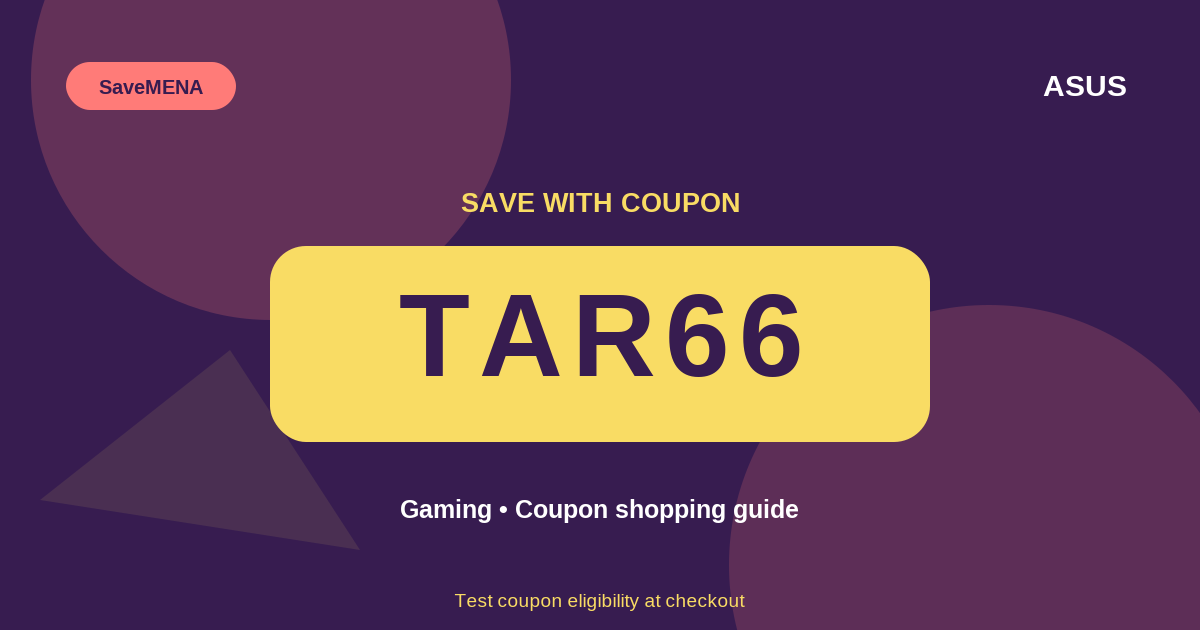
Codes available to try while comparing
These codes are not guaranteed for the article topic or listed brands; test them at checkout and use the live result.
1. Selecting the Right ASUS Gaming Product on Noon UAE
A credible ASUS gaming purchase starts by comparing models that fit your play style, whether you need a high‑refresh‑rate display, powerful GPU, or superior cooling. Browse Noon’s dedicated gaming category, filter by ASUS, and read each product’s specifications to confirm it aligns with your needs. Pay special attention to core details such as processor thread count, RAM capacity, storage type, and graphics card generation, as these will determine overall performance.
Once the hardware meets your criteria, verify that the listed configuration is exactly what you intend to buy. Noon often offers variants with differing storage capacities or memory options; selecting the wrong variant can lead to later returns. Confirm the warranty period and included accessories so you know what to expect after purchase.
2. Identifying Trusted ASUS Sellers and Their Ratings
Noon’s marketplace hosts multiple sellers for the same ASUS items. To mitigate risk, focus on vendors with consistent positive feedback and higher follower counts. Checking the seller’s overall rating provides a snapshot of customer satisfaction, while recent reviews reveal potential issues like delayed shipping or packaging problems.
In addition to ratings, look for sellers who display clear contact information, respond promptly to inquiries, and offer local delivery to the UAE. This context matters because a slow response can delay problem resolution and refusal to honor returns, which may impact your overall gaming experience.
3. Applying the TAR73 Coupon: What to Expect
The Noon coupon code “TAR73” is offered to test users in the UAE. While it might provide a reduction when you add it at checkout, the exact savings are not guaranteed until the final payment step. The coupon is advertiser-provided and subject to Noon’s policies as of the day of purchase.
Because the coupon may or may not apply, it’s wise to execute a test order or examine the final price before finalizing payment. Pay attention to whether the discount is applied automatically or requires a minimum spend, and confirm the discount reflects accurately on the “Review Order” page.
4. Building a Robust Gaming Checkout Checklist
Before you proceed to payment, assemble a checklist that covers these critical aspects: product variant, seller rating, coupon eligibility, shipping destination, cash‑on‑delivery availability, and wallet or loyalty points. An organized approach reduces the chance of missteps that could trigger additional costs or order cancellations.
Verify that each item on the list matches what’s displayed on the checkout screen. If something looks off — for example, a seller name that mismatches the product listing or a delivery fee that seems unusually high — pause the transaction and reach out to Noon support or the seller directly for clarification.
5. Confirming Stock Availability and Delivery Timing
Noon’s inventory status might differ from what’s initially displayed. Inspect the “In Stock” label closely, and if it shows “Limited Stock,” contact the seller to confirm the exact quantity remaining. This can prevent post‑order rejections due to out‑of‑stock issues.
Delivery estimates vary based on seller fulfillment centers and your registered address. If quick delivery is essential for your gaming setup, choose a seller that offers same‑day or next‑day shipping where possible. Always double‑check estimated arrival dates on the order summary before clicking the payment button.
6. Reviewing Fees, Shipping, and Payment Options
Beyond the base product price, examine side charges such as handling, optional insurance, or expedited shipping fees. These may not appear until the “Review Order” stage, so noting them early prevents surprises.
Make sure your chosen payment method — credit card, bank transfer, or a Noon Wallet balance — is available and that any associated transaction fees are understood. For gaming accessories sometimes a “Buy Now, Pay Later” option appears; confirm terms before locking in a deferred payment plan.
7. Double‑Checking the Final Payable Total
This is the critical moment: the final total shown must reflect all previous verifications. Confirm the product price, any applied discount from the “TAR73” code, mandatory fees, and the chosen shipping method. Compare this figure with the one that will be charged to your payment instrument.
Scroll through the entire order summary, verifying each line item — product, taxes, delivery, coupon, and total. If there’s a discrepancy, cancel the transaction and re‑initiate a new order after contacting the seller or Noon support for explanation.
8. Post‑Purchase Verification and Optional Return
Once you confirm payment, keep an eye on the order confirmation email. It should provide a tracking number, expected delivery window, and contact details of the seller for any post‑purchase queries. Hold that information in a separate folder for quick reference.
Should the item arrive damaged or not match the specifications, use Noon’s return protocol. The seller’s response time is vital; engage with them promptly, share photos, and adhere to the return timeline specified in the policy to secure a refund or replacement.
Related SaveMENA pages
Related articles
Official sources to check
Frequently asked questions
What happens if the “TAR73” coupon does not apply?
The coupon may not be valid for the selected product or seller. If it fails at checkout, the final price will reflect no discount. Always verify at the “Review Order” step before final payment to see the actual payable amount.
Can I change the vendor after adding the product to my cart?
You can remove the item, browse other ASUS listings, and add a new item from a different seller. However, each seller may have distinct warranties, shipping speeds, and return policies; choose accordingly based on your check‑list.
Is there a difference in shipping fees between sellers on Noon?
Yes, shipping charges can vary with seller fulfillment centers. Some vendors offer free shipping for orders over a certain price, while others may charge a flat rate or provide expedited delivery options at an extra cost.
How long does it typically take to receive a gaming item from Noon?
Delivery times depend on the seller, your location, and chosen shipping method. Commonly, an SKG or standard postage takes 2–5 business days, but expedited options can deliver within 24–48 hours for a fee.