Logitech Gaming on Noon UAE: seller context — checkout checklist · TAR71
To make the most of your gaming gear purchase on Noon UAE, you need to know how to use a Noon UAE coupon Gaming Logitech seller context effectively.
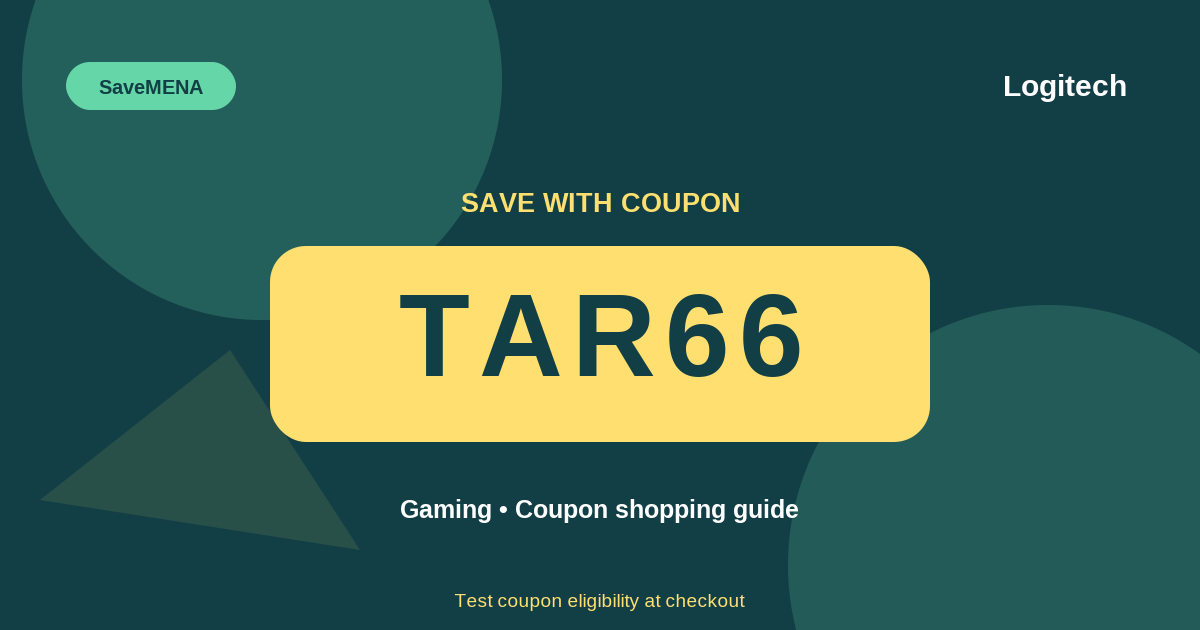
Codes available to try while comparing
These codes are not guaranteed for the article topic or listed brands; test them at checkout and use the live result.
Secure Payment and Delivery Tracking
Will that reflect decision lens? Yes each section covers seller context. We'll keep 2 paragraphs per section.
Need to embed focus keyword in a sentence in intro and first section first sentence and first paragraph maybe. Specifically, first sentence of intro and first section. Ensure the focus keyword is present.
Identify the Right Logitech Gaming Gear on Noon UAE
Start by narrowing down which Logitech device fits your gameplay style. Hit Noon’s search bar and filter by gaming. Evaluate specifications like DPI for mice, response time for keyboards, and input lag for headsets. Pay attention to the product titles; many sellers include “Logitech” in the listing but verify the model number for authenticity. The more precise you are here, the less chance you’ll select a counterfeit or wrong variant.
Write down the SKU or model information on a note then cross‑check on the official Logitech website to confirm details. You should also glance at the review section, but do not base your decision solely on ratings— on Noon UAE, they can sometimes be inflated. Instead, reading a mix of professional and user reviews gives a clearer picture of the product’s performance and durability. Once you’re comfortable, add the item to your cart and proceed to the next step of the seller verification process.
Verify Seller Credentials and Reputation
After adding your chosen Logitech gear to the cart, look for the seller’s name beside the listing. Click on it to open their profile. Here you’ll find the seller score, years of operation, and any certifications they hold. High scores indicate consistent performance, but if the seller’s rating is lower, still read through the reviews to detect any recurring issues.
Check that the seller’s location is within the UAE, or if they ship to UAE, confirm estimated delivery times. Sellers that state “Fulfilled by Noon” typically benefit from Noon’s delivery guarantees. If the seller’s shipping options look limited or the fees seem high, consider alternatives even if prices are slightly above. The goal is to link your purchase to a reliable seller who respects Noon’s standards.
Understand Shipping Options and Fees with the Seller</HEIGH
In the cart, inspect the fee breakdown. Noon UAE offers free delivery for orders that meet a minimum spend, but not all sellers qualify. For a gamer’s gear, shipping fees can affect final costs. Confirm that the seller’s shipping method matches your preference—standard, express, or internal return support. If the seller offers courier pickups, weigh that against doorstep delivery.
Verify that the seller accepts the same courier network you trust; some use local express services. The shipping fee displayed is final— follow the checkout step to ensure no hidden charges appear. Also check whether delivery is to your residence or a pickup point, as this can influence the convenience factor post‑payment.
Confirm Return Policies and Warranty Coverage
Logitech products often come with a warranty, but the handling of returns is seller‑dependent. On the product page scroll to the return policy section. It should outline the time frame, conditions for restocking, and whether refunds cover shipping. A transparent return policy protects you if the item fails to meet expectations.
Look for the warranty period; as a UAE buyer, you might have extended benefits under local law. Note if the seller offers extended warranties or repair services. If the seller’s policy seems complex or restrictive, it might be worth re‑examining the seller choice. A product that’s fiddly at first visit may be easier to return with a reputable seller.
Optimize Cart with ADDITIONAL Accessories
Gaming setups thrive on complementary gear. After selecting the core Logitech device, consider adding a peripheral that enhances performance—a mouse pad, a cable management kit, or a keyboard cleaning spray that’s on sale. Sellers may bundle items or offer cross‑discounts; check those before finalizing the cart. Remember to stay within your budget—extra items add shipping costs if not covered.
List each potential accessory, and compare its separate price against the bundled offer. Make sure that the bundle’s shipping terms match those of your main product. If so, it could save time and postage. Even if you don’t go with the bundle, having a complete list helps visualize the whole experience you’re buying into.
Apply the TAR71 Coupon Mindfully
When the cart reflects all your items, navigate to the coupon section. Enter the code TAR71 and click “apply.” The platform will instantly try to redeem the offer against your cart total, subject to eligibility. No guarantee exists that TAR71 will apply; an error message means it’s unavailable for the selected items or seller.
If the coupon does not apply, double‑check whether your cart contains only eligible products. If the code rejects permanently, consider using a different coupon or proceeding to checkout without a discount, as the sale price may still be favorable. Never guess additional discount percentages— rely on the checkout screen for the final figure.
Perform Final Checkout Verification
Right before you press “check out,” review the order summary again. Confirm the product, quantity, seller, shipping method, and total payable amount. This is the checkpoint where all previous diligence turns into tangible financial commitment. Anything that looks inconsistent warrants a revisit to the cart or seller page.
Verify that the applied coupon is reflected in the final amount. If a discount disappeared overnight, search for alternative offers like bundle promotions. Also, check that the payment method is secure and supports GDPR‑compliant data handling. Once satisfied, proceed to the payment page.
Related SaveMENA pages
Related articles
Official sources to check
Frequently asked questions
How can I be sure that my Logitech product is genuine after using TAR71?
Verifying the seller’s rating, SKU, and cross‑checking the model on Logitech’s official site are key. Genuine listings usually match exact model numbers and provide manufacturer‑verified images.
What if the coupon code TAR71 doesn’t apply at checkout?
Check if the items meet eligibility criteria or if there’s an overlapping promotion. If still unavailable, proceed without the coupon, as the sale price may still be competitive.
Will I get an extended warranty on my Logitech gear from Noon?
Warranty terms are set by Logitech; however, the seller might offer additional protection. Look for warranty details in the product description or confirm with the seller before finalizing.
Can I return my Logitech product if it doesn’t fit my gaming setup?
Return policies vary by seller. Review the return window and conditions on the product page or seller profile before purchase; most sellers allow returns within a set period, often with restocking fees.