Dyson Home Appliances on Noon UAE: seller context — checkout checklist · TAR73
Start by looking beyond the product page. Notice whether the appliance is listed by a verified Noon seller or a third‑party vendor.
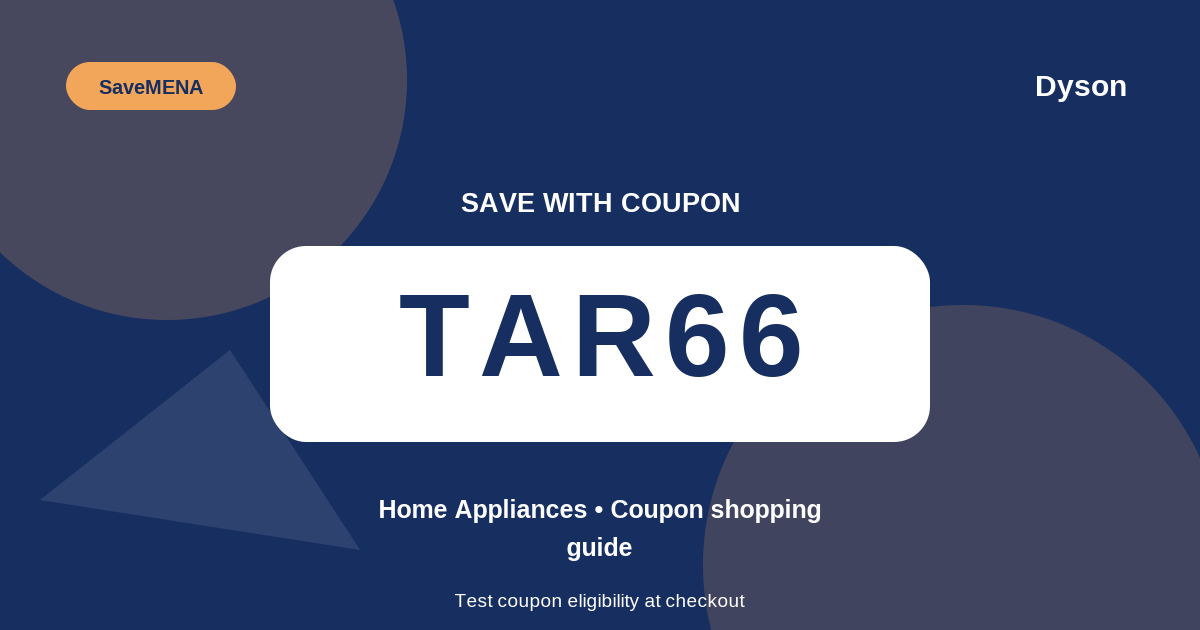
Codes available to try while comparing
These codes are not guaranteed for the article topic or listed brands; test them at checkout and use the live result.
1. Seller Reliability and Product Authenticity
Start by looking beyond the product page. Notice whether the appliance is listed by a verified Noon seller or a third‑party vendor. Verified sellers have a badge, a history of positive reviews, and often higher ratings. If the seller’s profile isn’t verified, read community feedback carefully; a transparent seller will provide clear contact information and responsive customer support.
Check the seller details directly; do not infer identity verification or reliability from a badge. This signals that the product is genuine and not a knock‑off. If you can’t verify authenticity through the seller’s profile, consider contacting Noon’s help desk or the seller directly to confirm that the packaging and serial numbers match standard Dyson documentation.
2. Evaluating Product Specifications
The Dyson appliance’s technical details—power rating, fan speed settings, filtration type—must match the version you intend to buy. Scroll through the full spec sheet provided in the listing; many sellers include a PDF download or a detailed table. Cross‑reference these specs with Dyson’s official UAE website to ensure consistency.
Also confirm that the color and model number listed match what you see in the images. If a seller marks a product as “premium” or “limited edition,” verify that it is not confused with a previous model missing up‑to‑date features like HEPA filtration or smart connectivity. Mislabeling can happen, so double‑check against the brand registry.
3. Comparing Alternatives & Value
Before proceeding, compare the Dyson offer with other high‑quality home appliances in the same price bracket on Noon. Look for price parity, warranty length, and any added accessories. Record these comparisons in a note or spreadsheet; this helps you objectively weigh the deal’s value.
Consider the charging and power consumption data for Dyson relative to competitors. If EnergyStar or similar certifications are listed for alternatives, factor this into your decision. Even if the Dyson seems pricier, advantages such as superior suction—critical for allergy sufferers—can justify a slightly higher price tag.
4. Checking Delivery & Service Terms
When the seller’s page presents shipping options, verify that the promised delivery window aligns with your schedule. Many sellers offer same‑day or next‑day delivery for the UAE, but some may require a standard 3–7 day window. Look for any expedited shipping fees or surcharges that could affect your final cost.
Confirm that the seller’s service terms allow for proper installation support if needed. Dyson appliances sometimes require dust‑bag replacements or filter changes. Verify whether the seller offers a service network or a warranty service center to handle such maintenance issues, as this contributes to long‑term value.
5. Reviewing Return & Warranty Policies
Read the return policy carefully. Sellers usually have a 30‑day return window, but some might shorten or extend it. Note whether returns are free or require a restocking fee, and whether the seller charges for return shipping in case of a defect.
Check the warranty period outlined on the listing. Dyson guarantees full coverage for two years on most home appliances in the UAE. Confirm that the seller indicates this warranty and that its enforcement—whether through direct contact with Dyson or via the seller’s return center—is clear.
6. Applying the Noon UAE Coupon for Home Appliances
On the payment page, locate the field where you can enter a coupon or promo code. Type the code “TAR73” carefully, ensuring no spaces or typos. The system will instantly apply any discount, if eligible, and show the new total in real time.
Since the coupon is available for trying, expect it to be displayed during checkout but do not assume the discount will be applied. If the code is not accepted, double‑check that the item is in the home‑appliance category and the seller is active. No guarantee is given that the coupon will apply to all sellers.
7. Final Payment & Credit Options
Before finalizing the purchase, review the payable amount after the coupon application. Verify that all applicable taxes, delivery fees, and any seller‑specific charges are displayed. This final figure is the one you will charge your debit or credit card.
Check that your payment method works smoothly. Noon accepts credit cards, debit cards, and several digital wallets. If you have a reward or loyalty program, confirm that the points will accrue after payment and that no extra fee applies.
8. Post‑Purchase Support and Follow‑Up
After you click “Confirm Order,” you’ll receive an order confirmation email with a tracking number. Save this for reference; it lets you monitor shipment progress directly in Noon’s app or website.
If you encounter any issues—delays, defective parts, or questions about installation—open a support ticket. Because the seller’s contact details are listed, you can also reach out directly to seek clarification or request assistance. Prompt response from the seller enhances a smooth experience.
Related SaveMENA pages
Related articles
Official sources to check
Frequently asked questions
How do I confirm a seller’s authenticity on Noon?
You can verify authenticity by checking for the “Verified Seller” badge, reading customer reviews, and confirming that the seller uses official brand packaging. For premium appliances like Dyson, also compare the listed model number with Dyson’s UAE website.
Will the coupon “TAR73” always be valid for Dyson appliances?
It is available to try, meaning you can enter it at checkout; however, No guarantee guarantees it will always apply. Verify at payment time whether the discount is accepted.
What happens if my order is delayed beyond the expected delivery window?
Check the seller’s delivery terms noted in the product listing. If the shipment arrives later, contact Noon support or the seller directly from the order history to request an update or resolution.
Can I return a Dyson appliance if it’s damaged upon arrival?
You have the option to return within the seller’s stated period (usually 30 days). Ensure you have the receipt, keep packaging intact, and follow the return instructions provided on Noon’s platform or by the seller.