ASUS Laptops on Noon UAE: seller context — checkout checklist · TAR71
Before you hit the “Place Order” button, run through a quick checkout checklist. This guide focuses on buying an ASUS laptop on Noon UAE, helps you confirm seller
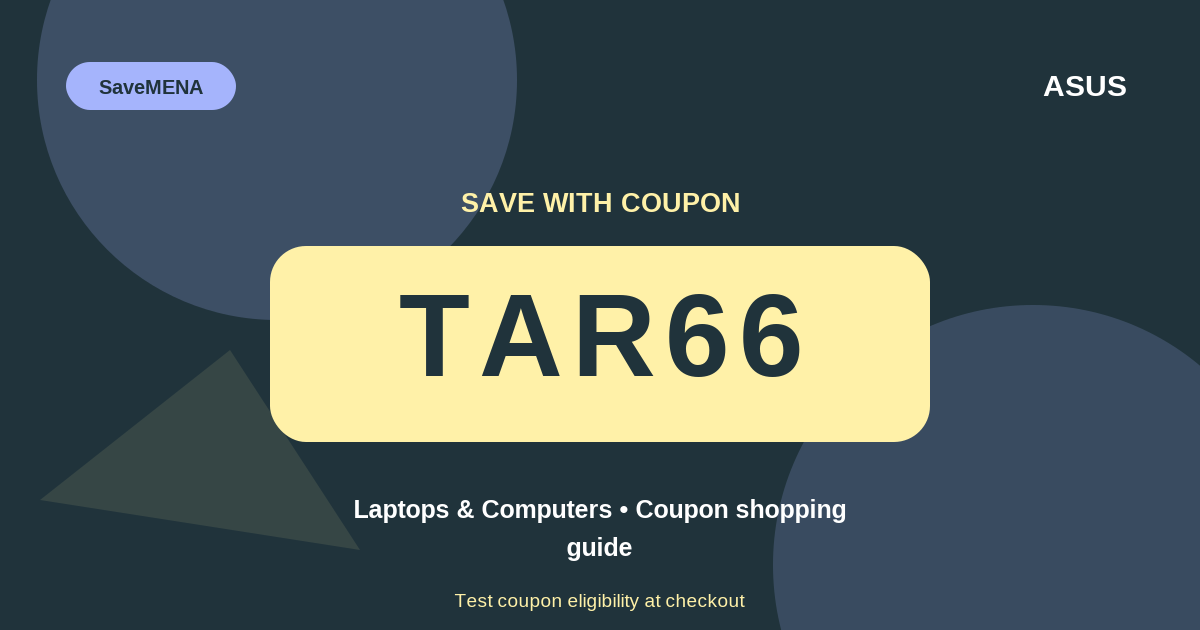
Codes available to try while comparing
These codes are not guaranteed for the article topic or listed brands; test them at checkout and use the live result.
Choosing the Right Laptop Model for Your Needs
Your first step is to match the ASUS laptop model with your usage goals. Whether you need a lightweight machine for travel, a gaming rig with powerful GPU, or a robust workstation for design work, consider processor speed, RAM, storage type, and display quality. Read the brief product summary and compare it with the key specs listed on the product page; this helps confirm the model meets your daily performance expectations.
Double‑check the model number and variant name before adding to cart. ASUS releases many configurations under a single series, and a mislabelled model could lead to an unwanted feature set. Confirm the presence of the desired ports, connectivity options, and battery life figures to avoid returning a machine that doesn’t fit your workflow.
Navigating Seller Reputability on Noon UAE
Every ASUS laptop listing on Noon comes from a specific seller. It’s essential to view the seller’s rating, number of sales, and customer feedback. Stick to sellers with consistently high ratings and a sizable volume of completed orders—this reduces the risk of delays, miscommunication, or subpar service post‑purchase.
Verify that the seller’s storefront provides clear contact details and a return policy that aligns with Noon’s platform guidelines. Pay attention to whether the seller specifies an official ASUS support line or authorized service centers in the UAE, as this can influence how quickly you get assistance if any post‑purchase issues arise.
Reading the Product Description Carefully
On the product detail page, capture every nuance: processor generation, memory size, storage capacity, graphics chip, and screen resolution. Also note any bundled accessories such as charger type, carrying case, or pre‑installed software, as these can affect the overall value proposition.
Check for mentions of potential firmware updates or bundled drivers that may enhance performance. Avoid listings that omit critical details like battery capacity or speaker quality, as incomplete information may indicate a gray‑market or third‑party seller rather than an authorized source.
Verifying Warranty and After‑Service Options
ASUS laptops usually come with a standard one‑year warranty, but carriers can alter or extend terms based on local market agreements. Confirm the warranty duration, coverage details, and whether it includes on‑site repair. The seller’s profile often lists warranty information in a dedicated section.
Ask whether the warranty can be extended through Noon or a local authorized agent. Ensure the seller provides a clear return address or courier partnership in the UAE, so you can return a product without additional shipping costs if a defect arises.
Confirming Shipping, Delivery, and Additional Fees
Check the listed delivery window—Noon typically offers same‑day or next‑day delivery in major UAE cities. The shipping cost is usually displayed in a separate tab; whether it’s free may depend on seller policy or a minimum purchase threshold.
Review any applicable handling or processing fees shown during checkout. If a surcharge appears, verify whether it is the seller’s fee or a platform‑wide service charge. This ensures you understand the final payable amount and that no hidden costs will surface after you’ve confirmed the price.
Applying the Noon UAE Coupon at Checkout
When you reach the “Apply Coupon” field at checkout, enter the code TAR71. This coupon is available for trial, and while it may deliver a discount, its application is not guaranteed. The coupon may require certain conditions, which will be verified automatically during checkout.
After applying the code, observe the updated subtotal. If the coupon does not apply, the page will usually explain why—perhaps the cashier has already reached a maximum discount, or the coupon is incompatible with the selected product in the ASUS seller context. If the code fails, you can still proceed with the purchase without the discount.
Final Price Review: Ensuring No Hidden Costs
Before you click “Place Order,” the checkout review will display subtotal, applicable discounts (including the coupon if successful), tax amount, shipping fee, and any other ancillary charges. Make sure each figure matches the seller’s stated terms and your expectations.
The final payer total appears separately from the breakdown; confirm this total matches what’s displayed in the page header. Any discrepancy—like an unexpectedly higher shipping fee—should be clarified with Noon’s support or the seller directly before the order is confirmed.
Completing the Payment and Tracking Your Order
Proceed with a secure payment method—Noon supports credit card, debit card, and local e‑wallets. Ensure your payment gateway is verified and that your billing address matches your account details to prevent a declined transaction.
Post‑payment, you’ll receive an order confirmation email and an order ID on the screen. Use this ID in the Noon app to track your shipment, view the expected delivery date, and receive any dispatch or delay notifications directly from the seller or Noon’s courier partners.
Related SaveMENA pages
Related articles
Official sources to check
Frequently asked questions
A coupon is not guaranteed; verify its result at the retailer checkout.
Using the coupon is optional and subject to verification at checkout. It may not apply to all ASUS models or may have specific conditions. Verify its success during the checkout process.
Can I return an ASUS laptop after using a Noon coupon?
Yes, returns follow Noon’s standard return policy and any additional seller terms. Verify the return window and process in the seller’s profile before purchasing.
Will shipping fees be added after I place the order?
Noon lists shipping fees before checkout. Any changes would occur only if the seller updates the item’s shipping cost post‑purchase, which is uncommon. Confirm at checkout.
Do I need a Noon account to use the coupon?
Noon applies coupons during the checkout process regardless of account status. However, registering ensures you can track orders and manage returns efficiently.