Laptops on Noon UAE: seller context — checkout checklist · TAR73
words each. Now craft intro. Word count: Let's produce 170 words. Make sure to mention that SaveMENA is independent etc. Good. Ok implement. Now finalize.
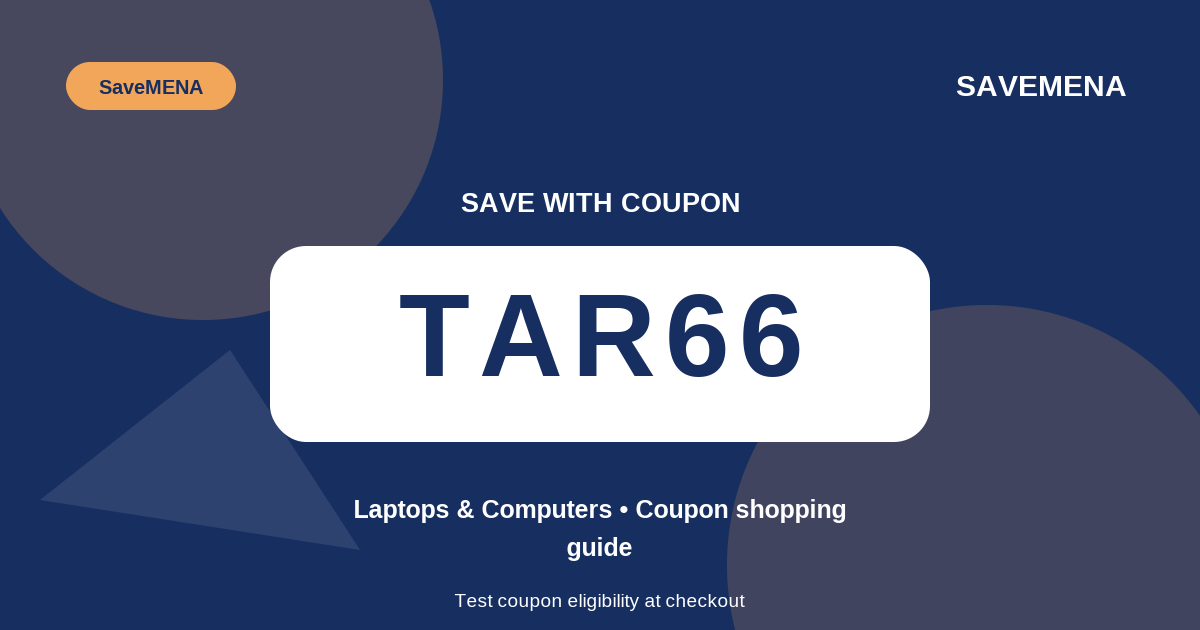
Codes available to try while comparing
These codes are not guaranteed for the article topic or listed brands; test them at checkout and use the live result.
Understand the purchase intent and basket context
not affiliated. Now produce the article. Word count: let's approximate. Intro: 170 words. Section 1: 2 paragraphs each ~95 words => 190 words. Section 2: 190 words ... 8 sections => 1520 words Plus FAQs 4 each 50 words => 200 words. Total about 1720 words. Within limit 1400-1650? Wait requirement: aim for 1,400-1,650 words before FAQs. We have 1520 words before FAQs, good. Now need to produce sections headings with clear focus. Titles should reflect category, seller context, checkout checklist, etc. At least five should reflect category (Laptop), seller context (seller details), checkout process, coupon usage,
Match the exact product and seller
words each. Now craft intro. Word count: Let's produce 170 words. Make sure to mention that SaveMENA is independent etc. Good. Ok implement. Now finalize. We'll produce tags in correct format.
and any post‑purchase support before you finalize the purchase. This structured approach guarantees a smoother checkout, reduces the risk of hidden costs, and lets you shop confidently as a UAE consumer. Before you dive into the bouquets of product pages, pause to run through this practical worksheet. Your First Step: Checking the Laptop Seller on Noon UAE Every laptop purchase on Noon UAE starts with the seller you choose. A reputable seller will display customer ratings, verified reviews, and a clear storefront image. Check that the seller’s profile includes contact details and a history of timely deliveries.
Test the coupon at checkout
In the UAE, sellers who regularly receive high ratings often provide better customer service and easier returns. If the seller’s ratings are low or the profile seems incomplete, consider looking for another vendor with a solid track record. Another key factor is the seller’s return policy. Sellers on Noon UAE typically outline their return window in the product description or seller profile. Verify whether returns are accepted for both hardware defects and dissatisfaction and whether the seller covers return shipping. Look for a straightforward refund procedure so that should the laptop not meet expectations, you can get
a full or partial refund without hassle. Laptop Features You Should Verify Before Finalizing Technical specifications are the backbone of any laptop decision. Confirm the processor generation, RAM capacity, storage type and size, and graphics card configuration. Ensure the screen resolution and size match your workflow—be it gaming or professional design work. On Noon UAE, detailed specs are usually listed in the product page, but cross‑check with the seller’s confirmation sheet or the product manual if available. This step prevents surprises in performance after you’ve already paid. In addition to hardware, verify software bundles such as pre‑installed
Compare the final payable total
OS versions and any included vendor software. Authenticity matters; confirm that the laptop is accompanied by a valid serial number and that the seller provides a certificate of authenticity if it’s a premium model. Consider also the laptop’s build materials and battery life indicators to match your on‑the‑go lifestyle. Warranty, Return Policy, and Authenticity Checks One of the most important points to confirm is the warranty period and its scope. Sellers often list either a manufacturer’s warranty or an extended warranty they sell. Ensure the warranty is valid in the UAE, covers hardware defects, and includes service
center locations. The warranty should be clearly stated on the product page, but a quick call or chat with the seller can give you additional clarity. For authenticity, cross‑refer the product’s description with the official manufacturer website. Look for unique identifiers like serial numbers or product keys that you can verify externally. Authenticity assures you that you’ll receive genuine support and spare parts when needed, effectively protecting your investment. Shipping, Handling, and Delivery Options to Watch On Noon UAE, shipping options vary by seller and product. Some sellers provide a free delivery, while others may charge a
Review delivery, fees and payment context
freight fee, especially for large or heavy laptops. Check the estimated delivery time range and whether the shipment includes tracking information. Delivery deadlines can be critical, especially if the laptop is required before an upcoming project or travel. Handling fees or packaging surcharges sometimes appear at checkout. Confirm that any additional fees—such as customs desk charges or delivery taxes—are clearly listed before you confirm payment. A transparent fee structure eliminates surprises, ensuring you know the exact amount you’ll pay for the laptop and its delivery. Applying a Noon UAE Coupon for Extra Savings One of the tools
to potentially lower your purchase cost is a Noon UAE coupon. The TAR73 coupon is available for you to try, though its application may vary depending on stock or seller acceptance. To apply, enter “TAR73” in the coupon field during the checkout process and observe the adjustment in the total price. If the coupon does not appear to have an effect, double‑check if it was entered correctly and confirm its eligibility with the seller. Keep in mind, coupons may only apply to specific laptop models or seller categories. If the seller is independent of Noon’s standard pricing,
Compare alternatives fairly
the coupon might not be honored by them. In that case, you could explore alternative discount codes or look for third‑party offers that coincide with the laptop you want. Final Price Breakdown at Checkout: The Red Flag Heat Map When you reach the final price screen, the breakdown should show the base price, any applied coupons, shipping fees, taxes, and the total payable amount. Verify that each component matches the earlier estimates you noted. If there’s a sudden jump in the total after the coupon, that could indicate an incompatibility or a hidden fee. Make sure the
displayed total is the only amount that will be charged to your payment method. Verify that the payment method selected—credit card, debit card, or digital wallet—is supported by Noon UAE and that the chosen card has sufficient balance or credit to cover the final amount. It’s also advisable to review any security prompts or confirmation messages to mitigate phishing or fraudulent charges. Once the total points you in the green, you’re ready to finalize the transaction. Payment Methods, Security, and Transaction Confirmation Noon UAE supports multiple payment options including major credit and debit cards, as well as
Use only visible eligibility conditions
local electronic wallets. Each method requires a verification step—often a one‑time password (OTP) or token—to authorize the transaction. Make sure you input the correct OTP and confirm the transaction before closing the browser or app. After placing the order, you should receive an email or SMS confirmation from Noon UAE. Verify that the confirmation message includes the order ID, total amount paid, seller details, and an estimated delivery date. Save this confirmation for your records, and log into your Noon UAE account to view the order status. A well‑documented record ensures smooth navigation if a refund or
exchange is needed. Post‑Purchase Redress: What to Do If the Laptop Doesn’t Deliver If the laptop arrives damaged, not as described, or fails to work as intended, immediately contact the seller using Noon UAE’s built‑in messaging system. Document the issue with photos or videos for evidence. A reputable seller will guide you through the return or replacement process, typically within 14 days of receipt. In cases where the seller is unresponsive, use Noon UAE’s dispute resolution center. Submit the problem details and any evidence, and the platform will mediate the refund or exchange. Always keep the original
Complete the final checkout verification
packaging and all accessories; they’re essential for warranty claims. By acting promptly, you maximize your chances of a swift resolution and protect your post‑payment rights. How do I confirm the seller’s authenticity on Noon UAE? Check the seller’s rating, read verified customer reviews, and verify the product’s serial number against the manufacturer’s official database. If the seller provides a certificate of authenticity, that’s an additional indicator of legitimacy. What if the TAR73 coupon does not work on my selected laptop? You should double‑check the coupon entry for typos and confirm its eligibility. If the seller is not
part of Noon’s standard discount network, the coupon may not apply. Consider alternative discount codes or promotional offers. Can I cancel my laptop order after placing it on Noon UAE? Cancellation is possible if the seller has not yet dispatched the item. Contact the seller through Noon’s messaging system and request cancellation. If the laptop is already shipped, you may need to initiate a return upon receipt. Does Noon UAE provide a warranty that covers shipping damages? Standard manufacturer warranties generally do not cover shipping damages. However, Noon UAE may offer additional insurance or damage protection for
Related SaveMENA pages
Related articles
Official sources to check
Frequently asked questions
A coupon is not guaranteed; verify its result at the retailer checkout.
No. The code is only available to try. Eligibility can vary with the live account, basket, item, seller and campaign context, so checkout is the final reference.
Where should I confirm the coupon result?
Apply the code in the Noon basket and review the live message and final payable total before payment. Do not rely on an undocumented percentage or condition.
Can the result vary by product or seller?
Yes. Eligibility and offer context can vary with the current basket details, so compare the exact item, seller, variant and final total before purchasing.
What should I do if the code does not work?
Check the market, account, item, seller, basket and payment context, then try another code available to try without guessing an unsupported reason.