Samsung Mobiles on Noon UAE: seller context — checkout checklist · TAR73
When you’re ready to buy a Samsung phone on Noon UAE, double‑check every detail before you hit the “Place Order” button.
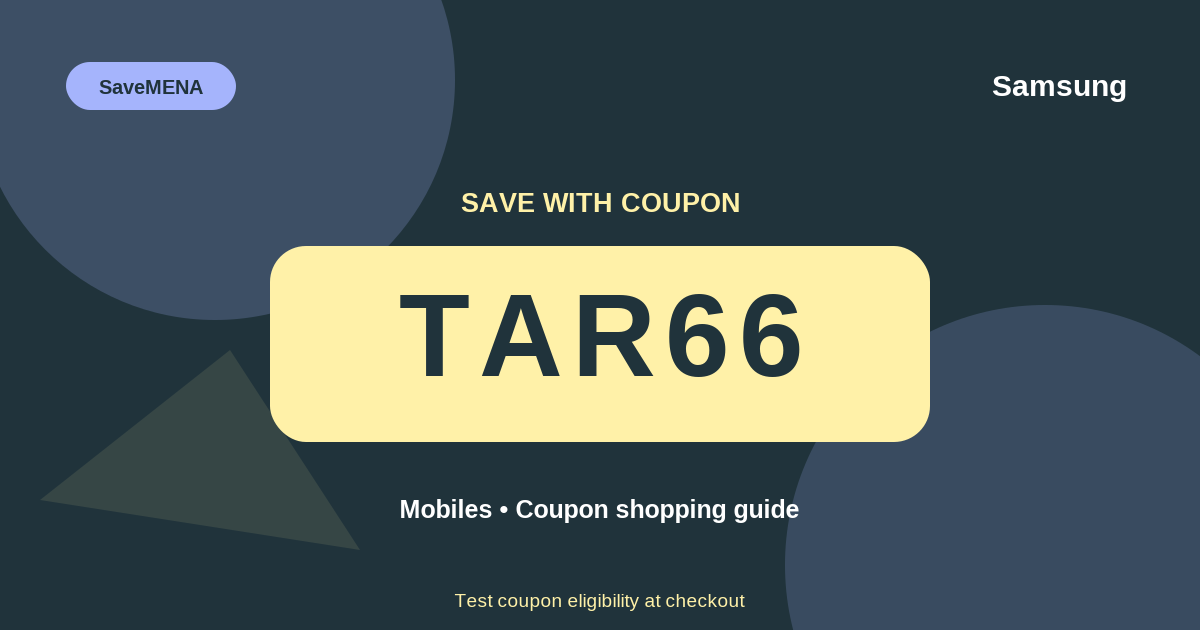
Codes available to try while comparing
These codes are not guaranteed for the article topic or listed brands; test them at checkout and use the live result.
1️⃣ Confirm the Samsung Model and Variant
The first step is to verify that the listing indeed shows the exact Samsung model and variant you intend to buy. Inspect the product title, SKU, and the detailed specs such as storage size, color, and network compatibility. Make sure the description matches your expectations. If the phone is shown as “Samsung Galaxy S23”, confirm the specific sub‑model—such as “Samsung Galaxy S23 Ultra” or “Samsung Galaxy S23 5G”—to avoid receiving a different unit than intended.
A quick glance at the “Product Details” section on Noon UAE will reveal any variant differences, like dual‑SIM or single‑SIM, download content, or pre‑installed apps. Double‑check the price line‐item to ensure no hidden add‑ons are included. After confirming the exact variant, you’re ready for the seller‑centric part of to your checkout review.
2️⃣ Scrutinize Seller Reputation and Ratings
When dealing with any marketplace, the seller’s reputation can significantly influence your buying experience. On Noon UAE, locate the seller name under the product title and tap it to view their store page. Review their overall rating, the number of completed transactions, and any visible customer feedback. A seller with a high rating, consistent positive reviews, and a large customer base typically offers reliable service.
Check for any mention of return policy or response time highlighted on the seller’s profile. Sellers that consistently resolve issues quickly are less likely to cause delays. If possible, look for a dedicated Samsung store or a seller that lists multiple Samsung models, as such specialization often correlates with better product knowledge and support.
3️⃣ Verify Delivery Options and Potential Charges
Delivery details can change the final payable amount or your satisfaction level. Look at the “Estimated Arrival” time and confirm whether it falls within your acceptable window. Some sellers offer “Same‑Day Delivery” or “Next‑Day Delivery” for extra fees, which show up separately in the checkout summary.
During checkout, Nguyen see a line item for delivery. Make sure the fee listed matches what was displayed earlier. If the fee is higher than displayed, double‑check your address; sometimes mis‑entered ZIP codes trigger higher rates or slower shipping options.
4️⃣ Scrutinize Warranty, Return, and Exchange Terms
Warranty and return information often differs between sellers, even when selling the same Samsung model. On the product page, scroll to “Warranty” and “Return Policy” sections. Confirm that the seller offers a standard Samsung warranty period and that return conditions (timeframe, restocking fees, restock eligibility) are reasonable.
Prior to finalizing your purchase, keep a mental note or write down the seller’s refund or exchange process. If the seller supports “Exchange for a different Samsung model”, ensure you’re familiar with any required documentation or proof of purchase. This step protects you against needing to return a unit you’re not satisfied with.
5️⃣ Review Currency, Rounding, and Final Price Calculations</HEIGH> <HEADING>5️⃣ Review Currency, Rounding, and Final Price Calculations
On Noon UAE, all prices are shown in AED, but occasionally small rounding differences can appear during checkout. Check that the final payable amount in the checkout summary matches the sum of item price, delivery fee, and any applicable tax. Pay special attention to any hidden “VAT” or “service fee” that may not have been displayed earlier.
If you’re using a Noon UAE coupon like TAR73, confirm that it actually appears as a discount line item after you apply it. Avoid assuming the discount has been applied just because the amount appears lower. The final total on the order summary must match your expectations before you proceed to payment.
6️⃣ Apply the Noon UAE Coupon and Confirm the Discount
To try the Noon UAE coupon, locate the “Apply Coupon” field on the checkout page, enter the code TAR73, and press “Apply.” If the coupon is valid for your Samsung mobile, a discount line item should appear immediately. Double‑check the new total to confirm the coupon has been applied correctly.
Remember that coupons are subject to conditions. The discount might apply only to certain sellers or specific Samsung models. If the discount did not appear, review the eligibility rules or try again in a few minutes. If it still fails, contact Noon UAE support for clarification.
7️⃣ Final Payment and Authentication Check
When the final price is confirmed, proceed to select your payment method. Noon UAE offers multiple options, such as credit/debit cards, NBD, or PayPal. Verify that the payment gateway shows the correct order total. If you’re using a payment method that requires additional authentication (dual‑factor, OTP), ensure you’re ready to complete it before finalizing.
After payment, you’ll receive a confirmation screen and an order summary via email. Keep a copy of this confirmation for your records, as it confirms the applied coupon, final price, and selected seller. If anything seems off, you may reverse or cancel the order following Noon UAE policies before the seller ships the item.
8️⃣ Post‑Purchase Monitoring and Satisfaction Tracking
Even after you’ve paid, keep an eye on the order status. Noon UAE’s “My Orders” section offers real‑time updates—from “Order Confirmed” to “Shipped” to “Delivered.” If delivery takes longer than estimated, contact the seller directly using the chat or call option available on their profile.
Once you receive your Samsung phone, inspect it immediately for any defects or discrepancies. If the product does not match the listing, use Noon UAE’s return process. Since the seller’s return policy may vary, check the initial return information and keep the original packaging and receipt. This vigilance ensures you uphold the best possible outcome in the seller‑centric view.
Related SaveMENA pages
Related articles
Official sources to check
Frequently asked questions
A coupon is not guaranteed; verify its result at the retailer checkout.
Enter the coupon code TAR73 in the checkout “Apply Coupon” field. If the discount appears in the order summary, the coupon is valid. If it does not appear, double‑check eligibility rules or contact Noon UAE support.
What should I do if I notice a discrepancy in the final price?
Review the checkout summary for each line item—product cost, delivery fee, tax, and discount. If numbers don’t match expectations, cancel the order, correct the issue, and place a new order to avoid overpayment.
Can I return my Samsung phone if it’s not exactly what I ordered?
Check the seller’s return policy on their profile before purchase. Most Samsung sellers accept returns within a reasonable timeframe; keep the original packaging and receipt to facilitate a smooth return.
Is the seller’s rating enough to guarantee a good experience?
While a high rating usually indicates reliable service, review individual recent reviews and seller responses to issues. Also confirm delivery times and return policy on the product page for a comprehensive assessment.