HP Office on Noon UAE: seller context — checkout checklist · TAR71
Before you hit the final checkout button for your HP office gear on Noon UAE, it’s essential to run through a quick checklist that focuses on the seller.
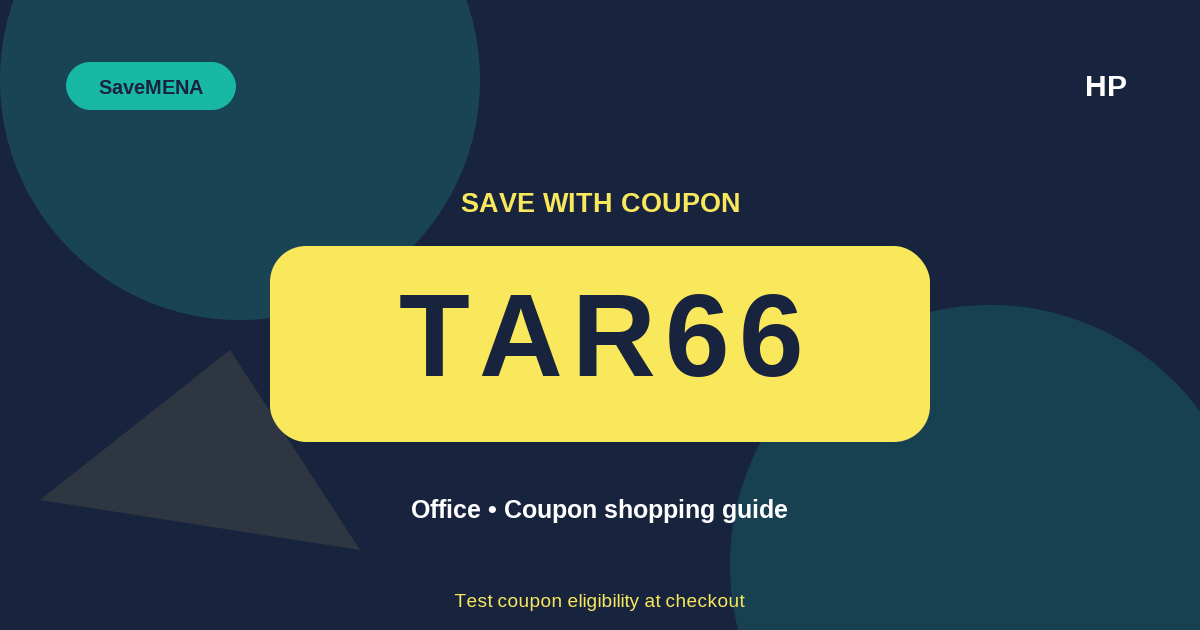
Codes available to try while comparing
These codes are not guaranteed for the article topic or listed brands; test them at checkout and use the live result.
Verify Seller Credibility
The first checkpoint in a trustworthy procurement process involves examining the seller’s reputation on Noon UAE. Look for any publisher or seller ratings that indicate a track record of consistent quality. Pay attention to noted customer feedback that references product authenticity or communication responsiveness. Sellers with clear and positive reviews tend to uphold commitments on delivery, warranty and support, which is critical when purchasing office equipment such as HP devices where software and hardware service agreements matter. By carefully inspecting the seller’s profile page, you gather the social proof that can often dictate your confidence in the transaction. The result is a lessening of the risk associated with unverified sellers that may appreciate your trust with a faulty or improper product.
Beyond surface-level reputation, scrutinize the seller’s business history on Noon. Some sellers publish a long age of operation, giving an indication of their familiarity with marketplace operations. Others may highlight special badges like “Verified Seller” or “Official Retail Partner.” While a formal relationship does not guarantee quality, it can be an efficient shorthand for a seller who adheres to Noon’s operating standards. This, paired with a review calendar showing consistent positive interactions, forms a solid basis for deciding that the seller is competent in handling HP office hardware and its part for a final charge before payment.
Confirm Product Compatibility and Specs
Office equipment such as HP printers, scanners or laptop models often come in variants that differ in specifications like processor speed, memory modules or connectivity standards. Double‑check that the product description, including model number and release edition, aligns with your business needs. If you rely on specific interfaces—for instance, an HP device that requires a dedicated USB version or a particular Wi‑Fi standard—take the time to verify these details against your existing infrastructure. Consistency here prevents costly changes or additional purchases that may happen after payment is confirmed.
In addition to hardware specifics, review any promised software or firmware updates. HP office equipment typically relies on periodic patches for security or feature expansion, so confirmation that the seller guarantees up‑to‑date license software is a noteworthy factor. Because this support often hinges on the seller’s logistics, confirm that the vendor can facilitate repairs or replacements through a service channel. Concretely, the vendor’s site may include an FAQ or a return policy that demonstrates how to approach post‑purchase support, thereby ensuring peace of mind beyond the checkout line.
Cross‑Check Delivery and Return Policies
When you’re ready to hit the final portion of the purchase flow, you’ll notice a summary that usually contains either a picker for delivery dates or a notification of shipping windows. Verify that the chosen shipping method matches your required time‑frame—especially for office equipment that may need to be set up concurrently with other deployments. Some sellers provide a range of speedy options, while others schedule delivery holistically. This check guarantees that you won’t encounter an unexpected denial or a two‑week hold-up that interrupts the office implementation plan.
Return and warranty details should be examined in close succession. The returned policy should indicate whether the seller handles returns directly or forwards the product to a central hub, as this can impact how quickly you’ll receive a refund or replacement. Likewise, warranty coverage will often specify a duration or service tone. Confirm that the seller’s outlines reflect standard HP norms or any extended warranty options. By confirming these policies, you protect your final payment by clarifying the steps you must take in the event of a defect or dissatisfaction with the product.
Examine Payment Options and Fees
Checkout on Noon generally lists multiple payment gateways, each potentially carrying its own set of conditions. Before confirming the price, you should be sure whether any transaction fee is levied on a particular method. Some payment methods on Noon may apply arbitrary fees that could slightly increase your total. To prevent oversights, verify that the chosen method’s cost is mirrored on the payment confirmation screen and that no hidden charges appear afterwards. The wallet, installments or credit card options each come with distinct implications for your overall expenditure.
Another critical check involves the use of electronic funds or pre‑loaded balances. If a Noon wallet has available credit, confirm that the total payment will be deducted fully and that no denomination disparity results after the final figure appears. Since this assessment happens line by line in the payment summary, proper verification ensures that the amount you authorize remains the amount that transmits to the seller and does not overflow because of rounding or fee deductions. That diligence reduces the risk of an unexpected payment overrun and safeguards the final payable amount noted in the checkout.
Use a Noon UAE Coupon Office HP Seller Context
When you’re ready to proceed toward concluding the transaction, the system should prompt a field for coupon code entries. Inside that prompt, you can enter the coupon code TAR71 and press apply. The appropriate response of the checkout system will confirm whether the code is valid for this SKU and seller. Because the coupon is hosted by Noon, the seller will provide the final application, but the action rests with you: only when the system revises the price should you consider the payment as edited. Remember that the coupon’s success depends on it being matched to the specific office HP widget sold by this vendor.
After applying the coupon, it is equally vital to confirm that the discount actually appears in the payment summary – that the final total has changed accordingly and the before‑discount figure is shown for comparison. If the coupon system does not reflect any change, double‑check that you entered it correctly and that your browser has not cached a previous state. If the coupon still does not appear, the seller’s policies may prevent this specific code from functioning. Should that happen, you can still continue with the normal payment without the coupon. The key point is that the system must substantiate the adjustment to preserve your confidence in the final payable amount.
Ensure Real‑Time Stock Availability
In the lead‑up to the final checkout button, the platform will normally indicate current inventory status. If a particular HP office item shows a “out of stock” indicator or a reduced quantity, you may need to consider alternate sellers or options. Some sellers allow back‑ordering with the condition that delivery times post‑payment might be extended. For immediate implementation, it is advisable to insist on a fully available inventory, as this eliminates the risk of delayed arrival once payment is completed.
Even if the seller shows the item as available, double‑check the confirmation to make sure that no additional shipping notices appear after the payment has been authorized. Occasionally, the seller may delay shipping for a small batch that is already allocated. Those scenarios will emerge only in the post‑payment status update. A pre‑payment check is the only way to ensure that the entire purchase chain is aligned and that the money spent will translate into the expected physical product without a timeout or automation hiccup.
Final Price Confirmation at Checkout
The conclusion of the purchase process shows a payment summary that combines product cost, shipping and, if applicable, taxes or fees. At this level you get a last cross‑check: the seller’s final charged amount must match the amount you see in the summary. If a coupon was applied earlier, the discount will be reflected here, but the system may separate it by listing “Original Total” and “Discounted Total.” That will help you validate that the status of your transaction aligns with the financial amount you intend to pay.
For extra assurance, verify that all items appear exactly as you selected: the correct SKU, quantity and any options. If there is a mismatch, you can cancel or request a correction before authorizing payment. In that case, you would adjust the order or remove a product altogether. By ensuring that the final number is exactly what you expect, you lock in your responsibilities and the seller’s obligations—and avoid post‑payment complaints about undisclosed fees or mispriced units.
Post‑Purchase Documentation
After the payment is made, Noon typically surces a receipt or order confirmation in your account. This document should display the seller’s name, contact details and the particular HP office product(s) purchased. If you have kept a local copy of the transaction, it can serve to verify that the seller can indeed deliver the required accessories. This step is especially valuable for future reference – for example, if you encounter a defect and need to activate warranty or return support.
Check that the confirmation includes the delivery timeframe and a tracking reference, if available. With a reliable seller on Noon UAE, there may be a tracking number that leads to a logistics portal where you can continue monitoring the shipment. Keeping pivotal documentation from the point of checkout ensures that you have both an official reference for your corporate expense ledger and a backup for legal recourse should there be anyone who disputes a shipment’s timeliness or condition.
Related SaveMENA pages
Related articles
Official sources to check
Frequently asked questions
What should I do if a coupon code does not appear to apply at checkout?
Verify the code spelling, timing, and that you’re indeed using the coupon field. If it still fails, the seller’s policies or the product may not support that particular coupon. In that case, you can proceed without the reduced price or contact Noon support for clarification.
How can I confirm that the seller on Noon UAE is reliable?
Look for verified badges, recent positive reviews and detailed seller profiles. A reputable seller will also outline clear return, warranty and customer support processes tailored to office equipment such as HP devices.
In what ways does the seller context influence my final purchase price?
Sales terms, shipping policies, and coupon applicability can differ between sellers. Some may offer exclusive rates or zero shipping for office orders; others may restrict certain discounts or require additional fees.
Will the use of a coupon affect my delivery timeframe?
Usually, applying a coupon does not change the processing or delivery period. However, some sellers might reorder items or adjust shipping to meet discounted schedules, so verify expected date range at checkout.