Puma Shoes on Noon UAE: seller context — checkout checklist · TAR73
If you want to buy Puma shoes online in the UAE and wish to “use a Noon UAE coupon Shoes Puma seller context,” the first thing you need to do is verify that the
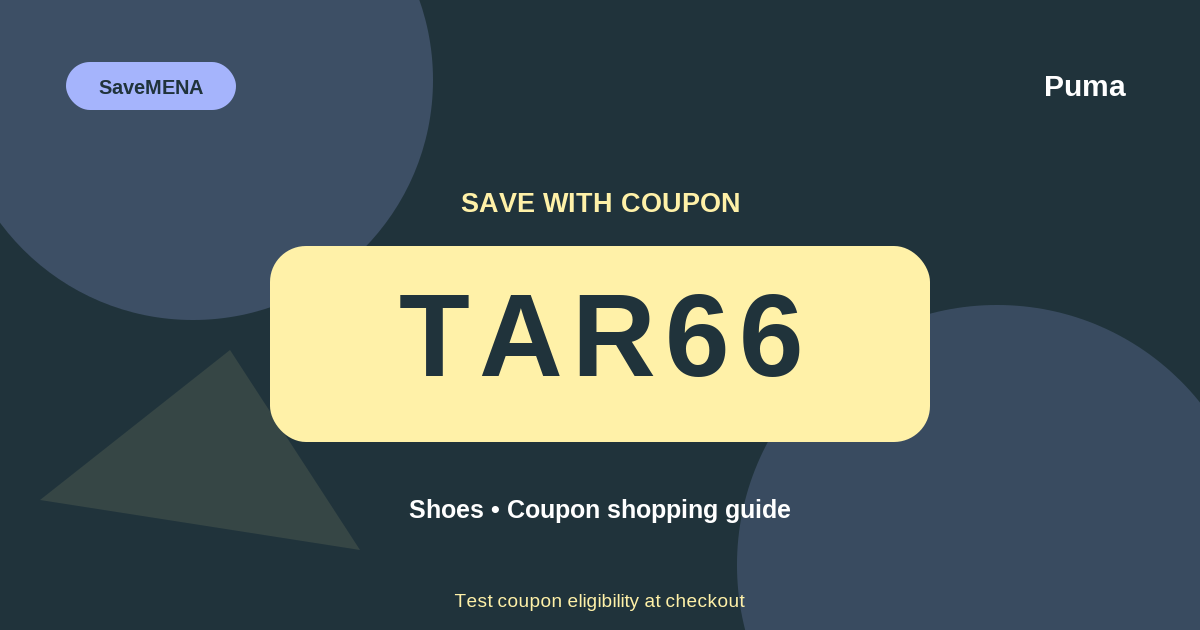
Codes available to try while comparing
These codes are not guaranteed for the article topic or listed brands; test them at checkout and use the live result.
Confirm Seller Credibility Before Adding Puma Shoes to Cart
Before deciding to add a pair of Puma shoes to your shopping bag, start by evaluating the credibility of the listed vendor. Seller ratings such as “Verified Seller” or “Top Rated” give instant reassurance. Check the number of positive reviews and look for consistent feedback on quality, authenticity and delivery times. This early verification prevents future disputes and ensures that the product you intend to purchase truly matches what is advertised.
After confirming the seller’s reliability, verify the presence of a dedicated “Seller Center” or “Brand Store” associated with Puma. Often, premium brands offer dedicated outlets that guarantee genuine stock and better return policies. When the seller’s profile shows official branding, such as Puma logos and marketing materials, it adds another layer of assurance. This step aligns with the seller‑centric decision lens, ensuring that all subsequent purchase actions are grounded in trust.
Explore Shoe Features and Size Options Through the Seller’s Profile
Navigating the seller’s detailed product listings allows you to assess the shoe’s features, including material, sole type, and colorways. Pay close attention to the size chart provided in the product description; for Puma shoes, sizing can differ slightly between models compared to other sportswear lines. The seller’s profile often hosts a comparison table that clarifies after‑sale measurements, ensuring your chosen size fits your feet correctly.
If the seller offers a “Try on Fit” preview or a 360‑degree view, take advantage of it to visualise the shoe’s design and build. This feature is invaluable for modeling shoes that have upper texture or athletic support levels tailored to specific sports. Reviewing these details before purchasing guarantees that the shoe meets your functional and aesthetic expectations, meeting the same evaluation criteria set for all apparel categories on Noon UAE.
Navigate Prime Delivery and Return Policies on the Seller’s Page
A critical part of the seller‑centric decision is understanding how and when your Puma shoes will arrive. Examine the “Delivery & Return” section, noting delivery windows and any free shipping thresholds. Some sellers opt for Noon Prime, offering swift and cost‑free delivery for returning UAE residents; confirm your eligibility for this benefit.
Return policies are equally important. Verify whether the seller offers a 14‑day no‑questions‑asked return window, return shipping coverage, or flexible exchange options. Confirm that the return process involves the original packaging and that refunds are processed within a realistic timeframe. Clear return terms safeguard you against potential product defects or size mismatches, a cornerstone of the seller‑focused purchasing approach.
Review User Ratings and Feedback Specific to Puma Shoes
User reviews are a goldmine of real‑world experiences. Scan through the top 10 buyer comments to catch common praise or complaints about the Puma shoes. Notice any recurring issues like insufficient cushioning or unexpected color variations. Positive comments about fit, durability, and authenticity tell you that other customers are satisfied with the seller’s product quality.
Pay special attention to review timestamps and the “Verified Purchase” badge, as these signals confirm that the reviewer actually bought the item from the same seller. If a significant portion of negative reviews flags sizing problems, adjust your size selection accordingly. Aligning with the seller lens, a balanced review profile helps you decide whether the seller maintains consistent quality across products.
Verify Availability and Stock Levels of Your Chosen Model
Once you have selected the Puma shoe model and size, check the seller’s stock status. Most listings show real‑time availability, but it is advisable to read the “Stock Level” text at the bottom of the product page. If the tag reads “Limited Stock” or “Only 3 left,” consider acting quickly to secure the pair before items run out.
If visibility is unclear—such as a simple “In Stock” note without specific numbers—contact the seller through the built‑in chat or FAQ. Confirm the estimated shipping date that aligns with your schedule. A proactive check ensures that the seller can deliver the selected shoe within your required timeframe, adhering to the practical seller‑centric evaluation you set out to perform.
Add the Shoe to Cart and Attempt the Noon UAE Coupon
After confirming seller credibility, product details, and stock, proceed to add the Puma shoes to your cart. At this point, the cart page will reflect the exact price, any optional accessories, and potential shipping charges. This visible snapshot lets you confirm the monetary figures before attempting any discount code.
Now you’re ready to try the TAR73 coupon. Input the code in the “Promo Code” box on the cart or checkout page and hit Apply. The site will display whether the coupon was accepted or rejected. Remember, coupon success depends on active seller approval and transaction eligibility; the check is final before payment is processed.
Customize Checkout: Shipping Address, Payment Method, and Promo Code
When proceeding to checkout, double‑check your saved shipping address. A change of location may affect delivery time or the need for additional handling fees. Make sure the chosen address is current and accurately addresses your Dubai, Abu Dhabi, or Abu Dhabi regions.
Choose the preferred payment method—credit card, debit card, or digital wallets such as Apple Pay or Google Pay—ensuring that the chosen option is supported by Noon UAE. Once payment is selected, the final coupon verification occurs. This step solidifies whether the TAR73 coupon applied correctly to the final payable amount listed in the order summary.
Final Checkout Checklist: Order Summary, Seller Details, and Coupon Confirmation
Review the order summary page, which lists every item, quantity, price, shipping fee, and any applied coupons. Verify that the seller information shown matches the one you previously scrutinized. Confirm that the final total includes all applicable factors before hitting the “Place Order” button.
The last check-point is confirming the coupon label next to the total amount. If “TAR73” appears with a discount indicator, the coupon was successfully applied. If not, the cart will revert to the full price. Only after all these items are verified should you proceed with payment to ensure a smooth transaction with a trustworthy seller and the best possible price.
Related SaveMENA pages
Related articles
Official sources to check
Frequently asked questions
What should I do if the TAR73 coupon does not apply at checkout?
Re‑enter the code carefully, ensuring there are no leading or trailing spaces. If it still fails, contact Noon UAE support or the seller’s help desk. The coupon’s eligibility might depend on seller approval or transaction thresholds that are not publicly listed.
Can I return my Puma shoes if they fit poorly after using the coupon?
Yes, most sellers provide a return window—often 14 days—if the shoe doesn’t fit. Check the seller’s return policy in the product listing, and keep the original packaging. Process the return through Noon’s return portal before the deadline.
Will applying the TAR73 coupon reduce shipping costs?
The coupon typically applies only to the product price and does not affect shipping charges unless explicitly stated. Shipping remains based on the seller’s standard terms or Noon Prime eligibility.
Can I use the coupon with multiple items from the same seller?
If you add more Puma shoes from the same seller, the coupon may only discount one item, depending on seller settings. Confirm the coupon terms by reviewing the promotion details on the cart page before finalizing the purchase.