Huawei Smart Watches on Noon UAE: seller context — checkout checklist · TAR73
When you’re ready to add a smart watch to your collection, the key question becomes: “What flags should I check before I hit the payment button?” This piece walks
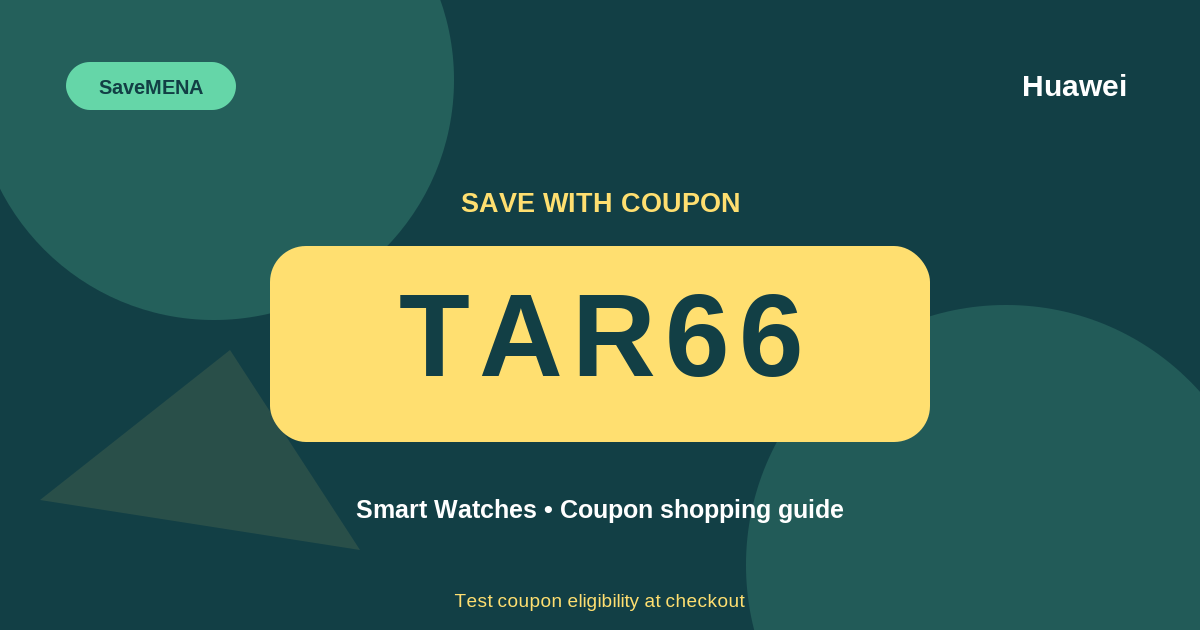
Codes available to try while comparing
These codes are not guaranteed for the article topic or listed brands; test them at checkout and use the live result.
2. The Importance of Seller Reliability in Noon UAE
In this era of marketplace giants, the reputation of the seller remains a critical gatekeeper. A trustworthy seller typically possesses a verified or gold status, reflects consistent positive ratings, and displays transparent policies regarding returns, warranties and shipping. For a Huawei smart watch, a reputable seller ensures that the watch is an authentic original, as opposed to a gray market copy.
Pay attention to supplier profiles: read the “Seller Information” section, check for any return policy statements, and see if they provide a contact phone number or chat support. If a seller offers an unusually short turnaround or provides only a shipping address but no storefront, be vigilant. This vetting reduces the risk of misdelivered or defective gear.
3. How to Identify Authentic Huawei Smart Watches on Noon
Origin guarantees the quality of components, firmware updates and after‑sales support. Start with the product title: it should explicitly include “Huawei” and the model name like “Huawei Watch Active 2”. Avoid generic or truncated titles that may belong to third‑party refactors.
Look under the “Product Details” tab for origination details—certifications, the IIEC sign or Huawei certification marks. A user manual or packaging checklist should show the end‑to‑end Huawei logo. If the model includes a subtle, localized tagline, verify that the firmware supports Arabic or UAE time zones. Consistent details across the product page and seller profile point to authenticity.
4. Applying a Noon UAE Coupon to Your Smart Watch Cart
While the coupon code TAR73 is publicly shared, Noon does not guarantee its fulfilment. The best practice is to enter the code in the payment section after you’ve added the smart watch to the cart, but before confirming the order.
Once the coupon is applied, the cart summary will instantly recalculate the discount allowance. Verify that the new subtotal reflects the intended deduction if any. If the coupon does not apply, the platform may provide a “why not” tooltip explaining a shortfall, blocking code, or currency mismatch. A successful coupon application is the only time to confirm its validity; after payment, the record is final.
5. Checking Payment Options and Wallet Compatibility
For UAE shoppers, Noon supports a range of payment methods: credit/debit cards, bank transfer, cash on delivery and various wallet services, including e-wallets like Noon Wallet or third‑party offers. Select the method that aligns with your budget history and your auto‑apply feature. If using a wallet that supports installment plans for higher‑priced smart watches, double‑check the interest rates and payment due dates.
During payment, the final payable amount is displayed alongside any coupon deduction and taxes. Confirm that this net amount matches your expectation and that no hidden fees—like surcharge for using an overseas card—are present. If you notice an unfamiliar fee, contact the payment processor immediately, as your last chance to mitigate costs is at checkout.
6. Shipping, Delivery Times, and Return Policies
The shipping details revealed at checkout must include the estimated arrival window, the courier partner, and the track‑and‑trace hyperlink. For Noon UAE, local and international flight hubs can affect arrival delay, so a set delivery window of 3‑7 business days is typical for smart watches. Confirm that the seller lists this window on their page; in most cases it is highlighted within the “Shipping Information” panel.
Return and exchange policies are crucial for high‑tech electronics. Verify the seller’s stated policy—most Noon sellers allow a 14‑day return if the device is unused, but some vendors may have a stricter 7‑day window for electronics. A clear return address and return cost policy reduce surprise exchange charges that could offset the coupon benefit.
7. Tracking Your Order: From Confirmation to Delivery
After payment is completed, you receive an order confirmation via email and a push notification within Noon’s app. The confirmation includes an order ID that you can use to track by logging into your account under “My Orders”. The shipment click will show status updates—out for delivery, in transit, or delivered—alongside a courier name and a contact number.
Use the courier’s official tracking page to confirm arrival time. If the watch hasn’t shown any movement after the expected date, reach out to Noon customer support or the seller via the “Contact Seller” link in the order details. Buyer‑centric tracking ensures you remain in control of delivery timing and any potential delays that might affect your device usage.
8. Avoiding Common Pitfalls When Finalizing Smart Watch Purchases
Even with a trustworthy seller, there are still routine blunders that can ruin a shopping experience. One frequent mistake is overlooking the “product authenticity guarantee” sticker within the seller’s badge. Always review the “Terms and Conditions” checkbox before payment; a missed tick can trigger a post‑purchase dispute that requires mediation by Noon’s dispute resolution team.
Another common slip is assuming coupon codes work with all payment methods. Some codes auto‑roll only on card payments and not on wallets or cash‑on‑delivery. Avoid double‑spending by carefully noting any remainder credits. Finally, digital confirmation emails may be delayed due to server load; keep the desktop or phone visible during the final check to capture any late slip‑outs.
Related SaveMENA pages
Related articles
Official sources to check
Frequently asked questions
How do I know if the coupon code TAR73 will work?
The code must be entered in the coupon field during checkout. Noon will dynamically update the cart if the code is valid. If it fails, a tooltip will appear explaining why; this is the only way to confirm its usability.
What if I receive a Huawei smart watch that doesn’t match my selected variant?
Please contact noon’s customer support and provide the order number. The seller’s return policy will guide you on whether an exchange or refund is applicable. A mismatch should be resolved before the watch leaves the seller’s facility.
Is the “seller context” the only factor I should consider?
No. While seller reputation safeguards authenticity, you should also verify shipping windows, return policies, payment options, and coupon applicability. Each layer of confirmation secures a smoother purchase experience.
Can I apply the coupon after the payment has started?
No. The coupon code is only active at the cart or payment section before you click “Pay”. After your payment details are submitted and the order is confirmed, the coupon cannot be retroactively applied.