Nike Sports on Noon UAE: seller context — checkout checklist · TAR71
When you’re ready to buy Nike sports gear on Noon UAE, the first step is to decide whether a Noon UAE coupon can help you save on your purchase.
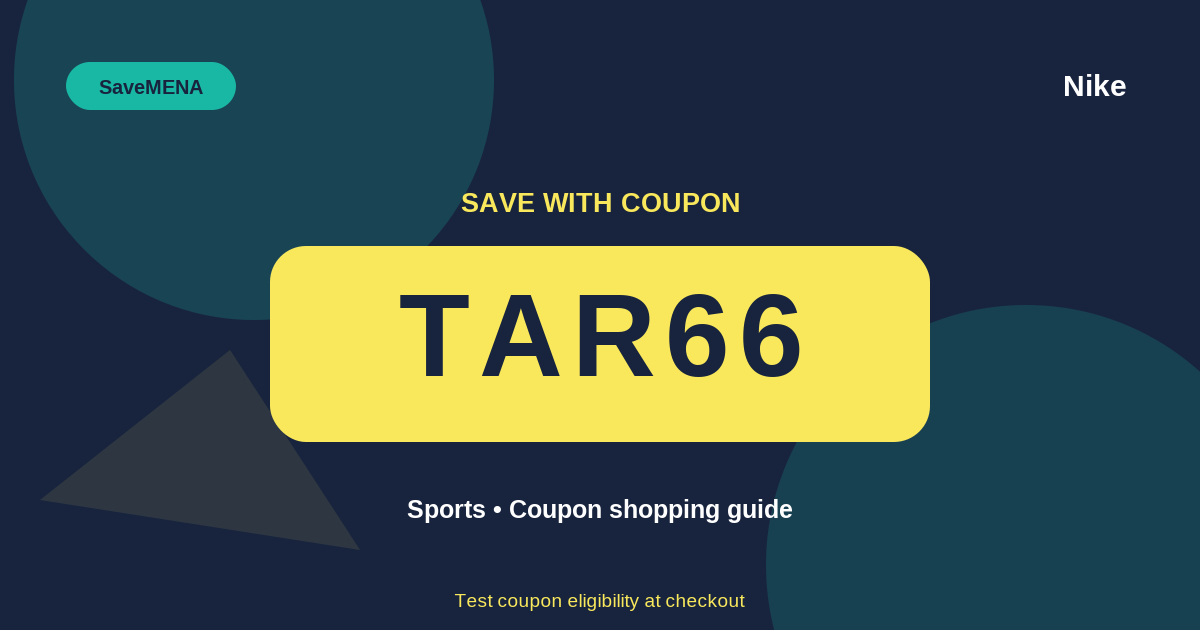
Codes available to try while comparing
These codes are not guaranteed for the article topic or listed brands; test them at checkout and use the live result.
Understanding the Noon UAE Coupon Mechanism in Sports Purchases
The Noon UAE coupon system allows shoppers to enter a code at checkout that may or may not yield a discount. When you type TAR71 into the coupon field, the platform will cross‑reference the code against your selected items. It’s essential to note that the coupon’s validity depends on the current promotion schedule; any changes are only confirmed at the moment you proceed to payment. Therefore, keep your product list unchanged once you start applying the code to avoid unexpected alterations.
After you add a Nike sports product to your cart, the coupon field typically appears adjacent to the total amount. A simple click on “Apply” will trigger the backend check. If the code is accepted, the discount—if any—is deducted before shipping and tax calculations. When you see a new subtotal, that’s the point that marks eligibility. However, remember that the final amount you pay is only confirmed at the next step, at the actual checkout screen.
Choosing the Right Nike Sports Seller on Noon UAE
On Noon, multiple sellers offer Nike sports apparel and gear. The seller’s reputation directly influences authenticity, return policies, and delivery reliability. Prior to purchasing, review the seller’s rating, read buyer feedback, and confirm that they list genuine Nike title tags. For sports items, certification badges like “Verified Seller” can add an extra layer of confidence. This vetting process ensures that you’re buying from a reliable source, and it mitigates the risk of counterfeit products.
When you select a Nike sports seller, also verify that they ship to your UAE address and that their delivery times match your schedule. Some sellers may offer express shipping for sports gear, but it could trigger higher fees.A coupon is not guaranteed; verify its result at the retailer checkout.
Building Your Sports Cart: Product Selection and Quantity Considerations
Sports shoppers often purchase multiple items—different sizes, models, or related accessories.A coupon is not guaranteed; verify its result at the retailer checkout. If your cart contains several Nike sports products, the coupon might apply to the total value, but this depends on the coupon terms that Noon applies internally.
Check each product’s size chart and color options carefully during selection. Mistakes at this stage can later trigger the need for returns, which may be more costly. Keep a mental note of your order quantity; if you foresee a large purchase, confirm whether there's a separate promotion or bulk allowance. This step avoids surprises when you move to the payment page.
Adding the TAR71 Coupon to Your Cart: Step‑by‑Step Guidance
Once your cart items are finalized, scroll to the bottom where the total appears. A text box labeled “Enter Coupon Code” allows the TAR71 code input. Type the code exactly as it appears, then click “Apply.” The interface will instantly inform you if the code is valid or not. If it’s rejected, double‑check for typos or hidden spaces; the code is case‑sensitive.
After a successful application, the cart will adjust the subtotal to reflect any discount. At this juncture, review the new total; that figure is the one you’ll confirm during checkout. Avoid editing your cart after this point unless you’re certain you understand how changes will affect the coupon eligibility.
Reviewing Fees, Shipping, and Payment Options in the Checkout Flow
Beyond the product subtotal, Noon applies shipping fees, taxes, and sometimes an optional expedited delivery surcharge. Each of these components appears as a separate line in the checkout summary. Confirm that the shipping destination is correct and that the selected delivery speed matches your requirement, as shipping costs may vary between options.
When proceeding to payment, you’ll choose from a list of accepted payment methods—credit card, debit card, or local wallet. Each method may have a different processing fee. Ensure that your chosen method is supported for the final amount displayed. This step guarantees that you don’t encounter a payment failure due to a changed total.
Final Checkout Checklist: Verification Steps Before Payment
The checkout screen is the last checkpoint where you confirm eligibility and the final payable total. Verify the following: (1) the applied discount from TAR71; (2) the subtotal, shipping fee, tax, and any other charges add up to the total shown; (3) your delivery address is accurate; (4) your payment method has sufficient balance or credit.\nThe final payable amount is the value you lock in by selecting “Place Order.” This figure is finalized when you click the button, making earlier verification crucial for avoiding post‑purchase discrepancies.
Once verified, you’re ready to place your order. If any item shows a change in price or a missing coupon application at this point, cancel the order, adjust as needed, and restart the checkout to capture the correct discount.
Post‑Checkout: Tracking, Returns, and Customer Support for Sports Items
After placing your order, Noon provides a tracking number that you can use to monitor the delivery status. Sports gear may need special handling—look for notifications about temperature control, fragile packaging, or collection details. If issues arise, use the Noon app or website to update the order or request a refund or exchange based on the seller’s return policy.
For tennis sneakers, yoga mats, or training apparel, return windows are usually fixed; confirm the return period in the order confirmation. If you need to return an item, the seller’s contact information appears under the order details, and Noon’s customer service remains open for any additional assistance.
Related SaveMENA pages
Related articles
Official sources to check
Frequently asked questions
Can I apply the TAR71 coupon to non‑Nike sports products?
The coupon is not limited to Nike; however, each transaction is verified by Noon. If the code applies, the discount will appear in your cart total after the coupon validation step during checkout.
What happens if my vanilla coupon code is not accepted?
If the TAR71 code is rejected at checkout, resend the code without spaces or mistakes. If it still remains invalid, contact Noon support for clarification on its current status.
Will the coupon affect my shipping fees?
Coupons typically apply to item totals only. Shipping fees remain charged as listed unless a specific promotion says otherwise. Review the shipping line on the final checkout page.
Do I need to create a Noon account to use the coupon?
Yes, the coupon code must be entered during an active session. If you shop as a guest, you may not be able to apply the coupon; creating an account is recommended to use promotional codes.