Puma Sports on Noon UAE: seller context — checkout checklist · TAR71
The first step before you click “Proceed to Payment” is to confirm every detail of your order, from seller ratings and product variants to coupon eligibility and
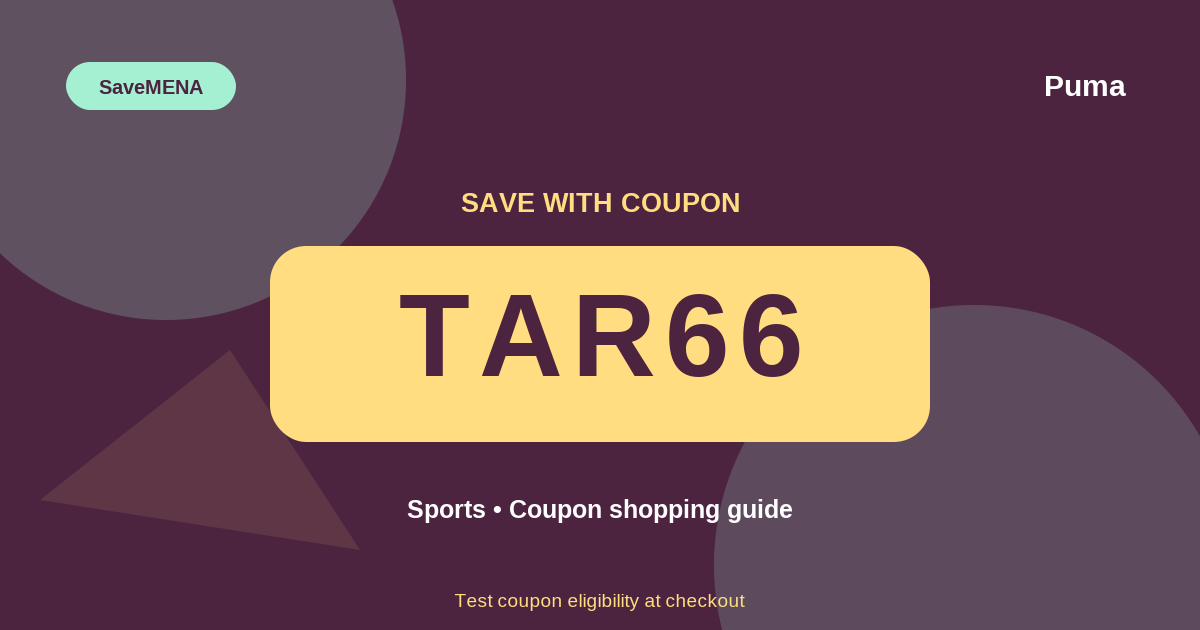
Codes available to try while comparing
These codes are not guaranteed for the article topic or listed brands; test them at checkout and use the live result.
1. Verifying Seller Credibility for Sports Products
When you add a Puma item to your cart on Noon UAE, the name of the seller appears beneath the brand. Whole-sale sellers often have autocomplete badges, while authorised retailers display a “Puma authorised retailer” label. Checking the seller’s overall rating, number of completed orders, and any verified credentials on the product page helps ensure you’re buying genuine sports apparel rather than a counterfeit copy. If a seller is unfamiliar, scroll to the bottom of the page to read reviews from other shoppers about their experience with that seller’s shipping times, packaging, and customer service quality.
Keep a mental note of any red flags such as negative reviews about delayed delivery or unresponsive sellers. If the seller has a low rating or a history of returns, consider selecting an alternative source that has the same product variant. This step preserves the integrity of your purchase and protects you from hassles that can arise when an unverified seller delays or mishandles an order. It is also advisable to check the seller’s storefront for clear contact information and response times, which can indicate a reliable business partner.
2. Picking the Correct Puma Variant for Your Needs
Sports apparel often comes in multiple size, color, and material options. On the product page, scroll through the size chart and colour guides to confirm that the item you are adding matches your intended preferences. Make sure to double‑check that the variant you select is still in stock. If you are unable to see a subtle variation in the product images, use the zoom or 360° view tools to confirm that the surface texture and fit are exactly what you expect.
Before adding the item to the cart, record the variant name and size number in a separate note or use the “Add to Wishlist” feature to preserve it. This practice will save you time if you need to quickly locate the same product later for comparison or if the item appears in multiple sellers’ listings. Accurate variant selection reduces the risk of receiving a wrong item that may not meet your workout or performance requirements.
3. Applying the TAR71 Coupon Before Final Review
While the TAR71 coupon is available for trial, it’s crucial to apply it on the cart page and then check whether the discount is accepted by the system. The coupon field is typically located beneath the applied promotions section if your cart contains a qualifying sports item. The step is simple: type “TAR71” into the code box, press Apply, and wait for the interface to reflect the changes.
If the system rejects the code, the cart will display a message that the coupon is not applicable. At that point, double‑check that the product is indeed from a Puma seller listed in the coupon’s eligibility.A coupon is not guaranteed; verify its result at the retailer checkout. The coupon’s effect is shown in the final amount only after this verification step, so confirming its acceptance early prevents last‑minute surprises.
4. Checking Cart Quantity, Size and Item Accuracy
In the cart overview, verify that each item’s quantity matches what you intended. If you accidentally added the same product twice, adjust the number right there. For sports gear, ensuring you have selected the correct size is especially important because many items are not interchangeable after shipment.
Use the “Edit” function to change quantities or replace the variant if you spot an error. You can also cross‑check the SKU number displayed in the cart against the one printed on the physical item’s packaging. When all entries are accurate, proceed to the next step with confidence that the items listed will match the quantity shipped.
5. Assessing Shipping Options and Related Fees
Noon UAE offers several shipping routes, each with distinct delivery windows and potential handling fees. When you reach the checkout page, review the list of available couriers and their estimated arrival times. Some shipping channels include express delivery, while others support free dispatch for certain order values.
Additionally, check if the chosen seller supplies a “Same Day Delivery” option or a scheduled pickup for convenience. The total payable amount will include any applicable shipping fees, so noticing them now prevents unexpected additions to your bill after you hit “Pay Now.” If any fee appears incorrect, contact customer support or the seller directly before confirming the order.
6. Confirming Payment Method and Final Payable Amount
On the payment screen, choose your preferred method, whether it be a debit card, credit card, or another accepted payment instrument. The platform will display the last four digits of your card and a secure token icon, confirming that the information is encrypted.
Immediately below that choice, the platform will list the final amount to be charged, inclusive of the selected items, applied coupons, shipping fees, and any applicable taxes. Confirm that the total matches your expectations; if a discrepancy appears, double‑check the cart summary and coupon section again for mistakes that may have been overlooked earlier.
7. Avoiding Common Checkout Errors
One frequent pitfall is overlooking the “Agree to Terms & Conditions” checkbox. Failing to tick this box will block the payment button or cause a mandatory error message to appear. Ensure you have read the terms, which typically cover return policies and warranty details for sports equipment.
Another common malfunction occurs when the user tries to apply the same coupon multiple times or uses it on a different category. The system should only allow a single application per order. If the coupon fails to render, revisit the cart or clear your browser cache to refresh the promotional flags. Addressing these small issues beforehand eliminates post‑payment frustration.
8. Final Confirmation and Delivery Details
Before you finalize the payment, scroll through the order summary one last time. Verify that all sizes, colours, seller details, the shipment address, and the phone number to which the carrier will send the pickup request are correct. Typos in the address can result in delayed delivery or return of the order.
Once the “Place Order” button is clicked, you’ll receive a confirmation email or push notification that the order has been accepted. Keep that reference number handy. It serves as a proof of purchase and can be used to track the delivery in Notificiations or the delivery tracking portal. With the order confirmed, you can breathe easier knowing every detail was double‑checked.
Related SaveMENA pages
Related articles
Official sources to check
Frequently asked questions
How do I know if my seller is authorized for Puma products on Noon?
An authorized seller will display a “Puma authorised retailer” tag in the product description or the seller’s profile. Check the seller rating and read user feedback for consistency in product authenticity and delivery performance.
Can I apply the TAR71 coupon to multiple items in one order?
The coupon is typically applied once per transaction. If you have several Puma items from the same seller, you can still apply the code, but it will only reduce the total once, not each item individually.
What happens if the shipping fee changes after I click “Place Order”?
Once you confirm the payment, any change in shipping fees is unlikely. If a discrepancy occurs, the seller or Noon customer service will adjust the bill or issue a refund before shipment.
Is it safe to use my credit card for the purchase?
Noon respects security protocols, encrypts card data, and provides PCI‑compliant payment processing. The website displays secure icons; ensure the URL starts with “https://” before entering card details.