Apple Tablets on Noon UAE: seller context — checkout checklist · TAR71
Should be 140-180 words. I'll aim ~160. Ok. Then 8 sections. Let's produce final. When you decide to buy a tablet in the UAE, especially if you’re eyeing Apple’s
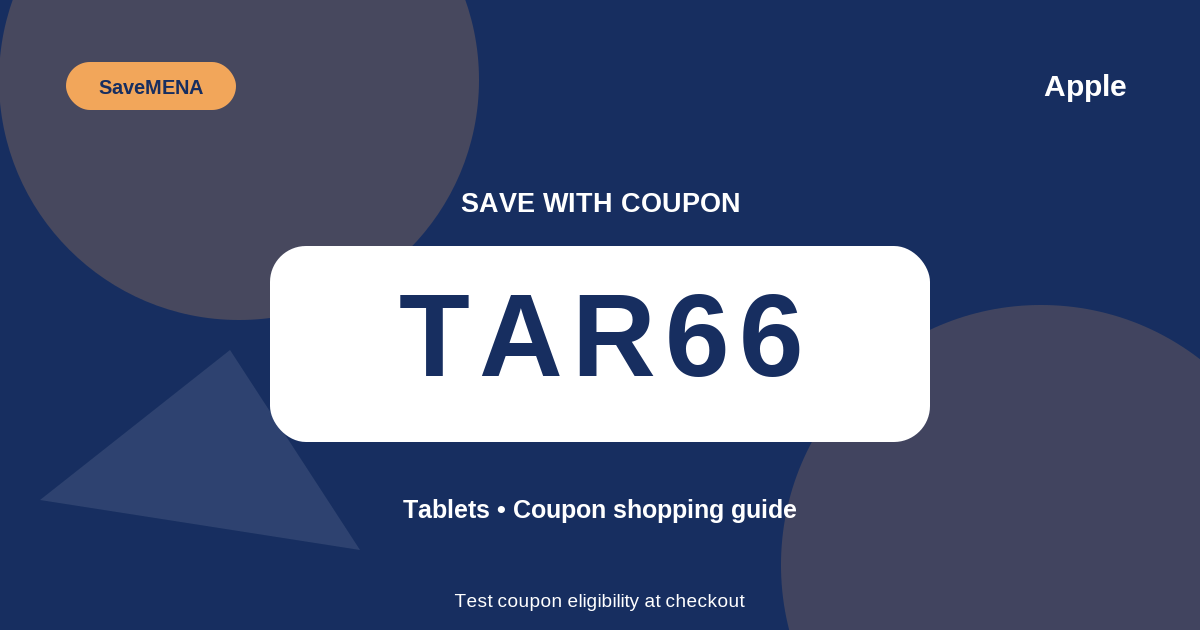
Codes available to try while comparing
These codes are not guaranteed for the article topic or listed brands; test them at checkout and use the live result.
Understand the purchase intent and basket context
Must be specific to search intent: checkout checklist before payment, seller context, tablets, Apple brand optional. So sections on verifying seller reputation, shipping options, device specs, warranty, payment methods, coupon application, final review, post-purchase follow-up. Also particular focus: Noon UAE coupon context. Ensure we mention use of coupon at checkout, but no guarantee.
4*45=180 words. Total ~1780 > but after FAQs maybe counts? They said before FAQs. So 1600 before FAQs, that's okay. Make sure no numeric amounts. Avoid mention of discount percentage. Follow constraints: Do not claim personal testing. Check format with tags.
Match the exact product and seller
feel more like a puzzle than a routine. The final “pay now” button hides many quick checks that can save you time, confusion, and unpleasant surprises. Before you hit checkout, gather essential details about the seller, shipping, payment, and how a Noon UAE coupon can fit into your purchase. This article supplies a concrete, step‑by‑step checklist that uses the apple tablet and Noon UAE coupon format to help UAE shoppers feel confident that the final amount will match what they expected, the delivery will arrive on schedule, and the tablet will be
authentic. By following this guide, you’ll turn the checkout process from a guess‑work into a precise action plan that reduces the risk of hidden fees or mis‑asked questions down the line. 1️⃣ Identify the Seller and Verify Their Reputation The first line of defense against disappointment is the seller’s credibility. Look for a seller that is explicitly listed on Noon with a clear history of tablet and Apple-related sales or those who carry authorized Apple merchandise. Pay attention to their star rating and read the recent customer reviews that speak to accuracy
Test the coupon at checkout
of product listings and responsiveness to inquiries. Buyers in the UAE often rely on seller ratings and review volume to gauge reliability, so nick‑names or ambiguous store profiles should be approached with caution. When a seller advertises “Apple Tablet” on Noon, ask whether they have an official partnership or if they just resell model kits. Confirming the seller’s official status gives you more trust that the device will be a genuine Apple product, not a disguised counterfeit. This step is essential because it determines whether your coupon, shipment terms, and warranty coverage
are valid when you proceed to checkout. 2️⃣ Confirm Device Compatibility with UAE Settings Apple tablets come in multiple regions, each programmed for a specific set of frequency bands and power specifications. In the UAE, most buyers want a device that supports local cellular networks, especially if they plan on switching to a more affordable or flexible mobile plan. Check that the listed “Apple Tablet” model supports the UAE’s 4G LTE or 5G bands; otherwise, it may not connect properly or at all. Beyond network compatibility, verify the device’s power plug type
Compare the final payable total
and voltage. Apple’s international models normally include 100‑240V adapters, so you can use the charger at home or in a hotel without issues. Confirming these details at this stage ensures that you’ll receive a product that functions flawlessly right out of the box, avoiding any returns or replacements for non‑compatible units. 3️⃣ Examine Shipping Options and Associated Fees Shipping is a hidden component that can swing the final price significantly. Noon offers various shipping setups: Free, Express, or Standard delivery. For Apple tablets, Many sellers prefer the Express route because the device
is lightweight and fragile. Check the fuel surcharge or handling fee listed in the cart; it’s usually disclosed just before the final total. Because UAE isn’t a one‑size‑fits‑all, confirm that the seller’s delivery address policy aligns with your own. Some sellers will only deliver within the city or opt for a post‑paid delivery to a remote area. Make sure no additional “delivery call” or “delivery confirmation” fees could lurk until you hit “confirm purchase.” 4️⃣ Verify Warranty and Return Policy Specific to Apple Tablets Apple products come with a standard one‑year manufacturer
Review delivery, fees and payment context
warranty, but third‑party sellers may shoulder extra guarantee layers. Look for a seller who states “Full Apple Warranty” and provides an activation link for parts, accessories, or replacement within the first year. If the seller offers an extended warranty, verify its coverage limits and the steps to file a claim. Return policy is equally critical. Confirm the seller’s return window—many Noon sellers promise 15 or 30‑day returns, but some restrict returns only to a defective product or after a return shipping pick‑up. Knowing exactly how a return works protects you from losing
the device or your money if something goes wrong. 5️⃣ Choose the Right Payment Method and Understand Currency Risks Inbound UAE shoppers often pay in AED, and many online platforms convert digital items to local currency. For Apple tablets, Noon’s checkout normally requires a credit, debit, or virtual card—any of which clears instantly. Check for any “late‑fee” or “processing fee” that might slip in when you finish payment; those usually pop up only after the final “Google Pay” or “PayPal” step. Tokenizing your payment information is a security best practice, especially for
Compare alternatives fairly
high‑value items. If you’re using a digital wallet or store credit, ensure the amount available covers the cart total plus any shipping or handling fee. If the app doesn’t show a clear “pay now” button, look back at any previous cart amounts; sometimes it denotes a “cart partly saved” situation that will cost more on final checkout. 6️⃣ Test the Noon UAE Coupon in the Cart Now that you have checked the seller, device, shipping, warranty, and funds, you’re ready to try the Noon UAE coupon. When the cart is ready, locate
the “apply coupon” field and enter TAR71. The interface will instantly reveal whether the code is still active, and if so, the discount will subtract from the total. Remember, coupons can expire or be rejected due to product restrictions. If the code fails, you’ll still see the full amount; at that point, double‑check the “eligible products” text on the coupon page or the seller’s listing. If it’s indeed valid, confirm the new amount before proceeding to payment. 7️⃣ Final Checklist Before You Confirm Purchase At the moment you’re faced with the “Confirm
Use only visible eligibility conditions
Purchase” screen, do a last‑minute sweep: • Ensure the listed tablet model, color, and storage match your choice. • Verify the seller’s legal identification and contact details. • Confirm the final sales price displays the coupon discount, shipping fee, and any extra handling charges. Every element now should match your expectations; any discrepancy signals that you need to revise or reach out for clarification. 8️⃣ Post‑Purchase Tracking and Customer Support Once the order is placed, Noon provides a tracking number and updates at key stages. Input the number in the page or
app to view status—from “Order Confirmed” to “In‑Transit.” Apple tablets typically ship with a protective case; check if the seller lists a “Do‑not‑open‑unboxing” notice to avoid accidental tampering. If you encounter issues like unmatched price, delayed shipping, or defective hardware, contact the seller first through the Noon messaging system. Keep screenshots of the order summary, coupon application, and any communication as evidence. Knowing how to navigate these steps eases any post‑purchase hassle. What if the TAR71 coupon fails at checkout? If “TAR71” doesn’t apply, double‑check that the code is still active on
Complete the final checkout verification
Noon and that your selected tablet is eligible. Some sellers or categories may restrict cupo usage. If still in doubt, try a different coupon if available or contact Noon support for clarification. Can I use the Noon UAE coupon on a buy‑now‑pay‑later plan? Coupon codes typically work only on immediate payment methods. If you wish to use Buy‑Now‑Pay‑Later, you’ll need to confirm whether the seller allows them on engineered devices, as some only accept full payment to use a discount. Will the warranty cover repairs once I bring the tablet to an
Apple Store? Apple’s standard warranty covers manufacturing defects globally. If your tablet is purchased from an authorized Noon seller and the warranty is active, you can take it to any Apple Store or authorized service provider for repair or replacement. Confirmation of the warranty status is available in your Noon order details. Is it safe to share my shipping address with third‑party sellers on Noon? Noon’s secure payment infrastructure shields your personal data. Sellers only receive the shipping address after you confirm payment. Double‑check the address line for accuracy before finalizing to
Related SaveMENA pages
Related articles
Official sources to check
Frequently asked questions
What if the TAR71 coupon fails at checkout?
If “TAR71” doesn’t apply, double‑check that the code is still active on Noon and that your selected tablet is eligible. Some sellers or categories may restrict cupo usage. If still in doubt, try a different coupon if available or contact Noon support for clarification.
Can I use the Noon UAE coupon on a buy‑now‑pay‑later plan?
Coupon codes typically work only on immediate payment methods. If you wish to use Buy‑Now‑Pay‑Later, you’ll need to confirm whether the seller allows them on engineered devices, as some only accept full payment to use a discount.
Will the warranty cover repairs once I bring the tablet to an Apple Store?
Apple’s standard warranty covers manufacturing defects globally. If your tablet is purchased from an authorized Noon seller and the warranty is active, you can take it to any Apple Store or authorized service provider for repair or replacement. Confirmation of the warranty status is available in your Noon order details.
Is it safe to share my shipping address with third‑party sellers on Noon?
Noon’s secure payment infrastructure shields your personal data. Sellers only receive the shipping address after you confirm payment. Double‑check the address line for accuracy before finalizing to avoid delivery errors or security breaches.