Samsung Tablets on Noon UAE: seller context — checkout checklist · TAR73
Once you have a seller on lock, confirm that the listed tablet’s condition matches your expectation. Check the “Product Details” tab; a full‑spec.
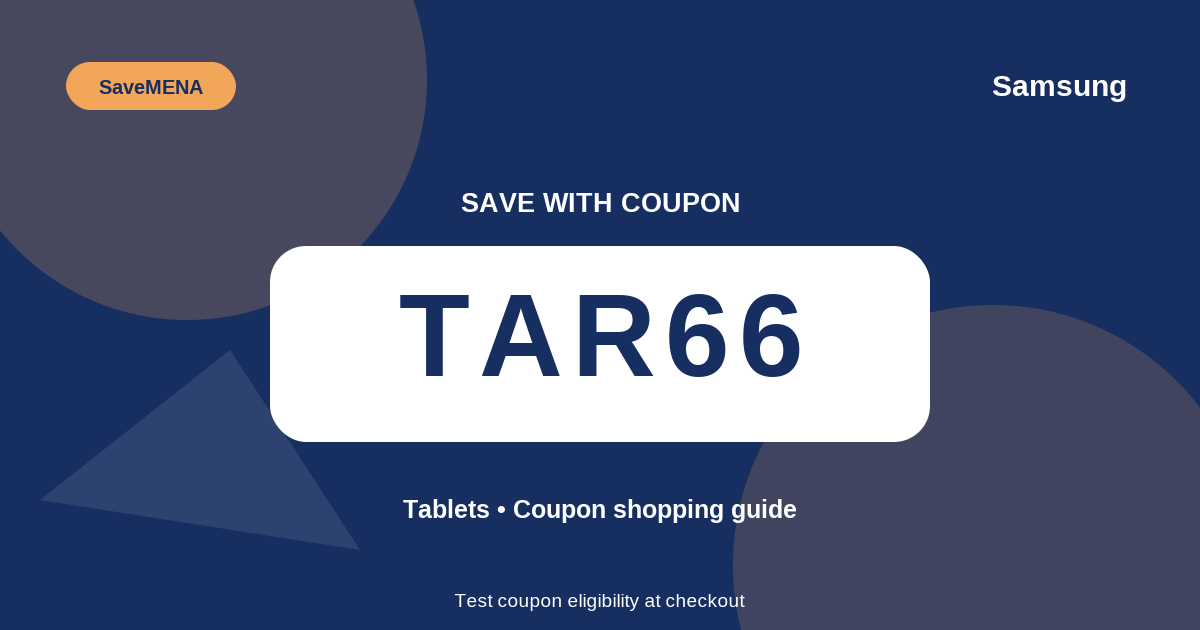
Codes available to try while comparing
These codes are not guaranteed for the article topic or listed brands; test them at checkout and use the live result.
2. Verifying Tablet Condition and Specifications
Once you have a seller on lock, confirm that the listed tablet’s condition matches your expectation. Check the “Product Details” tab; a full‑spec. sheet will show the OS version, processor, RAM, and storage. For a Samsung Galaxy Tab Pro, note the model, 12.9‑inch screen, and whether it’s a new or an updated version from the previous lineup.
Beyond the spec, note if the device is “New” or “Refurbished.” In the UAE market, certain sellers use “Certified Refurbished.” The description will mention a warranty period—often 12 months or more. Compare this against the canonical Samsung warranty. These two factors—condition type and warranty—directly influence your cost‑effectiveness, especially when you confirm the seller’s pre‑purchase rating or open-source of returns. Check that the phone’s accessories match the listing, such as charger, adapter, and screen protector. These small details are often missed before the checkout, and the key is to note them now.
3. Shipping Fees, Delivery Speed, and Delivery Area
In Noon UAE, shipping fees vary based on seller and region. The product page shows a figure in AED, but it might change depending on the buyer’s address. Verify whether the seller is one of Noon’s “Key Sellers,” who typically get free local delivery on same‑day or next‑day windows. If shipping is separate, compare it to alternative sellers that might offer expedited delivery for a similar price.
Make sure the seller ships to your Zip code. The UAE’s distributed regions can affect delivery times: a seller in Sharjah could deliver quicker to Dubai than a distant seller. Also confirm the seller’s “Estimated Delivery” field—often time‑specific. If you need the tablet urgently, the seller’s shipping commitment will dictate whether a cheap voucher is worth more because it doesn’t delay arrival. The final cost, including shipping, holds on checkout; double‑check that the shipping is consistently applied before applying the coupon.
4. Return Policies, Warranty Tiers, and Customer Support
In the UAE, return policies differ by seller. Look under “Return Policy” for the seller’s standard – 14‑day, 30‑day, or a longer period. Also examine the “Warranty Guarantee.” A Samsung tablet should be covered for hardware issues for a minimum of 12 months; if a seller’s warranty is shorter, you’re sacrificing support.
For overarching support, check seller sections that list “Customer Service.” Many sellers offer a phone number, email, or live chat. Highlight any that provide English and Arabic services. During checkout, verify that the seller’s office works on business days and has a reliable return process if you need to send the device back. Knowing this improves your confidence that if any component fails, you won’t face extra fees or a complicated return. Check the seller’s official Instagram or social media presence if available; good responsive seller is often an easy walk‑through for trouble‑shooting.
5. Planning Payment Methods and Checkout Timing
In Noon UAE, you can pay by credit card, debit, or a local payment gateway. Some offers T107 or a TAR73 coupon if you use a Noon wallet or a specific bank’s card. Observe what payment methods are labeled under “Payment Options” for that specific seller. If the product offers a higher discount on a Noon wallet, you might want to pre‑load the wallet.
Plan your checkout timing to avoid last‑minute electronic glitches. If you’re new to Noon, set an hour ahead for checkout, giving you time to anticipate possible delays or shipping interrupt. Some sellers enforce “stock release” upon checkout, meaning you cannot revert a sale. If the seller offers a same‑day delivery guarantee, do your purchase early in the day to secure a timely send. The final “Place Order” step is the last checkpoint for the last price; examine the final screen for added fees—like a small handling fee or a newly applied shipping cost—before finalizing.
6. Applying the TAR73 Coupon Before Final Payment
To enable the discount, locate the “Coupon” or “Apply Voucher” field on the checkout page. Input the code TAR73 and click “Apply.” Verify that the discount appears as a line item or sliding percentage. If you do not see any change in the total, the coupon may be expired or not compatible with this seller’s product. Verify the “Coupon Terms” field; it may have restrictions such as minimum spend or select product categories.
Check that the coupon’s effect is applied only after you have verified shipping and product details. Some coupons act only if the order amount exceeds a threshold or if the buyer chooses a specific payment method. If the coupon isn’t applied, try re‑entering with correct capitalization or selecting a different payment option. Double‑check that the seller is on the same frequent risk acceptance page for Noon; some sellers may block wallet payments, affecting coupon eligibility. Eventually, the final price should reflect the coupon discount, ensuring that the refund, shipping, and taxes are accurately recalculated.
7. Final Cross‑Check: Seller, Coupon, and Total Cost
Once the coupon is applied, review the final screen that lists “Order Summary,” “Shipping Fee,” “Taxes,” and “Total Payable.” Confirm that the total matches the sticker price minus the coupon discount. Look for any automatically added fees or hidden charges that might appear after you hit “Pay.” That’s your last chance to correct mistakes before the transaction is locked.
Confirm seller visibility again: the seller’s name should appear on the order summary. Ensure you’re buying from the intended entity—this sometimes changes if a product is out of stock. If the seller’s detail now appears as “Financial Services” or a different name, contact Noon support. The final screen also has an option to view “Order Details,” which expands to show the exact calculation for coupon, shipping, tax, and product price. These details give a transparency guarantee—if something doesn’t match, you’ll have a record for dispute.
8. Post‑Purchase: Tracking, Receipts, and Warranty Activation
After placing the order, Noon sends a confirmation email and a mobile notification with an order tracking number. Tick the seller’s shipping turnaround in your tracking page. If the seller offers a dedicated customer support line, keep the contact handy in case of delivery delays or product damage queries. The buyer can also get a PDF receipt for tax or reimbursement deduction.
Activate the tablet’s warranty by inserting the serial number into the Samsung website or the Digital Warranty portal if available in the UAE. Note that only the original seller or a Samsung authorized entity can register the warranty. Record the warranty period and any support instructions. Having the warranty details and buyer’s receipt ensures that if you encounter any defects, you can claim support directly through the registered channel—enclosing the confirmation that the seller was verified for authenticity.
Related SaveMENA pages
Related articles
Official sources to check
Frequently asked questions
What should I look for in a seller’s return policy?
Check the return window length, whether return shipping is free, and if the seller offers a no‑questions‑asked refund for the whole price. Information is usually listed under the product page or “Return Policy” section.
Will the TAR73 coupon apply to all Samsung tablets?
It must be verified at checkout. If the coupon is not showing a discount, double‑check the seller compatibility line item. Normally, the coupon is not limited to specific products but check the terms during checkout.
How do I double‑check shipping fees before applying the coupon?
Review the “Shipping Fee” field in the order summary. If it changes after applying the coupon, re‑enter the coupon or choose another seller that offers free local delivery.
What if the seller’s rating is lower on Noon?
Lower-rated sellers may have slower delivery or less consistent support. Confirm that the seller’s account is verified, the shipping times match your need, and that any return or warranty claim process is clear before finishing the purchase.