Samsung TVs on Noon UAE: seller context — checkout checklist · TAR73
Noon’s platform hosts a mix of brand‑registered stores, third‑party merchants, and individual sellers.
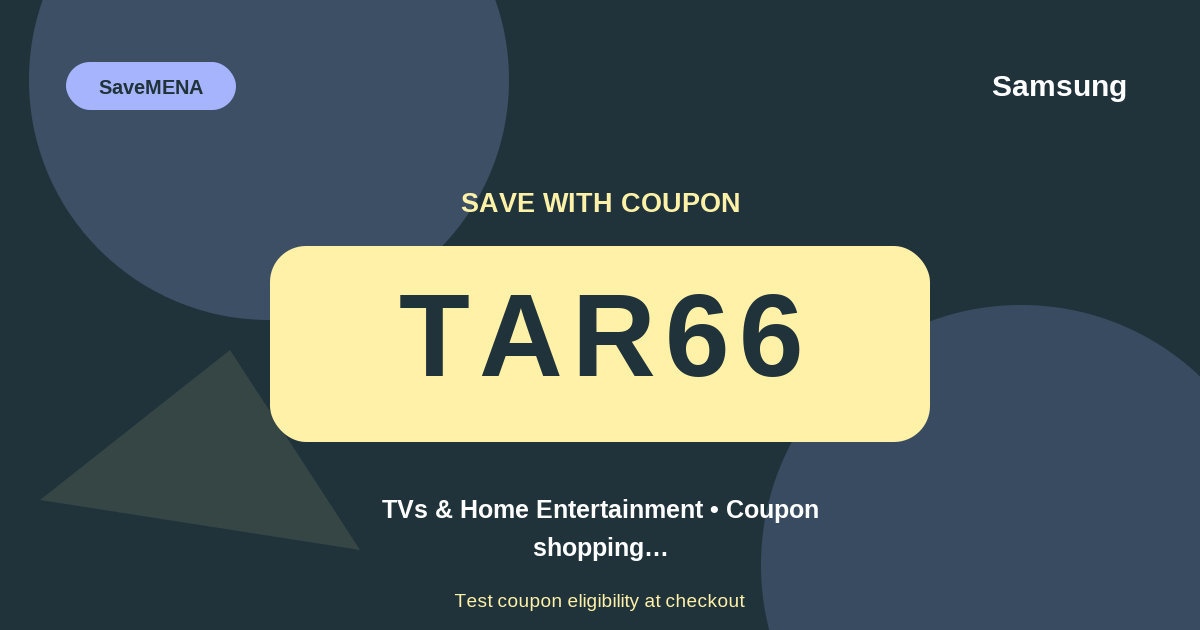
Codes available to try while comparing
These codes are not guaranteed for the article topic or listed brands; test them at checkout and use the live result.
Understand the Seller Landscape on Noon UAE
Noon’s platform hosts a mix of brand‑registered stores, third‑party merchants, and individual sellers. For a luxury item such as a Samsung TV, the seller’s status determines return policies, warranty authenticity, and customer support responsiveness. UAE buyers should scroll through the seller’s profile, looking for verified badges or official store status. A verified seller means Noon has confirmed credentials, which significantly reduces the risk of receiving a counterfeit unit or encountering a support void after purchase. Keep the seller’s title in sight while adding the product to your cart; this solidifies the reference point for every subsequent checkout detail.
Even if the seller claim is “Official,” the display of customer logos or public reviews adds another assurance layer. A seller frequently reported for issuing refunds or handling the delivery process efficiently signals robust logistics, which is essential for high‑value electronics. For Samsung TVs, confirm that the seller stresses genuine support channels or partnership with Samsung service centers in the UAE. This focus on seller context will help you decide if the vendor aligns with your expectation of brand‑level service and after‑purchase assistance.
Review Your TV Cart Before Applying the Coupon
Once you have chosen a Samsung TV and added it to your cart, double‑check the model number, specifications, and quantity. Noon typically lists the product name, screen size, and key features in the cart summary. Confirm that the item is the exact model you intend to buy; mis‑matching details often lead to canceled orders or replacement shipping at additional cost. The cart’s “Subtotal” field should reflect the chosen model’s full price without any hidden taxes or fees hidden outside the interface.
After reviewing the quantity and model, consider any bundle offers or additional accessories that may appear. While the coupon TAR73 doesn’t automatically discount accessories, it’s wise to glance at the overall totals to spot unexpected costs. If the cart shows a combined price for multiple items, each item’s Seller name is listed beneath it—reinforce the seller context by checking that the same seller that you verified earlier is responsible for all items in the cart. This unified seller identity eliminates complications at checkout and makes sure the coupon’s conditions apply consistently to your purchase.
Verify Seller Credibility for Samsung TVs
Seller credibility is paramount for Samsung TVs to guarantee you receive an authentic device and reliable after‑sales support. Look for sellers with a high rating or a verified badge; this is Noon’s simplest indicator that a vendor has met certain quality thresholds. Reputation checks should include searching for recent customer reviews that mention product authenticity, accurate description, and solved disputes. A seller that consistently resolves claims quickly is more trustworthy, especially for electronics that require long‑term reliability.
The seller’s dedicated “Warranty” section in their Noon profile—or a clickable link to Samsung’s official warranty registration site—provides a separate verification layer. When a Samsung TV is sold by a verified or manufacturer‑authorized seller, the warranty often automatically applies upon registration. Ask each time if the seller offers OEM warranty support in the UAE after delivery. Knowing the warranty status ahead of payment helps you make sure your buying decision protects you from voided guarantees that could result from a poor seller choice.
Double‑Check Delivery Details and Fees
Shipping is a variable that can drastically alter the final total. In UAE, Noon separates “Delivery Fee” from the product price, often providing free delivery over a certain threshold. For a high‑valuation Samsung TV, confirm the seller’s shipping method: standard, premium, or a dedicated electronics courier. In the cart, the delivery fee should appear clearly as a separate line item, and the estimated delivery window is listed next to it. Historically, Noon’s interface displays the exact fee amount before the final confirmation.
Seller‑specific delivery policies can vary. Some may offer expedited shipping for a higher fee, while others may have a minimum order requirement to waive fees. Make sure the policy aligns with your budget and intended purchase date. If the seller has special handling instructions such as “TV requires special packaging” or “delivery requires after‑hours pickup,” check whether these constraints affect the cost or delivery time. Properly verifying these details in the cart ensures the coupon TAR73 you wish to use applies to the base product price and not to shipping.
Explore Payment Options That Support the Coupon
Noon UAE accepts several payment methods, each with distinct rules regarding coupon codes. Common options include credit/debit cards, Naqd Pay, and Noon Pay. Confirm that the chosen payment path allows coupon application at the point of checkout. In the payment screen, only certain methods reveal a field labeled “Coupon Code.” If you can’t find this field, it usually means the coupon cannot be used with that payment type or the option requires an account login.
For the coupon TAR73, simply enter the code in the coupon field during checkout and observe whether the discount is applied instantly to the subtotal. The price adjustment typically appears below the coupon field as a “Discount” line. If it fails to apply, double‑check for a wording restriction on the coupon note—sometimes coupons are branded only for specific sellers or categories—but the code itself remains valid for a general use. Secure payment through a reputable seller mitigates fraud risk, especially for costly electronics like a Samsung TV.
Apply the Noon UAE Coupon TAR73 at Checkout
At the final checkout screen, locate the product total, the applied discount, shipping fee, and the grand total. Before entering the coupon code, watch for any “Apply Coupon” prompt that appears once you hover over the payable amount. This ensures the coupon isn’t applied to fees that the uploader might misrepresent. Once you type TAR73 in the coupon field, confirm that the discount appears in real time and recalculates the final payable sum accordingly.
If the discount does not pop up, use the “CAB – customer assistance” button to confirm the coupon’s status with Noon support. At this point, the focus remains on the seller: make sure the seller’s name still shows with the order details after applying the coupon. A proper coupon application should not change the seller field. Keep an eye out for a hidden field that might indicate a minimum spend or a “free shipping” rule that could alter the final amount. Entry accuracy is essential to reflect correctly on the final invoice and to avoid surprises during delivery.
Post‑Purchase Checklist: Warranty and Return Policies
Once your order has been placed, Noon automatically provides a confirmation email containing order details, the seller’s contact, and warranty information. For a Samsung TV, the warranty period is usually specified in the product brief on Noon. Check whether the warranty is listed as “Samsung Original Warranty” or a special “Noon Exclusive Warranty.” If the seller promises a specific warranty coverage, verify that it is acknowledged in your confirmation email to avoid back‑and‑forth.
In addition, hand tips from the seller appear under “Returns & Exchanges.” Most sellers allow a return window of 30 days for disputes, but the seller‑specific policies can alter that period. Record the exact return window and any required packaging instructions. If cash or card payment required a return – the seller’s stance will typically appear in the policy list. This final verification ensures that, even after the payment is cleared, you’re still in the same seller context for all post‑purchase support matters.
Compare alternatives without guessing
When you compare another option in samsung, keep the specifications, quantity and seller as consistent as possible and compare the total shown at checkout. A different coupon does not automatically make a deal better because delivery, fees and the live basket context can change the outcome. Use the final payable total as the practical comparison point.
If the retailer shows a specific condition, rely on that visible message; if it does not, do not turn an assumption into a general rule. Test available options one at a time and note any real change in the total or eligibility message. That creates a verifiable shopping comparison instead of a recommendation built on an unsupported marketing claim.
Related SaveMENA pages
Related articles
Official sources to check
Frequently asked questions
What can I do if the coupon code TAR73 doesn’t apply during checkout?
Double‑check that you entered the code exactly as shown, including capitalization. If it still doesn’t work, confirm that the coupon is compatible with the chosen payment method. Otherwise, contact Noon’s customer service for assistance.
How do I confirm a seller’s authenticity for a Samsung TV?
Look for a verified badge or official store icon on the seller’s Noon profile, read recent customer feedback, and check if the seller links to Samsung’s warranty registration page for the specific model.
Will delivery fees change after I apply the coupon?
Coupon codes typically apply only to the product subtotal. Delivery fees are set separately. The final total shown after applying the coupon will reflect the unchanged shipping cost.
Can I return a TV after using a Noon UAE coupon?
Yes. Check the seller’s return policy in your order confirmation; most allow return or exchange within a set period provided the product is unopened and includes the original packaging.