Sony Cameras on Noon UAE: warranty and support — checkout checklist
When you find a Sony camera that meets your needs, the first step is to examine the covered warranty in the product description.
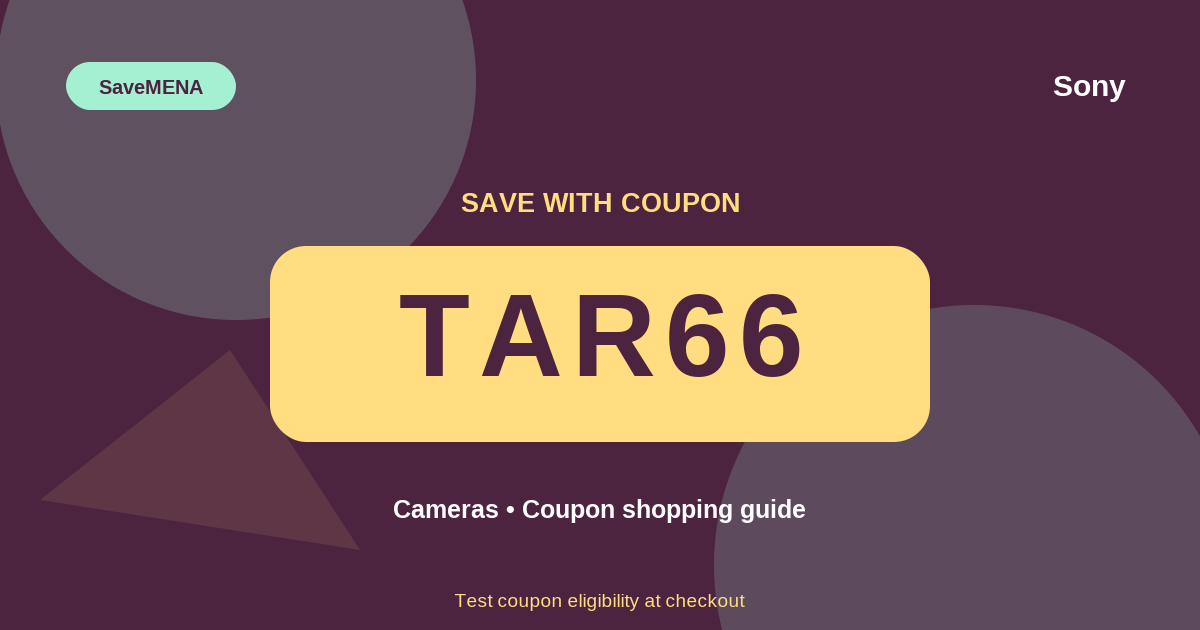
Codes available to try while comparing
These codes are not guaranteed for the article topic or listed brands; test them at checkout and use the live result.
Title
Paragraph1
Paragraph2
1. Confirm Sony Warranty Details Before Adding to Cart
When you find a Sony camera that meets your needs, the first step is to examine the covered warranty in the product description. Sony generally offers a limited 30‑month battery‑life warranty that varies by model; sellers may extend this or provide additional coverage. Verify that the warranty explicitly mentions the region, and note any exclusions such as accidental damage, battery replacement, or firmware issues. If the seller links to a Sony official warranty booklet, open it to cross‑check the terms. Ensuring this matches your expectations prevents hidden costs later.
Next, check if the warranty is included in the base price or sold separately. Some retailers offer a “Standard Sony Warranty” as part of the package, while others allow you to add extended coverage during checkout. If extended coverage exists, confirm the cost, duration, and claims process. Using a verified warranty can be critical when dealing with costly repairs, especially for high‑end lenses or sensor‑driven cameras that experience wear over time.
2. Scrutinise Seller‑sponsored Post‑Purchase Support
After confirming the manufacturer warranty, review the seller’s own support commitments. Reliable sellers often provide a dedicated hotline, email support, or live chat for post‑purchase assistance. Look for the presence of 24‑hour response clauses, listing of repair centers, or partnerships with authorized service providers in the UAE. If the seller states an “Extended Support Package” that includes on‑site repair or expedited battery replacement, check the duration and whether it is complimentary or paid.
It can be valuable to see if the seller offers hardware diagnostics, firmware update reminders, or direct links to Sony’s support resources. A seller that proactively informs you of firmware updates or sensor calibration services demonstrates a higher level of post‑purchase care. This proactive service can reduce downtime and keep your camera performing at peak levels.
3. Validate Shipping Insurance and Accident Coverage
Before placing the order, locate the shipping details in the seller’s listing. Some sellers include standard insurance for transit risk, but this does not always cover accidental damage once you receive the camera. Check for any optional “Accidental Damage Insurance” offered during checkout; note its cost and coverage limits. This coverage can be crucial if you intend to carry the camera on trips or back to your home office.
Additionally, verify whether the seller’s courier partners provide automated claim procedures. A clear, step‑by‑step claim form or a dedicated support line can save you from lengthy disputes. Understand the timeframe for filing a claim, necessary documentation such as photos or proofs of damage, and how reimbursement is calculated. Shipping insurance ensures the delivery process itself does not become a risk to your new investment.
4. Integrate Noon UAE Coupon Effectively at Checkout
The coupon code TAR66 can be entered in the discount field at the end of the checkout flow. It is essential to type the code exactly as presented, respecting uppercase and hyphens. After application, confirm that the discount appears in the order summary before proceeding to payment. Pay attention to any notes about coupon eligibility, especially if the product is currently on sale or part of a bundle.
If the coupon does not apply automatically, check the seller’s payment options and any restrictions that may affect discount eligibility. A common caveat is that certain payment methods or loyalty programs override coupon use. Doing a quick pre‑payment preview ensures you won’t be surprised by a higher final price when you hit ‘Place Order.’
5. Read Return Policy and Exchange Terms
Warranty and support are crucial, but having a clear return policy can be equally valuable if the camera does not meet expectations. Browse the seller’s return window, acknowledging whether it is 7, 14, or 30 days. Confirm whether returns are free or whether a restocking fee applies. A generous return period pairs well with a thorough warranty, giving you flexibility.
Examine exchange terms: if a unit is defective, can you swap it for another model of equal value, or must the same model be sent? Some sellers permit “switch‑to‑a‑different‑camera” exchanges under warranty, which can be advantageous if you discover a better model after purchase. Understanding these details guarantees that you will not lose your investment if a fault appears.
6. Ensure Payment Method Protection Aligns with Warranty
In the UAE, many credit cards provide purchase protection that covers theft, loss, or damage. Before finalizing payment, confirm that your card’s protection policy covers electronic goods, especially premium cameras. Some cards offer extended warranty benefits that sync with the manufacturer’s coverage, providing layered protection.
Link the card’s protection status to the warranty you’re purchasing. For instance, if you buy an extended warranty through the seller, ensure the card’s safeguard does not duplicate this coverage or overlap in a confusing way. Confirm if the card offers a reimbursement process if the seller cannot resolve a claim. Aligning these protections can safeguard against unexpected defects or shipping mishaps.
7. Verify Final Order Summary and Clear Drag‑Drop Options
Once every support aspect is verified, take a moment to examine the final order summary before payment. All items—camera body, accessories, warranty extensions, insurance—must be reflected accurately. Compare the calculator result to your expectations. Any discrepancy signals a problem that should be resolved before you continue.
If the seller offers optional add‑ons such as a carry case or memory card, choose whether to purchase them. They can be toggled in the summary. Confirm each selection’s impact on the subtotal before using the coupon code. A well‑checked summary ensures you don’t miss benefits, and that the coupon’s effect shows in the final payable amount.
Related SaveMENA pages
Related articles
Official sources to check
Frequently asked questions
question
answer
Will the TAR66 coupon always apply to Sony camera purchases?
No guarantee is made that TAR66 will apply to every Sony camera listing. Verify eligibility at checkout; the final payable amount will reflect coupon application if it is applicable.
What if the Sony warranty does not cover accidental damage?
Manufacturer warranties typically exclude accidental damage. Check for optional accidental damage coverage offered by the seller and consider whether it suits your usage pattern.
Can I use the Noon coupon code after placing the order?
The coupon code must be entered before final payment. Once the order is placed, coupon changes cannot be retroactively applied.