Dell Laptops on Noon UAE: warranty and support — checkout checklist
use a Noon UAE coupon Laptops Dell warranty and post-purchase support: This article guides UAE shoppers on how to use a Noon UAE coupon when purchasing Dell laptops
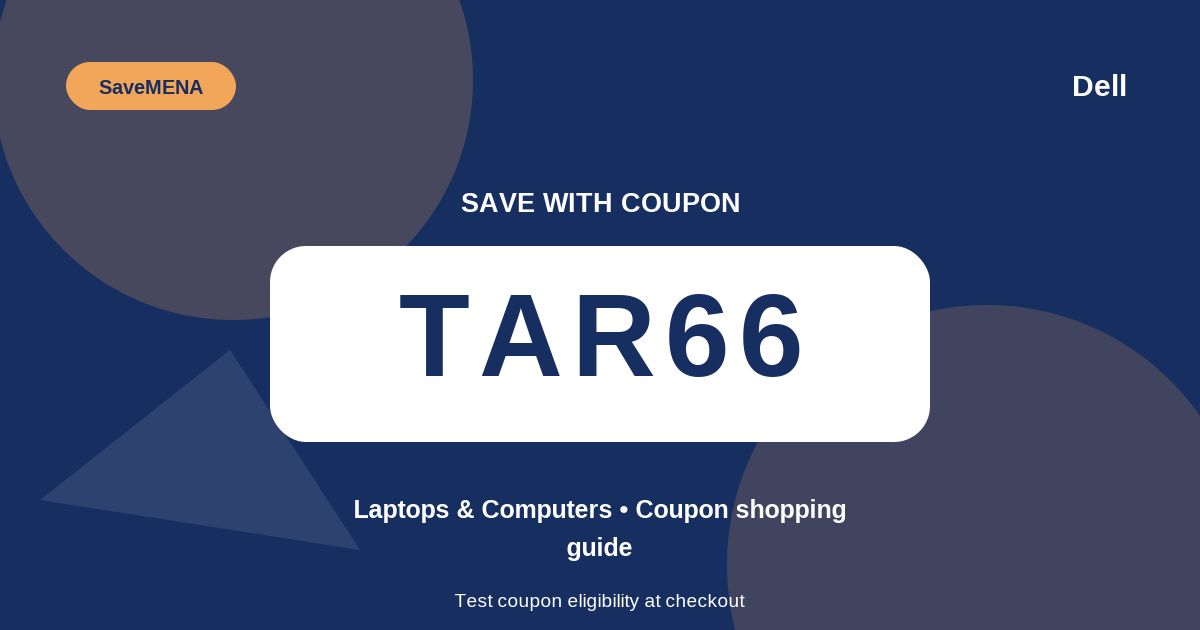
Codes available to try while comparing
These codes are not guaranteed for the article topic or listed brands; test them at checkout and use the live result.
Verify Laptop Warranty Terms Before Adding to Cart
Before you add any Dell laptop to your cart, review the warranty information listed in the product description. Shelf labels normally state the duration, such as a one‑year limited warranty, and highlight whether it covers manufacturing defects or power surges. Pay close attention to phrasing like “subject to terms and conditions” – this indicates that the warranty may have specific exclusions. Confirm that the warranty carries an official Dell tag or reference, signalling it is an original Dell warranty rather than a third‑party offer. Reading these details early prevents later confusion when you check out.
If the listed warranty does not match your needs— for example, if you prefer a multi‑year coverage— consider looking for models that explicitly list extended protection. Some Dell models may carry a two‑year warranty by default, or offer an upgrade path at order time. Keep in mind that you can often enroll in an extended plan after purchase as well. Taking note of the warranty length helps you choose a laptop that aligns with your expected usage timeline and reduces the risk of out‑of‑time repairs.
Confirm Seller’s Post‑Purchase Support Channels
Once you’ve selected a Dell model, examine the seller badge or information in the product listing. Look for references to Dell’s official support page or a local service center. Sellers that provide direct links to Dell’s UAE support site or contact details for local authorized technicians typically have reliable post‑purchase assistance. If the listing mentions a dedicated support hotline or chat option, take note of the operating hours and contact methods available. Ensuring the seller’s support network aligns with Dell’s official channels mitigates the risk of counterfeit warranty claims.
During checkout, some sellers prompt you to add a Dell authorized service package. If such an option appears, read its description thoroughly. It often includes access to Dell’s support portal, priority service appointments, or replacement parts within a specified period. Compare the cost of the add‑on with your preparedness to handle repairs yourself, balancing convenience against potential savings. Double‑check that the service provider’s contact info matches official records to avoid support pitfalls.
Check Bundled Warranty Options During Checkout
At the security‑passage of the checkout page, sellers sometimes offer “bundled warranty” choices for a nominal fee. This can include extended coverage or complimentary on‑site service. Notice the wording— phrases like “add protection plan” or “extended warranty” should clearly state the coverage period and what incidents are covered. Ensure that the package covers the same electronics as the standard Dell warranty or adds extra benefits such as accidental damage protection if that meets your needs.
If you wish to use the Noon UAE coupon TAR66 during this stage, check whether the coupon applies to bundled warranty add‑ons. Coupon eligibility may be restricted to product items, not service upgrades. Even if the coupon does not apply, the final price will be updated once you proceed. Note that the warranty add‑on can sometimes be removed before final payment, so hold off on confirming until you evaluate the final cost in the review summary.
Review Return and Exchange Policy for Dell Laptops
Before the last payment click, scroll to the return policy section within the cart. A reliable policy will specify a return window, conditions for restocking, and whether Dell’s warranty covers return eligibility. If a Dell laptop is returned within the specified timeframe and the issue is warranty‑related, the seller often accepts repairs or replacements. Verify that the return process involves the seller’s fulfillment center and that you have documentation of the warranty claim ready.
Pay particular attention to whether the return restrictive conditions differ for new versus used laptops or for accessories. Dell laptops usually carry a 30‑day or longer return period, but some promotions may offer a shorter window. If your first‑time purchase shows a reduced return grace period, account for that when deciding if a Dell warranty plan includes return rights. Confirm all this info on the review page before finalizing payment.
Assess Coverage for Accessories at Purchase
When adding a Dell laptop, sellers typically list accessories such as chargers, mouse, or docking stations. Warranty coverage often extends to the laptop itself but may exclude these accessories. Check the product page for statements like “accessories are not automatically covered” or “accessories require separate warranty.” If you want coverage for peripherals, inquire about Dell’s optional accessories protection plan, which sometimes bundles with the laptop warranty.
During checkout, there may be a checkbox offering “accessory protection” for an additional fee. Evaluate whether the extra cost justifies the convenience of protected peripherals. If you choose not to add the plan, keep the accessory's purchase receipts securely; you may still claim a repair under broader warranty terms if Dell permits. This precaution reduces surprises if an accessory fails within a short period.
Warranty Extension Enrollment Process After Purchase
After buying a Dell laptop, you might decide to enroll in an extended warranty program. Dell typically offers a “Extended Protection Plan” through authorized retailers, which can be accessed by contacting Dell support or the seller’s service desk. Look for a confirmation email from the seller or Dell that includes an enrollment link or a reference number. Begin this process promptly, as many plans have enrollment windows after delivery.
During enrollment, you may be required to provide the original receipt, serial number, and purchase details. The documentation can be extracted from the Noon order summary or a PDF confirmation. Record the enrollment confirmation for future reference, as you’ll need it to claim service. This step ensures that any defect outside the initial warranty period is covered without additional hassle.
Using the Noon UAE Coupon in the Warranty Context
When the checkout page presents the coupon field, enter TAR66 if you wish to attempt a discount on the Dell laptop price. The coupon may or may not be accepted depending on the seller’s promotion settings or product eligibility. Note that coupons usually apply only to the product price and not to warranty add‑ons or support services. If the coupon is accepted, the displayed total will be reduced before you review the final payment screen.
Even if the coupon does not apply, the warranty coverage remains unchanged. The decision lens is warranty and post‑purchase support, so focus on the warranty terms rather than the discount outcome. Keep the coupon step separate from verifying warranty details; they influence distinct aspects of the purchase. Skip the coupon field if it creates confusion about the final payable amount during the final review stage.
Final Confirmation Steps Before Payment
In the final review screen, cross‑check every detail: the laptop model, warranty period, support contact information, return policy window, and any optional coverage add‑ons you selected. If the product size or weight differs from the listing, verify that the shipping details reflect accurate dimensions to avoid extra fees. Confirm the shipping address and expected delivery window before proceeding.
When all items align with your expectations—including whether the Noon UAE coupon TAR66 was applied and whether the warranty coverage meets your needs—click the payment button. After completion, save or print the receipt and any warranty enrollment confirmation for future reference. This final step solidifies your protection against post‑purchase issues, enabling a smooth and confident laptop experience.
Related SaveMENA pages
Related articles
Official sources to check
Frequently asked questions
How can I verify if the Dell warranty will cover accidental damage on a Noon UAE order?
Accidental damage protection is usually a separate warranty add‑on. The seller’s product description will state whether it is included in the standard warranty or available as an optional plan. Review that information before checkout, or contact Dell’s UAE service center directly for clarification.
Will using the Noon UAE coupon TAR66 affect the warranty coverage?
No. Coupons affect only the product price. Warranty terms are governed by Dell’s policy and the seller’s fulfillment terms, independent of any discount code applied.
Can I add the extended warranty after I’ve already completed the purchase?
Yes, many Dell extended protection plans can be enrolled after delivery. Check Dell’s support portal or contact the seller’s service team for the enrollment process and available time window.
Where can I find the return policy for my Dell laptop order on Noon?
The return policy details are displayed on the final review screen of the checkout page and can also be found in the order confirmation email. Look for sections labeled “Returns” or “Refunds” for full terms.