Anker Mobile Accessories on Noon UAE: warranty and support — checkout checklist
use a Noon UAE coupon Mobile Accessories Anker warranty and post-purchase support: When you’re finalising a mobile accessory purchase on Noon UAE, the first thing
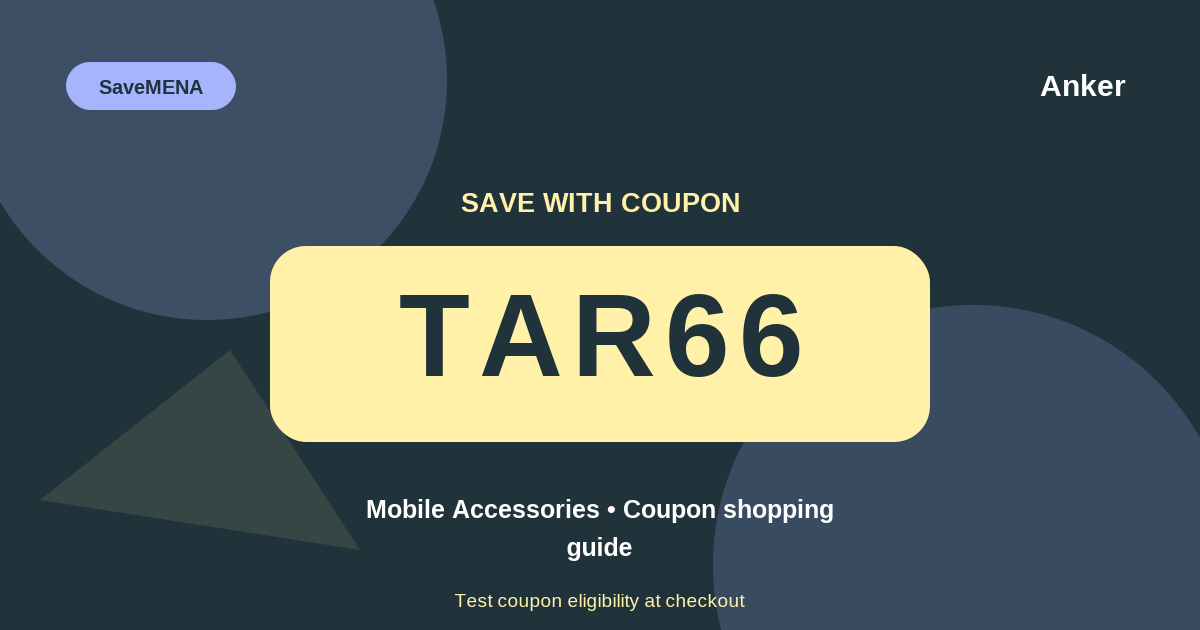
Codes available to try while comparing
These codes are not guaranteed for the article topic or listed brands; test them at checkout and use the live result.
1. Verify Warranty Eligibility Before Adding to Cart
Begin by locating the warranty information that the seller or brand lists on the product detail page. Check whether the warranty is manufacturer‑provided, such as Anker’s standard guarantee, or a third‑party warranty offered by Noon or the seller. The warranty period, coverage limits, and claim process should all be stated clearly. If the listing does not mention a warranty at all, that absence is a red flag for many consumers who value long‑term protection for mobile accessories.
Cross‑check the warranty details between the official Anker support page and Noon’s listed terms. Some sellers quote Anker’s policy, but local service centers or retail partners may modify it. Verify that the warranty remains active for the full duration you intend to use the accessory, and note if a registry or activation step is required. This ensures that when you later contact support for repairs or replacements, you won’t encounter bureaucratic hurdles or missing documents.
2. Confirm Seller's Post‑Purchase Support Structure
Beyond the manufacturer’s warranty, inspect the seller’s own after‑sale support offerings. Does the seller provide a dedicated customer service line, chat, or return portal for issues unrelated to warranty? Look for any stated response times or escalation paths. A seller with clear, user‑friendly support procedures can resolve problems faster, particularly if the accessory requires firmware updates or replacement parts.
Check if the seller offers any free servicing for Minor defects, a return window, or a refund policy for misrepresented products. Some sellers host a local service center; ensuring that such a center is reachable in the UAE can shorten repair timelines. Documenting every support stipulation beforehand helps avoid surprises when you actually need assistance.
3. Compare Shipping Options and Fees
Shipping choices on Noon vary: Standard, Fast, or Express. Identify the delivery timeline the seller or Noon claims for the particular accessory. A faster option may lock in a higher fee that could offset any discount from the coupon code. Evaluate whether the chosen shipping method aligns with your schedule, especially if you need the accessory before a trip or event.
Also verify that the shipping fee is listed separately from the product price to see if it could diminish your savings. If an unexpected charge appears, ask whether it is a fixed fee or a variable rate based on weight or distance. Knowing this aspect before you checkout prevents last‑minute confusion about the final payable total.
4. Check Compatibility with Your Device
Mobile accessories often come with compatibility claims—USB‑C, Lightning, or AUX inputs. Confirm that the accessory’s interface matches your phone’s port or the hub you'll use. Inspect the product description for any cautionary notes about firmware upgrades that might affect compatibility.
Testing or reviewing small user comments (while keeping them general) can reveal whether the accessory truly works across multiple phone brands. Confirming compatibility before purchase eliminates the risk of returning a part that technically breaches your warranty or demands service that is not offered because of a mismatch in standards.
5. Read Return Policy and Warranty Terms
Access the return policy linked on the product page. Make sure it accords with Noon’s general returns rule but also look for any accessory‑specific clauses. A standard 15‑day window may be insufficient if the problem only surfaces later.
Read the warranty fine print in full. Pay attention to exclusions; some policies cover manufacturing defects but not drops, cosmic rays, or third‑party repairs. Knowing exactly what scenarios trigger a claim keeps expectations realistic. If you need additional coverage, check whether Noon offers an extended warranty and under what conditions it aligns with the manufacturer’s terms.
6. Monitor Price Fluctuations and Alerts
Before finalising, set a price alert on Noon for the accessory you’re interested in. Even if you plan to use TAR66, market prices can swing nightly. Having a timer or scrimmage for moving prices helps ensure nothing better comes along.
Review your alerts after some time; if a lower price arrives you can immediately adapt. If the vendor’s price remains steady, and your research confirms a strong warranty and support, you can confidently lock in your purchase without regret. Remember to re‑check the availability of the coupon just in case the discount period narrows after an alert triggers.
7. Plan Payment Method and Look for Fees
On Noon, certain payment methods may add processing fees or even trigger promotional credit cards that offer extra perks. Check whether your chosen payment method could alter the final cost or the coupon’s applicability. Some vendors may only honor the coupon when a specific payment type, like PayPal or InstaPay, is used.
Confirm the final payable total after any applicable payments and taxes. If you find a hidden processing fee, you’ll want to calculate how it impacts your potential savings from TAR66. Keeping the top‑line cost low ensures your warranty and support check remains balanced with overall spending.
8. Final Review at Checkout and Coupon Application
At the checkout screen, double‑check your basket total, including shipping fees, taxes, and any potential discount fields. Enter the coupon code TAR66 in the designated box and click apply. Observe whether the discount appears immediately; if not, review the conditions and validate that the code is still active.
Once the discount is reflected, scroll through the final payment screen one more time to confirm that the displayed amount matches your expectations, that no extra hidden charges appear, and that your warranty and support selections are still attached. Only after these steps should you click “Place Order.” The checkout itself is the final checkpoint for confirming the purchase and ensuring all warranty and support details remain intact.
Related SaveMENA pages
Related articles
Official sources to check
Frequently asked questions
How can I confirm an Anker accessory’s warranty is valid on Noon?
Look for the manufacturer’s endorsement on the listing. Compare it with the Anker official warranty page, and verify that the seller’s policy matches the exact coverage period and terms stated by Anker.
Will the coupon code TAR66 apply automatically to all mobile accessories?
Entering TAR66 in the coupon field at checkout will apply it if eligible. If the code does not appear to work, double‑check the listing’s coupon eligibility or any expiry details that may prevent its use.
Does Noon provide any additional post‑purchase support beyond the seller’s policy?
Noon’s customer service can assist with order status or disputes, but it does not replace manufacturer or seller warranties. For product defects, contact the accessory’s warranty provider directly.
Can I return an accessory if it was purchased with a coupon?
Yes, as long as it falls within Noon’s return window and complies with the stated policy. The coupon does not alter the return process or conditions.