Watches on Noon UAE: warranty and support — checkout checklist
When you add a watch to your cart, scroll to the product description and look for a clearly stated “Manufacturer Warranty” or “Seller Warranty” clause.
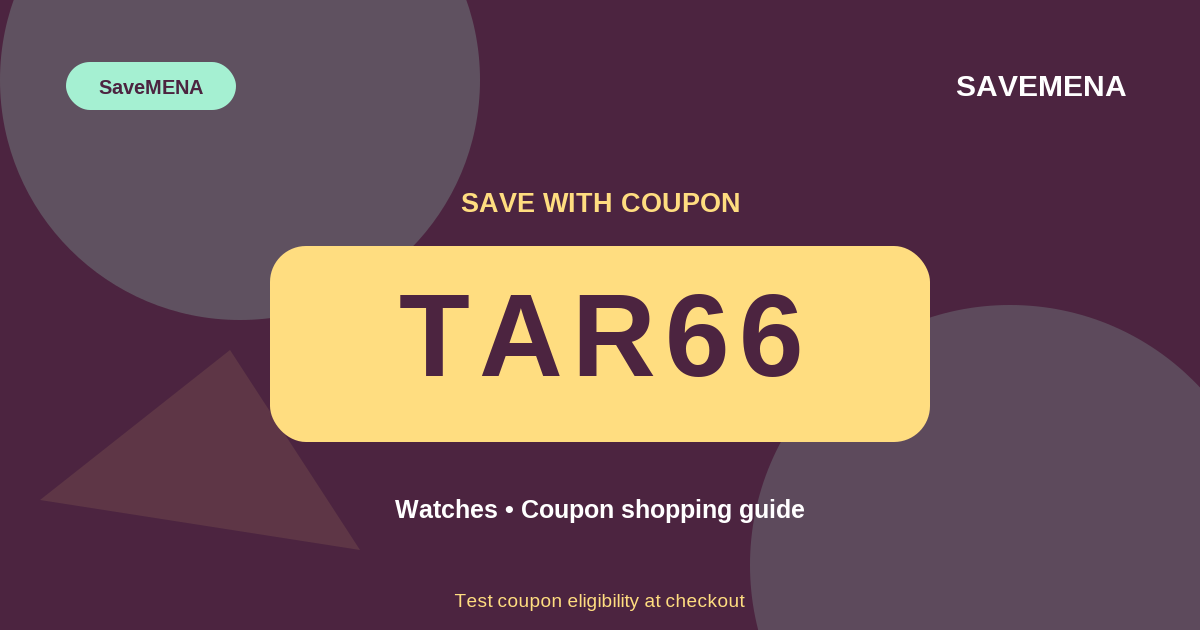
Codes available to try while comparing
These codes are not guaranteed for the article topic or listed brands; test them at checkout and use the live result.
Confirm Warranty Coverage Prior to Finalizing
When you add a watch to your cart, scroll to the product description and look for a clearly stated “Manufacturer Warranty” or “Seller Warranty” clause. Confirm whether the warranty covers mechanical defects, battery replacement, or water damage, and note its duration, typically expressed in years. Pay close attention to whether the warranty is transferable, which matters if you consider selling or gifting later. If the details are vague or missing, flag this as a red flag and consider contacting the seller or reviewing customer feedback before proceeding.
A robust warranty not only safeguards against unexpected defects but also signals the seller’s confidence in their product. Some listings provide a dedicated support portal or phone number for warranty claims, and these are often more beneficial than a general after‑sale email address. During checkout you can usually confirm the warranty overlay by re‑checking the product page; if a seller posts a “Warranty Expiry” badge, note the exact date, then cross‑compare it with your intended purchase timeline to avoid missing out on protection.
Verify Seller’s Return and Repair Policy
Beyond the written warranty, read the seller’s return condition carefully. In the UAE, many retailers allow returns within 14–30 days, but the policy will indicate whether the seller handles repairs, exchanges, or refunds directly. Watch a seller’s response time for repair requests—fast, designated service centers in Dubai or Abu Dhabi are preferable to vague “we’ll contact you” statements. Verify that repairs are covered under the same warranty and that associated shipping or diagnostic fees are clearly listed.
If the seller offers “Repair in 48 hours” or a guarantee on repair turnaround, this is a tangible metric of post‑purchase support quality. Be certain to save any confirmation email of your return or repair request at checkout, as this documentation becomes essential should a claim arise in the future. Lack of a clear repair process may inadvertently extend downtime, and that hidden service cost can outweigh any initial price advantage.
Use Coupon Code at Checkout – Keep the Window Open
Add your selected watch to the cart and proceed to the payment screen. Before final confirmation, locate the coupon or promo code field and type “TAR66”. Leave the field open and do not submit yet; the system will indicate whether the code is applicable, but availability can sometimes toggle before the final payment. If the discount does not appear, retain the code in your notes and try re‑entering it in case of a brief processing lag. The decision to use a coupon should not override warranty considerations.
Even if the coupon does not apply, the attempt preserves your vigilance; some sellers apply coupons only after the warranty check is finalised. Verify that the price updates reflect the coupon application, then ensure no additional mandatory fees or adjustments appear. Capture a screenshot of the incomplete order with the coupon code entered. This step may save you a few dirhams, but confirming the warranty at this precise moment guarantees the protection you count on.
Inspect Shipping Terms and Insurance Options
Determine the shipping method’s speed, cost, and insurance coverage. Watch sellers often provide a “Standard” and a “Express” option; check if the express shipment includes insurance for loss or damage. Insurance is particularly valuable for high‑value watches, giving you a safety net if the item arrives damaged or is stolen en‑route. Some carriers allow real‑time tracking; ensure that the tracking number appears in the order confirmation.
Verify whether the shipping insurance value is greater than or equal to the watch’s purchase price. If the carrier does not list insurance, contact the seller to ask if they can add a protection plan at extra cost. Recording the insurance details in your order note supplements the warranty, providing a layered safeguard that protects both your investment and shipping risk.
Double‑Check Model Authenticity and Geographical Eligibility
Scope out authenticity markers such as serial numbers, holographic stickers, or OEM packaging listed on the product page. Confirm the watch’s geographical eligibility; some brands restrict warranties to the region of purchase or exclude certain features outside the UAE. Sellers may mention that the watch was originally destined for a different market, and that could invalidate the local warranty or support services.
If the watch’s documentation lists a country of origin or an international warranty, contact the brand’s international support center or authorise service centre in the UAE to confirm eligibility. Authenticity checks guarantee that you can later activate the warranty in Dubai or Abu Dhabi, ensuring seamless claims. A counterfeit watch may pass initial tests but will likely be denied warranty service once a discrepancy is discovered.
Monitor Payment Method Security and Recurrence Settings
Choose a secure payment method—credit cards, debit cards, or UAE‑based digital wallets that offer purchase protection. Many offer a dispute resolution window for defective goods, which supplements the original warranty. Check that your payment app or card editor features a “dispute” button for return issues and note the cut‑off time, typically 30 days after delivery, to ensure eligibility.
If you are using a subscription or auto‑pay function to acquire a watch, make sure you understand the cancellation or modification policy. A recurrence option might lock in the watch price but will not affect your warranty rights; nonetheless, a secure payment path protects against fraudulent charges if the seller fails to deliver. Record these settings in your shopping tracker for quick reference.
Ensure In‑Person Service Availability in the UAE
Locate a certified service centre near your residence or workplace to reduce travel time for future maintenance. Verify that these service centres correspond to the brand’s official network; some sellers explicitly list contact points, while others may only provide a generic email. Confirm that they accept the warranty claim and can provide a repair quote or replacement within a reasonable timeframe.
If the nearest service centre is far away, consider whether the seller offers a virtual or remote troubleshooting service. Some brands provide remote diagnostics or advise you to direct your repair to a local partner. Confirming in‑person availability at the time of order finalisation protects you from costly transfers and ensures that warranty clauses are upheld by a reachable service provider.
Record Order Details for Future Reference
After payment is completed, keep a printout or a digital copy of the order confirmation. This should include the watch’s serial number, warranty terms, retailer contact information, and the tracking details. Store the confirmation where you can easily access it when making a claim or warranty request. A searchable PDF that includes the coupon code “TAR66” ensures that you have a comprehensive playbook for post‑purchase support.
Set a reminder to reference this documentation if you notice any functional issues within the warranty period. Having the official order documentation handy mitigates disputes and speeds up the repair approval process. By embedding this step into your checkout ritual, you embed the warranty and support lens into every future purchase, turning a simple buying decision into a long‑term investment.
Related SaveMENA pages
Related articles
Official sources to check
Frequently asked questions
Can I use the TAR66 coupon for any watch listing on Noon UAE?
You can attempt to apply TAR66 during checkout, but its acceptance depends on the current promo terms set by Noon UAE. The coupon might not always apply to every watch; it’s best to test it before finalising your order.
What if my watch arrives damaged? Does the warranty cover shipping damage?
Warranty coverage typically addresses manufacturing defects, not shipping damage. If the item arrives damaged, first check the shipping insurance details and then contact the seller’s post‑purchase support for a replacement or repair.
Are the return and repair policies the same for all watch suppliers?
No, each supplier sets its own return window, repair turnaround times, and potential fees. Always read the specific policies listed on the product page before checking out.
Will my payment method provide additional protection besides the watch warranty?
Credit cards and certain digital wallets often offer purchase protection and the ability to dispute charges within a set period, which can be useful if the seller fails to honor warranty claims or deliver the watch.