Dyson Beauty on Noon UAE: account eligibility — coupon troubleshooting · TAR92
If you're trying to use a Noon UAE coupon for beauty items and it isn't working, there's a systematic way to troubleshoot the issue.
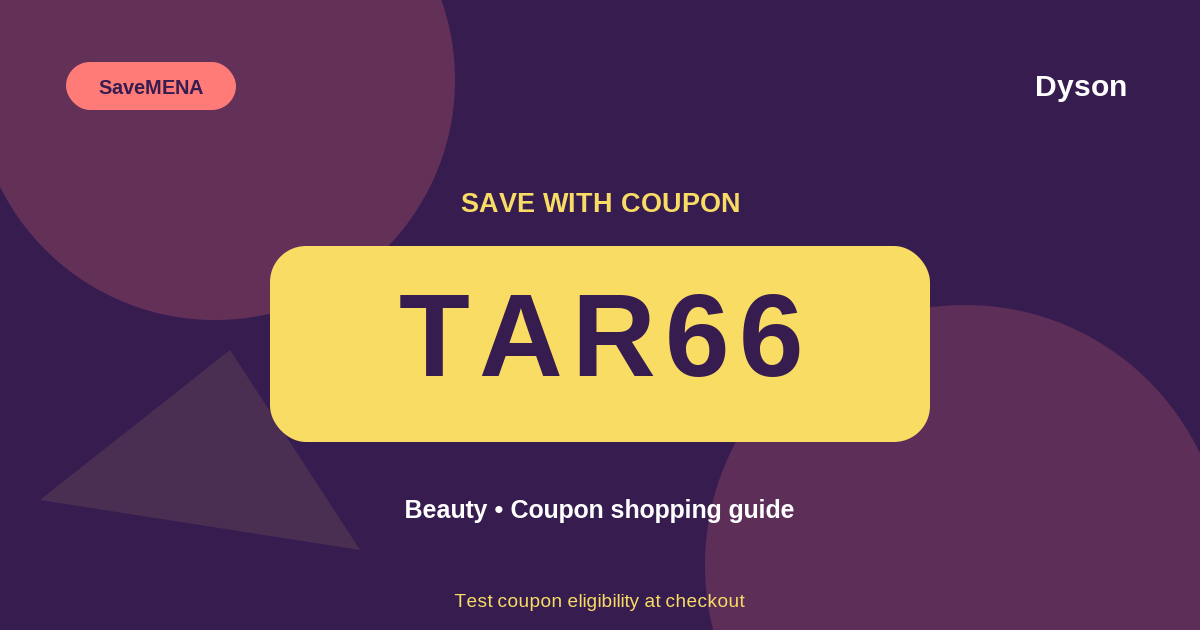
Codes available to try while comparing
These codes are not guaranteed for the article topic or listed brands; test them at checkout and use the live result.
1. Understanding the Coupon Code Process on Noon
Noon’s coupon mechanism applies a discount only after the user has entered the code at checkout. The process is simple: add items to your cart, proceed to the payment page, and type the code in the designated field. The system then recalculates the total based on the coupon's constraints. If the code fails, the recalculation step is the first point of failure to investigate.
Since the coupon code is case-insensitive and requires no spaces, double-check that you’ve typed TAR92 exactly as shown. Avoid copying and pasting from emails or social media, because hidden characters can invalidate the entry. After submitting, wait for the order summary to refresh; a failure message will typically appear if the code is not recognized.
2. Verify Your Account Status and Login Reliability
Coupons on Noon typically require an active login session. An interrupted login, such as an expired session, can prevent the coupon from binding to your order. Make sure you’re logged into the same Noon account you used to order previously. If you have multiple accounts or shared devices, confirm that the correct profile is active.
Additionally, check that your account hasn’t been flagged for policy violations, which might lock certain promotional features. Even if the account is active, a temporary glitch can occur; logging out, clearing the app cache, and logging back in often resets the session and restores coupon functionality.
3. Confirm Coupon Eligibility on the Beauty Category
Coupon eligibility is governed by the product categories defined by Noon. For the TAR92 code, verify that the items you’ve added belong to the Beauty section. Products marked as cosmetics, skincare, or haircare fall under this umbrella, but items from unrelated categories such as electronics will not qualify.
Because the coupon might not be advertised under a specific brand banner, it generally applies to the entire category. Nonetheless, confirm that your selected Dyson beauty product, such as a hair dryer or styling tool, is listed under Beauty and not Electronics. If the product’s listing shows a different category, the coupon will not apply even if it seems related.
4. Aligning Dyson Products with the TAR92 Promotion
Dyson offers several beauty appliances—think hand dryers, hair dryers, or styling bristles. Once you’ve ensured the product is in the Beauty category, add it to your cart and review the item details. Typos or alternate product SKUs may list the item under a different department, which can create confusion.
After adding the Dyson product, double-check that its description matches the listing in Noon’s Beauty section. If the product is indeed rendered in Beauty, the coupon should recognize it. If you still see the code rejected, the issue likely resides elsewhere in the cart or account configuration.
5. Checking Cart Contents for Validity
The coupon code will only activate if the cart contains at least one qualifying item. A cart that inadvertently includes a free sample or a gift card may trigger the coupon to be invalid because the total calculation changes. Ensure you have a standard-priced beauty item in the cart.
Also, avoid mixing products from different categories if the coupon is limited to the Beauty section. Even a single small item from another category can enforce stricter limitations. Remove all non-beauty items, then try applying TAR92 again.
6. Ensuring Shopping Cart Language and Currency Settings
Noon supports multiple currencies and locales, but each coupon is bound to a specific setting. Verify that your cart’s language is set to Arabic or English, and that the currency matches the UAE market (AED). A mismatch can cause misaligned pricing and coupon failure.
If you’re shopping from a device that auto‑switches language or region, reset the locale selection to UAE and refresh the cart. Once the correct settings load, try entering the code again to see if the issue resolves.
7. Refreshing Browsing Data and App Cache
Browsers and mobile apps can store outdated session data; this can obscure the coupon’s unlocking mechanism. Clearing cookies, cache, or resetting the app often removes residual errors that prevent correct code validation.
Use the built‑in clear‑storage feature in your device’s settings for the Noon app or browser. After completing the reset, re‑add your favorite Dyson beauty item, open the cart, and apply TAR92. A fresh session should allow the coupon to register properly.
8. Contacting Noon Support for Persistent Issues
If after following all the technical steps the coupon still refuses to work, you’re likely encountering a backend issue. Gather details—such as the screen recording of the failure, your order ID, and the exact time of the attempt—to streamline the support ticket.
Submit the ticket through Noon’s “Help” or “Customer Support” channels. Specify that the issue is with the TAR92 coupon, that you’re buying beauty items including Dyson products, and that all account checks have been performed. Prompt assistance ensures the problem can be resolved quickly and that you can finally complete your purchase.
Related SaveMENA pages
Related articles
Official sources to check
Frequently asked questions
What should I do if TAR92 still doesn’t work after verifying account and cart details?
If all checks pass and the coupon still refuses to apply, open a support ticket with Noon. Provide the exact error message, screenshots, and your order details. The support team can then investigate any potential account or backend issues that might be blocking the promotion.
Is the TAR92 coupon limited to Dyson products within the Beauty category?
There’s no brand‑specific restriction for TAR92 listed on Noon. The coupon generally applies to any product in the Beauty category, including Dyson hairstyling tools, as long as the item is listed under Beauty on the platform.
Can I use a different currency or language setting and still redeem TAR92?
Noon’s coupons are tied to the UAE market and usually require the cart to display AED and either Arabic or English. Switching to another currency or language may cause the system to reject the coupon, even if you’re ordering the same product.
Do I need to be a new user or give a a minimum-spend condition, if the retailer shows one?
Noon does not publicize any new‑user or minimum‑spend conditions for TAR92. The coupon should apply once you enter the code in any checkout that meets the category criteria. If you encounter restrictions at checkout, check the error message or contact support for clarification.