Electronics on Noon UAE: account eligibility — coupon troubleshooting · TAR53
Before applying any coupon, confirm that you are signed into the correct Noon account. Some coupons have limitations based on the account tier or whether the
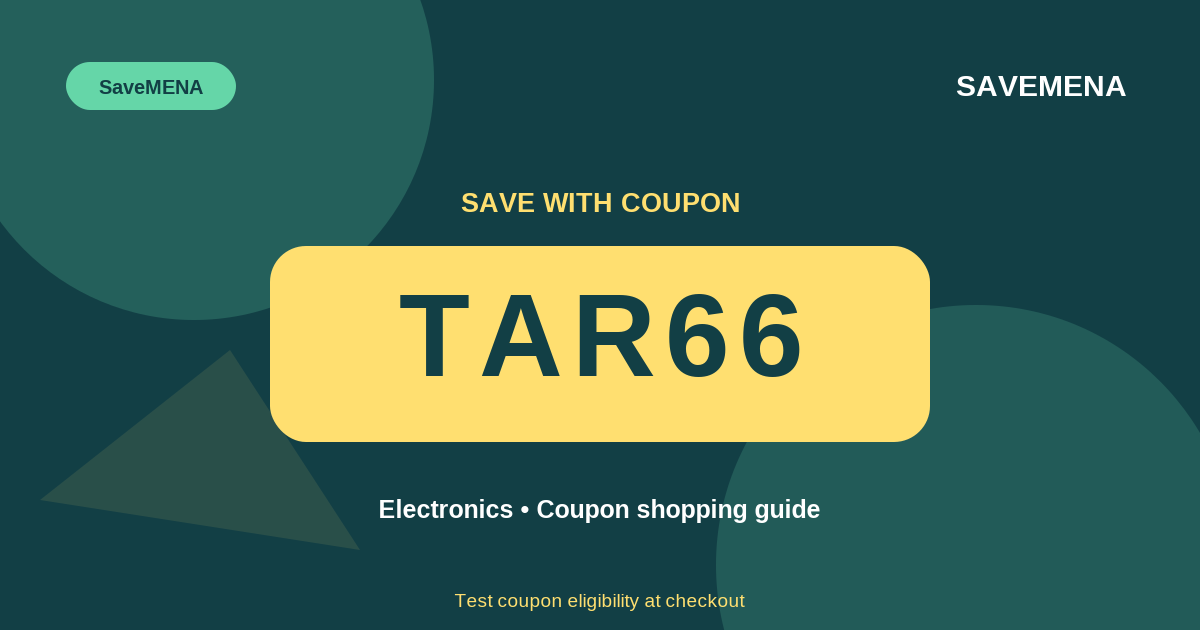
Codes available to try while comparing
These codes are not guaranteed for the article topic or listed brands; test them at checkout and use the live result.
1. Verify Your Noon Account Status
Before applying any coupon, confirm that you are signed into the correct Noon account. Some coupons have limitations based on the account tier or whether the account is verified via a phone number or email. If you’re logged out, switched between personal and business accounts, or using a shared device, the system may reject the coupon or apply it to a different profile entirely.
Check the “Account” tab to ensure your profile reflects your preferred shopping settings—language, currency, and delivery address. If your profile shows a generic “UAE” locale but the store setting is set to another market, the coupon experience can differ. Logging out and back in can refresh session data and re‑authorize the coupon application under the correct account context.
2. Understand Noon’s Coupon Eligibility Rules
Coupons on Noon typically inherit rules that are tied to the purchase category, cart value, and the user’s loyalty status.A coupon is not guaranteed; verify its result at the retailer checkout. Cross‑checking the item listing details helps confirm that the coupon is not automatically excluded due to brand or model restrictions.
Because the coupon code TAR53 is available to try, you should verify at the cart page that the “coupon code” section is active and prompts for input. If the field is grayed out or hidden, it often indicates that your account does not meet the underlying eligibility, such as not having a verified payment method or a pending order history requirement.
3. Check the TAR53 Code Application Process
Entering TAR53 in the coupon field should trigger an immediate validation message. If the message reads “Coupon not applicable” or “Invalid code,” it could mean the code has expired, was incorrectly typed, or the account context fails a hidden rule. Review the exact spelling, capitalization, and spacing—you may have unintentionally inserted invisible characters.
After pressing “Apply,” keep an eye on the cart total for any adjustment. If the total does not change, the coupon may have been rejected, or the system may apply it only during checkout after the cart passes preliminary validation. Note that electronic items sometimes require a matching shipping address—if your saved address is overseas, the coupon may be restricted.
4. Inspect Cart Items for Hidden Restrictions
Some electronic products have pre‑set inventory or warranty terms that can trigger exception rules. If an item is sold by a third‑party seller or flagged as “premium,” Noon may disable coupon application on that line item exclusively. Verify each product’s seller label in the cart; premium or global products often invoke stricter coupon filters.
Also, check for bundled configurations. If you purchased multiple variants—like a phone, a case, and a charger—coupons may only apply to the base product. Splitting the items into separate carts, applying the coupon once, and then reintegrating can sometimes bypass such grouping restrictions while preserving the account context.
5. Confirm Order Totals at Checkout
When you proceed to checkout, Noon displays a final breakdown of your order, including subtotal, delivery fee, tax, and any discounts. The discount line should show “Coupon TAR53” if the code is accepted. If the line is missing or shows a the amount shown at checkout discount, you’ve reached the last checkpoint for coupon validation.
During this step, also ensure that all payment method details and shipping addresses match your account settings. Inconsistencies can trigger an automated coupon invalidation request. Some users find it helpful to clear browser cache or try an incognito window to prevent stale session data from interfering with the checkout discount display.
6. Resolve Account‑Specific Technical Hints
If the coupon still refuses to apply after confirming cart items and account settings, it might be a temporary technical hiccup. Clearing your browser’s cookies or using a different device can refresh the checkout flow.A coupon is not guaranteed; verify its result at the retailer checkout.
Occasionally, the issue may persist due to a known platform bug causing coupon codes to freeze on the cart page. In such cases, adding a small payment method verification step—such as an updated credit card format—can jog the system into re‑evaluating coupon eligibility, thereby granting the code a chance to apply.
7. Escalate to Noon Customer Support
If you’ve methodically verified every angle and the coupon still does not activate, reaching out to Noon’s help center is the next reliable action. Provide a screenshot of the cart total before and after the attempt, indicating that the TAR53 code was entered and the system refused to apply it.
Support teams can check backend logs against your account ID to understand if a hidden restriction is blocking the coupon. They can also identify whether the coupon is still active on their system or if it needs a fresh iteration that respects your account context. Communicating clearly about the technical steps you’ve already taken accelerates the resolution.
Related SaveMENA pages
Related articles
Official sources to check
Frequently asked questions
What should I do first if the TAR53 code isn’t working?
Check that you’re logged into the correct Noon account, verify that the coupon field is active, and ensure the electronic items in your cart meet the eligibility criteria. If problems persist, refresh your session or contact support.
Can a discount only work for certain payment methods?
Yes. Some coupons on Noon are tied to approved payment methods stored in your account. If your card is not verified or the method isn’t supported for electronics, the coupon may be invalidated.
Will using a different browser solve the problem?
It can. A fresh browser clears cached session data, which sometimes resolves unseen conflicts that prevent a coupon from being validated against your account context.
How can I confirm if TER53 is still active?
Check Noon’s promotions page or try entering the code at checkout. If the system shows “Coupon not applicable,” the code may have expired or be limited; contacting support can give definitive confirmation.