Samsung Electronics on Noon UAE: account eligibility — coupon troubleshooting · TAR92
Coupons on Noon are sometimes tied to specific sellers or product lines, even if that isn’t overtly advertised.
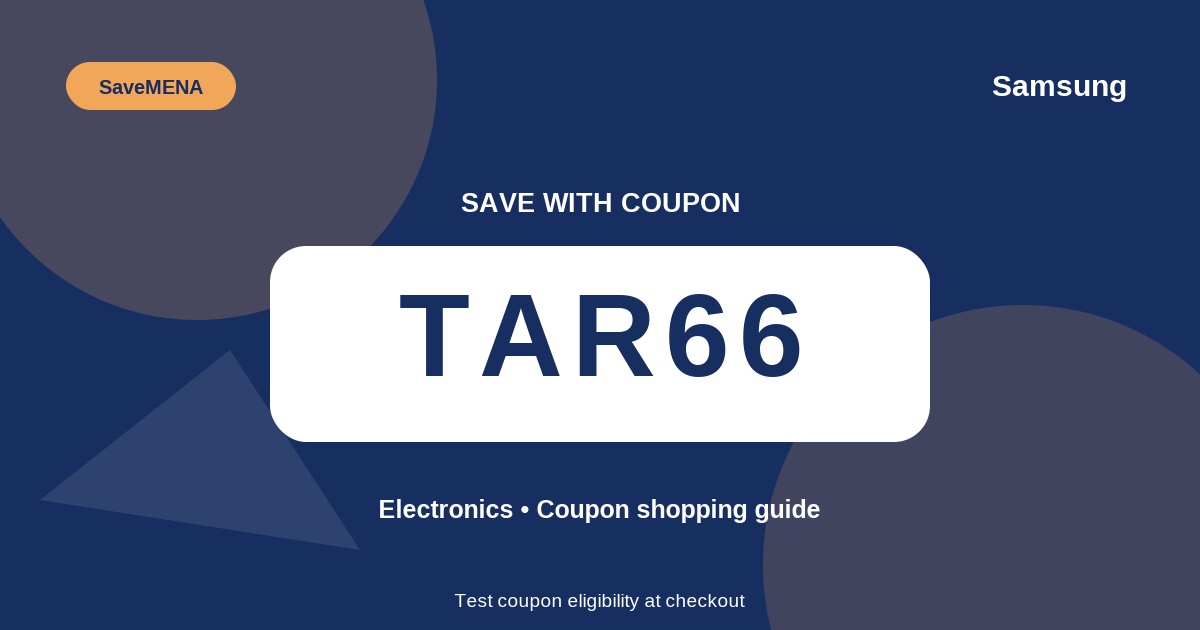
Codes available to try while comparing
These codes are not guaranteed for the article topic or listed brands; test them at checkout and use the live result.
2. Verify Product and Seller Compatibility with TAR92
Coupons on Noon are sometimes tied to specific sellers or product lines, even if that isn’t overtly advertised. Samsung electronics might be stocked by multiple vendors, each with different terms. Before adding the item to your cart, scroll to the product details and look for any “Coupons available” indicator or seller contact link. If the listing shows “Mark as Seller”, note the name and confirm that the seller allows third‑party coupons.
To be safe, compare the same Samsung model across different sellers. Add each one separately and attempt to apply TAR92. If the coupon works for one vendor but not the other, the issue lies purely in seller terms. If even a single listing rejects the coupon, proceed to the next checklist; the product may be ineligible for Minecraft or the coupon might be matched to a generic electronics category that excludes higher‑tier devices.
3. Examine Your Buyer History and Coupon Usage Limits
Noon tracks coupon application per account; it records how many times you’ve used the same code. If TAR92 has already surfaced in a past transaction, the platform may block it anew. Open the ‘Wallet’ or ‘Coupons’ section and review any active or used coupons. Even a single prior application can trigger a restriction based on the vendor’s policy.
Additionally, the platform may enforce a cap on how many coupons an account can use in a day or a month. If you’re approaching that threshold, newer attempts will be ignored. You can circumvent this by using a different device or clearing the browser cache, but the core solution remains to confirm the count within your profile’s coupon ledger.
4. Make Sure the Cart Contains Only Eligible Items
Coupons are usually applied to the total cart value. However, Noon segments the cart into categories such as ‘Electronics’ and ‘Home Appliances’. If you’ve bundled a pair of headphones, a lighting gadget, or a non‑electronic accessory with your Samsung device, the cart total may shift into a composite group where the coupon no longer applies. Remove all non‑electronics items before attempting to redeem TAR92.
Also, inspect the product quantity. Some sellers enforce a minimum purchase or a bulk discount that overrides single‑unit coupons. If the quantity of the Samsung item does not meet the vendor’s volume expectation, the discount may be suppressed. Try editing the quantity back to one and re‑apply the coupon to test this variable.
5. Confirm the Timing and Cart Persistence on Noon
During a high‑traffic shopping season, Noon’s servers may temporarily disable coupon evaluation to manage load. Wait at least 30 minutes and then revisit the checkout. Sometimes the platform forgets to apply a coupon if the cart remains open for too long without re‑validation. Closing the app or browser, reopening, and re‑adding the product can prompt the system to re‑check eligibility.
Time of day also matters; if the platform’s maintenance schedule aligns with your attempt, discount logic may be temporarily offline. Noon’s status page or community forums often note scheduled downtimes. If you’re in an area of the site that’s paused for maintenance, moving to a different device or network could bypass the limitation and allow the coupon to register.
6. Test the Coupon Using a Fresh Session or Guest Checkout
Starting fresh can isolate problems tied to cached cookies or lingering session data. Log out from your primary Noon account, clear app data, then open the app anew. Sign in with your profile, add the Samsung product, and apply TAR92. If the coupon now works, the issue likely lay in the previous session’s corrupted data or an unexpired token that had expired.
Alternatively, try adding the product to the cart and initiating checkout as a guest. Even though you’ll have to create a new profile during checkout, the platform will treat this as a clean attempt. If the coupon applies here, the earlier failure was strictly tied to your main account’s state or the coupon’s internal usage logistics.
7. Reach Out to Noon Customer Support for Confirmation
If the coupon still refuses to grant deduction after all prior checks, it’s advisable to contact Noon’s support. Provide your order ID, a screenshot of the error, and details of the Samsung product and seller. Mention that you have verified all account and cart conditions. Support can confirm whether the coupon truly is inactive or if a backend release has updated its status.
Speak with a representative about any regional promotions or vendor‑specific restrictions that may not appear in the public FAQ. Sometimes a temporary outage, regional compliance, or a seller’s own policy shift can unexpectedly render a coupon inoperative. Direct communication ensures you have the most current and accurate information before proceeding with payment.
8. Final Checklist Before Finalizing the Purchase
Re‑visit each step: ensure your account is verified, the product is from an eligible seller, your cart holds only electronics, and the coupon code is the most recent version (TAR92). Confirm no usage limits have been reached using your account’s coupon history. Apply the code one last time at the checkout total screen—where ranges like “Discount” and “Subtotal” appear—to guarantee it registers before payment.
Once TAR92 has settled, review the final payable amount shown in the checkout summary. If the discount still doesn’t appear, the code is likely withdrawn from Noon’s active list for your region or this product. In that case consider alternative savings such as Noon’s point‑redemption or store‑wide sale, making sure you understand any new terms before completing payment.
Related SaveMENA pages
Related articles
Official sources to check
Frequently asked questions
Why does my Noon UAE coupon not work only for Samsung electronics?
The coupon may be restricted to certain sellers or specific product categories. Samsung items can be listed by multiple vendors, each with distinct coupon rules. Check whether the selected seller permits third‑party coupons before applying the code.
Can I use TAR92 if I’ve used it before with a different Samsung product?
Noon keeps a per‑account usage count for each coupon code. If TAR92 has already been applied on your profile, it may be blocked for re‑use. Verify your coupon history in the account wallet to see if past usage applies.
What if the coupon works in a fresh session but fails in my normal checkout?
This indicates a session‑specific issue—like cached cookies or an expired token. Log out, clear app data, and redo the checkout to restore the code’s eligibility.
Where can I find the seller details for a Samsung product on Noon?
Scroll to the “Seller” section on the product page. It lists the vendor’s name and customer rating. Contacting the seller directly or checking their posted terms can clarify whether coupons like TAR92 are acceptable under their policy.