Grocery on Noon UAE: account eligibility — coupon troubleshooting · TAR92
Noon offers a dynamic range of coupons, each designed with unique terms that can overlap or conflict.
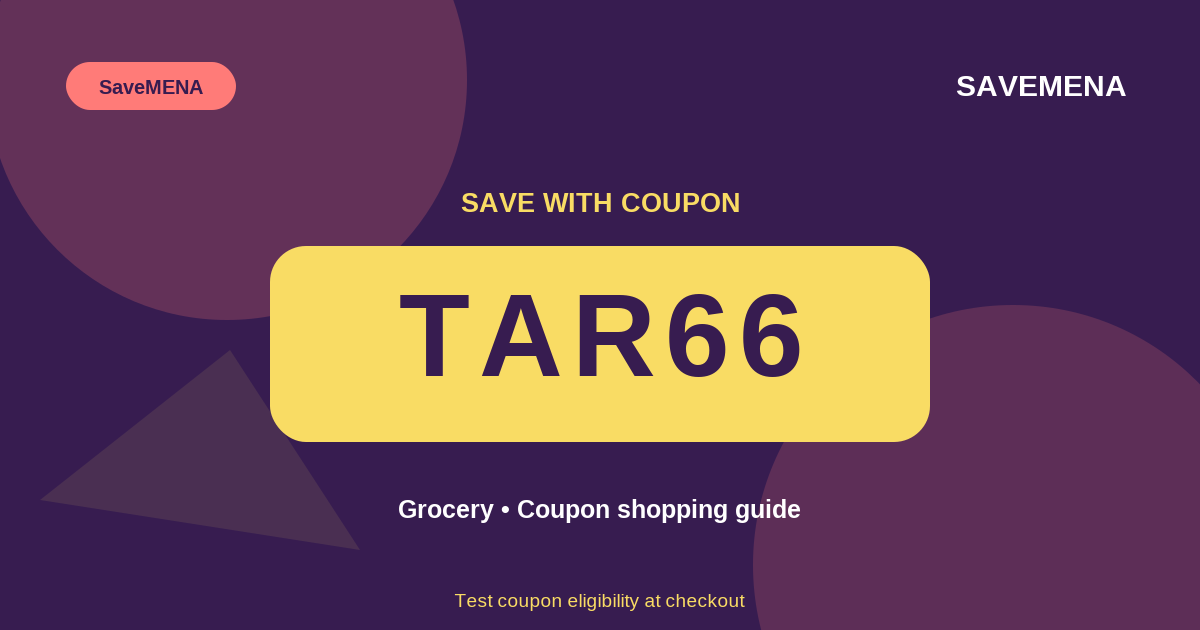
Codes available to try while comparing
These codes are not guaranteed for the article topic or listed brands; test them at checkout and use the live result.
Understanding the Coupon Landscape on Noon UAE
Noon offers a dynamic range of coupons, each designed with unique terms that can overlap or conflict. For grocery shoppers, this means that a coupon might be limited to certain sellers, specific product types, or particular payment methods. The TAR 92 code, like many others, could have conditions that only become visible during checkout. Recognizing these prerequisites early lets you adjust your cart or choose an alternative seller before you hit the “Apply” button. The key is to review each coupon’s details, which Noon displays under the “Coupon Terms” section.
Even though the Noon app quickly hides some conditions, you can find them by clicking the “Coupon terms” link or by scrolling the product pages under the “Offer Details” tab. This step is essential, because a hidden “Minimum Spend” or a “Shopping Category” mismatch are common reasons a coupon will be ignored. Paying attention to these nuances saves time and prevents frustration during the final payment screen.
Why Your TAR92 Coupon May Be Refused: Account‑Specific Hurdles
When a coupon fails to apply, the first suspect is the shopper’s account. Noon requires that the email, phone number, and verification status be current and aligned with the order region. If the account is set to a different locale or the phone number is not verified, the coupon engine may consider the coupon invalid for that session. This is especially true for grocery shoppers who frequently use multiple accounts for bulk and personal purchases.
Another account-level barrier is the subscription tier. Noon’s premium memberships sometimes unlock exclusive coupons. If your account is not registered as a premium member, the TAR 92 code may be invisible at checkout. Checking your membership status in the “Account” tab and ensuring it matches the coupon’s eligibility is a quick remedy.
Checking Your Noon Grocery Account: Essential Information
Open the Noon app, navigate to the “Account” area, and scroll to “Profile Details.” Verify that the email address matches the one you used for the sale, and confirm your phone number shows a verified status. An unverified number creates a hurdle that the coupon code must pass. If you recently changed contact details, there might be a pending confirmation email that you didn’t open.
Next, review the “Preferred Delivery Address.” Some coupons lock into a specific shipping location. If your account’s default address isn’t the one currently in the cart, the code may be deemed inapplicable. Adjusting the delivery address to match the coupon’s location requirement can re‑enable the discount.
Cart Integrity: Making Sure Your Items Meet Coupon Conditions
Before attempting to apply the TAR 92 code, inspect the cart for product categories, sellers, and prices that could break the coupon’s rules. Some codes are valid only for items from a certain seller, or for product bundles, and they’re usually indicated in the “Coupon Terms.” If one of your grocery items is from a different seller, the code will be ignored.
Also, check whether your cart meets a minimum spend threshold. Even if the coupon is listed in the market, Noon may still require that the total purchase, inclusive of delivery fees, exceed a specific amount. Re‑adding discounted items or removing items that don’t qualify ensures the cart total aligns with the coupon’s expectations.
Timing and Session: The Role of Login Status and Cart Persistence
Noon’s coupon logic is closely tied to the session token that verifies your identity. Logging out or switching accounts mid‑session can erase coupon eligibility. After applying the code, remain logged in until the payment step, otherwise the discount may not carry over. Restarting the app and re‑logging often wipes the coupon from the cart.
Some coupons are “one‑time use per session” or “one‑time use per account.” If you’ve already exploited the TAR 92 code on a different cart in the same session, Noon will refuse it again. Clearing the cart or closing the app to start a fresh session can reset this constraint.
Payment Method Compatibility with Grocery Deals
Noon’s grocery coupons sometimes align with specific payment methods, such as native On‑Dollar or certain credit cards. If the coupon only applies to transactions paid via Noon Cash, selecting a different card during checkout can trigger a refusal. Make sure your chosen payment method matches the coupon’s listed compatibility.
Furthermore, instant payments may bypass coupon processing if the discount calculation occurs after payment confirmation. Switching to a delayed payment method like “Boleto” breaks this timing and may lead to the coupon being ignored. Selecting the correct payment option before hitting “Pay” is a critical reassurance.
When All Else Fails: Contacting Noon Customer Support
If, after verifying account details, cart contents, session status, and payment method, the TAR 92 code remains inaccessible, the next step is to reach out to Noon’s help center. Use the in‑app chat or the “Help” section to open a ticket. Provide a screenshot of the coupon message, cart, and the exact error message. This precision speeds the resolution process.
Customer support may confirm if the coupon is temporarily out of stock, if there’s a backend issue, or if your account has a restriction. They can also offer a temporary voucher or redirect you to an alternative discount. Keeping the support interaction polite and factual often yields a quicker response.
Takeaways: Keeping Your Grocery Cart Ready for Future Coupons
Unraveling a CouponsNotWorking scenario teaches the importance of regular account hygiene. Updating email, phone verification, and subscription status reduces friction, while ensuring delivery addresses remain current keeps coupons enabled. A simple audit before adding items to the cart can reveal hidden criteria that might trip up the coupon engine.
Moving forward, note the specific coupon terms each time you apply a new code. Save relevant details in a personal notes app, cross‑checking them at checkout. With these habits, UAE grocery shoppers will face fewer obstacles, allowing them to enjoy both convenience and savings with Noon’s ever‑changing promotion landscape.
Related SaveMENA pages
Related articles
Official sources to check
Frequently asked questions
What happens if my Noon account isn’t verified when I try to apply TAR 92?
When an account isn’t verified, Noon’s system may block certain coupons. You’ll need to confirm your phone number or email via the verification link, then return to the cart to re‑apply the code.
Can I use TAR 92 on multiple grocery orders during the same session?
Noon’s coupon rules may limit usage to one order per session or per account. If the code fails after one use, you’ll need to start a new session or use an alternate code for subsequent orders.
Does the delivery fee affect whether the coupon applies?
Yes, some coupons consider the total cart value including delivery fees. If the combined amount falls short of a threshold, the discount may not activate.
Is there a way to see the exact terms of TAR 92 before I add items to my cart?
In the Noon app, tap on the coupon to view “Coupon Terms,” which lists eligible sellers, minimum spend, category restrictions, and payment conditions for TAR 92.