Philips Home Appliances on Noon UAE: account eligibility — coupon · TAR53
Some coupons are distributed through brand‑specific associations, so the first step is to confirm your profile is registered under the Philips account umbrella.
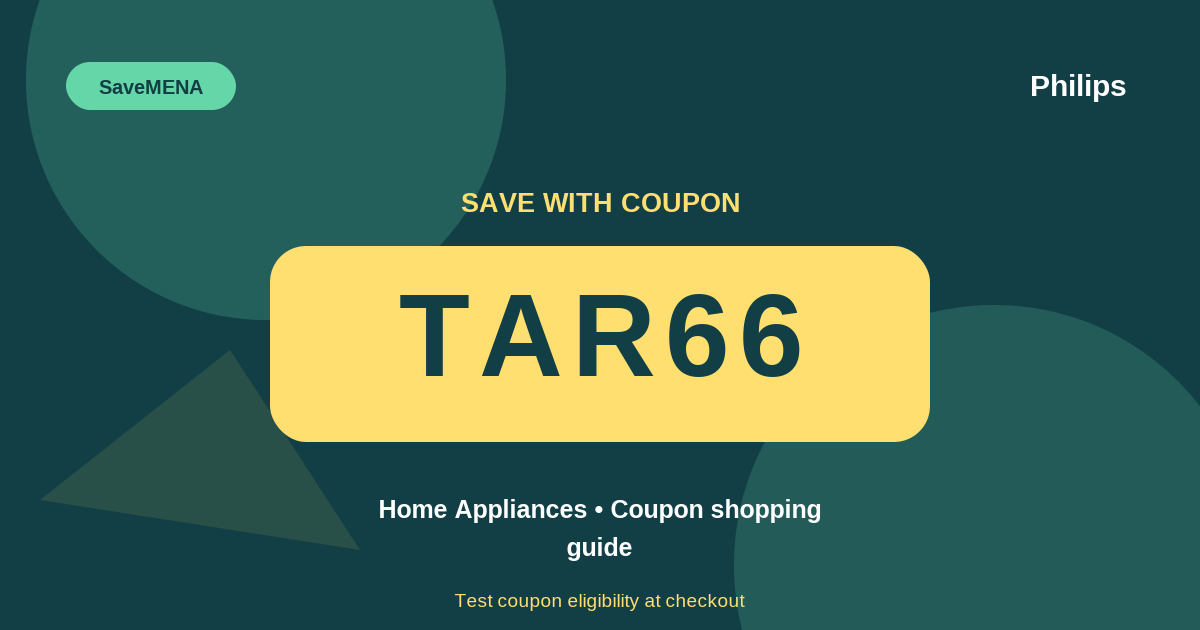
Codes available to try while comparing
These codes are not guaranteed for the article topic or listed brands; test them at checkout and use the live result.
Ensuring Your Philips‑Specific Account Is Active
Some coupons are distributed through brand‑specific associations, so the first step is to confirm your profile is registered under the Philips account umbrella. Log into Noon, navigate to your account settings, and check that your profile screenshot or email matches the Philips partnership status. If you previously deleted your Philips account or switched to another retailer, the coupon may no longer qualify under that umbrella.
At this point, verify that your profile has not been flagged or suspended. If your account is under review or has a pending verification that relates to the Philips partnership, you may be temporarily barred from using brand‑related coupons. Should you discover any account status issues, completing the required verification steps can restore eligibility.
Verifying Product Eligibility Within Home Appliances
Not all home appliances cover the promotional scope of a coupon. Some models have special supply arrangements or limited‑time offers that exclude third‑party discount codes.A coupon is not guaranteed; verify its result at the retailer checkout. While Noon’s interface lists a “Uses Code” label on eligible items, the absence of such a note does not automatically disqualify the purchase, but it is a strong indicator.
Cross‑check the seller’s policy: some sellers grant independent coupon acceptance and may not honor codes issued by Noon that only apply to their own transactions. If you find a mismatch, the safest route is to contact the seller directly or use an alternate coupon that displays a clear “Use with this product” option.
Checking Cart Size and Minimum Spend Rules
Coupons might require a certain basket value or a specific number of items before activation. Zurich Freedom or links between two or more items are common in home appliance deals. Locate the coupon’s conditions on the coupon offer page and confirm your cart totals meet any stipulated threshold. If the cart is slightly below the needed amount, consider adding an additional accessory or a complementary appliance that does not upset your shopping budget.
After adjusting your cart to meet the a minimum-spend condition, if the retailer shows one If the system still rejects it, move on to reviewing any hidden fees or shipping options that could push your total below the requirement.
Reviewing the Checkout Page for Final Eligibility
Once the cart meets all visible constraints, the next checkpoint is the checkout screen. Noon’s final review sometimes strips or modifies coupon codes after a certain point due to system latency. Check the detailed breakdown that appears just before you hit “Place Order.” The code should appear under “Applied Coupon” and remove the expected discount amount. If it’s not listed, the screen is giving a true representation of eligibility.
If the coupon is absent from the final review but was accepted earlier, this signals a discrepancy that must be resolved before the order can process. In this situation, revert to earlier steps; the problem likely stems from a time‑of‑checkout incompatibility or a hidden restriction that only becomes visible in the final panel.
Clearing Browser Cache and Cookies for Coupon Rejection
Occasionally, cached data can interfere with the application of discount codes. Clearing cookies or switching browsers can resolve such issues since older sessions may retain outdated coupon rules. To clear your data, open your browser settings, find the privacy or history section, and delete cached data for Noon. Give the site a full reload and re‑enter TAN53.
After clearing cookies, also try the same process in an incognito or private‑window mode. This mode loads Noor’s checkout page without any stored session data that might conflict with the coupon. Should the code still refuse to apply, the problem is deeper than client‑side caching and needs to be investigated at the server level.
Contacting Noon UAE Support When the Code Persists
When all systematic checks still leave you stuck, the next logical step is to reach out to Noon UAE’s customer service. Provide them the exact code, the product URL, and a screenshot of the error message. Since the sponsor is not involved in Noon’s storefront, link the issue to Noon’s service team for direct assistance. They can verify whether the code remains active on their end and identify any account‑specific obstacles that have not yet surfaced.
Customer support can also relay back any changes in the coupon’s status or lead you to an active alternative. Keep communication polite and concise and note your request in writing so you have a record of the conversation for any future reference.
Exploring Alternative Savings Without the Coupon
While waiting for a resolution to the coupon issue, explore other ways to save on the same home appliance. Noon often features loyalty points or manufacturer‑approved discount stickers that can be applied after checkout. Look for any other promotional codes that are visible on product pages or in email newsletters that might apply to the same category.
Additionally, consider timing your purchase during known sales events such as Noon Shopping or seasonal clearance days. Often these events provide comparable or better savings without needing an active coupon, allowing you to complete your purchase efficiently and avoiding redundant troubleshooting.
Related SaveMENA pages
Related articles
Official sources to check
Frequently asked questions
Why does my Noon UAE coupon not work for Philips home appliances?
It could be due to account registration, product eligibility, cart size restrictions, or cached session data. Verify your profile status, product listing, and cart requirements, then clear cache or contact support if the issue persists.
Can I use a Noon coupon on a different brand’s home appliance?
Usually, coupons are restricted by brand or product category. If it’s not listed under the appropriate brand section or doesn’t appear in product details, it likely doesn’t apply to other brands.
What should I do if the coupon code shows an error on checkout but worked earlier?
Clear your browser cache, try incognito mode, and re‑enter the code. If the problem remains, contact Noon support with the error details and your product information.